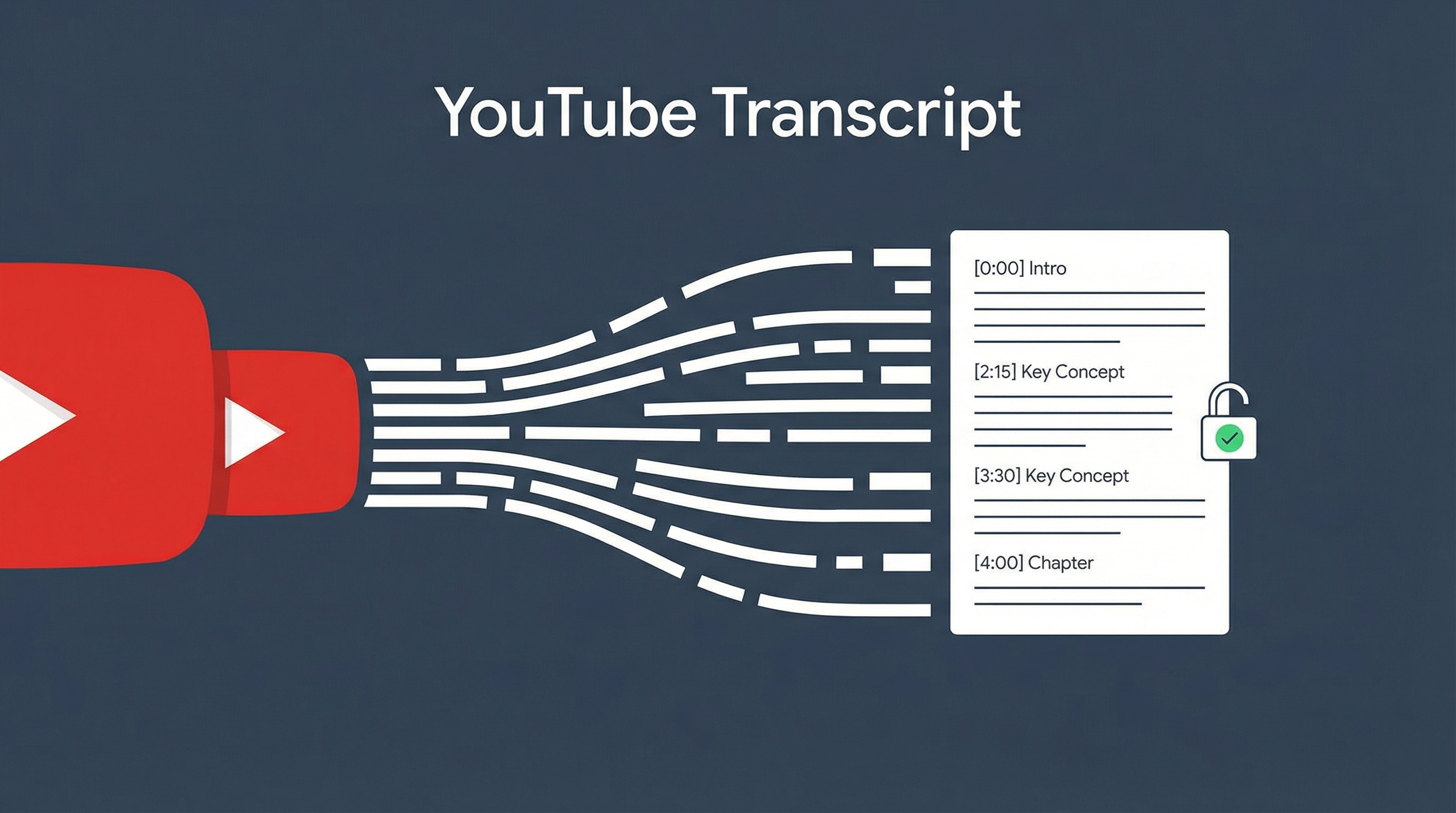
A Claude Code skill that turns any YouTube URL into a clean, chaptered document with timestamps, speaker labels, and cover images — no API key needed. Input a link, get a structured Markdown transcript. The secret: it uses YouTube’s InnerTube API — an internal but publicly accessible endpoint that returns subtitle data without requiring Google API keys or OAuth.
| *Source: 宝玉 xp Weibo announcement | Skill: baoyu-youtube-transcript (installed via baoyu utility skills)* |
What It Does
Input: YouTube URL (any format)
         ↓
┌─────────────────────────────────┐
│   baoyu-youtube-transcript      │
│                                 │
│  1. Fetch subtitles (InnerTube) │
│  2. Smart sentence processing   │
│  3. Chapter detection           │
│  4. Speaker identification      │
│  5. Cover image extraction      │
│  6. Format as Markdown/SRT      │
└─────────────────────────────────┘
         ↓
Output: Clean chaptered document
        with timestamps + speakers
Supported Input Formats
| Format | Example |
|---|---|
| Full URL | https://www.youtube.com/watch?v=abc123 |
| Short link | https://youtu.be/abc123 |
| Embed link | https://www.youtube.com/embed/abc123 |
| Shorts link | https://www.youtube.com/shorts/abc123 |
| Video ID | abc123 |
Smart Sentence Processing
YouTube’s raw subtitles are fragmented — word-by-word chunks with misaligned timestamps. This skill fixes that:
| YouTube Raw | This Skill |
|---|---|
| Word-by-word fragments | Complete sentences by punctuation |
| Arbitrary time splits | Time allocated by character length |
| No sentence boundaries | Split at periods, questions, exclamations |
| Generic handling | Special CJK processing for Chinese/Japanese/Korean |
The result: natural readable text, not the choppy fragments you get from YouTube’s auto-generated captions.
Key Features
| Feature | Detail |
|---|---|
| No API key | Uses InnerTube API — no Google API Key, no OAuth |
| Caching | First fetch caches raw data; format changes are instant |
| Multi-language | Supports all YouTube subtitle languages |
| Translation | Can specify preferred language or translate to another |
| Markdown output | Timestamps, chapters, speakers (default) |
| SRT export | Standard subtitle file format for video editing |
| Cover image | Extracts video thumbnail automatically |
Caching Mechanism
First run caches four files — subsequent format/parameter changes are instant:
| Cached File | Content |
|---|---|
meta.json |
Video metadata (title, duration, channel) |
transcript-raw.json |
Raw subtitle segments from YouTube |
transcript-sentences.json |
Processed natural sentences |
cover.jpg |
Video thumbnail |
Add --refresh to force re-fetch from YouTube.
How InnerTube Works
Regular YouTube API:
  Google Cloud Console → Create project → Enable API →
  Generate key → Quota limits → OAuth for some features
  = 30 minutes setup

InnerTube API:
  HTTP request → Get subtitle data
  = No setup, no key, no quota
InnerTube is YouTube’s internal API for fetching subtitle/caption data. It’s publicly accessible (YouTube’s own player uses it) but has no official documentation. The skill wraps this into a clean interface.
How LearnAI Team Could Use This
- Turn YouTube lectures, conference talks, tutorials, and Chinese/English AI commentary videos into searchable study notes and wiki drafts.
- Build lesson materials from public video sources while preserving timestamps for review and citation.
- Extract transcripts for translation workflows — English lectures → Chinese notes for bilingual learners.
Real-World Use Cases
This skill is particularly powerful when combined with other tools:
| Workflow | How |
|---|---|
| /mywiki from YouTube | Extract transcript → research topic → create wiki entry |
| Lecture notes | Pull professor’s YouTube lecture → structured notes with timestamps |
| Translation | Extract English transcript → translate to Chinese for study |
| Content analysis | Get transcript → analyze with Claude for key points |
| Voice-Pro pipeline | Extract transcript → translate → dub into another language |
Installation
# Install directly
npx skills add jimliu/baoyu-skills --skill baoyu-youtube-transcript

# Or via Claude Code plugin marketplace
/plugin
# Search for baoyu-skills or utility-skills
<!– REVIEW-TODO: [source_links] Weibo source link is generic (https://weibo.com) — find specific 宝玉 xp post URL and add specific repo/marketplace link –>