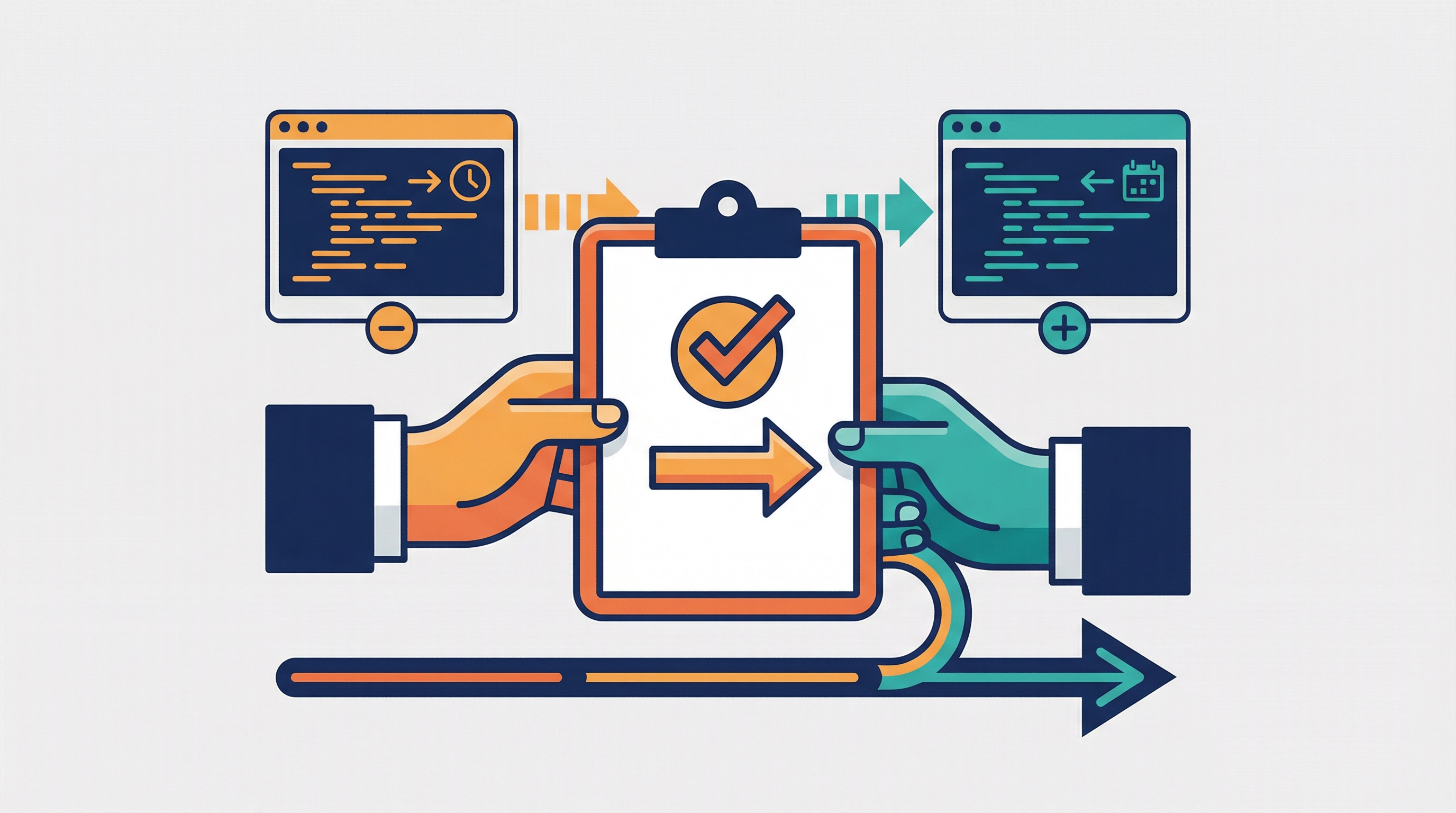
Today I learned about a custom /handover slash command for Claude Code (credit: Zara Zhang). When you end a session — or your context window is about to fill up — you type /handover and Claude generates a HANDOVER.md summarizing everything: what was done, decisions made, pitfalls hit, and next steps. The next session picks up with full context.
Think of it as a shift-change report between Claude sessions.
What the Handover Doc Covers
- What you were working on and what got done
- What worked and what didn’t (including bugs and how they were fixed)
- Key decisions made and why
- Lessons learned and gotchas
- Clear next steps
- A map of important files
Setting It Up: The Manual Skill
Create a custom skill file:
mkdir -p .claude/skills/handover
.claude/skills/handover/SKILL.md:
---
name: handover
description: Generate a handover document summarizing this session's work, decisions, pitfalls, and next steps
user-invocable: true
---

Generate a comprehensive HANDOVER.md in the project root summarizing
this entire session. Include:

1. **Summary** — What we were working on and what got done
2. **What worked** — Approaches and solutions that succeeded
3. **What didn't work** — Bugs hit, failed approaches, and how they were resolved
4. **Key decisions** — Architectural or design choices made and why
5. **Lessons learned** — Gotchas, pitfalls, and things to watch out for
6. **Next steps** — What still needs to be done, prioritized
7. **Important files** — Map of key files touched or created

Write it so a fresh Claude session (or a teammate) can read it and
immediately have full context to continue the work.
Now type /handover at any point in a session, and Claude generates the doc.
Making It Automatic: PreCompact Hook
The real power move (suggested by @pauloportella_): trigger the handover automatically before Claude’s context window fills up.
When Claude is about to auto-compact (compress the conversation because it’s running out of memory), a PreCompact hook fires and:
- Reads the full conversation transcript while it’s still intact
- Sends it to a fresh Claude instance (
claude -p) to generate the summary - Saves it as
HANDOVER-YYYY-MM-DD.mdin your project folder
The Hook Script
.claude/hooks/pre-compact-handover.py:
#!/usr/bin/env python3
import json, sys, subprocess, datetime, os

input_data = json.loads(sys.stdin.read())

# Only trigger on automatic compaction, not manual /compact
if input_data.get("trigger") != "auto":
    sys.exit(0)

transcript_path = input_data.get("transcript_path", "")
cwd = input_data.get("cwd", os.getcwd())

if not transcript_path or not os.path.exists(transcript_path):
    sys.exit(0)

# Read the full transcript while it's still intact
with open(transcript_path, "r") as f:
    transcript = f.read()

# Send to a fresh Claude instance to generate the handover
prompt = f"""Based on this conversation transcript, generate a concise
HANDOVER.md covering: summary of work done, what worked, what didn't,
key decisions, lessons learned, next steps, and important files.

Transcript:
{transcript[:50000]}"""

date_str = datetime.date.today().strftime("%Y-%m-%d")
output_path = os.path.join(cwd, f"HANDOVER-{date_str}.md")

try:
    result = subprocess.run(
        ["claude", "-p", prompt],
        capture_output=True, text=True, timeout=120
    )
    if result.returncode == 0 and result.stdout.strip():
        with open(output_path, "w") as f:
            f.write(result.stdout)
        print(f"Handover saved to {output_path}", file=sys.stderr)
except Exception as e:
    print(f"Handover generation failed: {e}", file=sys.stderr)

sys.exit(0)
Make it executable:
chmod +x .claude/hooks/pre-compact-handover.py
The Hook Configuration
Add to .claude/settings.local.json:
{
  "hooks": {
    "PreCompact": [
      {
        "matcher": "auto",
        "hooks": [
          {
            "type": "command",
            "command": ".claude/hooks/pre-compact-handover.py"
          }
        ]
      }
    ]
  }
}
The matcher: "auto" is important — it only fires on automatic compaction (context window filling up), not when you manually run /compact. This way you’re not generating handover docs when you intentionally compact.
Both Together
You get two ways to generate handovers:
| Method | When | How |
|---|---|---|
/handover |
Any time you want | Type the command manually |
| PreCompact hook | Context window about to fill up | Fires automatically |
How LearnAI Team Could Use This
- Use
/handoverat the end of documentation, curriculum, and engineering sessions so the next session resumes with decisions, open tasks, and touched files already captured. - Ensure continuity across team members working on the same wiki or course project.
- Teach students the handover pattern as a professional practice for AI-assisted workflows.
Real-World Use Cases
Solo: Multi-Day Feature Work
Session 1 (Monday):
  > Implement user auth with JWT
  [... hours of work ...]
  > /handover
  # HANDOVER.md generated

Session 2 (Tuesday):
  > Read HANDOVER.md and continue where we left off
  # Claude reads it, has full context immediately
Team: Async Handoffs
Developer A:
  > Implement payment processing
  [... work ...]
  > /handover
  # Commits HANDOVER.md alongside code

Developer B (next day):
  > Read HANDOVER.md — I'm picking up this work
  # Full context: decisions, gotchas, next steps
Automatic: Long Sessions
You don’t even think about it. When your context window fills up, the PreCompact hook captures everything before compaction wipes it. Next session, the HANDOVER-2026-02-08.md is already waiting.
Where to Put the Skill
| Location | Scope |
|---|---|
.claude/skills/handover/ |
Project — commit to share with team |
~/.claude/skills/handover/ |
Personal — available across all projects |
For teams, commit both the skill and the hook to the repo so everyone gets /handover automatically.