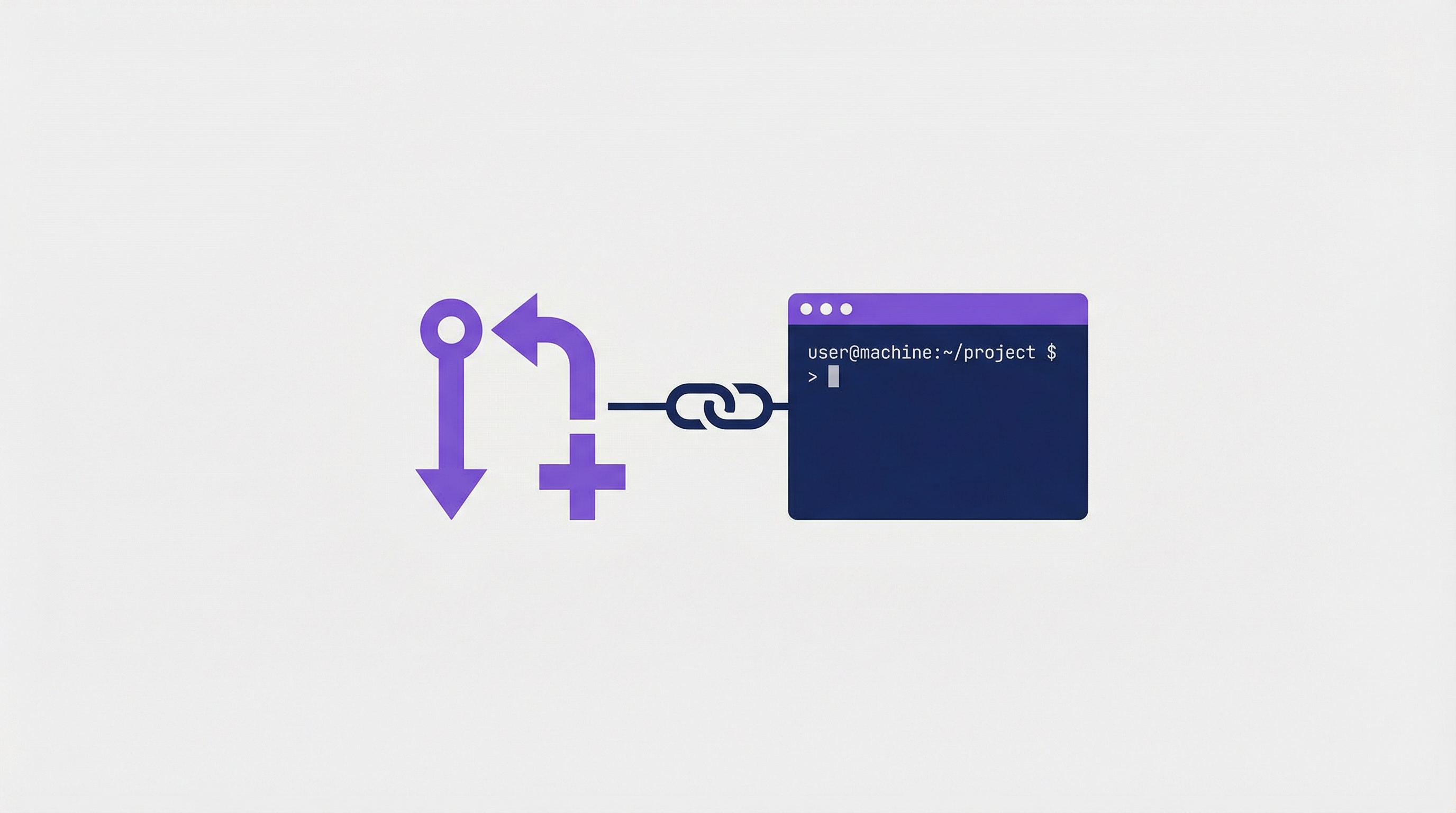
Today I learned that when you create a PR with gh pr create inside Claude Code, the session is automatically linked to that PR. You can resume it later — or a teammate can pick it up — with full context preserved.
How It Works
# Step 1: Work on a feature inside Claude Code
claude
> Refactor the authentication module to use JWT

# Step 2: Create the PR (Claude runs gh pr create)
> Create a PR for these changes
# PR #42 is created — session automatically linked

# Step 3: Later, resume from the PR
claude --from-pr 42
# Full conversation history restored — Claude remembers everything
That’s it. The --from-pr flag looks up which session created the PR and resumes it with the complete message history, tool results, and file context.
Why This Matters for Async Collaboration
This is a game-changer for teams:
Developer A (morning):
  claude
  > Implement Stripe payment integration
  > Create a PR
  # PR #89 created, session linked

Developer B (afternoon):
  claude --from-pr 89
  # Sees: full conversation history, all decisions, all code context
  > The test for refund handling is failing, can you fix it?
  # Claude understands the entire implementation context
Developer B doesn’t need to re-explain anything. Claude has the full history of what Developer A discussed, tried, and decided.
How LearnAI Team Could Use This
- Use
claude --from-prwhen handing off Claude Code work tied to a pull request, especially for documentation updates and review fixes. - Preserve prior decisions across multi-day implementation tasks.
- Enable async collaboration where one person starts and another continues from the PR context.
Real-World Use Cases
Multi-Day Solo Work
# Monday: Start the feature
claude
> Add WebSocket support for real-time notifications
> create a pr
# PR #33 linked

# Tuesday: Continue after code review feedback
claude --from-pr 33
> The review says we need better error handling for disconnects

# Wednesday: Final polish
claude --from-pr 33
> Add unit tests for the reconnection logic
Each day you pick up exactly where you left off.
Try an Alternative Approach Without Losing Progress
# Resume and fork — original session stays untouched
claude --from-pr 42 --fork-session

> Let's try a completely different approach using dependency injection
# If this works: great
# If not: the original session is still there via --from-pr 42
Non-Interactive Scripting
# Resume in print mode for CI/automation
claude --from-pr 42 -p "Run the full test suite and report results" --output-format json
Related Session Flags
| Flag | What it does |
|---|---|
claude --from-pr 42 |
Resume session linked to PR #42 |
claude -c / --continue |
Resume the most recent session in this directory |
claude -r / --resume |
Interactive picker to choose a session by name |
--fork-session |
Fork the resumed session (try a new direction without losing the original) |
Things to Know
- Permissions reset on resume — you’ll re-approve tool access when prompted
- Don’t open the same session in two terminals — messages get interleaved. Use
--fork-sessioninstead for parallel exploration. - Sessions are stored locally (
~/.claude/sessions/) — teammates resuming the same PR need the session data, which is tied to the machine that created it - You can name sessions with
/rename my-featurefor easier lookup later