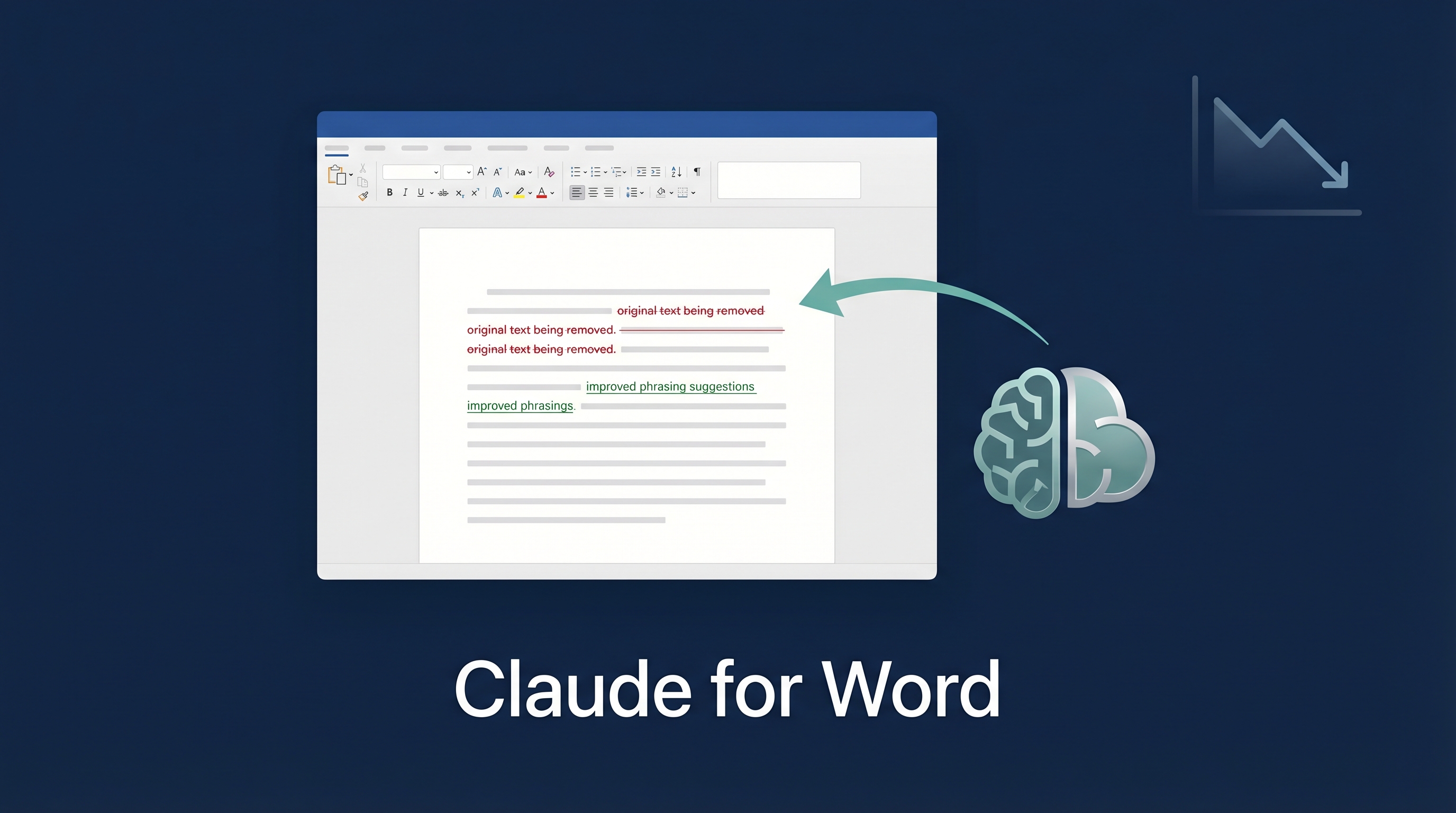
Claude now lives inside Microsoft Word. Not as a chatbot sidebar that generates text you copy-paste — as a collaborator that makes native tracked changes. Deletions in red, insertions in green, reviewable in Word’s built-in Review pane. Accept or reject each edit exactly like markup from a human co-author. Combined with Claude for Excel and PowerPoint (shared context across all three), this expands Anthropic’s Office footprint. Separately, Claude Cowork/plugin announcements triggered a reported $285 billion SaaS-market selloff, making this Word add-in part of a broader investor debate about AI replacing vertical SaaS workflows.
| *Source: Claude Help Center | smithstephen.com Analysis | AI for Lawyers: The SaaS-pocalypse* |
How Track Changes Work
You: "Reduce the liability cap to $500K and add mutual indemnification"
                          ↓
Claude edits the actual .docx:
  - Deletes old liability language     (shown in red strikethrough)
  - Inserts new $500K cap              (shown in green underline)
  - Adds indemnification clause        (shown in green underline)
  - Replies to your comment thread     (explains what it changed)
                          ↓
You: Accept/Reject each change in Word's Review pane
Every edit is a real Word revision — not a suggestion bubble, not a separate document. Your formatting, heading styles, numbering, defined terms, and cross-references are preserved.
Key Capabilities
| Feature | What It Does |
|---|---|
| Track changes editing | Every AI edit appears as a native Word revision |
| Comment-driven editing | Reads comment threads, edits the anchored text, replies with explanation |
| Counterparty redline analysis | Summarizes incoming changes, groups by severity |
| Semantic navigation | Finds thematic matches, not just keyword search |
| Template filling | Inherits document styles when populating templates |
| Cross-app context | Sees what’s open in Word, Excel, and PowerPoint simultaneously |
| Model selection | Choose among the currently available Claude for Word models, including Opus 4.7, Opus 4.6, and Sonnet 4.6 |
Availability
| Detail | Status |
|---|---|
| Plans | Pro, Max, Team, Enterprise |
| Platforms | Mac, Windows, Word for Web |
| Not supported | iPad, Android, Word 2016/2019 |
| File formats | .docx; save legacy .doc files as .docx first |
The SaaS Market Impact
Anthropic’s legal plugin announcement in February 2026 triggered a market earthquake:
| Company | Drop | Sector |
|---|---|---|
| LegalZoom | -20% | Legal services |
| Thomson Reuters | -16% | Legal data |
| RELX/LexisNexis | -14% | Legal data |
| London Stock Exchange Group | -8.5% | Financial data |
| Pearson, Wolters Kluwer | Significant | Education/Professional |
| Total market cap loss | ~$285 billion | 48 hours |
The thesis: AI doesn’t destroy the data (legal databases remain valuable) but destroys the pricing model. One AI agent replaces ten paralegals with ten Westlaw subscriptions. KPMG already negotiated a 16% audit fee reduction using AI’s existence as leverage.
Is 30-70% SaaS Revenue Decline Real?
The claim is contested. Q4 2025 / Q1 2026 numbers show growth, not decline:
| Company | Revenue Growth | RPO Growth |
|---|---|---|
| ServiceNow | +21% YoY | +25% |
| Salesforce | +13% | +14% |
| Adobe | +13% | +12% |
| Snowflake | +30% | +42% |
The real casualties: per-seat pricing models and middleman integration SaaS. Data-moat companies (systems of record) are safer because AI agents still need context.
Honest Limitations
- Hallucinated legal citations — Claude invents case law. Not safe for final deliverables.
- Not a legal AI tool — It’s a general-purpose AI inside Word. No legal-specific training.
- Prompt injection risk — Untrusted documents could manipulate Claude’s behavior.
- Anthropic’s own warning — Don’t use for litigation filings, audit-critical documents, or final deliverables without human review.
How LearnAI Team Could Use This
- Research paper editing — Upload a draft paper, ask Claude to improve clarity, fix passive voice, strengthen transitions. Track changes let you review every edit.
- Course document maintenance — Syllabi, assignment specs, rubrics — Claude edits with tracked revisions, you accept/reject. Much faster than manual updating.
- Student feedback — Comment on student submissions in Word, Claude generates detailed tracked-change suggestions they can learn from.
- Grant proposal polishing — Cross-app context means Claude sees your budget (Excel) while editing your narrative (Word), keeping numbers consistent.
- Teaching about AI’s industry impact — The $285B market reaction is a compelling case study for AI in business/economics courses.
Real-World Use Cases
- Law firms — Contract review, redline analysis, NDA markup. The primary target audience. Junior associate tasks automated.
- Corporate compliance — Policy documents updated across departments with tracked revisions for audit trail.
- Academic publishing — Manuscript revision with co-author-style feedback, preserving journal formatting.
- Consulting — Proposals and reports edited with client-visible track changes, maintaining professional standards.
- Translation review — Claude edits translations with tracked changes, preserving original formatting.
Related Claude Code Skills
For programmatic .docx manipulation outside the Word add-in:
- claude-office-skills — Community skill for .docx generation and editing
- Claude Code Issue #9631 — Feature request for native .docx editing in CLI