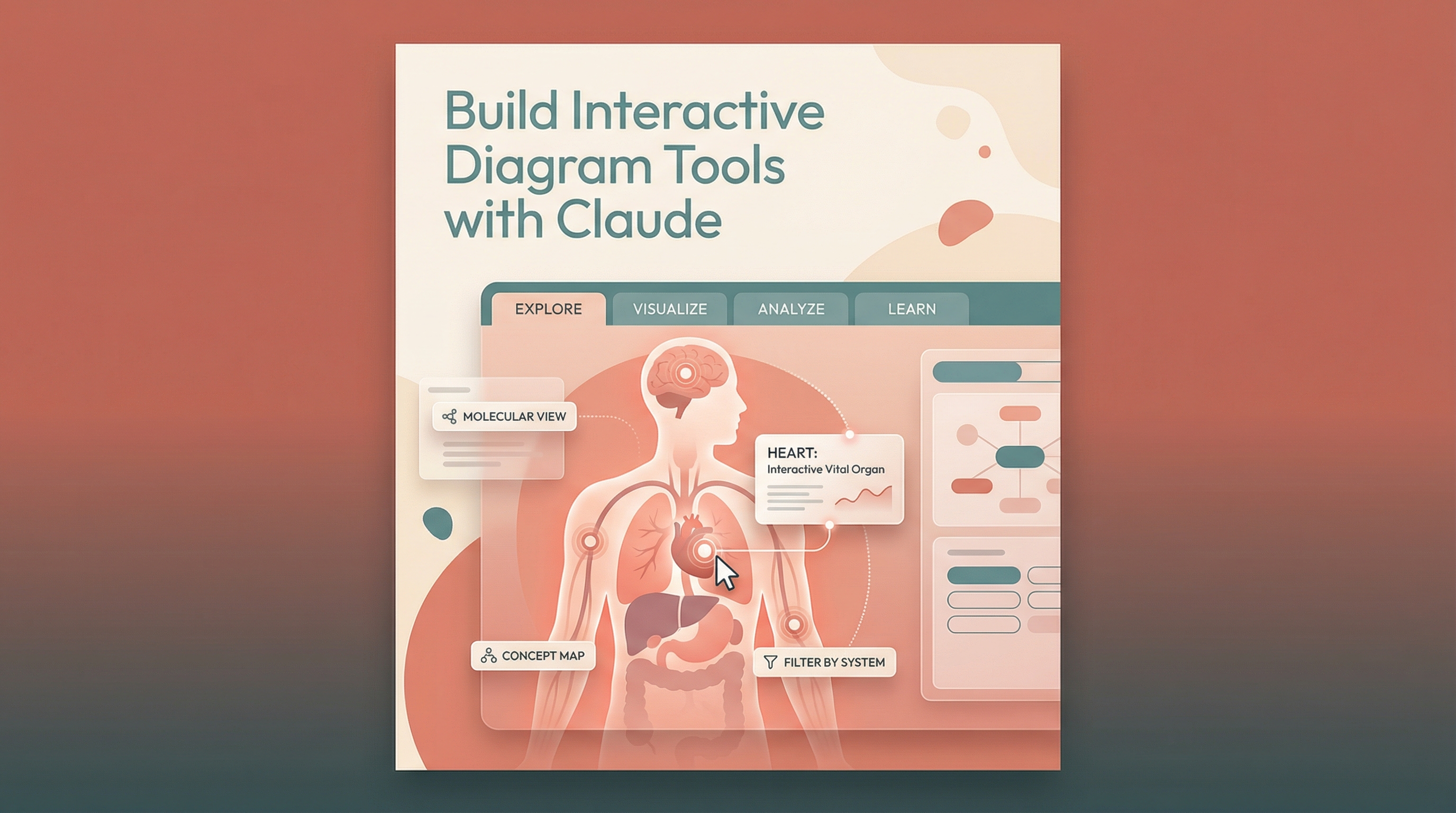
Claude can build fully functional, interactive diagram tools from a single detailed prompt — no coding required. Describe what you want to learn and how you want to interact with it, and Claude creates a working application.
| *Source: Build Interactive Diagram Tools | Live Artifact* |
What It Can Build
The showcase example is an interactive anatomy explorer with medical-grade SVG illustrations, but the approach works for any subject — molecular structures, system architectures, circuit diagrams, concept maps, and more.
Features of the anatomy example:
- Dual-view explorer — Toggle between full-body and brain anatomy
- Interactive hover/click — Hover for quick info, click for detailed descriptions
- System filters — Tabs to isolate specific body systems (skeletal, nervous, etc.)
- Sound design — Subtle audio feedback for physical interaction feel
- Premium design — Serif headings, warm color palette, polished layout
The Workflow
| Step | What to do |
|---|---|
| 1. Describe the task | Write a detailed design brief — specify the learning experience, visual style, and interaction patterns you want |
| 2. Give context | Enable file creation; optionally turn on Extended Thinking for complex apps |
| 3. Claude creates | Claude builds a fully functional React app as an artifact, ready to use |
| 4. Iterate | Refine with follow-up prompts — add quizzes, expand content, tweak interactions |
Why This Is Amazing
The key insight is treating Claude as a product designer, not just a code generator. Instead of asking for “a diagram of the human body,” you describe the experience you want — and Claude delivers a polished, interactive application that feels professionally built.
This works because Claude can:
- Generate complex SVG illustrations inline
- Build complete React components with state management
- Design thoughtful UX with hover states, animations, and filtering
- Produce self-contained artifacts that run in the browser with zero setup
How LearnAI Team Could Use This
- Interactive lesson prototypes — Turn lecture topics into browser-based explorers students can click through before class.
- Concept visualization — Build diagrams for molecular structures, system architecture, circuits, anatomy, or AI workflows without starting from a blank canvas.
- Workshop activity — Have students write design briefs, generate artifacts, then critique the resulting UX and content accuracy.
- Study aids — Add quiz modes, flashcards, and printable companion materials from the same artifact session.
- Prompt design practice — Use the anatomy example to teach how specificity, source constraints, and design standards improve AI-generated learning tools.
Real-World Use Cases
- Medical education — Anatomy explorers with hover/click explanations and system filters.
- STEM tutoring — Interactive chemistry, biology, circuit, and physics diagrams for self-paced learning.
- Technical documentation — Clickable architecture maps that explain services, data flows, and dependencies.
- Corporate training — Process diagrams and compliance workflows that employees can explore interactively.
- Study tool generation — Quiz modes, printable guides, and flashcard exports built from the same source material.