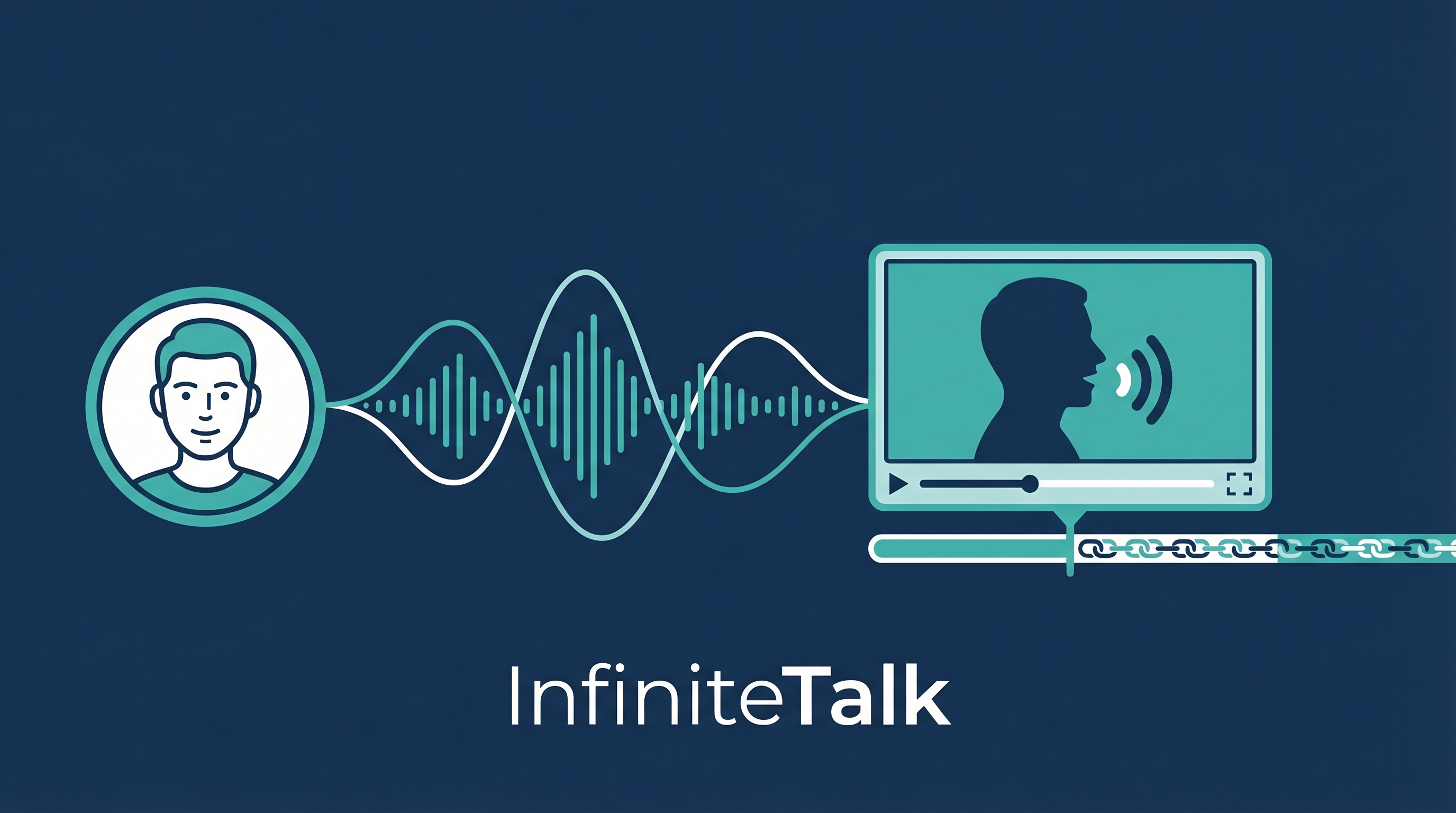
Most AI video tools cap out at 5-10 seconds per clip. InfiniteTalk breaks that limit — it generates unlimited-length talking videos from either a single portrait photo + audio, or an existing video + new audio (dubbing). Built on the Wan2.1-14B backbone, it uses a streaming chunk generation system that maintains identity and motion coherence across minutes, not seconds. Feed it a photo and a podcast episode, get a full talking-head video.
Two Modes
| Mode |
Input |
Output |
| Image-to-Video |
1 photo + audio |
Talking video of that person |
| Video-to-Video |
Source video + new audio |
Re-dubbed video with matching lip sync |
Both modes sync lips, head movement, body posture, and facial expressions — not just the mouth.
How Streaming Works
Audio track (any length)
     ↓
Split into chunks (81 frames each)
     ↓
┌──────────┐   ┌──────────┐   ┌──────────┐
│  Chunk 1  │──→│  Chunk 2  │──→│  Chunk 3  │──→  ...
│  81 frames│   │  81 frames│   │  81 frames│
│  + context│   │  + context│   │  + context│
└──────────┘   └──────────┘   └──────────┘
     ↓                                ↓
Context window carries momentum → smooth transitions
     ↓
Concatenate → unlimited-length video
Reference keyframes are strategically preserved to maintain identity and camera trajectory across chunks.
Key Specs
| Feature |
Detail |
| Resolution |
480P, 720P |
| Video length |
Unlimited (streaming chunks) |
| Base model |
Wan2.1-I2V-14B |
| Audio encoder |
chinese-wav2vec2-base |
| Output |
Full body (not just face crop) |
| License |
Apache 2.0 (code) |
| UI |
Gradio + ComfyUI branches |
Honest Limitations
| Issue |
When It Happens |
| Color shift |
Increasingly visible beyond ~1 minute (image-to-video) |
| Identity drift |
Degrades after 1 minute with LoRA applied |
| Camera movement |
Video-to-video doesn’t perfectly replicate source camera |
| Hardware hungry |
Requires significant VRAM (14B parameter backbone) |
| Commercial use |
Generated content restricted to academic use |
How LearnAI Team Could Use This
- Lecture videos from photos — Generate talking-head lecture segments from a single instructor photo + audio recording. Useful for creating supplementary content without filming.
- Multilingual course content — Dub existing lecture videos into other languages with matching lip sync. One recording, multiple language versions.
- Student project demos — Students can create professional-looking presenter videos for project demos using just a photo and a script (via Edge TTS for audio).
- Research presentation prototyping — Quick prototype of a conference talk video before investing in actual filming. Test delivery and timing.
- Narrated avatar demos — Combine a character or instructor portrait with an approved audio script to create talking-head clips for demos or short-form lessons.
Real-World Use Cases
- Content creators — Generate talking-head videos for YouTube/Douyin without being on camera. One photo, unlimited videos.
- Video localization — Dub corporate training videos into 10 languages with lip-synced presenters.
- Digital avatars — Create virtual presenters for news, education, or customer service from a single reference image.
- Podcast visualization — Turn audio podcasts into talking-head video content for video platforms.
- Accessibility — Generate sign language or lip-readable versions of audio-only content.
vs. Alternatives
| Tool |
Max Length |
Input |
Lip Sync |
Body |
| InfiniteTalk |
Unlimited |
Photo or video + audio |
Yes |
Full body |
| MuseTalk |
~30s |
Video + audio |
Yes |
Face only |
| LatentSync |
~10s |
Video + audio |
Yes |
Face only |
| SadTalker |
~30s |
Photo + audio |
Partial |
Head only |
| Wav2Lip |
~60s |
Video + audio |
Yes |
Face only |