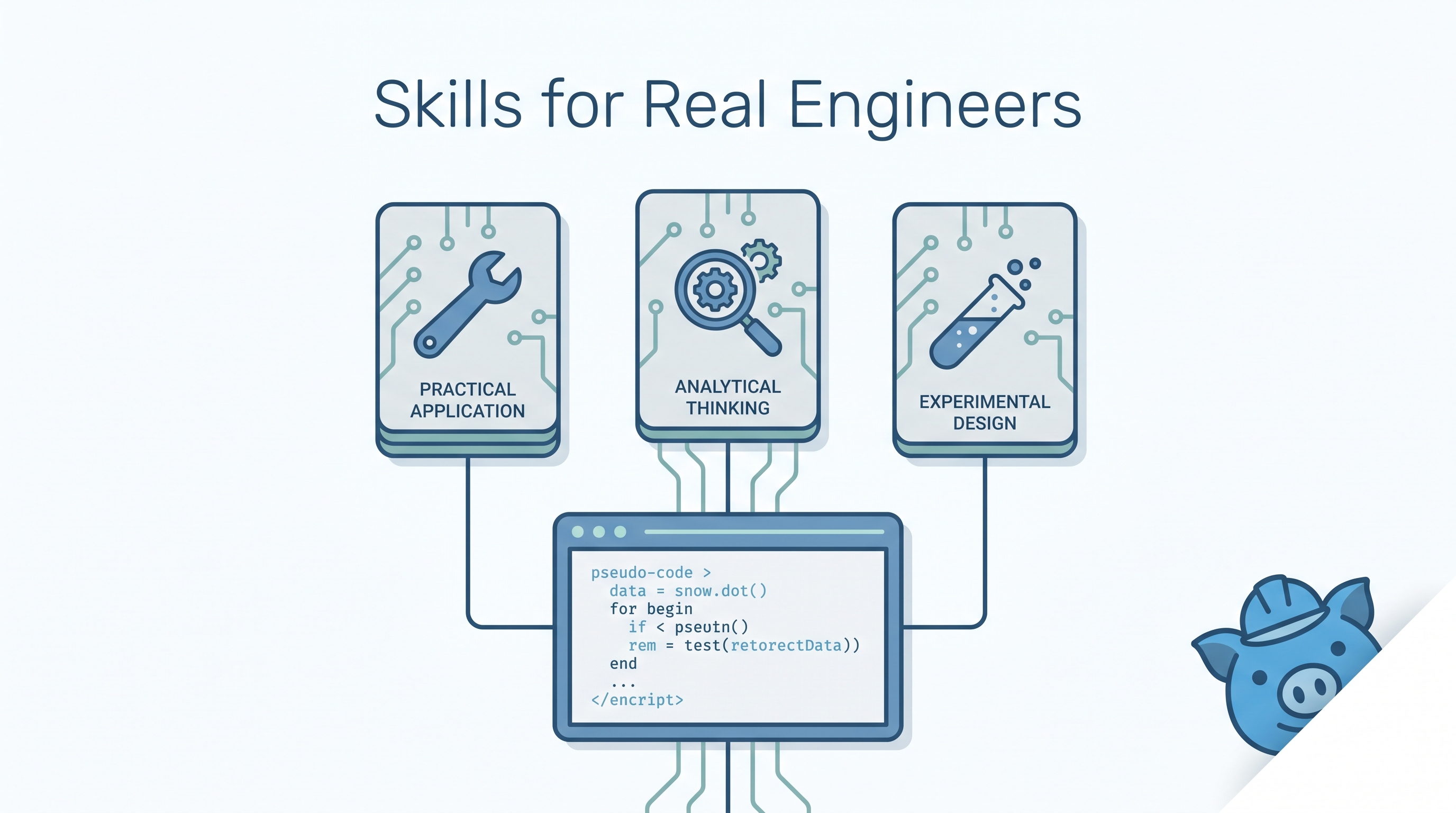
Matt Pocock’s Skills repo hit #1 on GitHub Trending and reached 82k+ stars in its first weeks — with a minimal CLAUDE.md coordination file. The repo packages senior engineering practices (structured debugging, TDD, architecture review, requirements grilling) as composable SKILL.md files that any coding agent can use. The philosophy: AI agents are powerful but undisciplined — these skills add the engineering rigor that turns raw code generation into production-grade software.
| *Source: GitHub — mattpocock/skills | Matt Pocock* |
The Core Problem
AI coding agents fail in four predictable ways:
| Failure Mode | What Happens | Which Skill Fixes It |
|---|---|---|
| Misalignment | Agent misunderstands what you want | /grill-with-docs, /grill-me |
| Verbosity | Agent uses too many words, no shared domain language | /caveman, CONTEXT.md |
| Non-functional code | Missing feedback loops for quality | /tdd, /diagnose |
| Poor architecture | Codebase becomes unmaintainable | /improve-codebase-architecture, /zoom-out |
Installation
npx skills@latest add mattpocock/skills
Then run /setup-matt-pocock-skills to configure issue tracking, triage labels, and documentation paths for your project.
The Skills
Engineering Skills
| Skill | What It Does | When to Use |
|---|---|---|
/diagnose |
Structured debugging: reproduce → minimize → hypothesize → instrument → fix → test | Bug reports, test failures |
/tdd |
Red-green-refactor loop: write failing test → implement → refactor | New features, bug fixes |
/grill-with-docs |
Deep requirements clarification, builds shared domain language + ADRs | Before starting any feature |
/grill-me |
Exhaustive requirement interviewing — the agent grills you | When requirements are vague |
/triage |
Issue triage through state machine workflows | Issue management |
/improve-codebase-architecture |
Identify and implement design improvements | Refactoring sessions |
/to-issues |
Convert specs into vertical-slice GitHub issues | Sprint planning |
/to-prd |
Synthesize conversation context into PRD issues | Product planning |
/zoom-out |
Request broader codebase context before making changes | Before touching unfamiliar code |
/prototype |
Build throwaway prototypes for design validation | Exploring approaches |
Productivity Skills
| Skill | What It Does | When to Use |
|---|---|---|
/caveman |
Ultra-compressed communication (~75% token reduction) | Long sessions, cost savings |
/write-a-skill |
Create new skills with proper structure | Extending your skill set |
Safety Skills
| Skill | What It Does | When to Use |
|---|---|---|
/git-guardrails-claude-code |
Block dangerous git commands (force push, reset –hard) | Always on |
/setup-pre-commit |
Configure Husky hooks | Project setup |
How to Use These in Real Projects
Real-World Workflow: New Feature
1. /grill-me          → Agent asks you 20+ questions about what you want
2. /grill-with-docs   → Agent writes requirements + domain language into CONTEXT.md
3. /to-issues         → Agent creates vertical-slice GitHub issues
4. /tdd               → Agent writes tests first, then implements
5. /diagnose          → If tests fail, structured debugging loop
6. /zoom-out          → Agent checks broader impact before PR
Real-World Workflow: Bug Fix
1. /diagnose          → Reproduce → minimize → hypothesize → instrument → fix → test
2. /tdd               → Write regression test, then fix
3. /improve-codebase-architecture  → Fix root cause, not just symptom
Real-World Workflow: Codebase Health
1. /zoom-out          → Agent reads the full codebase for context
2. /improve-codebase-architecture  → Identifies structural issues
3. /to-issues         → Creates refactoring issues with priority
Key Design Decisions
CONTEXT.md — A shared domain language file that all skills read. Instead of repeating terminology in every prompt, define it once. The agent and you speak the same language.
ADRs (Architecture Decision Records) — Skills like /grill-with-docs automatically create ADRs in docs/adr/. When future-you (or a new team member) asks “why did we do it this way?”, the answer is already documented.
Composability — Skills are independent. Use one, use all, mix with other skill repos. No vendor lock-in, no framework dependency.
Why 64k+ Stars So Fast
Three reasons:
- Solves real pain — Every engineer who’s used AI coding tools has hit the four failure modes
- Minimal footprint — Small coordination file, not a framework
- Matt Pocock’s reputation — Creator of Total TypeScript, trusted voice in the TS community
Real-World Use Cases
- Solo developers — Get senior-engineer discipline without a senior engineer.
/diagnosealone saves hours of unfocused debugging. - Teams onboarding AI coding — Install the skills repo as a team standard. Everyone’s agent follows the same engineering practices.
- Open-source maintainers —
/triage+/to-issuesautomate the most tedious part of maintaining a popular repo. - Bootcamp graduates — Skills encode practices that take years to learn. TDD, structured debugging, and architecture review become default behaviors.
How LearnAI Team Could Use This
- Engineering practices lab — Students install the skills and compare code quality with vs. without
/tddand/diagnoseon the same bug/feature. - Skill design exercise — Students study these skills, then write their own using
/write-a-skill. Teaches both prompt engineering and software engineering. - CONTEXT.md as shared vocabulary — Show students how defining domain language upfront reduces miscommunication with AI agents — directly applicable to research and documentation.
Links
- GitHub: mattpocock/skills (82k+ stars)
- Install:
npx skills@latest add mattpocock/skills - Matt Pocock: Creator of Total TypeScript