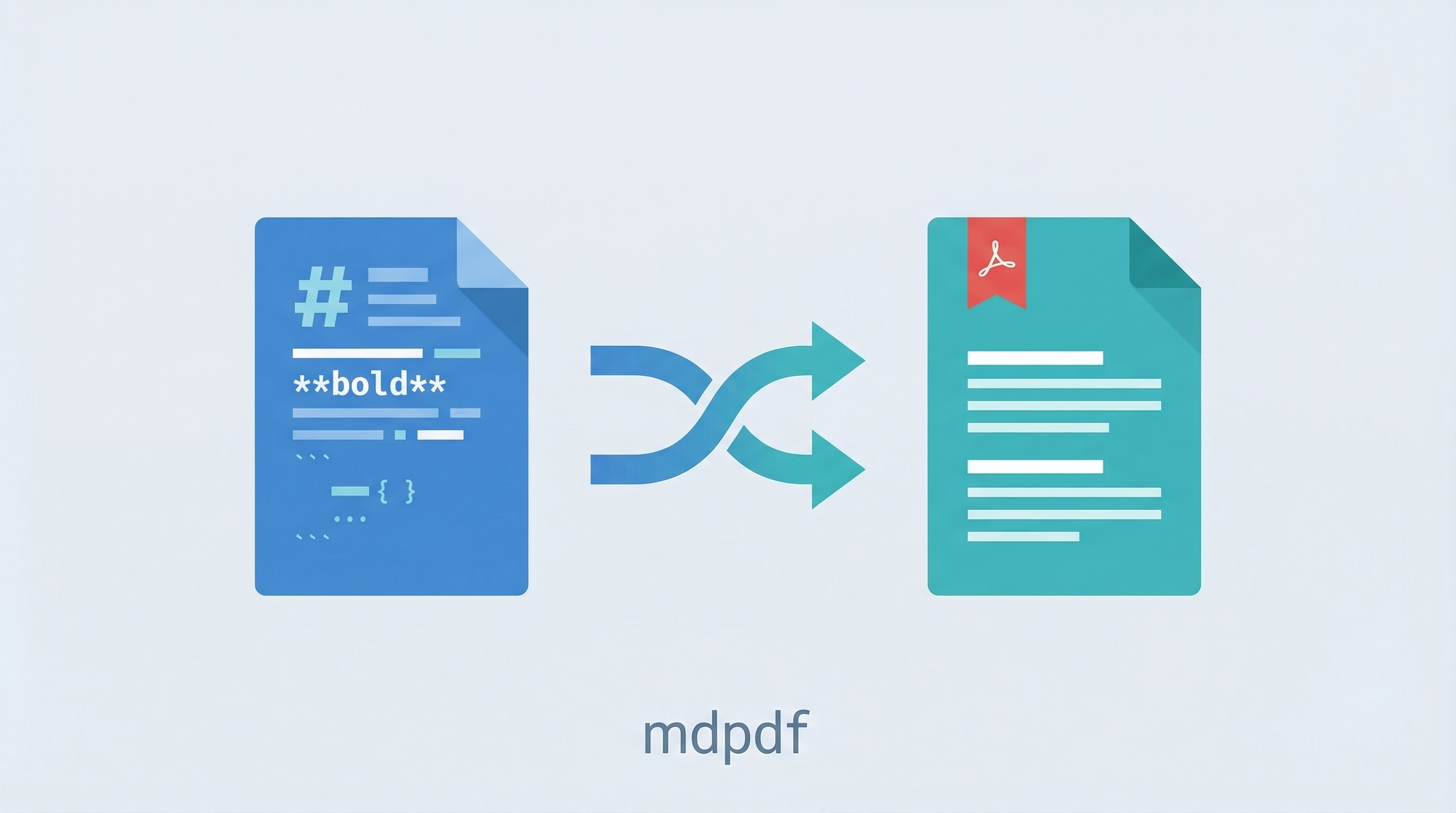
A Claude Code skill that converts Markdown to PDF — either through a live-preview web editor or direct CLI conversion. Built as a shareable skill so anyone with Claude Code can install it in one step.
| *Source: mdpdf-skill repo | mdpdf app repo* |
What It Does
| Mode | How | Result |
|---|---|---|
| Web editor | Opens localhost:3000 in browser |
Live markdown preview + “Download PDF” button |
| CLI | npx tsx src/cli.ts input.md -o output.pdf |
PDF file saved next to your markdown |
Features: GitHub-flavored markdown, syntax-highlighted code blocks, KaTeX math equations, Mermaid diagrams, US Letter format with page numbers.
Install (Two Repos)
Open Claude Code and say:
“Clone https://github.com/weihaoqu/mdpdf.git to ~/mdpdf and run npm install. Then install the skill from https://github.com/weihaoqu/mdpdf-skill”
Claude handles both steps automatically. After that, just say /mdpdf anytime.
What gets installed
~/mdpdf/                    ← the app (Node.js web server + CLI)
~/.claude/skills/mdpdf/     ← the skill (tells Claude how to use the app)
Usage
Once installed, say any of these in Claude Code:
/mdpdf— launch the web editor"convert my-notes.md to pdf""markdown to pdf""launch mdpdf"
Claude starts the server, gives you the URL, and you’re editing in your browser.
How Skill Sharing Works
This skill is distributed as a GitHub repo — the simplest way to share Claude Code skills:
mdpdf-skill/
├── README.md
└── skills/
    └── mdpdf/
        └── SKILL.md      ← the skill definition
The SKILL.md file tells Claude what the tool does, how to launch it, and what commands to run. When someone installs the skill, Claude reads this file and knows how to operate mdpdf.
Three ways to share skills
| Method | Best for | How |
|---|---|---|
| Copy folder | One person | Copy ~/.claude/skills/mdpdf/ to their machine |
| Commit to repo | Team on same project | Put in .claude/skills/ in your project repo |
| Standalone repo | Anyone | claude skill install <github-url> |
Prerequisites
- Claude Code installed (
npm install -g @anthropic-ai/claude-code) - Node.js 18+ (
node --versionto check)
How LearnAI Team Could Use This
- Course material conversion — Convert Markdown lesson notes, handouts, and workshop guides into polished PDFs for students.
- Skill-sharing example — Use mdpdf as a simple case study for how Claude Code skills can be packaged, installed, and shared.
- Documentation workflow — Draft in Markdown, preview locally, and export PDFs without leaving Claude Code.
- Research handouts — Turn AI tool writeups, experiment notes, or reading guides into printable PDFs.
Real-World Use Cases
- Workshop handouts — Convert Markdown workshop notes into PDFs before class.
- Client-ready documentation — Turn internal Markdown docs into shareable PDF deliverables.
- Research summaries — Export literature notes, experiment reports, and project briefs as PDFs.
- Skill distribution demo — Study mdpdf as a compact example of a shareable Claude Code skill.