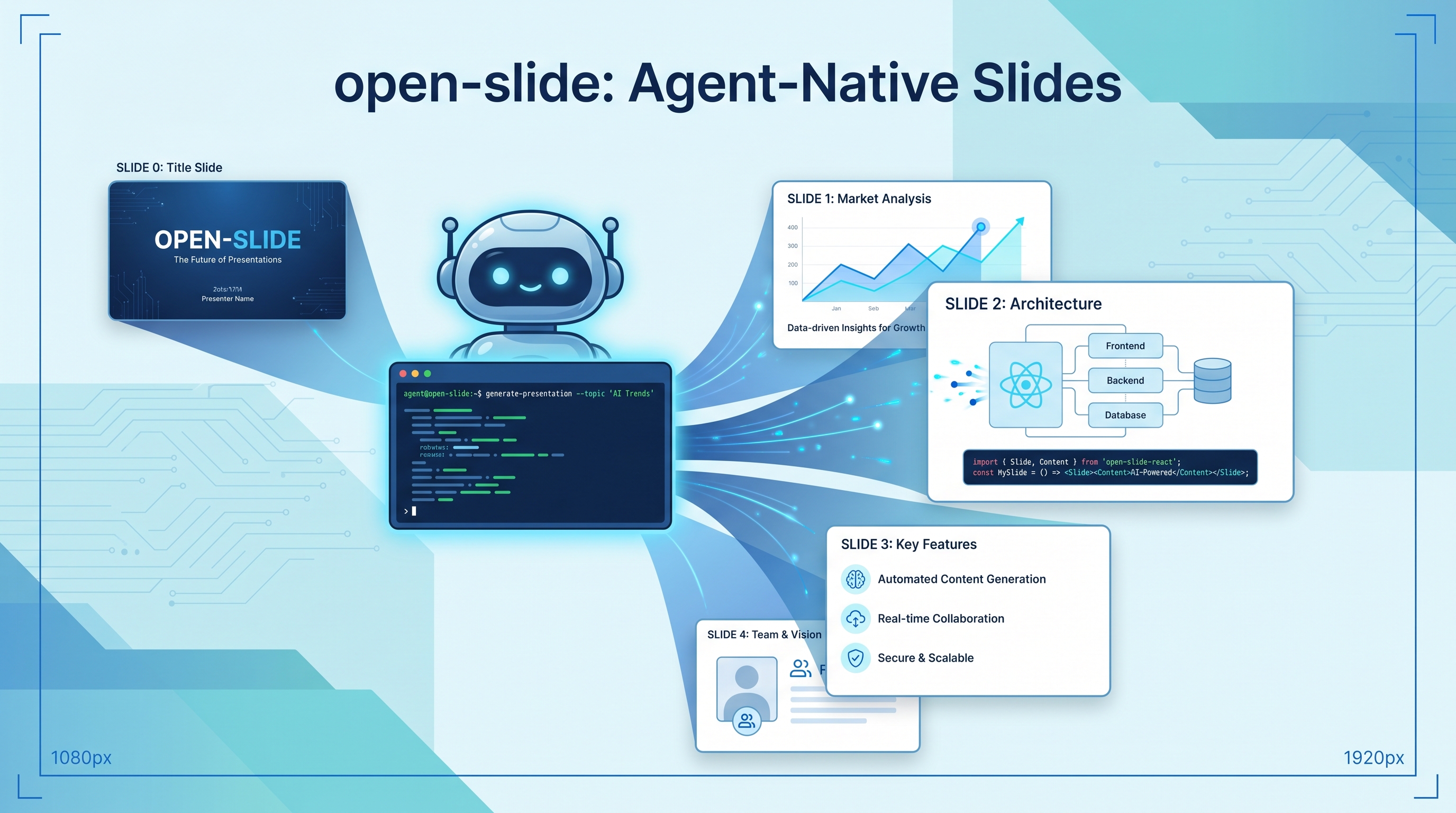
Most AI-generated slides are either ugly PowerPoints or limited Markdown renders. open-slide takes a different approach: it’s a React-based slide framework designed specifically for AI coding agents. Describe your deck in natural language, your agent writes React components on a standardized 1920x1080 canvas, and you get professional presentations with hot reload, in-browser commenting, presenter mode, and one-click export to HTML or PDF. Every slide is arbitrary code — versioned, reviewable, yours.
| *Source: GitHub — 1weiho/open-slide | open-slide.dev | Documentation* |
How It Works
You describe the deck in natural language
         ↓
Agent writes React components (one per slide)
         ↓
open-slide handles: canvas, scaling, navigation, hot reload
         ↓
You review in browser, click elements to add comments
         ↓
Agent applies comments via /apply-comments
         ↓
Export: static HTML site or print-ready PDF
The key insight: agents are good at writing React code, but bad at layout engines. open-slide gives agents a fixed canvas (1920x1080) and handles all the rendering infrastructure, so the agent focuses purely on content.
Agent Integration
Agent-agnostic framework that works with Claude Code, Codex, Cursor, Gemini CLI, OpenCode, Windsurf, and Zed. The scaffold generates AGENTS.md + CLAUDE.md and versions skills in .agents/skills/. Ships with built-in skills:
| Skill | What It Does |
|---|---|
/create-slide |
Generate a complete deck from a description |
/slide-authoring |
Technical reference for writing slides |
/apply-comments |
Apply all pending in-browser comments |
/create-theme |
Generate a custom theme for brand consistency |
Key Features
In-Browser Comment Inspector — Click any element in the dev server and attach a comment. Comments are persisted as @slide-comment markers in source code. Run /apply-comments and the agent applies every pending edit. This creates a tight human-in-the-loop feedback cycle without leaving the browser.
Assets Manager — Built-in panel for managing images, videos, and fonts per deck. Integrated svgl catalogue lets you search and drop in any brand logo with one click.
Presenter Mode — Fullscreen playback with keyboard navigation, plus a presenter view with current/next slide preview, speaker notes, and a timer. Built for the stage, not just the browser tab.
Slide Manager — Organize slides in folders with drag-and-drop reordering. Supports theme systems for brand consistency across decks.
Export — One command generates a self-contained static HTML site or a print-ready PDF. Deploy to Vercel, Cloudflare Pages, or Netlify.
Quick Start
# Scaffold a new project
npx @open-slide/cli init my-slide
cd my-slide

# Start dev server with hot reload
pnpm dev

# In Claude Code, generate slides
/create-slide "A 10-slide deck about transformer attention mechanisms"

# Export
pnpm build      # static HTML site
# PDF: use dev server toolbar → Export → PDF, or open with ?print=1 and print
Each slide is a React component in slides/<id>/index.tsx. Edit directly or let the agent handle it.
Architecture
Monorepo with pnpm + Turbo:
| Package | Purpose |
|---|---|
packages/core |
Runtime, Vite plugin, dev/build/preview CLI |
packages/cli |
Scaffolding (npx @open-slide/cli init) |
apps/demo |
Reference workspace |
Tech stack: TypeScript (95%), React, Vite, Vitest for testing.
open-slide vs Other Slide Tools
| Tool | Approach | Agent-Ready | Code Ownership |
|---|---|---|---|
| open-slide | React components on fixed canvas | Built-in skills | Full (versioned .tsx) |
| reveal.js | HTML/Markdown slides | No native agent support | HTML files |
| Slidev | Markdown → Vue slides | Partial | Markdown files |
| Google Slides / PowerPoint | GUI-based | API only | Proprietary format |
| Marp | Markdown → PDF/HTML | No | Markdown files |
open-slide’s advantage: slides are arbitrary React code, not constrained Markdown. You can embed interactive components, animations, data visualizations — anything React can render.
Real-World Use Cases
- Conference talks — Describe your talk outline, agent generates professional slides with proper typography and layout. Refine interactively with click-to-comment.
- Course materials — Faculty describe lecture content, agent produces slide decks with code examples, diagrams, and consistent branding.
- Startup pitch decks — Iterate quickly on investor presentations with agent-generated content and human design feedback.
- Technical documentation — Turn architecture docs into visual presentations for team onboarding or client demos.
How LearnAI Team Could Use This
- Lecture slide production — Q can describe lecture topics and have Claude Code generate slide decks via
/create-slide, then refine with the comment inspector. - Student presentation projects — Students learn React component patterns while building presentations — code literacy and communication skills together.
- Agent tool design case study — open-slide’s click-to-comment →
/apply-commentsloop is an excellent example of human-in-the-loop agent interaction design.
Links
- GitHub: 1weiho/open-slide
- Website: open-slide.dev
- Docs: open-slide.dev/docs