| *Source: Pretext GitHub | Pretext Demo | Pretext npm* |
The Problem: AI Can Write Code, But the Result Still Looks Off
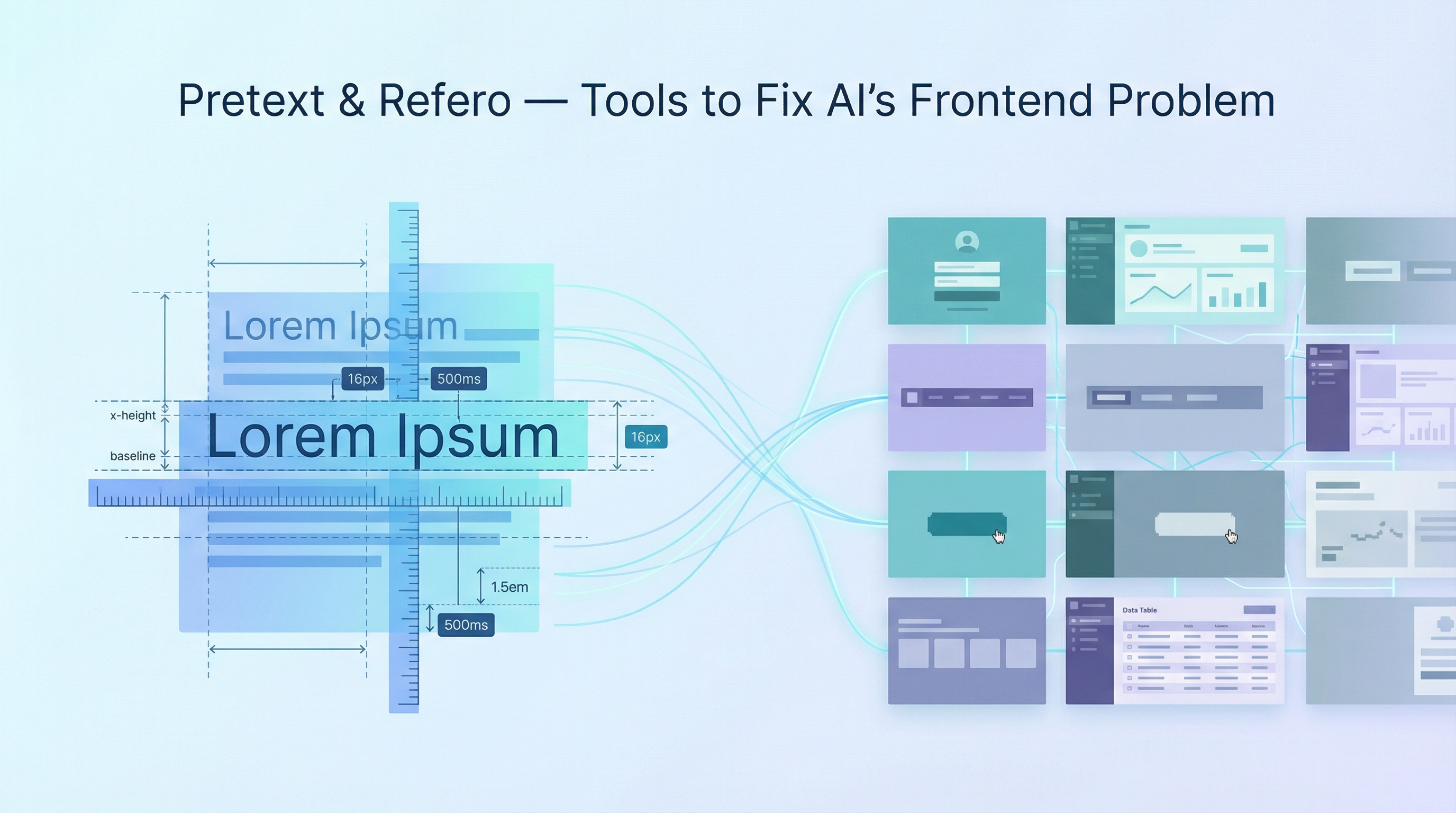
AI coding assistants generate functional frontends quickly, but two persistent gaps remain: text layout performance and design authenticity. Browsers have always been slow at measuring text, and AI-generated UIs tend to converge on a bland, recognizable “AI aesthetic.” Two tools from the Chinese dev community address each gap directly.
Pretext — 500x Faster Text Measurement Without the DOM
Author: Cheng Lou
GitHub: github.com/chenglou/pretext
npm: @chenglou/pretext
Demo: chenglou.me/pretext
What It Does
Pretext is a custom text measurement library that calculates text dimensions — line breaks, widths, heights — without touching the DOM. Traditional browser text measurement (measureText, getBoundingClientRect, offsetWidth) forces layout recalculations on the main thread. These calls cannot be parallelized, must be queued, and easily cause read-write interleaving that tanks performance.
Pretext sidesteps the entire problem. It uses the browser’s font engine output as a calibration baseline, then runs its own measurement algorithm entirely in JavaScript. The result: text measurement that is roughly 500x faster than the traditional approach.
Key Technical Details
- Tiny footprint — only a few KB
- Multilingual support — handles Korean, Arabic (RTL), CJK, and emoji correctly
- No DOM dependency — measurement runs off the main thread, enabling true parallelism
- Calibration approach — Cheng Lou used Claude Code and Codex to repeatedly measure real browser rendering results across hundreds of container widths, using the data to polish the algorithm’s precision against ground truth
What It Unlocks
| Use Case | Why It Matters |
|---|---|
| Virtual scrolling with 100K+ rows at 120fps | Row height calculation no longer blocks rendering |
| Responsive magazine-style layouts | Text reflow computed instantly on resize |
| Real-time drag-to-resize text areas | No layout thrashing during interaction |
| Chat bubble auto-fit | Message dimensions known before render |
| Variable-width font ASCII art | Precise character placement without trial-and-error |
Usage Examples
Install:
npm install @chenglou/pretext
Basic height measurement — the core use case. Two-phase API: prepare() does the expensive work once, layout() is pure math you can call thousands of times:
import { prepare, layout } from '@chenglou/pretext'

// Phase 1: prepare (one-time, ~19ms for 500 texts)
const prepared = prepare('AGI 春天到了. بدأت الرحلة 🚀', '16px Inter')

// Phase 2: layout (hot path, ~0.09ms for 500 texts — that's 500x faster)
const { height, lineCount } = layout(prepared, containerWidth, lineHeight)
Textarea-style text — preserves spaces, tabs, and line breaks:
const prepared = prepare(textValue, '16px Inter', { whiteSpace: 'pre-wrap' })
const { height } = layout(prepared, width, 20)
Get all lines for custom rendering:
import { prepareWithSegments, layoutWithLines } from '@chenglou/pretext'

const prepared = prepareWithSegments(text, '14px monospace')
const { lines } = layoutWithLines(prepared, 320, 26)
// lines = array of line objects with text content and dimensions
Variable-width line iteration — useful for magazine-style layouts where each line has a different available width (e.g., text wrapping around an image):
import { layoutNextLine } from '@chenglou/pretext'

let cursor = 0
while (cursor < prepared.length) {
  const widthForThisLine = getAvailableWidth(lineIndex) // varies per line
  const line = layoutNextLine(prepared, cursor, widthForThisLine)
  cursor = line.end
}
Lightweight dimension check — when you just need line ranges without building the full text:
import { walkLineRanges } from '@chenglou/pretext'

walkLineRanges(prepared, 320, (line) => {
  // process each line's range and dimensions
})
| Function | Cost | Use For |
|---|---|---|
prepare() |
~19ms / 500 texts | One-time setup, caches measurements |
layout() |
~0.09ms / 500 texts | Height/lineCount — call on every resize |
layoutWithLines() |
Slightly more | When you need line-by-line text content |
layoutNextLine() |
Per-line | Variable-width containers |
walkLineRanges() |
Lightweight | Dimension checks without building text |
Why It Matters Now
Text layout has been a frontend performance bottleneck since the early web. In the AI era, where chat interfaces, streaming text, and dynamic content generation are central to nearly every product, this bottleneck is more painful than ever. Pretext could change how UI frameworks handle text fundamentally — imagine React or Svelte delegating all text measurement to a Pretext-style engine instead of forcing DOM reads.
Refero — 1.26 Million Real UI Screenshots to Break the AI Aesthetic
Author: @brizer (Episode 177 of a curated series) Tags: #refero #AI设计 #AI编程 #UI设计
What It Is
Refero is a curated collection of 1.26 million screenshots from real, live websites — not mockups, not Figma files, not AI-generated concepts. These are actual production interfaces captured from sources including:
- Dribbble — designer portfolios
- Tumblr — unconventional layouts and personal sites
- Indoor Book Club (室内读书会) — curated design picks
- Feedback hubs — real product interfaces with user-facing patterns
The Problem It Solves
When you ask an AI to generate a UI, the result tends to look the same: rounded cards, gradient buttons, excessive whitespace, generic sans-serif fonts. This is because AI models trained on design data converge on statistical averages. The output is competent but lifeless — instantly recognizable as “AI-made.”
Refero provides a massive corpus of real design diversity that can be used as:
- Reference material when prompting AI tools to generate UIs
- Training/fine-tuning data for design-aware models
- Inspiration catalog for developers who want their AI-generated frontends to look like they were designed by humans
Practical Usage
- As a prompt supplement — include Refero screenshots as visual references when asking AI to build a UI: “Make it look like this, not generic”
- As a design system seed — browse the collection to find patterns that match your product’s aesthetic before generating code
- As a reality check — compare AI-generated output against real-world interfaces to catch the “AI look”
Why These Two Tools Belong Together
The AI frontend pipeline has two weak links:
- Performance — AI generates markup that works but doesn’t perform well at scale, especially with dynamic text
- Design quality — AI generates UIs that look competent but generic
Pretext fixes the performance side by removing the biggest bottleneck in text-heavy interfaces. Refero fixes the design side by giving AI (and developers) access to what real interfaces actually look like.
Together, they represent a practical answer to the question: How do we make AI-generated frontends that are both fast and authentic?
For AI-Assisted Development Workflows
| Step | Tool | Action |
|---|---|---|
| Design reference | Refero | Find real UI patterns that match your vision |
| Prompt AI | Refero screenshots | Include as visual context in your prompt |
| Optimize text rendering | Pretext | Replace DOM-based text measurement |
| Ship | Both | Fast text layout + authentic design = production-ready |
How LearnAI Team Could Use This
- Use Pretext as a case study for performance-aware AI frontend work — why DOM reads and text measurement can bottleneck text-heavy apps.
- Use Refero to support UI prompting workshops by giving students real interface references to compare against generic AI-generated layouts.
- Audit AI-generated UI for performance and design authenticity before shipping.
Real-World Use Cases
- Building fast chat, document, or feed interfaces that need to measure text before rendering.
- Teaching AI-assisted frontend development with real visual references instead of generic style prompts.
- Auditing AI-generated UI for performance and design authenticity before shipping.
Links
- Pretext GitHub: github.com/chenglou/pretext
- Pretext Demo: chenglou.me/pretext
- Pretext npm:
npm install @chenglou/pretext