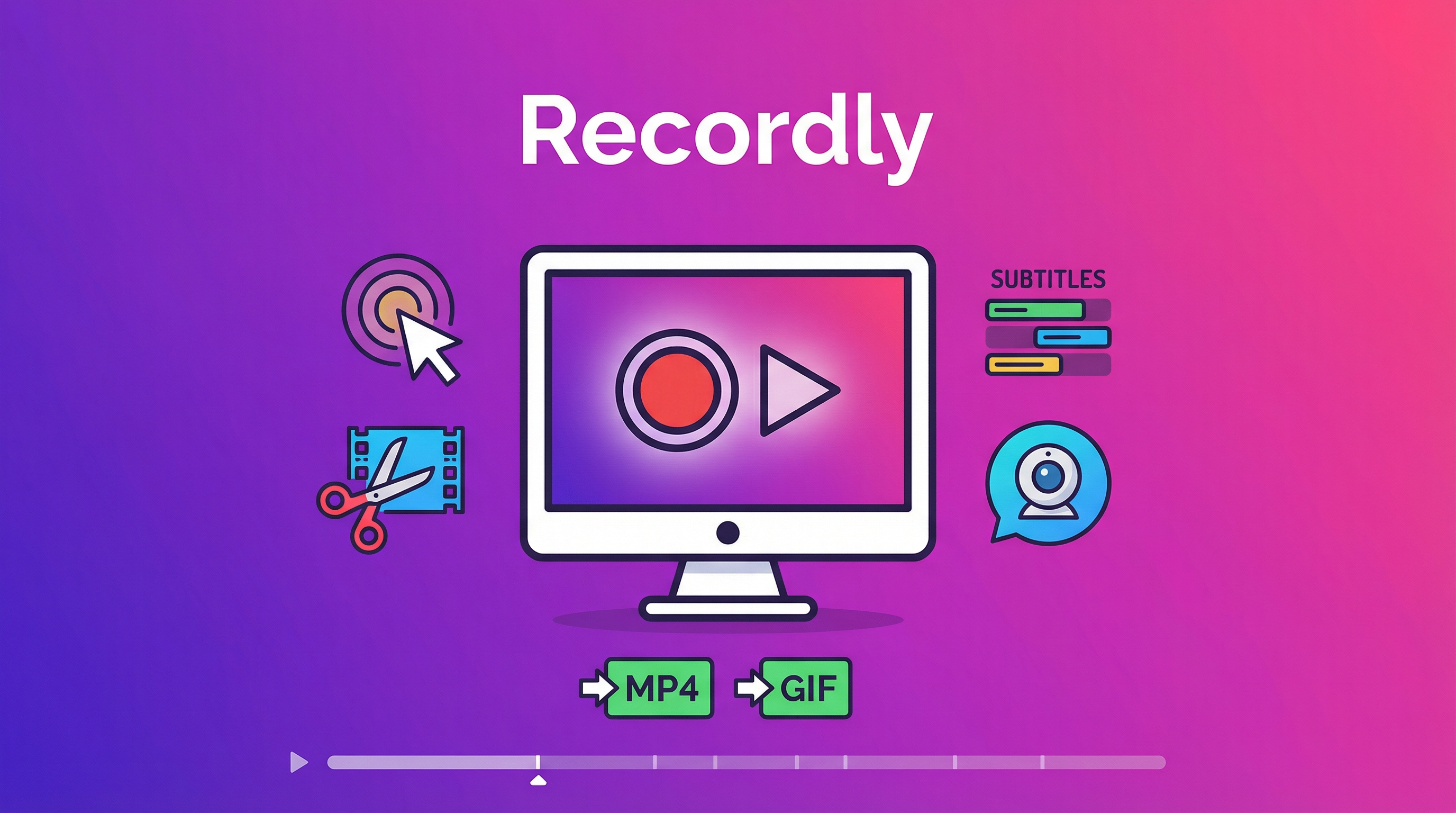
Screen recording software is either expensive (ScreenFlow, Camtasia — $100+) or stripped down (OBS for streaming, QuickTime for basics). Recordly is a free, open-source alternative that covers the full workflow: record, edit, polish, export — in one app. Product demos, tutorial videos, and software walkthroughs without the subscription.
| *Source: GitHub — webadderall/Recordly | 欧巴聊AI on Weibo (2026-04)* |
What It Does
┌────────────────────────────────────────────────┐
│  Record → Edit → Polish → Export               │
│                                                 │
│  ┌───────┐   ┌───────┐   ┌───────┐   ┌──────┐ │
│  │Screen │──▶│Cursor │──▶│Frame  │──▶│ MP4  │ │
│  │capture│   │zooms, │   │style, │   │ GIF  │ │
│  │       │   │blur,  │   │bubble │   │      │ │
│  │       │   │subs   │   │overlay│   │      │ │
│  └───────┘   └───────┘   └───────┘   └──────┘ │
└────────────────────────────────────────────────┘
Core Features
| Feature | Details |
|---|---|
| Recording | Entire display or single app window. Platform-native APIs (ScreenCaptureKit on macOS, Graphics Capture on Windows) |
| Timeline editor | Drag-and-drop for zooms, trims, speed regions, annotations |
| Project files | Save as .recordly — reusable, non-destructive editing |
| Auto-zoom | Suggests zoom points based on cursor activity |
| Cursor effects | Animated cursor overlays, smoothing, motion blur, bounce on click |
| Webcam bubble | Position presets, zoom-reactive scaling |
| Frame styling | Wallpapers, gradients, blur effects, rounded corners |
| Auto subtitles | Timeline-synced captions |
| Export | MP4 and GIF with customizable quality, frame rate, size |
Real-World Use Cases
- Product demo videos for new AI tools or workflows.
- Tutorial clips showing step-by-step setup or configuration.
- Bug reports with annotated cursor movement, zooms, and captions.
- Social clips exported as GIF or MP4 for quick sharing.
Platform Support
| OS | Version | Notes |
|---|---|---|
| macOS | 13.0+ (Ventura) | Uses ScreenCaptureKit for native performance |
| Windows | 10 Build 19041+ | Native Graphics Capture + WASAPI audio |
| Linux | Modern distros | Electron capture APIs. yay -S recordly-bin on Arch |
Installation
Grab prebuilt releases from github.com/webadderall/Recordly/releases.
Linux (Arch/Manjaro):
yay -S recordly-bin
Source build requires standard dev tools plus platform-specific dependencies.
How LearnAI Team Could Use This
- Record short product walkthroughs, wiki tutorials, and feature demos for LearnAI readers.
- Edit cursor zooms, captions, and framing inside one open-source workflow before publishing.
- Use
.recordlyproject files to keep demos reusable when UI copy or steps change.
Why This Matters
Screen recording is one of those categories where the free tools (OBS, QuickTime) stop at “capture” and the polished tools (ScreenFlow, Camtasia, Screen Studio) cost $100-$400 or charge subscriptions. Recordly covers the full workflow — record → edit → polish → export — without a paywall.
For anyone making product demos, tutorials, or walkthrough videos, this is the first open-source tool that gets the “polished demo aesthetic” right: cursor zooms, motion blur, animated bubbles, rounded corners, and gradient backgrounds — all native to the app, not a plugin ecosystem.
License
AGPL 3.0 — free for personal and non-commercial use. Commercial users should verify license compatibility.
Links
- GitHub: webadderall/Recordly
- Releases: github.com/webadderall/Recordly/releases