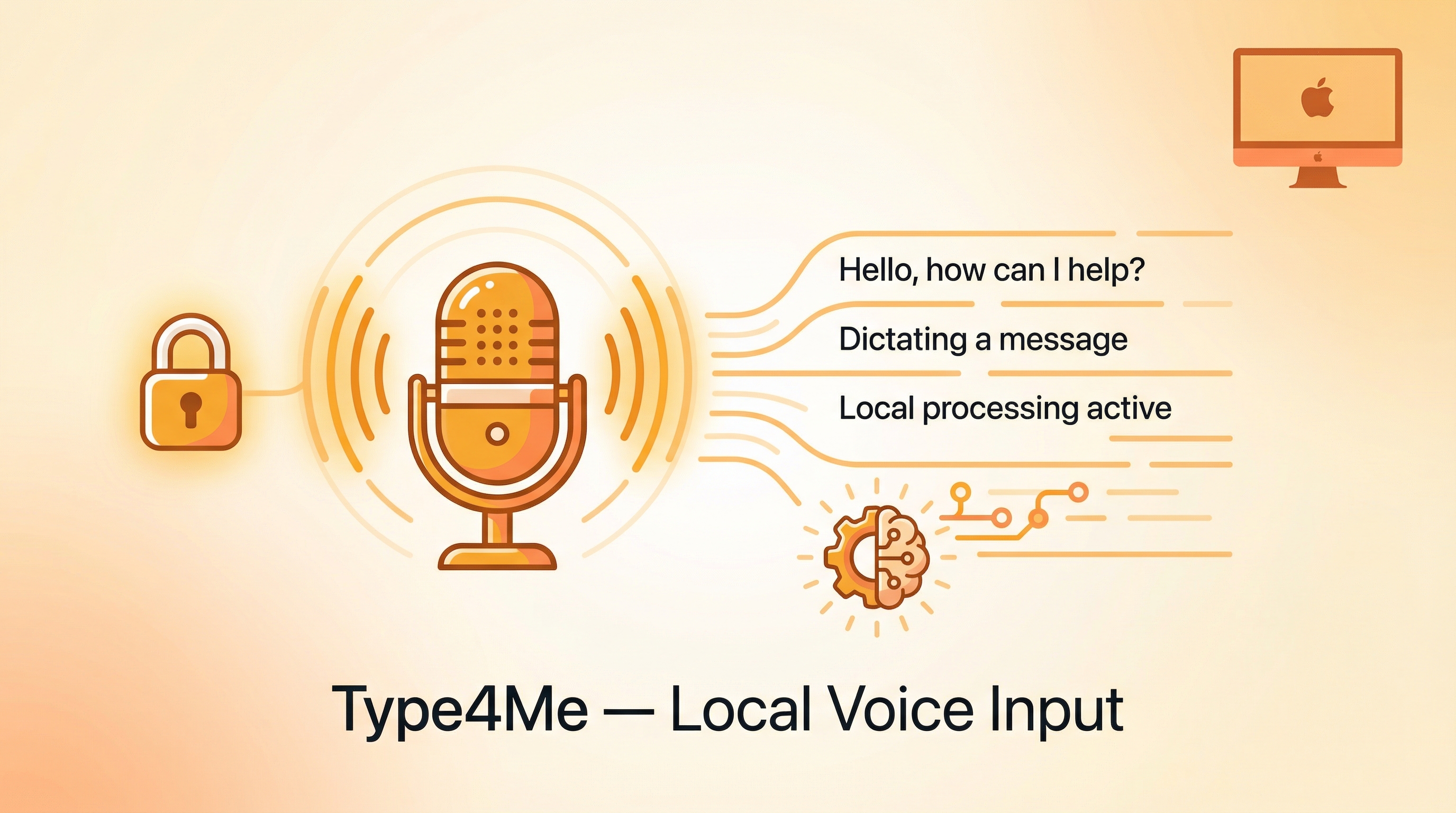
Voice input tools on the market are either expensive ($12/month), send your data to the cloud, or don’t let you customize prompts. Type4Me solves all three: it’s a free, local-first macOS voice input app built on SherpaOnnx — no API key needed, no internet required, and with a unique “processing mode” that pipes speech through LLMs before output.
Source: GitHub — joewongjc/type4me
How It Works
Voice Input (microphone)
       │
       ▼
┌──────────────────┐
│ SherpaOnnx Engine│  ← Local, no internet
│ (Apple Silicon   │
│  optimized)      │
└────────┬─────────┘
         │ Raw text
         ▼
┌──────────────────┐
│ Processing Mode  │  ← Optional LLM post-processing
│ (Prompt-driven)  │
└────────┬─────────┘
         │ Refined text
         ▼
    Paste / Output
Key Features
Local Speech Recognition
- Built on SherpaOnnx (next-gen Kaldi + ONNX Runtime) — runs entirely offline
- Fast on Apple Silicon, no API key or internet required
- Optional cloud engines (Volcengine, Deepgram) for higher accuracy
- Plugin architecture: OpenAI Whisper, Google, AWS interfaces pre-defined
Processing Mode — The Killer Feature
Speech recognition outputs raw text, which you can then route through LLM post-processing:
| Built-in Mode | What It Does |
|---|---|
| Quick Dictation | Fast transcription, minimal processing |
| Dual-Channel High Precision | Higher accuracy transcription |
| Chinese-English | Bilingual recognition |
| Prompt Optimization | Clean up grammar, punctuation, formatting |
| Custom Prompt | Write your own processing pipeline |
You can define any processing flow with custom prompts — turn messy speech into formatted notes, translate on the fly, or extract action items from spoken paragraphs.
Command Mode
This is where it gets interesting:
- Select text in any app
- Press hotkey and speak
- Speech becomes an instruction, selected text becomes context
- LLM executes the instruction and outputs the result
Essentially turns speech into an LLM command line. Select a paragraph → say “summarize this in 3 bullets” → done.
Privacy-First Data
- All credentials and recognition history stored locally (SQLite + JSON)
- No telemetry, no cloud sync
- History records support CSV export
- MIT license
Requirements
- macOS 14+
- Apple Silicon recommended (Intel supported but slower)
- No API key needed for local mode
- Optional: API keys for cloud engines or LLM processing
Plugin Architecture
Adding new speech recognition services requires only two protocol implementations then registration. Interfaces for OpenAI Whisper, Google Speech, and AWS Transcribe are already pre-defined — the community can contribute adapters.
Also Worth Knowing: Voice-Input-Src & Voice-Input-Dist
Another open-source Mac voice input project taking a different approach — voice-input-src focuses on the prompt rather than the engine, and voice-input-dist is the fully working app generated from that prompt.
| *Source: GitHub — yetone/voice-input-src | GitHub — yetone/voice-input-dist | 宝玉 xp on Weibo (2026-03-29)* |
| Type4Me | Voice-Input-Src/Dist | |
|---|---|---|
| Focus | Full-featured voice input app | Open-source prompt + generated app |
| Key value | Local recognition + LLM processing modes | The prompt design is the real IP — reproducible by anyone |
| Vibe coding | Supported via command mode | Core use case — one prompt → full macOS app |
| Engine | SherpaOnnx (local) + cloud options | Apple Speech Recognition (native) |
| LLM refinement | Built-in processing modes | Optional OpenAI-compatible API for mixed Chinese/English |
| License | MIT | Open source |
The author (宝玉 xp) notes: “What’s open-sourced is the Prompt — the code generated afterward has more value than a pile of vibe coding output, because you can reproduce it yourself.”
Voice-Input-Dist: The Generated App
The voice-input-dist repo (158 stars) is the complete macOS menu-bar app generated from a single Claude Code prompt:
claude \
  --dangerously-skip-permissions \
  --output-format=stream-json \
  --verbose \
  -p "请实现一个 macOS menu-bar 语音输入法应用 (Swift, macOS 14+)"
The prompt specifies 7 detailed requirements:
- Fn key to record — press and hold Fn, speech streams into the focused text field via Apple Speech Recognition
- Default zh-CN — out-of-box Chinese recognition with language switcher (English, Chinese, Japanese, Korean, etc.)
- Floating waveform animation — elegant borderless NSPanel with 5-bar RMS-driven waveform (44×32px) and live transcript label
- Clipboard injection — text inserted via Cmd+V paste simulation, auto-detects CJK vs ASCII input method
- LLM refinement — optional OpenAI-compatible API to improve accuracy for mixed Chinese/English text
- Settings UI — LLM Refinement toggle, API Base URL, API Key configuration
- LSUIElement mode — menu bar icon only, no Dock icon, built with Swift Package Manager
# Build and run
make build    # Creates VoiceInput.app
make run      # Build + launch
make install  # Copy to /Applications
A reproducibility guarantee: clone the source repo, run make build, get an identical app. The full build process is documented in a public asciinema recording.
How LearnAI Team Could Use This
- Use Type4Me as a practical example of local-first AI tooling combining offline speech recognition with optional LLM cleanup.
- Demonstrate voice-driven editing workflows for documentation, note-taking, and prompt iteration.
- Compare Type4Me with Voice-Input-Src/Dist to teach building a product vs open-sourcing a reproducible prompt.
Real-World Use Cases
- Dictate notes, drafts, and messages on macOS without sending raw audio to cloud services.
- Select existing text and use voice commands to summarize, rewrite, translate, or format it through an LLM.
- Build specialized voice-input workflows for bilingual writing, meeting notes, coding prompts, and documentation.