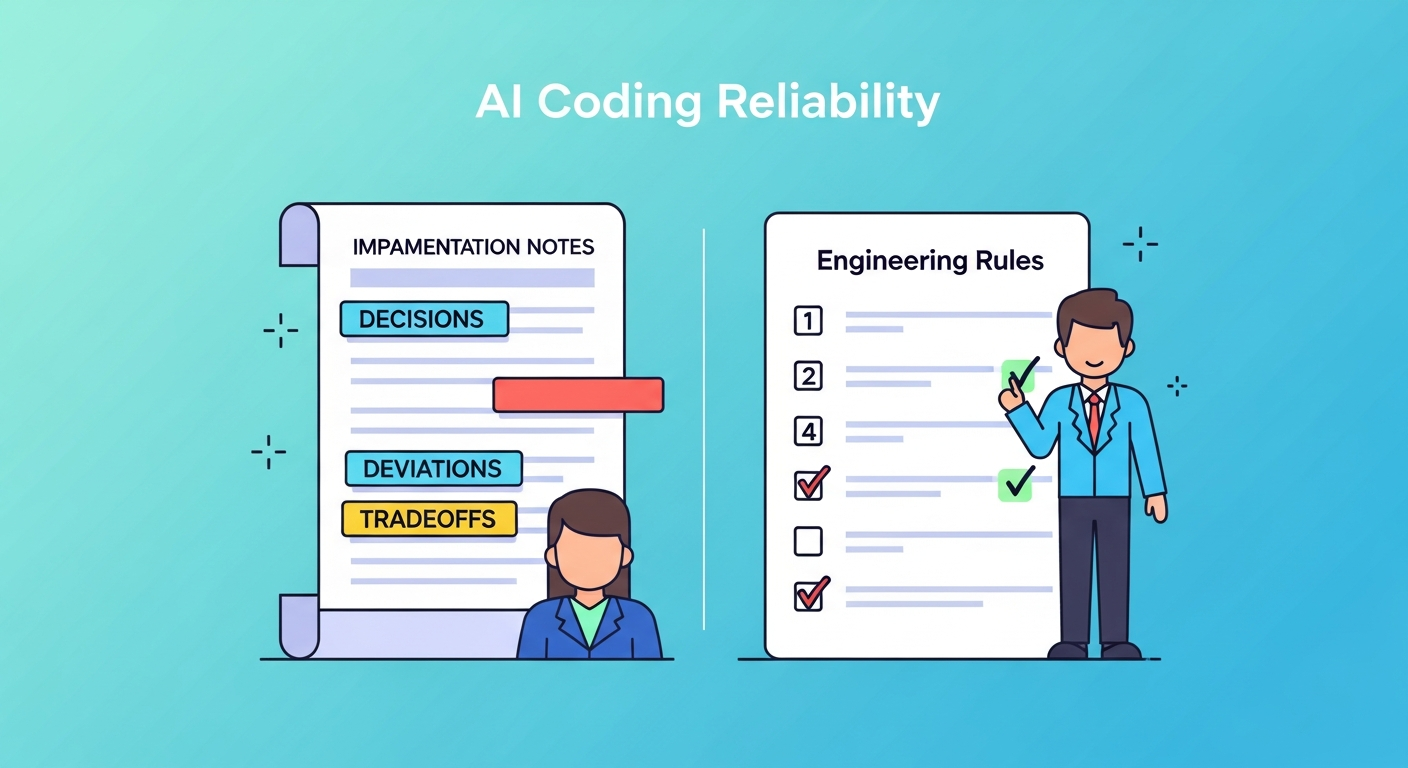
Two complementary practices for getting more reliable output from AI coding assistants: a single prompt that makes the model keep a running implementation log (went viral — thousands of likes and hundreds of thousands of views on Twitter, May 2026; exact counts from screenshot and will change over time), and a community-derived set of 12 engineering rules for structuring AI-assisted development sessions. Together they address the two most common failure modes: specs that leave too much unsaid, and sessions that drift without checkpoints.
| *Source A: Thariq (@trq212) on Twitter (May 19, 2026) | Source B: 爱可可-爱生活 on Weibo (May 2026), citing Karpathy-inspired community research* |
Practice 1 — The Implementation Notes Prompt
The Core Idea
Thariq’s original prompt (paraphrased):
“Implement
<SPEC>and while you do, keep a runningimplementation-notes.htmlfile (or markdown) with decisions you had to make that weren’t in the spec, things you had to change, tradeoffs you had to make, or anything else I should know.”
The insight driving this: every spec has gaps, and the model will fill them silently. Without this prompt, you find out about those decisions only when something breaks or behaves unexpectedly. The implementation notes file surfaces them in real time, while the context is still live and the model can explain its reasoning.
The Refined Version
Thariq’s v2 asks the model to maintain four categories in the notes file:
| Category | What it captures |
|---|---|
| Design decisions | Choices made where the spec was ambiguous or silent |
| Deviations | Places where the implementation differs from the spec, and why |
| Tradeoffs | Alternatives that were considered and the reason the chosen approach won |
| Open questions | Things for the human to confirm, modify, or decide |
The HTML format (vs plain markdown) is intentional for longer sessions: rendered in a browser tab, it’s easier to skim and share than raw markdown in a terminal.
Why It Went Viral
The tweet went viral — thousands of likes and hundreds of thousands of views — and the Chinese translation generated significant additional engagement in the Chinese tech community (exact counts are from a screenshot and change over time). The resonance is easy to understand: this is a zero-cost habit change (one sentence added to any prompt) with an immediate, visible payoff (a log you can actually read). It requires no new tools, no framework changes, and no special model access.
The deeper reason it resonates: it reframes the AI coding session from “generate code” to “generate code + document your reasoning.” The log is a by-product of the generation, not extra work.
Practical Variants
implementation-notes.md— works fine for shorter sessions; easier to diff in gitimplementation-notes.html— better for longer sessions with multiple sections; renders cleanly in a browser- Session-scoped log — one file per coding session, named with a timestamp; gives you a searchable history of AI decision-making across a project
- Commit alongside code — include the notes file in the same commit as the implementation; preserves the reasoning in the git history
Practice 2 — 12 Engineering Rules for AI-Assisted Coding
Origin and Attribution
These rules circulated on Weibo in May 2026, attributed to community research inspired by Andrej Karpathy’s public writing on CLAUDE.md and structured AI coding workflows. Important caveat on attribution: Karpathy inspired the thinking — particularly his writing on the importance of structured system prompts and explicit rules — but he did not author these 12 rules. They are derived and expanded by others in the practitioner community.
A claim also circulated that following structured rules reduced AI coding error rates from ~41% to ~3%. This claim has no transparent benchmark or replication details. Treat it as community anecdote, not empirical evidence. The rules are worth evaluating on their practical merits, independently of the statistic.
The 12 Rules
1. Think first, then code Set up your intent and assumptions explicitly before asking the model to write code. The model cannot read your mind; it will make assumptions that fill whatever you left unsaid.
2. Simplify to the limit Pursue the minimal implementation. Reject abstractions added “for future flexibility” — they compound AI errors by adding surface area the model can misunderstand.
3. Precise, surgical edits When asking for changes, specify exactly what to touch. Reject “similar-looking” replacements — a model that rewrites adjacent code to look consistent is introducing unreviewed changes.
4. Goal-driven milestones Set clear, testable endpoints for each session. Agents without explicit stopping conditions loop, drift, and over-engineer. Define “done” before you start.
5. Fail loudly — never silently The most dangerous bug is a function that returns “success” while silently skipping the actual work. Require the model to surface errors, edge cases, and uncertainty explicitly rather than papering over them with a plausible-looking result.
6. Keep tasks small — respect token budgets Large, sprawling tasks exceed the model’s reliable working window and produce bloated, inconsistent output. Break work into small, focused increments; each increment should be completable within a bounded context without the model needing to “remember” too much.
7. Read before write The model must read any file it is about to modify. Without this, it creates duplicate functions, overwrites logic it didn’t know existed, and introduces subtle regressions.
8. Test logic, not implementation If business logic changes silently pass your tests, your tests are testing the implementation rather than the behavior. Tests must capture what the code is supposed to do, not just how it currently does it.
9. Checkpoint after each phase After completing a major step, verify the state before building further. Errors compound; building on an unverified checkpoint means debugging a stack of mistakes, not a single one.
10. Match codebase conventions Maintain style consistency with the existing codebase. If the project uses class components, don’t allow the model to introduce hooks unless you’ve made a deliberate decision to migrate. Inconsistency is a maintenance debt the model does not pay.
11. Avoid using LLMs for deterministic tasks When a task has a correct, verifiable answer — parsing, arithmetic, sorting, regex matching, schema validation — use deterministic code, not the model. LLMs introduce unnecessary non-determinism and failure surface for work that a function handles reliably. Reserve the model for tasks that genuinely require judgment or natural language understanding.
12. Validate logic, not just implementation Tests that only check whether the code runs (no exceptions, expected return type) miss the point. Write tests that verify the business logic: does the output match what the spec actually required, including edge cases? If the spec changes and the tests still pass, the tests are not doing their job.
How the Two Practices Reinforce Each Other
The implementation notes prompt (Practice 1) is a mechanism for surfacing rules 5, 7, and 12 automatically: if the model is keeping a log of decisions, deviations, and open questions, silent failures become visible and logic deviations get recorded in real time. The 12 rules provide the mental model; the notes prompt provides the execution mechanism.
Rules 1-4:  Session setup — intent, simplicity, precision, milestones
Rules 5-6:  Failure mode prevention — fail loudly, keep tasks small
Rules 7-8:  Code integrity — read-before-write, test logic not implementation
Rules 9-10: Session discipline — checkpoints and style conventions
Rules 11-12: Task scoping — avoid LLMs for deterministic work, validate logic

Implementation Notes prompt → operationalizes rules 5, 7, 8, 12
How LearnAI Team Could Use This
- Assign the notes prompt as a course requirement — require students to submit their
implementation-notes.mdalongside any AI-assisted assignment. Graders learn what decisions the model made; students develop the habit of reviewing those decisions rather than blindly accepting output. - Use the 12 rules as a code-review rubric — when reviewing AI-assisted student code, ask: was rule 7 followed (did the model read the file before editing)? Was rule 8 followed (do the tests capture logic, not just implementation)? Flag violations as teaching moments, not just grade deductions.
- Workshop: “What did your AI decide?” — run a class session where students share their implementation notes files and discuss the design decisions the model made on their behalf. Builds critical awareness of the model-as-collaborator, not oracle.
- Connect to software engineering fundamentals — rules 8 (test logic vs. implementation), 9 (checkpoint after each phase), and 10 (match conventions) map directly onto classic SE practices. Use this as a bridge for students who already know SE and are new to AI-assisted workflows.
- Research prompt for Karpathy attribution — the attribution chain here (Karpathy → community rules) is itself a case study in how ideas diffuse through the practitioner community. Use it to discuss citation practices and epistemic hygiene in AI education.
Real-World Use Cases
| Scenario | How to use |
|---|---|
| Onboarding a new developer to a codebase | Have AI implement a small feature with the notes prompt active; the notes file becomes a record of architectural decisions for the new hire to review |
| Auditing an AI-assisted pull request | Ask the contributor to share their implementation notes; gives reviewers context for non-obvious decisions without requiring a long explanation comment |
| Teaching a client who uses AI for their own code | Give them the notes prompt and the 12 rules as a one-page handout; immediately reduces the most common failure modes without requiring deep AI knowledge |
| Debugging an AI-generated regression | Check the implementation notes for the session that introduced the bug; the model’s recorded “deviations” and “open questions” often point directly to the root cause |
| Running a team retrospective on AI coding quality | Use the 12 rules as a retrospective framework: which rules did the team follow well this sprint? Which were violated, and what were the consequences? |
| Writing an AI coding policy for an organization | Use the 12 rules as a starting draft for a team-level AI coding standard; adapt to your stack and review cadence |
Important Things to Know
- The notes prompt works on any AI coding assistant — Claude Code, Cursor, GitHub Copilot Chat, ChatGPT — the prompt is model-agnostic. The output format (HTML vs. markdown) may need adjustment per tool.
- The 41%→3% error rate claim is unverified — present it as community lore, not evidence. The rules stand on their own practical merits; they don’t need a statistic to justify trying them.
- Karpathy inspired the framework, did not author the 12 rules — his contributions were writing publicly about CLAUDE.md structure and the importance of explicit rules for AI coding sessions. The specific rules were derived and expanded by others.
- The notes file is a collaboration artifact, not just a log — its highest value is when you actually read it and act on the open questions. A notes file no one reads is just overhead.
- Rule 3 (precise editing) requires discipline to enforce — models naturally “tidy up” adjacent code while making a targeted change. This looks helpful and is often harmful. Establish the norm early in a session by correcting the first instance explicitly.
- These practices favor longer, more intentional sessions — they add overhead to quick one-off generations. Use them when the stakes are higher: production code, graded assignments, anything that will be maintained.