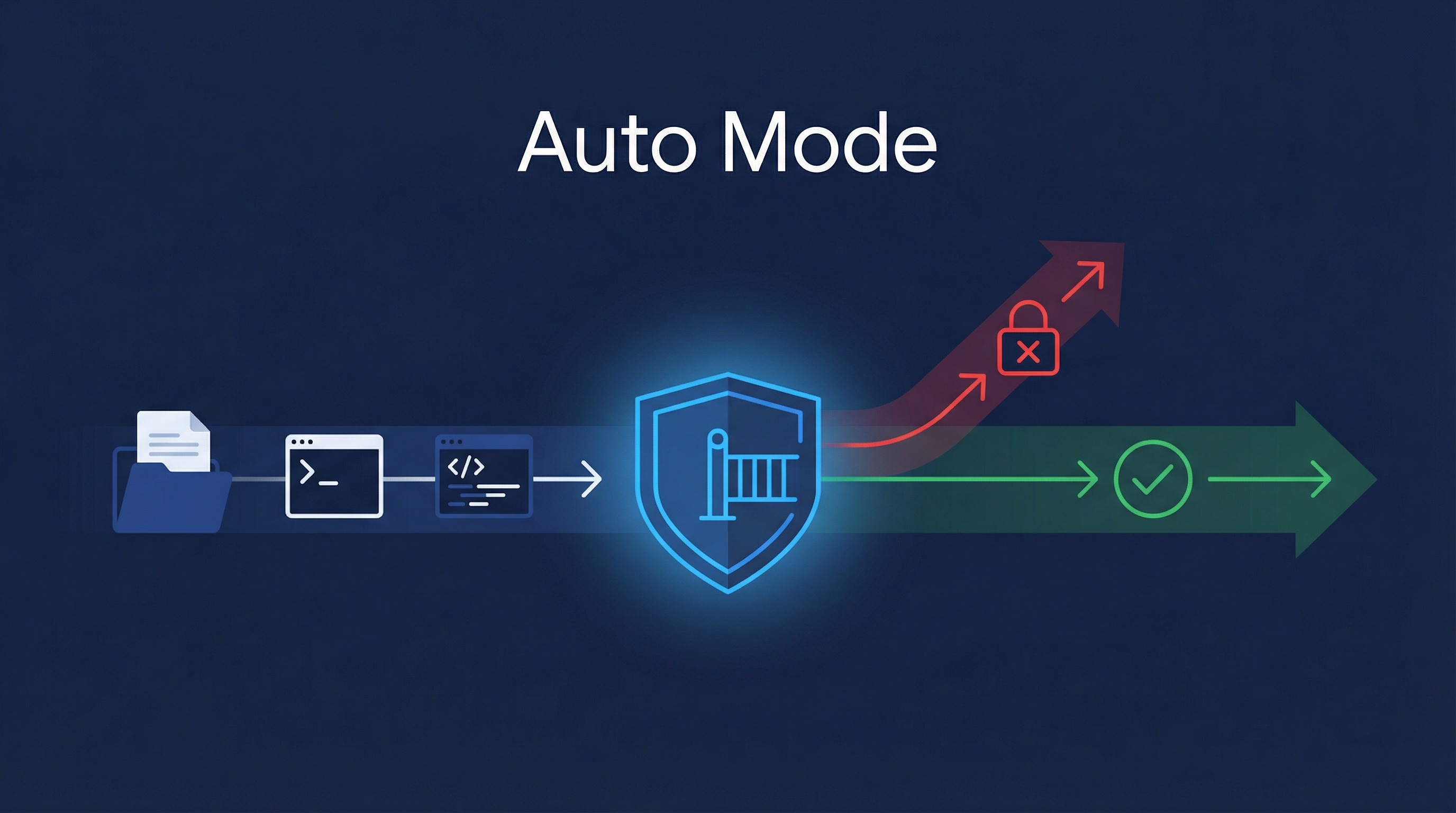
Claude Code launched auto mode on March 24, 2026 — a new permissions mode that sits between “approve every action” and “skip all checks.” Instead of you deciding on every file write and bash command, a classifier evaluates each action for destructive potential before it runs. Safe actions proceed automatically; risky ones get blocked and Claude finds an alternative approach. The result: you can kick off large tasks and walk away, without the “approve 47 permission prompts” tax.
| *Source: Anthropic Blog: Auto Mode | Claude Code Docs: Permission Modes | TechCrunch: Anthropic Hands Claude Code More Control | 9to5Mac: Safer Alternative to Skipping Permissions* |
The Three Permission Modes
| Mode | How It Works | When to Use |
|---|---|---|
| Default | Every file write and bash command requires your approval | Sensitive work, unfamiliar codebases |
| Auto mode | Classifier reviews each action; safe → auto-proceed, risky → blocked | Long-running tasks, trusted codebases |
| –dangerously-skip-permissions | All checks bypassed, no safety net | Only in fully isolated containers |
Default:       You ──approve──> Every Action
Auto mode:     Classifier ──filter──> Safe actions proceed, risky ones blocked
Skip perms:    Everything proceeds (⚠️ dangerous)
How Auto Mode Works
Before each tool call, a safety classifier evaluates the action:
Claude wants to execute an action
         ↓
┌─────────────────────┐
│   Safety Classifier  │
│                     │
│ Mass file deletion? → BLOCK
│ Data exfiltration?  → BLOCK
│ Malicious code?     → BLOCK
│ Normal file write?  → ALLOW
│ Standard bash cmd?  → ALLOW
└─────────────────────┘
         ↓
Blocked? → Claude tries alternative approach
         → If repeatedly blocked → prompts user
Allowed? → Action executes automatically
Key behaviors:
- Blocked actions don’t stop Claude — it redirects to a different approach
- Repeated blocks trigger user prompt — if Claude keeps trying risky things, you get asked
- Classifier isn’t perfect — may allow some risky actions if intent is ambiguous, or block benign ones occasionally
- Slight overhead — token consumption, cost, and latency may increase slightly
How to Enable
# Enable auto mode
claude --enable-auto-mode

# Toggle during a session
# Press Shift+Tab to switch between permission modes
Availability
| Plan | Status |
|---|---|
| Team | Available now (research preview) |
| Enterprise | Rolling out within days |
| API (Claude Code SDK) | Rolling out within days |
| Desktop app | Disabled by default; toggle in Org Settings → Claude Code |
Admin Controls
Enterprise admins can disable auto mode across the organization:
{
  "disableAutoMode": "disable"
}
Set this in managed settings for the CLI and VS Code extension.
Safety: What It Does and Doesn’t Do
| Does | Doesn’t |
|---|---|
| Blocks mass file deletion | Eliminate all risk |
| Catches data exfiltration attempts | Understand your full environment context |
| Prevents malicious code execution | Replace isolated environments for critical work |
| Redirects Claude to safer approaches | Guarantee zero false positives/negatives |
Anthropic’s recommendation: use auto mode in isolated environments. It reduces risk compared to --dangerously-skip-permissions but doesn’t eliminate it entirely.
The Harness Engineering Connection
How LearnAI Team Could Use This
- Use auto mode for low-risk documentation maintenance, formatting cleanup, and link checks in trusted repos.
- Keep manual approval or sandboxed runs for broad file rewrites, publishing workflows, and credentials-adjacent work.
- Teach the classifier as an example of harness engineering: middleware between intent and execution.
Real-World Use Cases
- Let Claude update multiple wiki entries while blocking destructive commands.
- Run repetitive linting and formatting tasks without approving every safe shell command.
- Use auto mode during long documentation cleanup sessions while staying out of full skip-permissions mode.
The Harness Engineering Connection
Auto mode is a textbook example of harness engineering in action — it’s a middleware layer (the classifier) sitting between the model’s intent and the actual execution. It embodies Pillar 2 (Architectural Constraints: code enforcement > prompt suggestions) and Pillar 6 (Modular Middleware: removable as models improve). As models get better at self-regulating, this classifier layer could eventually be removed.