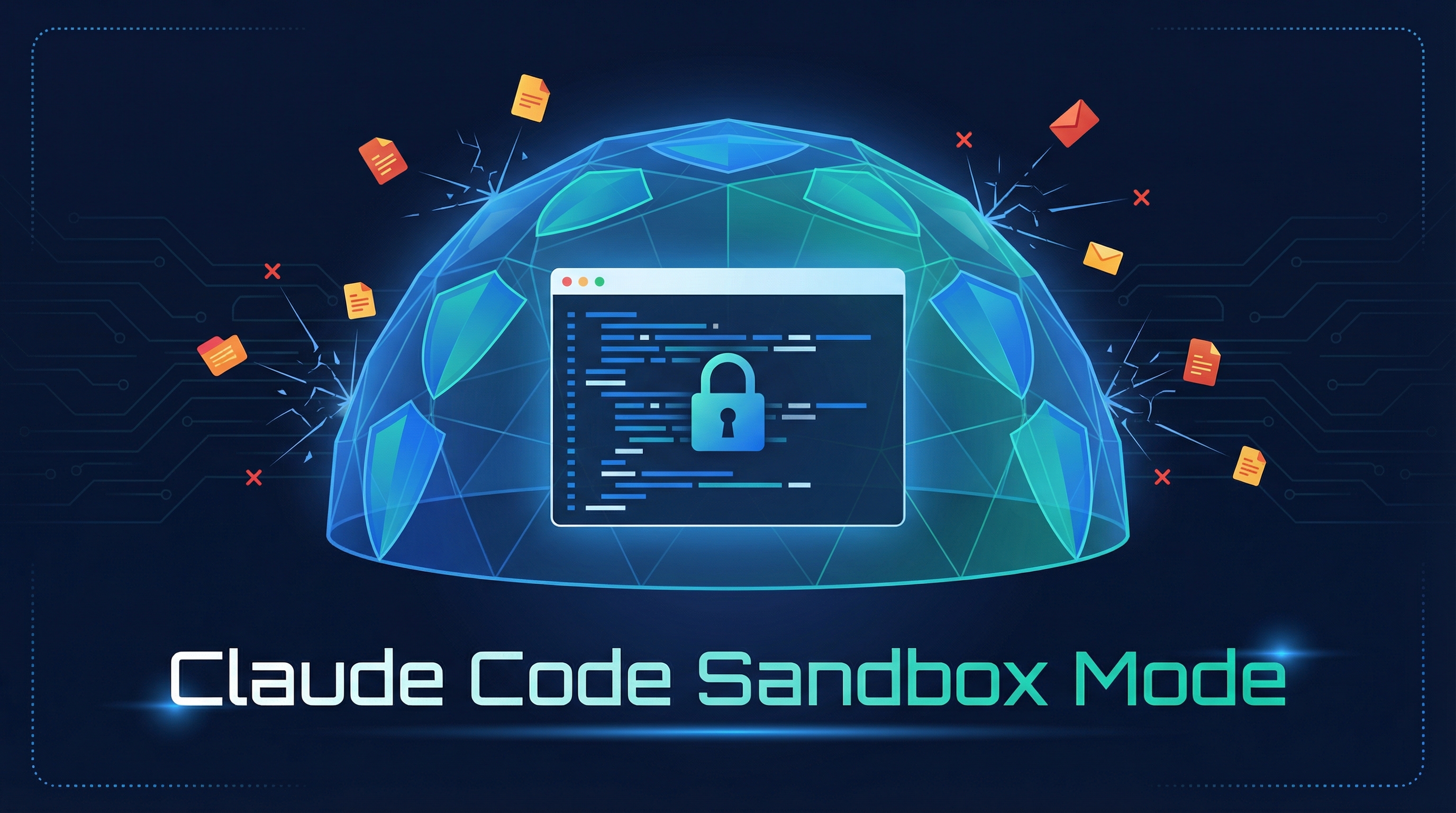
Claude Code has a built-in sandbox that provides file and network isolation, so commands run in a restricted environment right on your machine.
Source: Claude Code creator Boris shares 12 ways that most people don’t know about
Getting Started
> /sandbox
Run /sandbox inside a session to enable it. That’s it.
What It Does
Sandboxing restricts what Claude’s bash commands can access:
- File isolation — Commands can only read/write to allowed paths (your project directory, temp files, etc.). Attempts to touch sensitive files like
~/.sshor~/.envare blocked. - Network isolation — Controls which network requests commands can make, preventing unexpected outbound connections.
Why Use It
Even if you trust Claude, sandboxing adds defense-in-depth:
- Prevents accidental writes to files outside your project
- Blocks commands from reaching sensitive credentials
- Catches unintended side effects from shell commands
- Gives you confidence to let Claude run more commands autonomously
How It Works With Permissions
Sandbox and permissions are complementary:
| Layer | What it controls |
|---|---|
Permissions (/permissions) |
Whether Claude can use a tool at all |
Sandbox (/sandbox) |
What the OS allows the tool to access |
You can combine both: pre-allow common commands via permissions, while the sandbox ensures even allowed commands can’t escape their boundary.
Platform Support
- macOS — Supported now
- Linux — Supported now
- Windows — Coming soon
How LearnAI Team Could Use This
- Student safety: Use sandbox mode when students let Claude Code run shell commands in assignments, so accidental writes stay bounded to the project.
- Workshop demos: Demonstrate
/sandboxbefore autonomous coding exercises to model safer defaults. - Research/code reviews: Enable sandboxing when inspecting unfamiliar repositories or running generated commands.
Real-World Use Cases
| Scenario | Why sandbox helps |
|---|---|
| Running generated shell commands | Limits accidental access outside the project |
| Inspecting an unfamiliar repo | Reduces risk from unexpected scripts or tool calls |
| Student coding assignments | Keeps edits and reads scoped to assignment files |
| Pairing sandbox with permissions | Allows smoother automation while preserving OS-level boundaries |