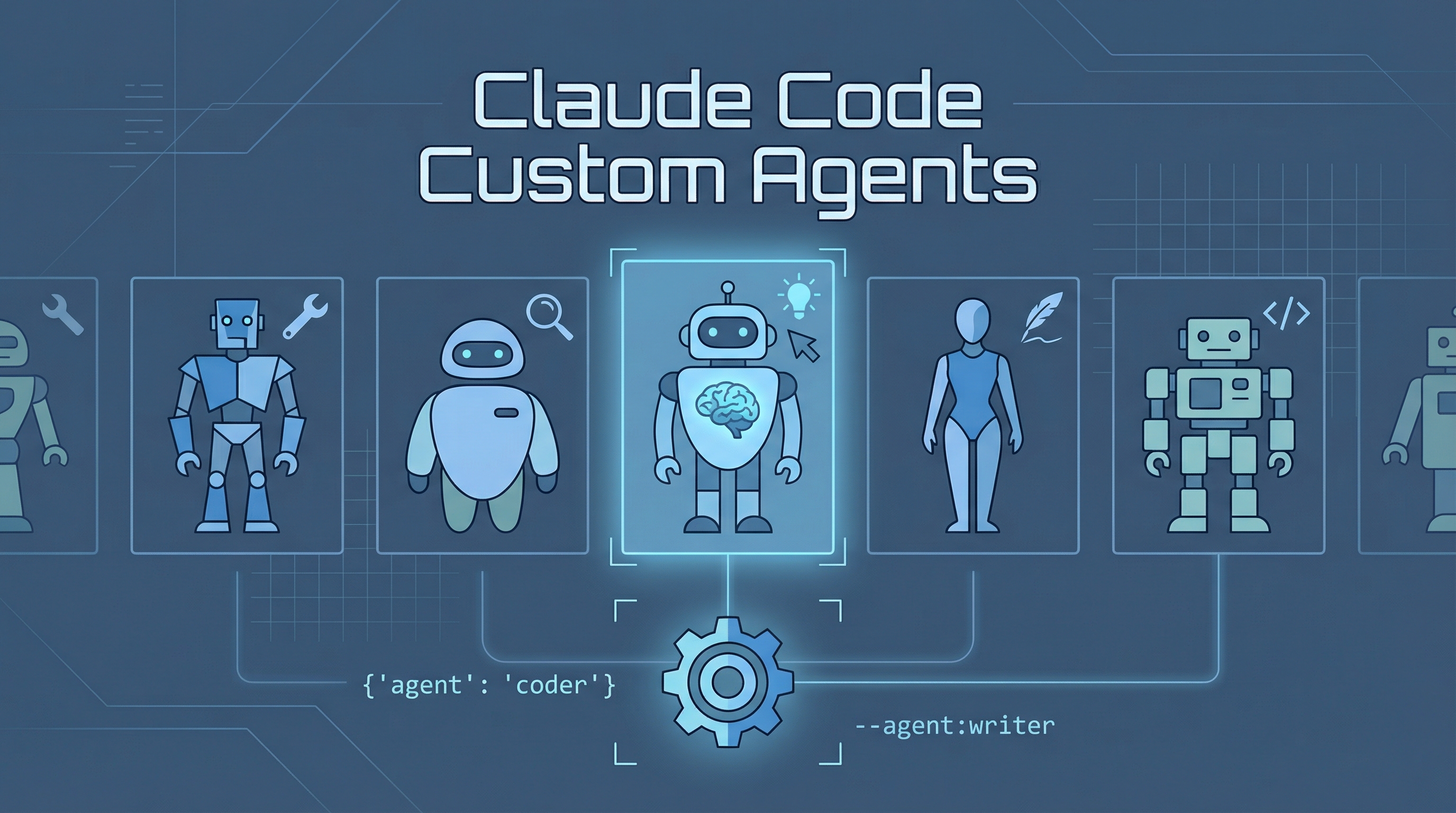
A little-known feature in Claude Code lets you set the default agent used for the main conversation. This changes the system prompt and behavior of your primary Claude session.
Source: Claude Code creator Boris shares 12 ways that most people don’t know about
Getting Started
> /agents
Run /agents to see available agents and get started.
How to Set a Custom Agent
Via settings.json
Add the agent field to your settings file:
{
  "agent": "your-agent-name"
}
Via CLI flag
Launch Claude Code with a specific agent:
claude --agent your-agent-name
Why This Matters
Different tasks benefit from different default behaviors. Instead of re-explaining your preferences every session, you can configure an agent that:
- Has domain-specific knowledge baked in
- Follows particular coding conventions by default
- Uses a specific workflow or review process
- Prioritizes certain tools or approaches
Agent vs CLAUDE.md
| Approach | Best for |
|---|---|
| CLAUDE.md | Project-specific instructions, conventions, file paths |
| Custom agent | Changing the overall persona, workflow, and tool preferences |
Think of CLAUDE.md as “what to know about this project” and agents as “how to behave in general.” They work together — your agent defines the baseline behavior, and CLAUDE.md layers on project context.
How LearnAI Team Could Use This
- Role-specific course agents — Create default agents for curriculum design, code review, research synthesis, and student support.
- Reusable teaching workflows — Encode preferred review steps and explanation style once instead of repeating them in every Claude Code session.
- Team consistency — Pair a shared agent with project-level CLAUDE.md files so team members get consistent behavior across repositories.
Real-World Use Cases
- Course development — Launch Claude Code with a curriculum-focused agent when drafting lessons, exercises, and rubrics.
- Codebase review — Use a reviewer agent that prioritizes tests, security, and maintainability before suggesting edits.
- Research documentation — Use a synthesis agent that structures notes into source-backed wiki entries.