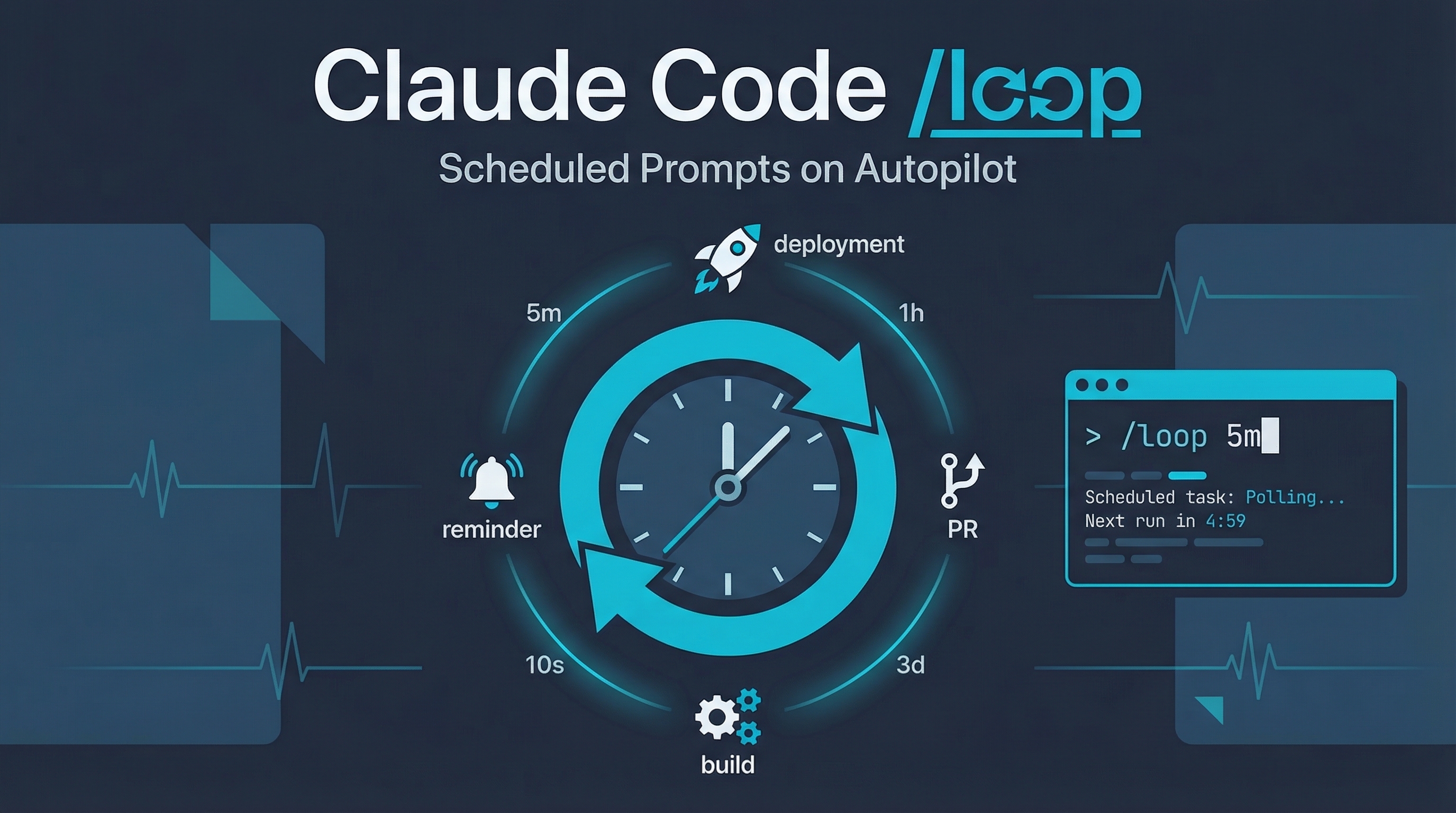
The /loop command lets you schedule a recurring prompt inside Claude Code. It fires in the background while your session stays open — perfect for polling deployments, babysitting PRs, or checking on long-running builds.
Source: Claude Code Docs — Run Prompts on a Schedule
Quick Start
> /loop 5m check if the deployment finished and tell me what happened
Claude parses the interval, converts it to a cron expression, schedules the job, and confirms the cadence and job ID.
Interval Syntax
Intervals are flexible — lead with them, trail with them, or skip them entirely:
| Form | Example | Parsed interval |
|---|---|---|
| Leading token | /loop 30m check the build |
Every 30 minutes |
Trailing every clause |
/loop check the build every 2 hours |
Every 2 hours |
| No interval | /loop check the build |
Defaults to every 10 minutes |
Supported units: s (seconds), m (minutes), h (hours), d (days). Seconds are rounded up to the nearest minute since cron has one-minute granularity.
Loop Over Other Commands
The scheduled prompt can be another slash command or skill:
> /loop 20m /review-pr 1234
Each time the job fires, Claude runs /review-pr 1234 as if you typed it.
One-Time Reminders
For one-shot reminders, use natural language instead of /loop:
> remind me at 3pm to push the release branch
> in 45 minutes, check whether the integration tests passed
Claude schedules a single-fire task that deletes itself after running.
Managing Tasks
> what scheduled tasks do I have?
> cancel the deploy check job
Under the hood, Claude uses three tools:
| Tool | Purpose |
|---|---|
CronCreate |
Schedule a new task (cron expression + prompt) |
CronList |
List all scheduled tasks with IDs and schedules |
CronDelete |
Cancel a task by its 8-character ID |
A session can hold up to 50 scheduled tasks at once.
How LearnAI Team Could Use This
- Poll publishing jobs, site builds, and broken-link checks while a Claude Code session stays open.
- Schedule recurring checks on PRs that update lessons, wiki entries, or assets.
- Use short-lived loops during launches to monitor deploy status, CI, and content QA without creating permanent automation.
Real-World Use Cases
Poll a Deployment
> /loop 5m check the deployment status on staging and notify me when it's healthy
Watch CI/CD Pipeline
> /loop 10m check if the GitHub Actions workflow on PR #42 passed
Babysit a Long Build
> /loop 15m check if the Docker build finished and report any errors
Recurring Code Review
> /loop 20m /review-pr 1234
End-of-Day Reminder
> remind me at 5pm to commit and push my changes
Important Things to Know
Session-Scoped Only
Tasks only fire while Claude Code is running and idle. Closing the terminal cancels everything. No persistence across restarts. For durable scheduling, use Desktop scheduled tasks or GitHub Actions.
3-Day Auto-Expiry
Recurring tasks automatically expire 3 days after creation. The task fires one final time, then deletes itself. This prevents forgotten loops from running forever. If you need longer, cancel and recreate before expiry.
Fires Between Your Turns
Scheduled prompts fire between your turns, not while Claude is mid-response. If Claude is busy when a task comes due, it waits until the current turn ends.
No Catch-Up
If a task’s scheduled time passes while Claude is busy, it fires once when Claude becomes idle — not once per missed interval.
Local Timezone
All times use your local timezone. 0 9 * * * means 9am wherever you’re running Claude Code, not UTC.
Jitter
The scheduler adds a small deterministic offset to avoid API thundering herds:
- Recurring tasks: Up to 10% of their period late, capped at 15 minutes
- One-shot tasks: Up to 90 seconds early if scheduled at
:00or:30
Disable Entirely
Set CLAUDE_CODE_DISABLE_CRON=1 in your environment to disable the scheduler. The cron tools and /loop become unavailable.
Cron Expression Reference
For power users, CronCreate accepts standard 5-field cron expressions:
| Expression | Meaning |
|---|---|
*/5 * * * * |
Every 5 minutes |
0 * * * * |
Every hour on the hour |
0 9 * * * |
Every day at 9am local |
0 9 * * 1-5 |
Weekdays at 9am local |
30 14 15 3 * |
March 15 at 2:30pm local |