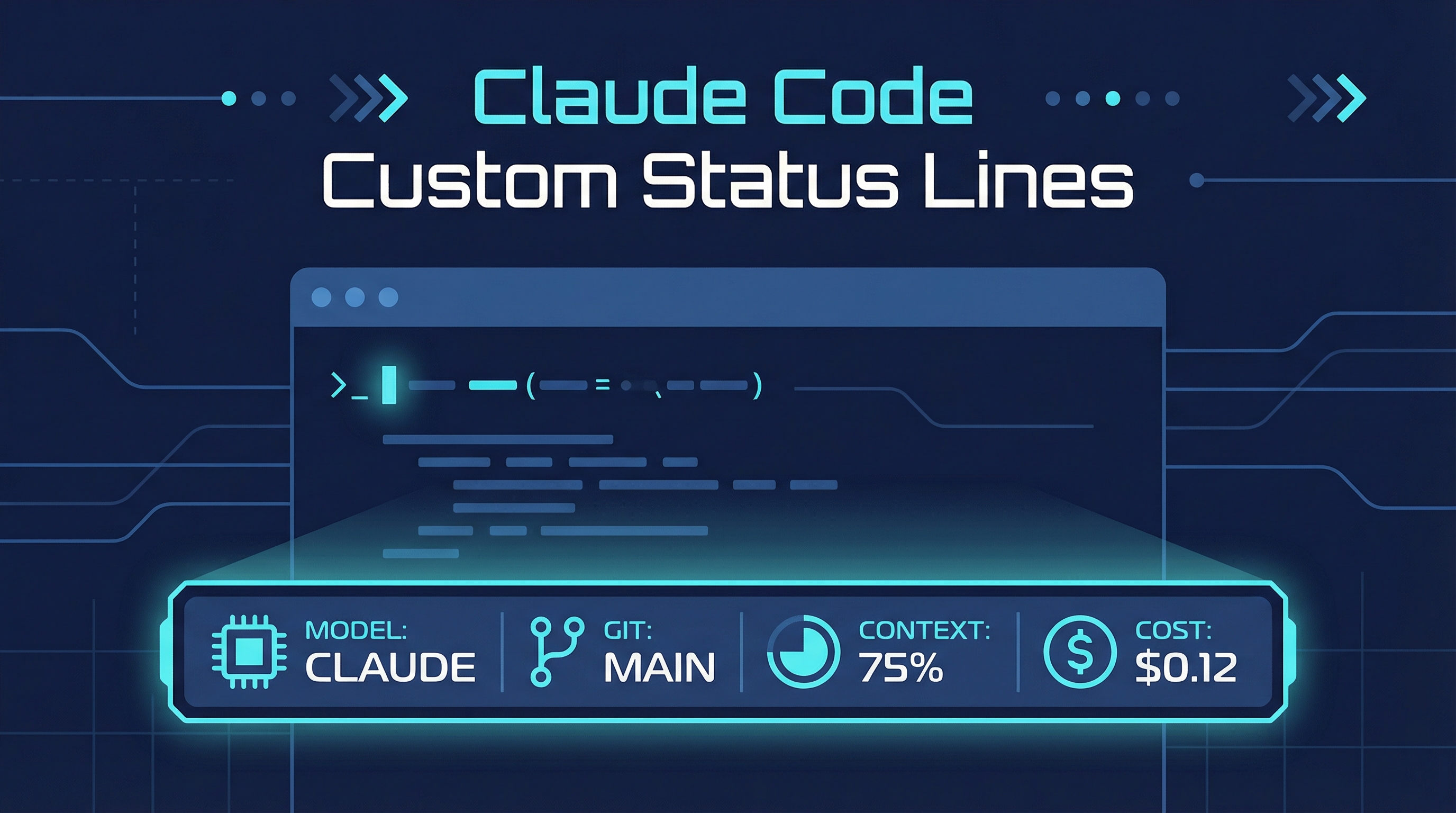
Custom status lines show up right below the composer in Claude Code, letting you display model, directory, remaining context, cost, and pretty much anything else you want to see while you work.
| *Source: Claude Code status line configuration | Claude Code creator Boris shares 12 ways that most people don’t know about* |
Getting Started
Run /statusline inside a session and Claude will generate a statusline for you based on your .bashrc/.zshrc prompt style.
> /statusline
What You Can Display
Status lines are fully customizable. Common fields include:
| Field | Description |
|---|---|
| Model name | Which Claude model is active |
| Directory | Current working directory |
| Git branch | Current branch + dirty state |
| Context usage | How much of the context window is used |
| Cost | Running session cost |
Everyone’s Is Different
Everyone on the Claude Code team has a different statusline — there’s no “right” setup. Some people want minimal (just model + context %), others go full dashboard with git info, cost, and directory.
How It Works
Claude Code sends JSON to your statusline script via stdin with fields like model, context_window.used_percentage, cost.total_cost_usd, workspace.project_dir, and more. Your script reads this and outputs formatted text.
Example statusline script
#!/bin/bash
input=$(cat)

MODEL=$(echo "$input" | jq -r '.model.display_name')
DIR=$(echo "$input" | jq -r '.workspace.project_dir' | xargs basename)
PCT=$(echo "$input" | jq -r '.context_window.used_percentage // 0' | cut -d. -f1)
COST=$(echo "$input" | jq -r '.cost.total_cost_usd // 0')
BRANCH=$(git branch --show-current 2>/dev/null || echo "no git")

printf "[$MODEL] %s | %s | Context: ${PCT}%% | \$%.2f" \
  "$DIR" "$BRANCH" "$COST"
Configuration in settings.json
{
  "statusLine": {
    "type": "command",
    "command": "~/.claude/statusline.sh"
  }
}
How LearnAI Team Could Use This
- Share a standard statusline template across the team showing git branch, model, cost, and context usage.
- Use statusline as a teaching tool to make Claude Code’s internal state visible to students during demos.
- Monitor context growth and cost in real-time during long wiki review or documentation sessions.
Real-World Use Cases
- Displaying git branch + model + token cost at a glance during multi-worktree parallel sessions.
- Adding custom indicators (e.g., current project name, review progress) to the status bar.
- Using statusline data to decide when to compact, switch models, or start a new session.
Why This Matters
Unlike traditional CLI tools where you’re flying blind, the statusline gives you constant awareness of context burn rate, cost, and environment — without leaving the conversation.