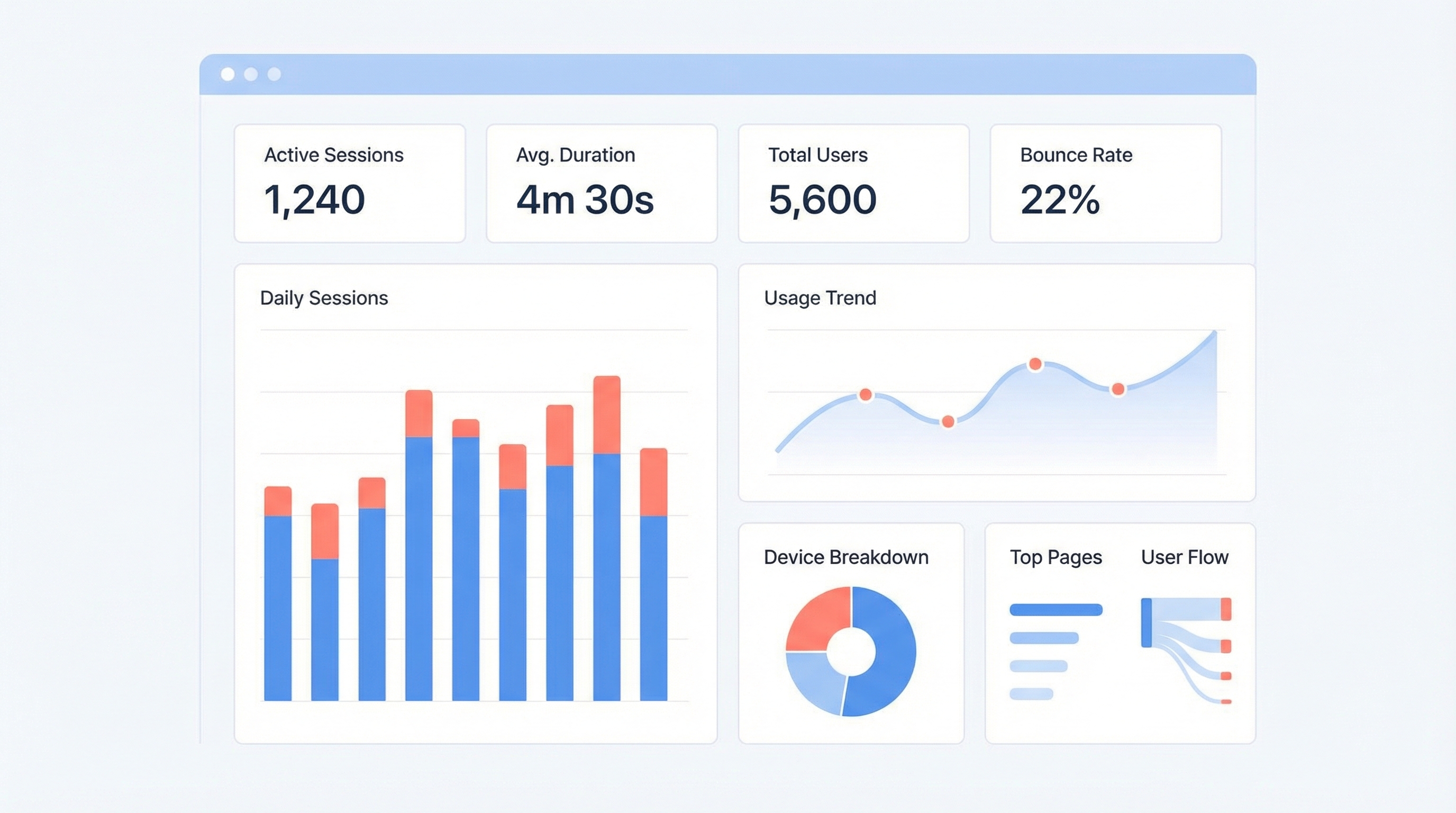
Claude Code provides built-in commands to monitor your session statistics, token usage, and costs.
Quick Commands
| Command | Purpose |
|---|---|
/cost |
Show current session cost and token usage |
/usage |
Display detailed usage statistics |
/stats |
View session statistics |
Using /cost
Simply type /cost in your Claude Code session to see:
- Total tokens used (input + output)
- Estimated cost for the session
- Breakdown by conversation turn
> /cost
Using /usage
The /usage command provides more detailed insights:
- Token counts per message
- Cache hit rates
- Model being used
Tips for Managing Costs
Use Compact Mode
When context gets large, use /compact to summarize the conversation and reduce token usage.
Choose the Right Model
Use /model to switch between models:
haiku- Fast and cheap for simple taskssonnet- Balanced for most workopus- Most capable for complex reasoning
Monitor Regularly
Check /cost periodically during long sessions to stay aware of usage.
Related Commands
/clear- Start fresh conversation (resets context)/compact- Compress conversation history/config- View and modify settings
How LearnAI Team Could Use This
- Teaching cost awareness: Have students run
/costduring longer Claude Code sessions so token usage becomes visible. - Workshop facilitation: Use
/usageor/statscheckpoints during demos to explain how long sessions grow. - Project budgeting: Encourage LAI project teams to monitor cost before and after compaction or model switches.
Real-World Use Cases
| Scenario | Command | Example |
|---|---|---|
| Checking spend during a long debugging session | /cost |
Verify cost before continuing another round of tests |
| Understanding why a session is getting expensive | /usage |
Inspect token growth and cache behavior |
| Deciding whether to compact | /stats or /usage |
Check whether context has grown enough to justify /compact |
| Teaching model tradeoffs | /model plus /cost |
Compare simple edits on Haiku/Sonnet/Opus-style model tiers |