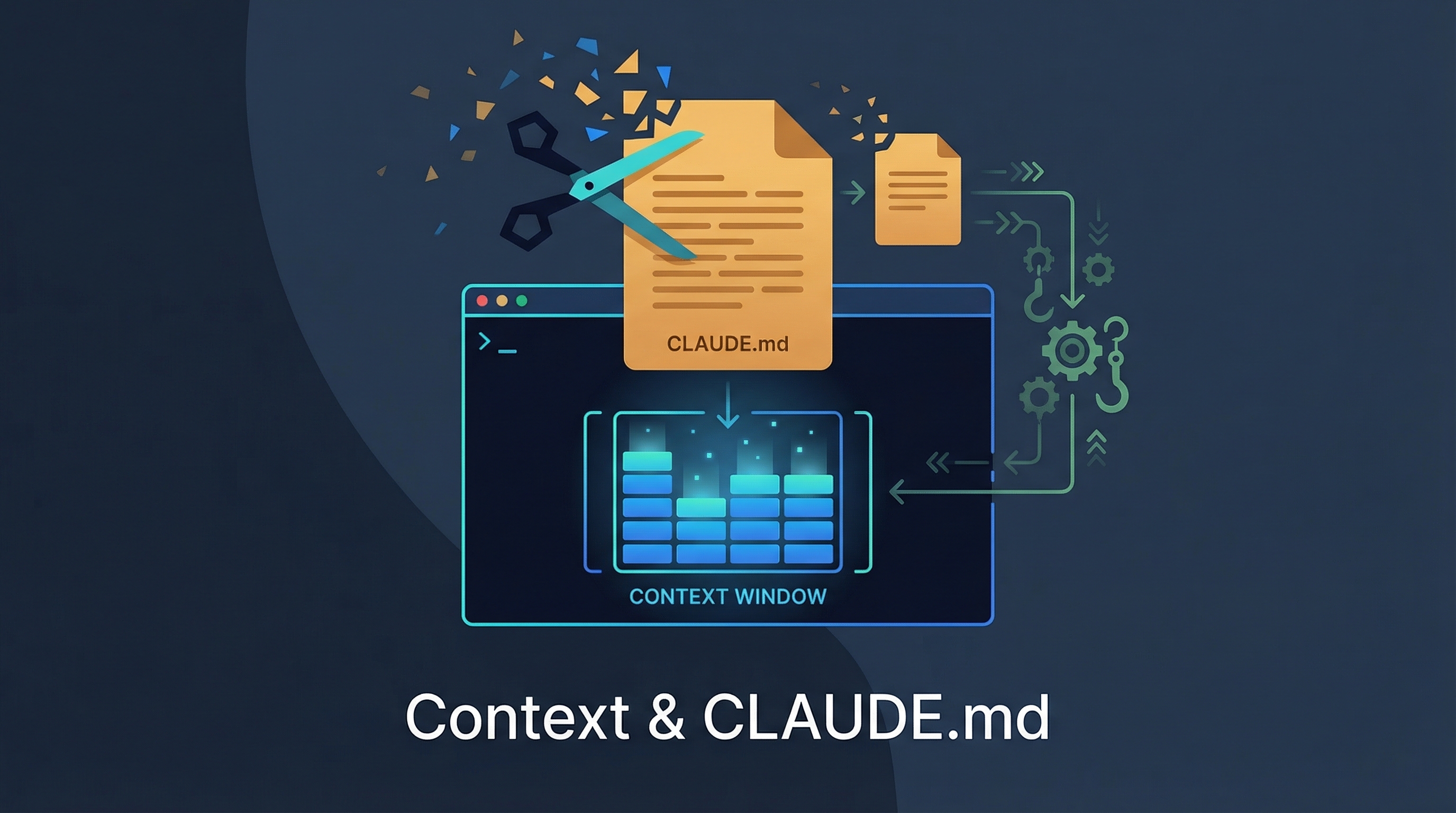
A practical guide to the two biggest Claude Code pain points: context window management and CLAUDE.md bloat. Draws from a widely-shared Chinese-language analysis by 爱可可-爱生活, the open-source Citadel orchestration framework, community discussions on Reddit about what happens when you stop adding rules and start building infrastructure instead, and Anthropic’s July 2026 context-engineering guidance.
July 2026 Update: Delete Rules, Design Interfaces
Anthropic’s July 24, 2026 context-engineering post makes the earlier “CLAUDE.md pruning” lesson more explicit: as newer models improve, many old instructions become drag. Anthropic reports cutting a large majority of Claude Code’s system prompt for newer Claude models, described as more than 80%, while preserving performance on its internal coding evaluations. The practical lesson is not “delete everything”; it is “move from rule piles to better context surfaces.”
| Older habit | Better pattern |
|---|---|
| Give Claude many specific rules | Let it match the surrounding code’s idiom |
| Put examples for every tool in the system prompt | Design expressive tool schemas and descriptions |
| Load all verification rules upfront | Put verification into a skill loaded when needed |
| Use CLAUDE.md as memory for everything | Keep CLAUDE.md lightweight; use memory, skills, and references |
| Store every plan as plain Markdown | Use richer references when the task needs them: tests, HTML mockups, rubrics, code |
The student-facing version: CLAUDE.md should be a map and a gotcha file, not a warehouse. If a rule only restates what the repo structure, linter, type checker, tests, or tool schema already says, it probably belongs outside the always-loaded context.
Context Management Is the Core Battlefield
The original article’s opening line: “上下文管理是核心战场” — context management is the core battlefield. Once your context window hits ~50% capacity, Claude starts compressing earlier messages, and quality drops. The key insight:
The smaller each task, the more likely it finishes within 50% context. The smaller the task, the more stable Claude is.
┌─────────────────────────────────────────────┐
│           Context Window (200K)              │
│                                             │
│  ┌─────────┐  Sweet spot: each task         │
│  │ Task A  │  completes in <50% context     │
│  └─────────┘                                │
│  ┌─────────┐                                │
│  │ Task B  │  After 50%: compression kicks  │
│  └─────────┘  in, Claude loses earlier info │
│  ┌─────────────────────────────────────┐    │
│  │ Task C (too large)         ⚠️ RISK  │    │
│  └─────────────────────────────────────┘    │
└─────────────────────────────────────────────┘
Five Rules from the Trenches
| Rule | Why |
|---|---|
| Always start in plan mode | Let Claude understand what to do before it touches code. Finish one task, then commit — don’t batch |
| Use iTerm, not IDE terminals | IDE built-in terminals crash more easily with heavy Claude Code sessions |
| Voice input multiplies efficiency | Dictating context is 2-3× faster than typing; great for initial specs |
| Use git worktrees | Handle multiple branches simultaneously without context-switching |
Run compact manually at ~50% |
Don’t wait for auto-compression; take control of what gets kept |
The Three-Role Architecture
The article describes Claude Code’s architecture as three distinct roles working together:
┌──────────────────────────────────────────────────┐
│                Claude Code Architecture           │
├──────────────┬──────────────┬────────────────────┤
│   Commands   │    Agents    │      Skills        │
│  (Entry &    │ (Orchestrate │  (Domain           │
│  Interaction)│  & Route)    │  Knowledge)        │
├──────────────┼──────────────┼────────────────────┤
│ CLI input    │ Subagents    │ Preloaded specs    │
│ Slash cmds   │ Task routing │ Workflows          │
│ User prompts │ Parallel ops │ Best practices     │
└──────────────┴──────────────┴────────────────────┘
         ↓              ↓              ↓
    "What to do"   "How to route"  "What to know"
This is a progressive disclosure design — Claude loads domain knowledge only when needed, avoiding context overload from the start.
Debugging: Observe, Don’t Guess
Two underrated debugging techniques from the article:
-
Watch the terminal as a log observer — Run Claude’s background task output in a visible terminal. Watching the raw flow reveals patterns you’d miss by just reading the final answer.
-
Use MCP to connect Claude to your browser — Instead of copy-pasting error messages, let Claude read browser console output directly. Much more efficient than the “copy → paste → describe” loop.
The CLAUDE.md Bloat Problem
The community consensus: bloated CLAUDE.md files are a rite of passage. Everyone’s first instinct is to add more rules. The result?
- Claude starts ignoring rules because there are too many
- Cost per session increases (more prompt tokens loaded every time)
- Rules contradict each other
- Adding “don’t do X” rules creates a negative instruction spiral
The Solution: Infrastructure, Not More Rules
The Reddit thread captures this insight perfectly: the answer isn’t more rules — it’s building the right infrastructure.
| Instead of… | Build this… |
|---|---|
| “Always run tests before committing” | A pre-commit hook that runs tests automatically |
| “Use the right model for simple tasks” | An agent layer that routes by complexity |
| “Don’t exceed budget” | Budget enforcement with automatic model downgrade |
| “Follow our coding style” | A linter config that Claude reads and respects |
| “Check these files before editing” | Skills that preload relevant context |
The Pruning Methodology
A concrete case study: one developer pruned 60% of their CLAUDE.md rules. The result: response speed improved 40% and hallucinations decreased noticeably.
The step-by-step method:
- Run an audit prompt — ask Claude to scan your CLAUDE.md for contradictions. You’ll discover conflicts you never noticed, like a vague “maintain natural tone” rule overriding specific formatting rules.
- Delete the flagged rules — but don’t blindly delete everything flagged.
- Test with your 3 most common tasks — run them after deletion.
- Evaluate: output the same or better? → those rules were dead weight. A feature broke? → add that one rule back.
The deeper insight:
“The real skill isn’t knowing rules — it’s knowing what to delete. Your AI settings should get simpler over time. If they’re getting more complex, you’re using rule accumulation to avoid thinking about ‘what do I actually want?’“
Claude can’t solve this for you. If you don’t know what you want, no amount of CLAUDE.md rules will produce it.
Practical CLAUDE.md Guidelines
| Guideline | Detail |
|---|---|
| Keep it under 200 lines | For each line, ask: “Would removing this cause Claude to make mistakes?” If not, cut it |
| Use progressive disclosure | Put domain-specific knowledge in skills, not CLAUDE.md |
| Use sub-folder CLAUDE.md files | /frontend/CLAUDE.md, /backend/CLAUDE.md for scoped instructions |
| Audit regularly | Use a CLAUDE.md review workflow or plugin to check for contradictions and stale rules |
| Treat it like code | Review it, prune it, test changes by observing behavior shifts |
| Simplify over time | Your CLAUDE.md should get shorter as you learn what matters — not longer |
Memory Imports: Shared Standards Without One Giant File
CLAUDE.md can import other Markdown files with @path references. This is the clean way to share team standards while keeping local preferences private and project-specific context scoped.
Source: Claude Code docs — Memory imports. Check the docs for current depth limits and approval behavior before using imports in a locked-down classroom or enterprise setup.
# CLAUDE.md

## Project Overview
@README.md

## Team Standards
@docs/coding-standards.md
@docs/security.md

## Personal Preferences
@~/.claude/my-preferences.md
| Import type | Use it for |
|---|---|
| Relative path | Project docs such as @docs/architecture.md or @../shared-standards.md |
| Home path | Personal rules shared across worktrees, such as @~/.claude/review-style.md |
| Absolute path | Shared machine-local standards where a team controls the path |
The pattern that scales best is shared standards plus local overrides:
# CLAUDE.md - committed
@docs/team-standards.md
@docs/project-architecture.md

# CLAUDE.local.md - gitignored
@~/.claude/my-local-preferences.md
That gives every student or teammate the same baseline while leaving room for local editor paths, sandbox URLs, and personal workflow preferences. Use /memory during a session to inspect what actually loaded.
Cost Control: The Agent Layer Approach
The article highlights a real-world example: someone burned $15 in 8 minutes because they had no cost controls. Adding “don’t use Opus for this task” as a rule doesn’t work — Claude has 30+ model selection rules and ignores them.
The effective approach is an agent layer that:
User Request
    ↓
┌─────────────────────┐
│   Complexity Router  │
│                     │
│  Simple? → Haiku    │
│  Medium? → Sonnet   │
│  Complex? → Opus    │
│                     │
│  Budget remaining?  │
│  Yes → proceed      │
│  No  → downgrade    │
└─────────────────────┘
    ↓
Execution with enforced budget
This moves cost control from “prompt suggestions” to “infrastructure decisions.”
Citadel: A Full Implementation
Citadel by Seth Gammon is an open-source framework that implements these ideas as a complete system:
| Tier | Role | When to use |
|---|---|---|
| Skills | Domain experts | Single-task, specific knowledge |
| Marshal | Session coordinator | Multi-step within one session |
| Archon | Autonomous strategist | Cross-session campaigns |
| Fleet | Parallel agents | Independent tasks in isolated worktrees |
Key features: campaign persistence across sessions, parallel agent coordination with discovery sharing, lifecycle hooks for quality enforcement, and a universal /do router that classifies intent and dispatches to the cheapest capable tier.
The Boris Template: CLAUDE.md as AI Onboarding Manual
A widely-shared infographic (爱可可-爱生活) reframes CLAUDE.md as an AI co-worker’s onboarding manual — not just a config file, but a structured document that lets AI “remember the past, carry out the present, and evolve into the future.”
Source: 爱可可-爱生活 on Weibo (2026-03)
The Problem It Solves
Without CLAUDE.md:
  Every session starts from zero → inefficient loop
  │ User → explain context → AI executes → session ends → repeat │

With CLAUDE.md:
  AI reads your "onboarding manual" → picks up where it left off
  │ Past errors │ Project rules │ Execution rules │ → Claude AI
The analogy: CLAUDE.md is a letter to future collaborators — not just a config tool.
Boris Template Design
The Boris template structures CLAUDE.md into task modes:
| Mode | Purpose | When to Use |
|---|---|---|
| Simple Task | Write spec first, start | Quick changes |
| Complex Analysis | Subagent-based | Keep context coherent across subtasks |
| Post-correction | Update tasks/lessons.md | Don’t repeat mistakes next time |
| Task Complete | Prove completion | Don’t just claim done — show evidence |
| Decision Making | Explain trade-offs | Not just explain what, explain why not |
Evolution Mechanism
The template defines three maturity levels:
| Level | How CLAUDE.md is Used |
|---|---|
| Beginner | Static config file (copy-paste and forget) |
| Intermediate | Update after each session (effect compounding) |
| Advanced | Dynamic updates via .bashrc + agent hooks (auto-evolution) |
Core Principles (from terminal screenshot)
The accompanying terminal screenshot reveals the full operating principles:
- Plan Mode Default — Enter plan mode for ANY non-trivial task. If something goes sideways, STOP and re-plan immediately.
- Subagent Strategy — Use subagents liberally to keep main context window clean. For complex problems, throw more compute at it via subagents.
- Self-Improvement Loop — After ANY correction from user, update
tasks/lessons.mdwith the pattern. Write rules for yourself that prevent the same mistake. - Verification Before Done — Never mark a task complete without proving it works. Run tests, check logs, demonstrate correctness.
- Demand Elegance (Balanced) — For non-trivial changes, pause and ask “is there a more elegant way?” But don’t over-engineer.
- Autonomous Bug Fixing — Given a bug report, first list the evidence. Point at logs, errors, failing tests — then resolve them. Zero context switching required from the user.
The .bashrc insight: the real nature of CLAUDE.md isn’t to make AI smarter — it’s to make it more like a domesticated role-specific interface for your company, where computing power and knowledge become free-flowing water.
Complete Project Structure — The Directory Cheat Sheet
A visual reference (by Sandipan Bhaumik / agentbuild.ai) showing the full Claude Code project directory structure. Most people only use CLAUDE.md — the real power is in the .claude/ directory.
Source: 默庵·超级个体 on Xiaohongshu (2026-04)
your-project/
├── CLAUDE.md ················· Loaded at session start. Project overview,
│                               tech stack, coding conventions, architecture.
├── CLAUDE.local.md ··········· Personal preferences. Overrides CLAUDE.md.
│                               Git-ignored — your private config.
├── .mcp.json ················· MCP integration configs. Connect to GitHub,
│                               Jira, Slack, databases. Shared across team via git.
│
└── .claude/
    ├── settings.json ········· Permissions & tool access. Model selection,
    │   settings.local.json     hooks config. .local overrides shared settings.
    │
    ├── rules/ ················ Modular .md files by topic:
    │   ├── code-style.md       - Covers style, testing, API design
    │   ├── testing.md          - Can target specific files/paths
    │   └── api-conventions.md  - Loaded automatically by Claude
    │
    ├── commands/ ············· Custom slash commands (/project-name):
    │   ├── review.md           - Used for repeatable workflows
    │   └── fix-issue.md        - Supports shell execution
    │
    ├── skills/ ··············· Auto-triggered based on task context:
    │   └── deploy/             - Loads only when needed
    │       ├── SKILL.md        - Keeps context lightweight
    │       └── deploy-config.md
    │
    ├── agents/ ··············· Specialized sub-agents with roles:
    │   ├── code-reviewer.md    - Isolated context windows
    │   └── security-auditor.md - Custom tools and model preferences
    │
    └── hooks/
        └── validate-bash.sh ·· Event-driven scripts (pre/post tool use).
                                Automate validation, testing, formatting.
                                Block unsafe operations.
What Each Layer Does
| Layer | Purpose | Key Insight |
|---|---|---|
| CLAUDE.md | Project rules + context | The “onboarding manual” — loaded every session |
| CLAUDE.local.md | Personal overrides | Git-ignored; your preferences without polluting team config |
| rules/ | Coding standards | Modular — split by topic instead of one giant CLAUDE.md |
| commands/ | Repeatable workflows | Custom /slash-commands for your team’s processes |
| skills/ | Domain knowledge | Auto-loaded only when relevant — keeps context lean |
| agents/ | Specialized workers | Each agent has its own role, tools, and context isolation |
| hooks/ | Automation gates | Deterministic enforcement — linters, tests, safety checks |
The Real Takeaway
“Most people put one CLAUDE.md and call it done. The real power is the
.claude/directory — rules for standards, commands for workflows, skills for knowledge, agents for delegation, hooks for safety.”
Configure once, benefit every session. The more structured your .claude/ directory, the more reliable and consistent Claude’s output becomes.
How LearnAI Team Could Use This
- Prune shared CLAUDE.md files using the Boris template: keep under 100 lines, move specifics to sub-folder files.
- Move deterministic rules into hooks instead of prompt instructions — code enforcement over prompt suggestions.
- Use the three-role architecture (Researcher → Planner → Executor) for complex documentation and wiki update tasks.
- Audit CLAUDE.md quarterly: delete rules you can’t remember writing, convert verbose instructions into 3-word imperatives.
Real-World Use Cases
- Running
claude-md-managementplugin to audit and prune bloated CLAUDE.md files across projects. - Setting up Citadel-style agent routing to use cheaper models for simple tasks and Opus for complex reasoning.
- Converting project-specific rules from global CLAUDE.md into sub-folder
.claude/CLAUDE.mdfiles that only load in context. - Using hooks for deterministic enforcement (formatting, commit messages, security checks) instead of relying on prompt compliance.
Key Takeaway
The article’s closing line sums it up: using AI coding tools well isn’t about finding the perfect configuration — it’s about understanding how the tool works, then building systems that flow with it.