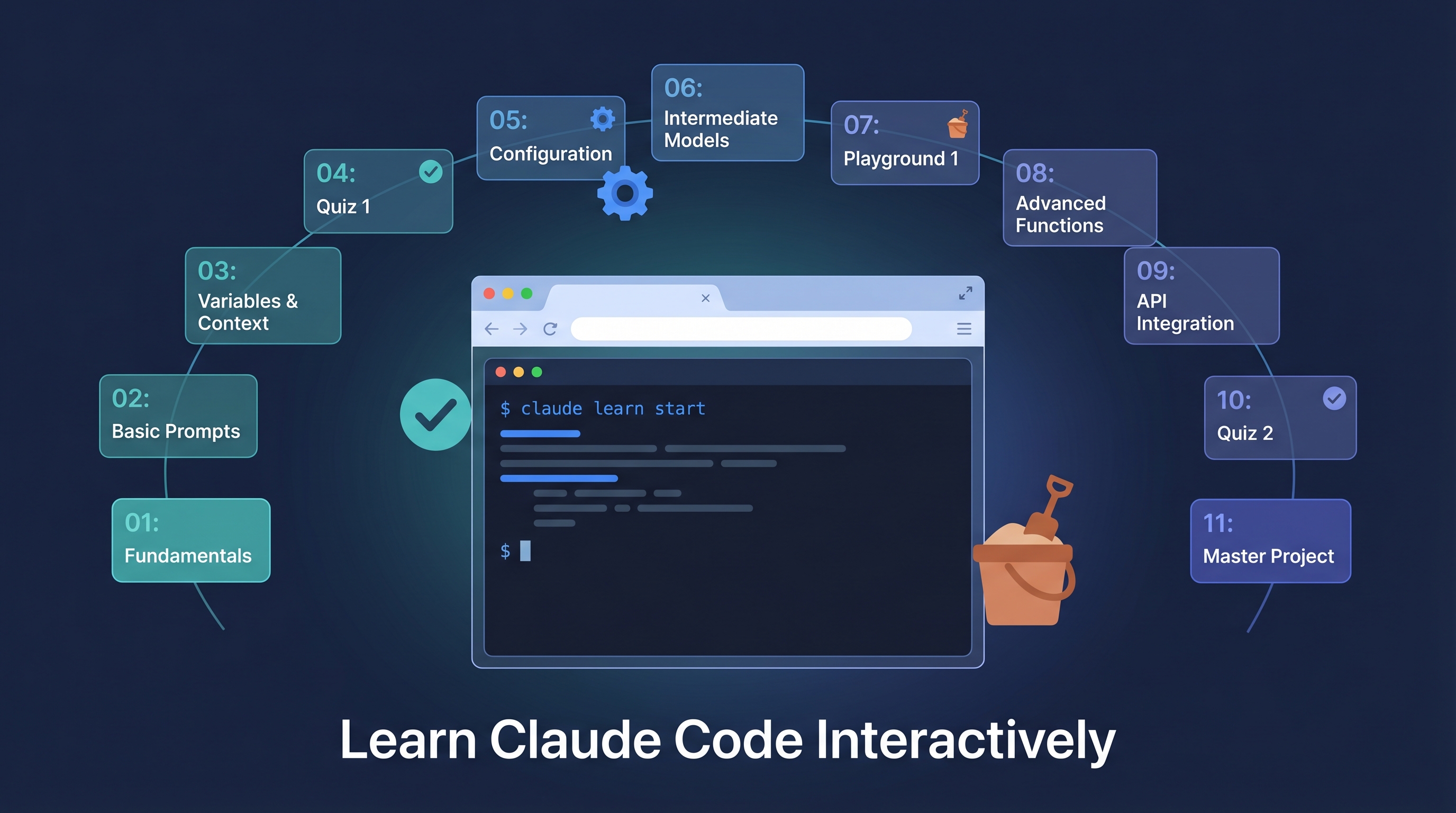
Claude Code’s documentation is notoriously scattered — slash commands, hooks, skills, MCP configuration, each lives in a different place and requires self-guided exploration. claude.nagdy.me takes a different approach: learn by doing. It’s a free, browser-based interactive platform with 11 modules, a terminal simulator, config builders, and quizzes. No installation, no API key, no setup — just open the browser and start practicing.
| *Source: claude.nagdy.me | Scrimba: Best Claude Code Tutorials 2026* |
What Makes It Different
| Traditional Learning | claude.nagdy.me |
|---|---|
| Read docs → try to apply | Do exercises → learn the concept |
| Install Claude Code first | Browser-based, no installation |
| Figure out what to learn next | Structured 11-module progression |
| No feedback on understanding | Quizzes with explanations |
The 11 Modules
Beginner (30-45 min each)
| Module | What You Learn | |——–|—————| | Slash Commands | All built-in commands, when to use each | | Memory & CLAUDE.md | Project memory, personal instructions, scoping | | Project Setup | First-time config, permissions, .claude files | | Commands Deep Dive | Advanced command patterns and combinations |
Intermediate (~1 hour each)
| Module | What You Learn | |——–|—————| | Skills | Installing and creating SKILL.md files | | Hooks | Pre/post tool-use hooks, automated behaviors | | MCP Servers | Connecting external tools and data sources | | Subagents | Parallel agent dispatch, agent coordination |
Advanced (1-1.5 hours each)
| Module | What You Learn | |——–|—————| | Advanced Features | Power user workflows | | Workflows & Automation | End-to-end automated pipelines | | Plugins | Building and distributing plugins |
Interactive Features
┌─────────────────────────────────────────┐
│  Terminal Simulator                      │
│  ~/my-project $ claude /init            │  ← Practice commands
│  > Initialized project configuration    │     in browser
│  ~/my-project $ _                       │
├─────────────────────────────────────────┤
│  Two modes: Free Type | Guided Mode     │
└─────────────────────────────────────────┘

┌─────────────────────────────────────────┐
│  Config Builder                          │
│  ┌─── CLAUDE.md ──────────────────────┐ │
│  │ Project: [________]                │ │  ← Fill form,
│  │ Rules:   [________]                │ │     get config
│  │ Style:   [________]                │ │
│  └────────────────────────────────────┘ │
│  [Generate] → copy-paste ready config   │
└─────────────────────────────────────────┘
| Feature | Purpose |
|---|---|
| Terminal Simulator | Practice slash commands and workflows without installing anything |
| Config Builder | Generate CLAUDE.md, hooks, skills, MCP configs via interactive forms |
| Quizzes | End-of-module knowledge checks with wrong-answer explanations |
| Playground | Full-size sandbox for free experimentation |
| Cheat Sheet | Printable quick reference |
| Feature Index | Searchable, filterable list of all Claude Code capabilities |
How LearnAI Team Could Use This
- CS course onboarding — Assign claude.nagdy.me modules as homework before students use Claude Code in projects. The beginner modules take ~2 hours total and ensure everyone starts from the same baseline.
- Workshop material — Use the terminal simulator in live workshops — no “everyone install Claude Code first” bottleneck. Students follow along in the browser.
- Self-paced learning — Students who want to go deeper can work through intermediate/advanced modules on their own schedule. The quizzes provide self-assessment.
- Teaching AI tool literacy — The structured progression from basic commands → hooks → skills → plugins mirrors how software engineering is taught (fundamentals → patterns → architecture).
Real-World Use Cases
- Team onboarding — New team members learn Claude Code without burning API credits. The simulator covers 80% of what they need to know.
- Evaluating before adopting — Managers can try Claude Code workflows in the simulator before committing to licenses.
- Conference workshops — Presenters use the browser-based simulator for live demos without worrying about network issues or API keys.
- Non-English speakers — Supports Arabic (RTL layout), making Claude Code accessible to a broader audience.
Alternatives
| Platform | Focus | Cost |
|---|---|---|
| claude.nagdy.me | Interactive, browser-based, learn-by-doing | Free |
| Anthropic Academy (Skilljar) | Official video courses | Free |
/powerup (built-in) |
In-terminal guided tutorials | Free (needs Claude Code) |
| ccforeveryone.com | No-code audience | Free |
| ccforpms.com | Product managers | Free |