What Are These Resources?
Three complementary references that together form a complete Claude Code toolkit:
-
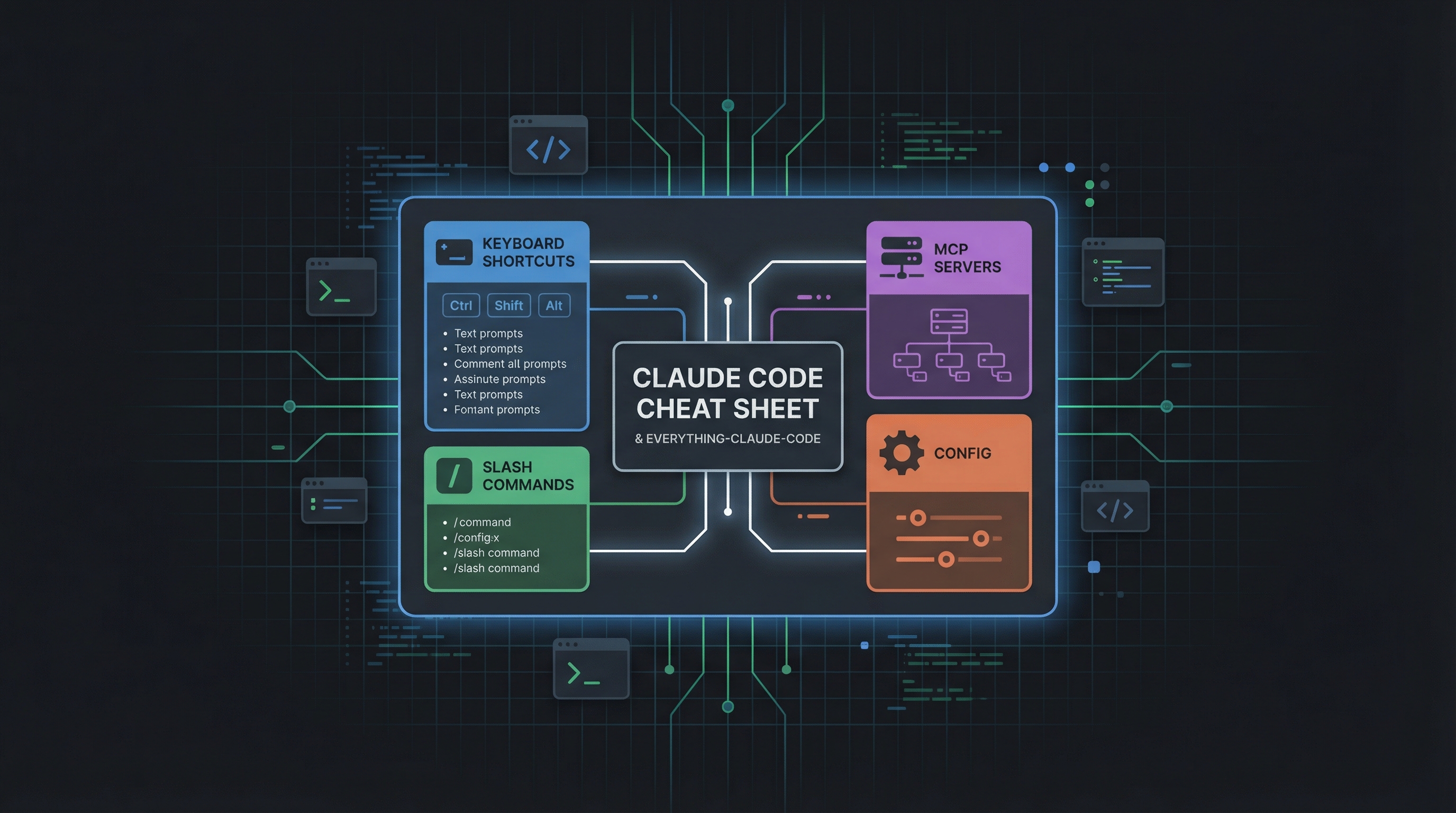
Claude Code Cheat Sheet — A dense, visual one-page reference covering major Claude Code features: keyboard shortcuts, slash commands, MCP servers, memory files, workflows, configuration, and agent patterns. Designed to be printed or pinned as a quick-lookup companion.
-
everything-claude-code — An open-source GitHub repository (github.com/affaan-m/everything-claude-code) with a complete Claude Code configuration: agent setup, skill definitions, shortcuts, rules, and MCP connections. Treat it as a template to inspect and adapt, not something to copy blindly.
-
Claude How-To — A visual, example-driven guide (github.com/luongnv89/claude-howto) with progressive modules, copy-paste templates, and a structured learning path from basic commands to orchestration.
Together: the cheat sheet tells you what exists, the everything repo shows you how to wire it all up, and Claude How-To teaches you step by step.
| *Source: Weibo post by 默庵·超级个体 | Claude How-To* |
Cheat Sheet — Key Sections at a Glance
Keyboard Shortcuts
| Shortcut | Action |
|---|---|
Esc |
Cancel current generation |
Ctrl+C |
Interrupt / clear input |
Ctrl+L |
Clear conversation |
Ctrl+R |
Fuzzy search conversation history |
Tab |
Accept autocomplete suggestion |
Shift+Tab |
Toggle between compact/full mode |
Ctrl+J |
Newline in input (multi-line editing) |
Ctrl+K |
Toggle context panel |
Slash Commands
| Command | Purpose |
|---|---|
/help |
Show available commands and usage |
/clear |
Clear conversation context |
/compact |
Summarize and compact the conversation |
/review |
Trigger code review agent |
/init |
Generate a CLAUDE.md for the current project |
/cost |
Show token usage and cost for the session |
/config |
Open or edit configuration |
/memory |
View and manage memory files |
/permissions |
Review and adjust tool permissions |
/vim |
Toggle Vim keybindings |
MCP Servers
The cheat sheet covers how Claude Code connects to Model Context Protocol (MCP) servers — external tool providers that extend Claude’s capabilities (browser automation, database access, GitHub, custom APIs). Key points:
- MCP servers are configured in
.claude/settings.jsonor project-levelclaude.json - Each server exposes tools that Claude can call during a session
- Common MCP servers: Playwright (browser), GitHub, filesystem, database connectors
- Servers can be local processes or remote endpoints
Memory & Files
Claude Code uses a layered memory system:
| File | Scope | Purpose |
|---|---|---|
~/.claude/CLAUDE.md |
Global (all projects) | Personal preferences, workflow rules, global instructions |
./CLAUDE.md |
Project root | Project-specific context, conventions, architecture notes |
.claude/settings.json |
Project | Tool permissions, MCP server config |
memory/ directory |
Project | Persistent memory files that survive across sessions — auto-updated by Claude |
The cheat sheet emphasizes: CLAUDE.md is your highest-leverage file. It overrides default behavior and shapes every interaction.
Workflows & Tips
- Plan Mode — Ask Claude to plan before executing. Use “think hard” or “plan first” to trigger deeper reasoning without immediate code changes.
- Permissions — Claude asks before file writes and shell commands by default. Use
/permissionsorallowedToolsin settings to pre-approve trusted operations. - Voice Mode — Dictate tasks instead of typing. Useful for brainstorming or when away from keyboard.
- Sparse Checkouts — For monorepos, use Git sparse-checkout so Claude only sees relevant subdirectories, reducing context and cost.
- Headless Mode — Run Claude Code non-interactively in CI/CD pipelines with
claude -p "prompt".
Config & Environment Variables
| Variable / Flag | Purpose |
|---|---|
ANTHROPIC_API_KEY |
API key for direct API access |
CLAUDE_CODE_USE_BEDROCK=1 |
Route through AWS Bedrock |
CLAUDE_CODE_USE_VERTEX=1 |
Route through Google Vertex |
--model |
Override default model |
--max-turns |
Limit agentic loop iterations |
--allowedTools |
Pre-approve specific tools |
--output-format |
Set output format (json, text, stream-json) |
Agents & Advanced Patterns
The cheat sheet covers several agent patterns:
- Parallel Code Review — Spawn sub-agents that review different files simultaneously, then merge findings.
- Simplify Pattern — Use
--allowedToolsto restrict an agent to read-only tools for analysis tasks. - Skill Paths — Define reusable skill files (
.mdinstructions) that Claude loads on demand via slash commands. - Orchestrator Pattern — A main agent delegates subtasks to specialized sub-agents, each with their own tool permissions and context.
Everything-Claude-Code Repository
Repo: github.com/affaan-m/everything-claude-code
What It Provides
A complete, ready-to-use Claude Code configuration that covers the full setup journey:
| Component | What You Get |
|---|---|
| Agent configs | Pre-built agent definitions for code review, refactoring, documentation, testing |
| Skills library | Reusable .md skill files for common workflows (commit, PR review, deploy, etc.) |
| Shortcut mappings | Custom slash commands mapped to complex multi-step workflows |
| Rules & conventions | CLAUDE.md templates with battle-tested instruction patterns |
| MCP connections | Ready-made MCP server configurations for popular tools |
| Cross-platform | Tested configs for both Windows and macOS |
Why It Went Viral
- Saves hours of manual configuration — copy, adapt, run
- Real-world tested (hackathon-winning setup)
- Covers the full spectrum from beginner (“what’s a CLAUDE.md?”) to advanced (parallel agent orchestration)
- Community-driven with rapid iteration
Repository Structure (Key Directories)
everything-claude-code/
├── agents/          # Agent definitions and orchestration configs
├── skills/          # Reusable skill files (.md)
├── rules/           # CLAUDE.md templates and project rules
├── mcp/             # MCP server configurations
├── shortcuts/       # Custom command definitions
├── examples/        # Worked examples and use cases
└── docs/            # Setup guides for Windows and Mac
Claude How-To — Visual Learning Path
Repo: github.com/luongnv89/claude-howto
The Problem It Solves
You installed Claude Code, ran a few prompts — now what? The official docs describe features but don’t show how to combine them. There’s no clear learning path. Examples are too basic to build production pipelines. Claude How-To fills that gap with visual tutorials and copy-paste templates.
10 Progressive Modules
| Module | Focus | Level | Duration |
|---|---|---|---|
| Slash Commands | User-invoked shortcuts | Beginner | 30 min |
| Memory | Persistent context | Beginner+ | 45 min |
| Checkpoints | Session snapshots/rewind | Intermediate | 45 min |
| CLI Basics | Terminal commands | Beginner+ | 30 min |
| Skills | Reusable capabilities | Intermediate | 1 hour |
| Hooks | Event-driven automation | Intermediate | 1 hour |
| MCP Protocol | External tool access | Intermediate+ | 1 hour |
| Subagents | Specialized AI assistants | Intermediate+ | 1.5 hours |
| Advanced Features | Planning, thinking, background tasks | Advanced | 2-3 hours |
| Plugins | Bundled feature collections | Advanced | 2 hours |
Total: ~11-13 hours for the full path, but you get value in 15 minutes.
Real-World Use Cases
| Use Case | Features Combined |
|---|---|
| Automated Code Review | Slash Commands + Subagents + Memory + MCP |
| Team Onboarding | Memory + Slash Commands + Plugins |
| CI/CD Automation | CLI + Hooks + Background Tasks |
| Documentation Generation | Skills + Subagents + Plugins |
| Security Audits | Subagents + Skills + Hooks (read-only) |
| Complex Refactoring | Checkpoints + Planning Mode + Hooks |
Feature Comparison Matrix
| Feature | Invocation | Persistence | Best Use |
|---|---|---|---|
| Slash Commands | Manual (/cmd) |
Session only | Quick shortcuts |
| Memory | Auto-loaded | Cross-session | Long-term learning |
| Skills | Auto-invoked | Filesystem | Automated workflows |
| Subagents | Auto-delegated | Isolated context | Task distribution |
| MCP Protocol | Auto-queried | Real-time | Live data access |
| Hooks | Event-triggered | Configured | Automation & validation |
| Plugins | Single command | All features | Complete solutions |
Quick Start
git clone https://github.com/luongnv89/claude-howto.git
cd claude-howto

# Copy a slash command to your project
cp 01-slash-commands/optimize.md .claude/commands/

# Add project memory
cp 02-memory/project-CLAUDE.md ./CLAUDE.md

# Install a skill
cp -r 03-skills/code-review ~/.claude/skills/
How LearnAI Team Could Use This
- Use the cheat sheet as a quick-reference handout for Claude Code onboarding workshops.
- Fork the everything-claude-code repo as a starting template for team-standardized CLAUDE.md, skills, and MCP configs.
- Assign Claude How-To modules as progressive homework for new team members learning agent workflows.
- Build a shared team CLAUDE.md using the Boris template pattern from the everything repo.
How to Use These Resources
Quick Start (5 minutes)
- Bookmark the cheat sheet — Keep it open or print it. Use it as a lookup reference when you forget a shortcut or command.
- Clone the everything repo:
git clone https://github.com/affaan-m/everything-claude-code.git - Copy the CLAUDE.md template from
rules/into your project root. Edit it to match your project. - Pick 2-3 skills from
skills/that match your workflow. Drop them into your project’s.claude/directory.
Progressive Adoption
| Stage | Action | Payoff |
|---|---|---|
| Week 1 | Set up CLAUDE.md + learn 5 keyboard shortcuts |
Faster interactions, consistent behavior |
| Week 2 | Add MCP servers (GitHub, Playwright) | Claude can browse, create PRs, run tests |
| Week 3 | Define custom skills for your repeated tasks | One slash command replaces 10 minutes of prompting |
| Week 4 | Set up parallel agents for code review | Automated multi-file review on every PR |
Tips for Maximum Value
- Start with the cheat sheet to understand what’s possible, then use the everything repo to implement it.
- Don’t copy everything at once — adopt incrementally based on your actual pain points.
- The
memory/directory is underused by most people. Let Claude persist context between sessions and your onboarding cost drops to near zero. - For teams: fork the everything repo and customize it as your shared Claude Code standard.
Links & References
- everything-claude-code repo: github.com/affaan-m/everything-claude-code
- Claude How-To repo: github.com/luongnv89/claude-howto
- Claude Code official docs: docs.anthropic.com/en/docs/claude-code
- Source: Weibo post by 默庵·超级个体