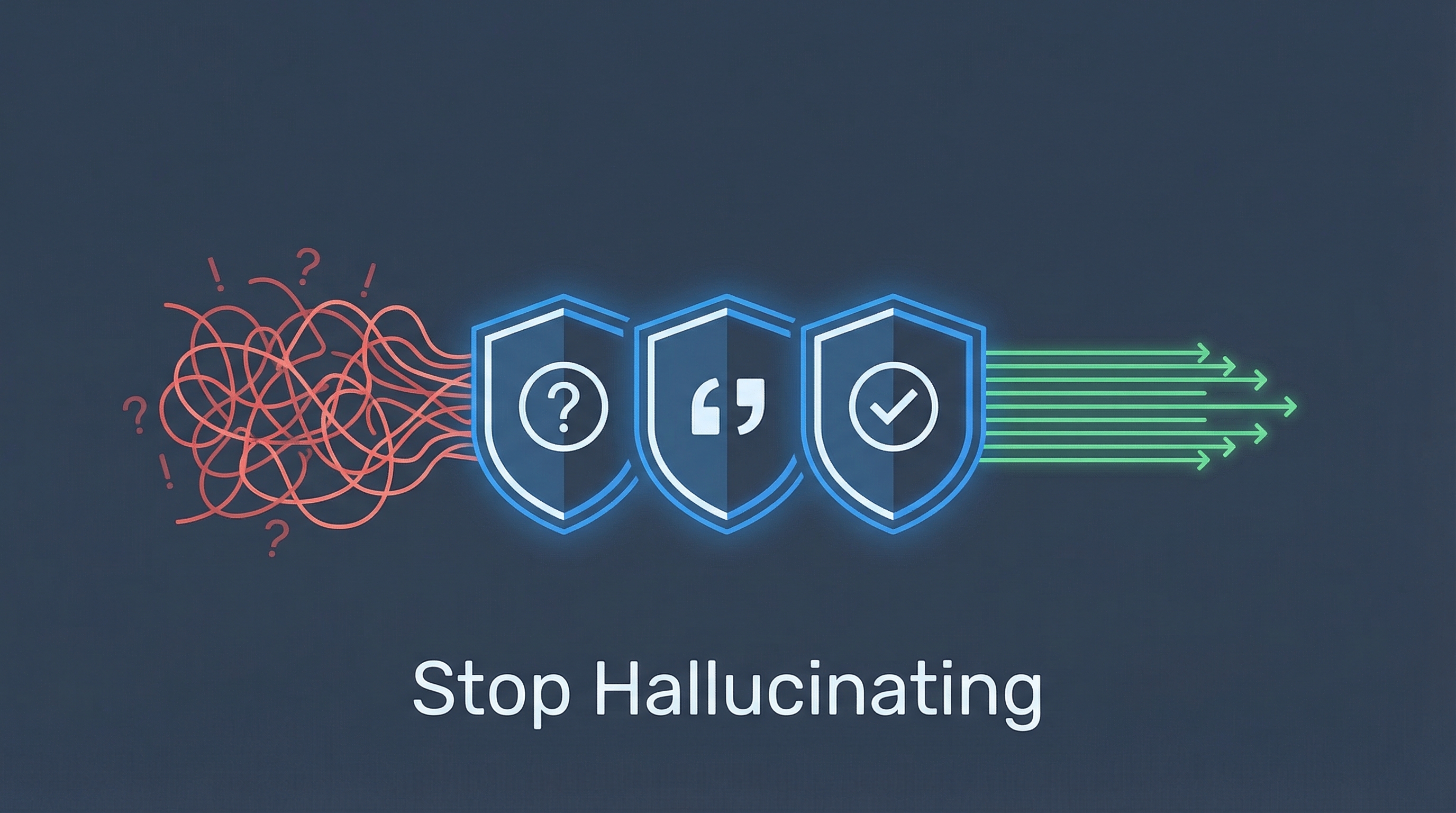
A developer building a daily research workflow stumbled on Anthropic’s “Reduce hallucinations” page in their docs. Three simple system prompt instructions — hiding in plain sight — fundamentally changed Claude’s output quality. The community reaction: “Why aren’t these the defaults?”
| *Source: Anthropic: Reduce Hallucinations | Reddit: Found 3 Instructions in Anthropic’s Docs | XDA: Three System Prompts Cut Hallucinations* |
The Three Instructions
| # | Instruction | What It Does | Without It |
|---|---|---|---|
| 1 | “Allow Claude to say I don’t know” | Gives explicit permission to admit uncertainty | Claude fills knowledge gaps with plausible-sounding fabrications |
| 2 | “Verify with citations” | Forces Claude to cite sources for every claim; retract claims without supporting quotes | Many authoritative-sounding statements have no factual basis |
| 3 | “Use direct quotes for factual grounding” | Makes Claude extract word-for-word quotes from documents before analysis | Claude “meaning-drifts” — subtly changes meaning during summarization |
Why They Work Together
Each instruction alone helps. Together, they create a verification chain:
Input Document
    ↓
① Extract direct quotes (grounding)
    ↓
② Analyze using only those quotes (citation)
    ↓
③ Flag anything without support as "I don't know" (honesty)
    ↓
Verified Output
Individually, each rule targets a different failure mode. Combined, they make it nearly impossible for Claude to slip fabricated content past you.
Practical System Prompt
Here’s how to implement all three in a single system prompt:
You are a research collaborator, not an authority.

Rules:
1. If you don't have enough information to confidently assess
   something, say "I don't have enough information to
   confidently assess this."

2. For every claim you make, extract a direct word-for-word
   quote from the provided documents that supports it.
   If you cannot find a supporting quote, retract the claim.

3. Mark your confidence level for each major conclusion.
   Provide at least two categories per concept and explicitly
   state the limitations of each category. For each theory,
   identify its specific failure conditions.
The Creativity Trade-Off
There’s a catch. An arXiv paper (2307.02185) found that constraints reduce creative output. For programming, brainstorming, fiction writing — tasks where you want Claude to make leaps and connections — these rules make output worse.
The community’s answer: don’t make them defaults. Different tasks need different modes.
| Task Type | Use Quality Instructions? | Why |
|---|---|---|
| Research & analysis | Yes | Accuracy matters more than creativity |
| Fact-checking & auditing | Yes | Every claim must be verifiable |
| Customer support / FAQ | Yes | Wrong answers erode trust |
| Creative writing | No | Constraints kill imagination |
| Brainstorming | No | You want wild connections |
| Code generation | Depends | Architecture = yes, prototyping = no |
The Research Mode Toggle
The most practical implementation: create a slash command that toggles research mode:
# /research command (Claude Code skill)

When activated, add these system instructions:
- Position Claude as a research collaborator, not an authority
- Mark confidence levels for every conclusion
- Provide at least two categories per concept
- Explicitly state limitations of each category
- For each theory, identify specific failure conditions
- Cite all sources; retract unsupported claims

When deactivated, return to default creative mode.
This lets you switch between “accurate researcher” and “creative partner” mid-session, depending on the task.
Advanced Techniques from the Docs
Beyond the three core instructions, Anthropic’s docs list additional techniques:
| Technique | How It Works |
|---|---|
| Chain-of-thought verification | Ask Claude to explain reasoning step-by-step before answering — reveals faulty logic |
| Best-of-N verification | Run the same prompt multiple times, compare outputs — inconsistencies signal hallucinations |
| Iterative refinement | Use Claude’s output as input for follow-up verification prompts |
| External knowledge restriction | Explicitly limit Claude to provided documents only, no general knowledge |
| Citations API | Anthropic’s native API feature that auto-cites claims from source documents |
Key Insight
The surprising part isn’t that these instructions exist — it’s that they’ve been publicly documented all along, yet almost no one uses them. The original poster noted: “I’ve been using Claude for a year and never found this page. These should be on the front page.”
The deeper lesson: the gap between mediocre and excellent AI output is often just 2-3 lines of system prompt that most users never write.
How LearnAI Team Could Use This
- Add the three hallucination-reduction instructions to shared CLAUDE.md templates for research and documentation projects.
- Use as a teaching example: show students how 2-3 lines of system prompt dramatically change output quality.
- Build citation-checking workflows that require Claude to flag uncertainty and cite sources.
Real-World Use Cases
- Literature reviews where every claim needs a verifiable source.
- Policy summaries that must distinguish established facts from AI interpretation.
- Course material QA: catch unsupported claims before publishing.
- Customer support knowledge bases where accuracy is critical.