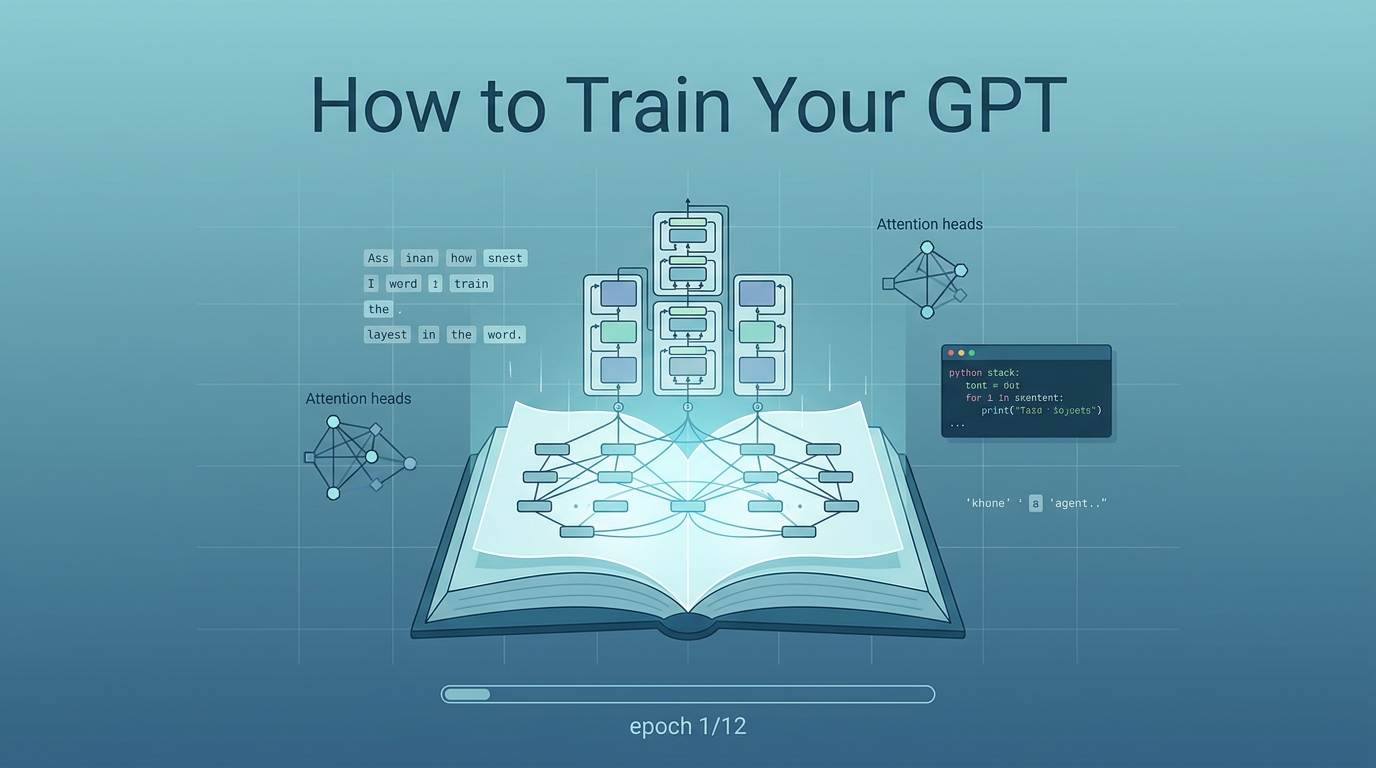
How to Train Your GPT by raiyanyahya is an open-source walkthrough for building a modern-style decoder-only language model from scratch. When checked on August 9, 2026, the README described a 12-chapter interactive textbook with 7,500+ lines across the project materials, 28 companion explainer files, companion notebooks, a Colab entry point, and a CPU-friendly default run for a tiny 17M-parameter model before learners attempt the larger roughly GPT-2-small-sized configuration.
Source: GitHub — raiyanyahya/how-to-train-your-gpt; Colab notebook; surfaced via Q’s Weibo screenshot of 蚁工厂, May 27, 2026
Why this matters
Most LLM learning resources force an awkward choice: either read theory-heavy transformer material without touching a training loop, or run API tutorials without understanding the machinery underneath. How to Train Your GPT sits in the practical middle: every concept is connected to runnable PyTorch code, and the explanations keep returning to what each line does and why it exists.
That makes it useful as a bridge resource:
| Resource | Best role |
|---|---|
| 3Blue1Brown neural networks | Build intuition for gradients, representations, and attention |
| Karpathy MicroGPT | See the smallest possible GPT-like model in one sitting |
| How to Train Your GPT | Work through the full modern LLM stack with notebooks and annotated code |
| Stanford CS336 | Move from implementation literacy to systems, scaling, and research-grade assignments |
For students, the value is not the final parameter count. The value is replacing “LLM as magic API” with a chain of inspectable transformations.
What’s inside now
The repo currently organizes the core path into 12 chapters, numbered 0 through 11:
| Chapter | Topic | What the learner should understand |
|---|---|---|
| 0 | Overview | What a GPT-style language model is and how the pieces fit |
| 1 | Setup | Python environment, PyTorch basics, CPU vs GPU expectations |
| 2 | Tokenization | BPE tokenization and how text becomes model input |
| 3 | Embeddings | Token embeddings and why numbers can carry semantic structure |
| 4 | Positional Encoding | RoPE and why modern LLMs encode position through rotation |
| 5 | Attention | Query/key/value attention, scaling, masking, and the causal constraint |
| 6 | Transformer Block | RMSNorm, SwiGLU, residual connections, and pre-norm design |
| 7 | Complete GPT Model | A full decoder-only model, weight tying, logits, and parameter accounting |
| 8 | Training Pipeline | Loss, backpropagation, AdamW, warmup, mixed precision, and accumulation |
| 9 | Inference | KV cache, temperature, top-k/top-p sampling, beam search, and repetition control |
| 10 | Full Script | The complete runnable main.py path |
| 11 | Glossary | Architecture provenance and vocabulary for review |
Alongside the chapters, explanations and examples WIP/ contains 28 companion explainer files, many still explicitly marked as WIP: RoPE, attention, BPE, embeddings, RMSNorm, SwiGLU, causal masking, residual connections, KV cache, sampling, mixed precision, AdamW, weight tying, gradient clipping, cosine warmup, pre-norm, grouped-query attention, FlashAttention, loss curves, MoE, speculative decoding, perplexity, beam search, cheatsheet, FAQ, encoder/decoder architectures, a token journey, and a complete narrative walkthrough.
The learning path
The project is strongest when used sequentially. The chapters are not isolated blog posts; each layer gives the next layer a reason to exist.
text
  -> BPE tokens
  -> token embeddings
  -> RoPE position signal
  -> masked self-attention
  -> transformer block
  -> full GPT model
  -> training loop
  -> inference engine
  -> debugging vocabulary
That sequence matters pedagogically. A student who has written the tokenizer and embeddings is less likely to treat attention as an abstract formula. A student who has implemented the training loop can reason about loss spikes, precision issues, and hyperparameters instead of cargo-culting config values.
Running it without overpromising
The setup is intentionally lightweight:
git clone https://github.com/raiyanyahya/how-to-train-your-gpt.git
cd how-to-train-your-gpt
python -m venv gpt_env
source gpt_env/bin/activate
pip install -r requirements.txt
python main.py
The README frames the default script as a small, minutes-scale CPU run using d_model=256, 4 layers, and about 17M parameters. The larger roughly GPT-2-small-sized configuration (151M parameters, 768 dimensions, 12 layers) is not the default; it requires editing the config and should be treated as a GPU exercise.
This distinction is important for teaching. A CPU-friendly toy run is excellent for classroom iteration. A 151M run is useful for understanding scale, but it should not be assigned casually unless the compute environment is planned.
Teaching and research uses
| Use case | How to use it |
|---|---|
| Intro AI course bridge | Assign chapters 0-5 after neural network basics and before architecture papers |
| Hands-on LLM lab | Use chapters 6-10 as a guided build from transformer block to main.py |
| CS336 preparation | Give students this repo before Stanford CS336 so they enter with implementation vocabulary |
| Program analysis exercise | Ask students to specify invariants for causal masking, tensor shapes, KV cache growth, or learning-rate schedules |
| AI education study | Compare the analogy-first, code-second style against a conventional attention lecture |
| Self-study path | Pair this with Karpathy MicroGPT: one tiny minimal model, then one fuller literate implementation |
For Q’s AI education work, the interesting angle is that the repo treats AI-assisted learning as part of the authoring process. The author explicitly frames the project as a way to understand difficult concepts, especially attention, then verify that understanding through code. That is a useful model for student-facing AI literacy: use AI to build and check explanations, but make the executable artifact the accountability layer.
Important caveats
- It is a learning project, not a production training stack. The README labels the purpose as learning. Do not treat it as a recipe for training a competitive model.
- “Python basics only” is an invitation, not a guarantee. Beginners can start, but the ideas still require patience with vectors, probability, and backpropagation.
- The Colab link exists now. Older notes that said there was no hosted path are stale. The repo now exposes a Colab notebook for the training path.
- The 151M model is optional. The default run is a tiny model. The larger configuration is better framed as an extension or demo of scale.
- Architecture claims should stay public-source scoped. The repo teaches public LLaMA/Mistral/Qwen-style decoder-only design choices; GPT-4 and Claude internals remain proprietary.
- The topic explainer folder is still marked WIP. The breadth is useful, but instructors should review individual files before assigning them.
Companion resources in this wiki
- Stanford CS336 — Language Modeling from Scratch — rigorous course sequence for LLM systems, scaling, and assignments
- Karpathy’s MicroGPT — minimal single-file mental model before a fuller implementation
- 3Blue1Brown Neural Networks — visual foundations for gradients and representation learning
- LLM Architecture Gallery — visual reference for how model architecture choices evolved