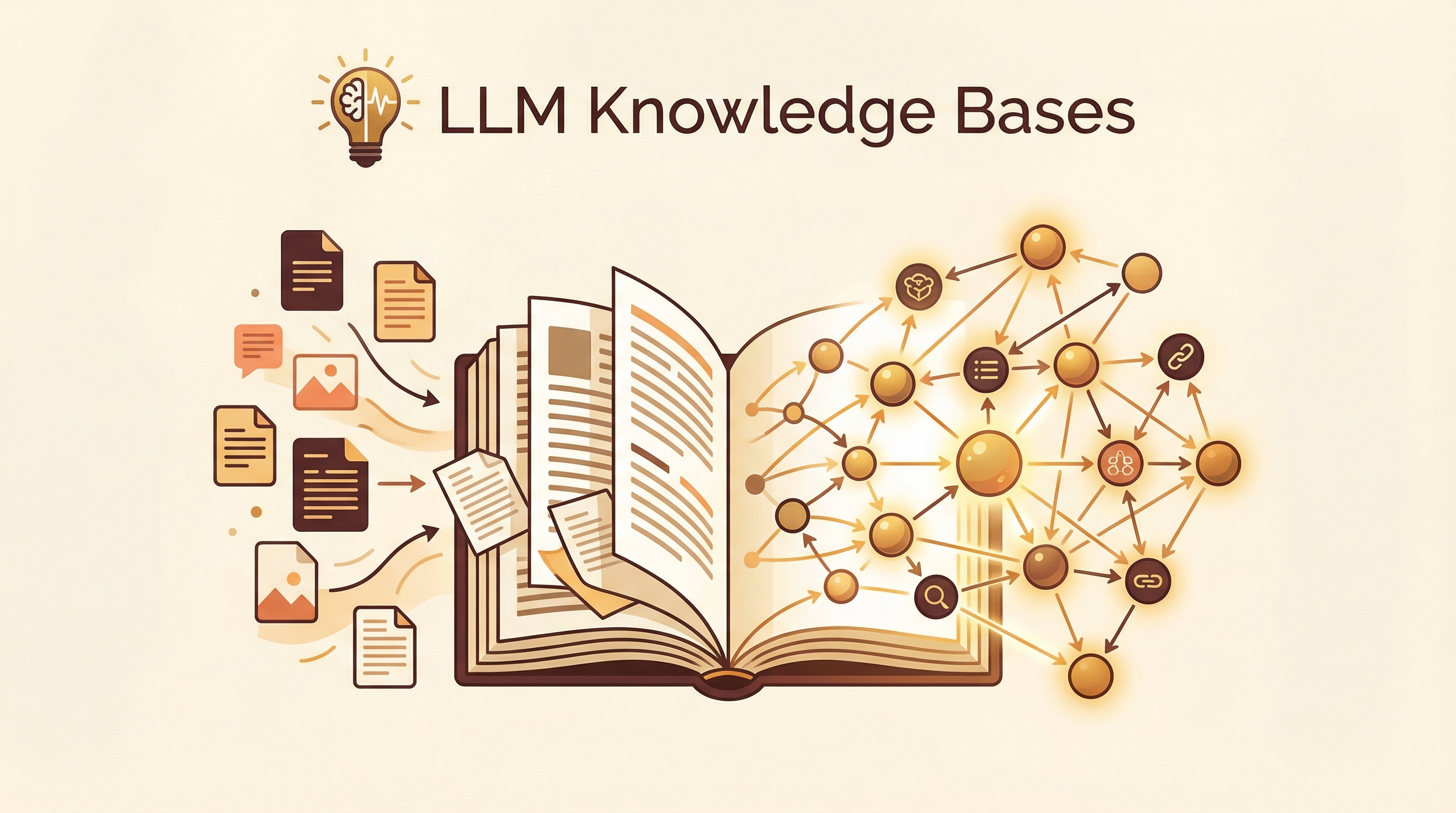
Andrej Karpathy recently shifted his “token throughput” from manipulating code to manipulating knowledge. His approach: feed raw sources (articles, papers, repos, images) into a folder, and let an LLM incrementally compile a structured, interlinked markdown wiki — with summaries, concept pages, cross-references, and health checks. His current research wiki: ~100 articles, ~400,000 words, longer than most PhD dissertations, built without typing a single word.
| *Source: Karpathy — LLM Knowledge Bases (X post) | Karpathy — Farzapedia (X post) | llm-wiki gist | VentureBeat coverage* |
Why Not RAG?
Traditional RAG (Retrieval-Augmented Generation) rediscovers information every time you ask a question. Karpathy’s approach is different: the LLM incrementally builds and maintains a persistent wiki that compounds over time. The knowledge isn’t just retrieved — it’s organized, cross-linked, and maintained.
Traditional RAG:
  Question → Search docs → Stuff context → Answer → (forgotten)

LLM Knowledge Base:
  Sources → LLM compiles wiki → Wiki grows → Query wiki → Answer
                ↑                                          │
                └──── discoveries filed back ──────────────┘
The Three-Layer Architecture
┌─────────────────────────────────────────────────┐
│  Layer 3: Schema (CLAUDE.md)                    │
│  Rules, conventions, structure, workflows       │
│  YOU control this — the "editor-in-chief"       │
├─────────────────────────────────────────────────┤
│  Layer 2: The Wiki (wiki/)                      │
│  LLM-generated .md files:                       │
│  summaries, concept pages, entity pages,        │
│  cross-references, index.md, log.md             │
│  LLM OWNS this layer — creates & updates        │
├─────────────────────────────────────────────────┤
│  Layer 1: Raw Sources (raw/)                    │
│  Immutable: articles, papers, repos, datasets,  │
│  images, notes — LLM reads but never modifies   │
└─────────────────────────────────────────────────┘
Essential Files
| File | Purpose |
|---|---|
| index.md | Content catalog — every wiki page with summary + metadata, organized by category. Updated on each ingest. |
| log.md | Append-only chronological record of ingests, queries, and lint passes. Enables timeline tracking. |
Four Core Operations
1. Ingest — Drop Sources, LLM Compiles
Drop new sources into raw/. The LLM reads them, writes summaries, updates the index, refreshes relevant pages across the wiki, and logs the entry.
raw/new-paper.pdf → LLM reads →
  ├── writes wiki/papers/paper-summary.md
  ├── updates wiki/index.md
  ├── cross-links to related concept pages
  └── appends to wiki/log.md
2. Query — Ask Against the Wiki
Once the wiki is large enough, ask complex questions. The LLM synthesizes answers with citations, and files valuable discoveries back as new wiki pages.
3. Lint — Health Checks
Periodically run LLM “health checks” to find:
- Contradictions between pages
- Stale claims needing updates
- Orphan pages with no cross-references
- Missing data gaps worth filling
- Interesting connections for new article candidates
4. Maintain — Continuous Enhancement
The LLM handles the tedious bookkeeping humans hate: updating cross-references, noting contradictions, maintaining consistency. It “doesn’t get bored, doesn’t forget to update a cross-reference, and can touch 15 files in one pass.”
The 5 Design Principles
Karpathy emphasized these when praising Farzapedia (a personal Wikipedia built from 2,500 diary entries):
| Principle | What It Means |
|---|---|
| 1. Explicit | The memory artifact is visible and navigable. You can see exactly what the AI knows and doesn’t know. No hidden embeddings. |
| 2. Yours | Data lives on your local machine. Not in some AI provider’s system. |
| 3. File-over-app | Memory is simple markdown files. Not locked in any app. Survives any tool. |
| 4. BYOAI | Plug in any AI: Claude, ChatGPT, Codex, OpenCode, local models. The wiki is the interface, not the model. |
| 5. Inspectable | You can audit, edit, and correct the knowledge. The AI is a librarian, not an oracle. |
“This approach puts ‘you’ in full control. The data is yours. In Universal formats. Explicit and inspectable. Use whatever AI you want over it.”
Real-World Use Cases
Farzapedia — Personal Wiki
Developer Farza fed 2,500 entries from his diary, Apple Notes, and iMessage conversations into this workflow. Result: 400 detailed articles covering friends, startups, research areas, and favorite animes — a personal Wikipedia with backlinks and cross-references.
The key insight: this isn’t just note organization. The LLM creates synthesized knowledge — connecting dots across sources that you’d never connect manually.
Buffett Letters Knowledge Base — Domain Wiki
A different flavor of the same pattern: Warren Buffett Shareholder Letters Knowledge Base organizes 70 years of Berkshire Hathaway shareholder letters into a structured, queryable knowledge base.
| Metric | Count |
|---|---|
| Shareholder letters | 98 |
| Core investment concepts | 49 |
| Company case studies | 61 |
| Key investor profiles | 7 |
| Original passages | 4,726+ |
The site structures content across four views: letters overview, core concept interpretations, company case studies, and key investor profiles. Each passage is cross-referenced by year, theme, and company — turning 70 years of scattered wisdom into a single queryable artifact.
Why this matters: This is what a domain-specific knowledge base looks like done well. Unlike Farzapedia (personal), this shows the pattern applied to a public domain corpus. The same architecture works for:
- Academic research papers (your field’s key authors across decades)
- Legal case archives (precedents organized by topic)
- Historical documents (diaries, letters, memos)
- Technical documentation (API specs, RFCs, design docs)
The endgame: someone noted this could “distill a Buffett financial advisor” from the knowledge base — i.e., fine-tune an LLM on the structured corpus. This is exactly what Karpathy hinted at with synthetic data generation from your knowledge base.
TimYang’s Practical Implementation
TimYang spent half a day implementing Karpathy’s approach and shared practical findings:
Minimal Architecture (No Embeddings Needed)
wiki/
├── index.md          ← One line per doc: Path | Summary | Tags
└── document.summary.md  ← LLM-generated summaries from source
Just two layers of plain markdown. No vector database, no embedding tools. At <1,000 files, pure text compilation works fine.
Workflow
Data in:   Index source doc → Write to index.md → Build Summary
Search:    Query topic → LLM loads index.md → Gets file list
           → Reads summaries → Decides if needs full source → Answer
Results
- Imported several research domain papers
- LLM cites specific viewpoints with <10 keyword hits
- Output is logically reorganized, not simple grep — usually gives 3-4 core points
- Surprise: output included content from files not yet loaded (info existed in Claude Code’s memory)
What He Dropped
Claude Code suggested adding Tag/Topic indexes — TimYang dropped it. Too sparse at small scale, complex to maintain. Keep it simple.
Obsidian Skills for Knowledge Base Building
陆三金 recommended 9 Obsidian skills + 2 plugins for building this workflow:
Skills
| Skill | What It Does |
|---|---|
| obsidian-cli | CLI interface for vault operations |
| defuddle | Clean web page extraction to markdown |
| obsidian-bases | Database-like views of notes |
| obsidian-markdown | Obsidian-flavored markdown support |
| canvas | Visual canvas for mind maps |
| mermaid | Diagram generation |
| excalidraw | Whiteboard-style drawings |
| tutor | Learning and knowledge decomposition |
| scholar | Academic research version of tutor |
Plugins
- Claudian — Claude Code integrated as sidebar in Obsidian
- Agent Client Plugin — Connect more coding agents to Obsidian
The Bigger Vision
欧巴聊AI extended Karpathy’s thinking to its logical conclusion:
- Synthetic data + finetuning — As the knowledge base grows, generate training data from it and finetune the LLM to truly memorize the content, not just reference it through context
- Wiki as product — This could become a new product category: AI-maintained personal knowledge systems, not just scripts
- Automated research — For every frontier question, an LLM team could build a complete temporary wiki, iterate and review, then output a polished report — far beyond simple
.decode()output
“You almost never need to manually write or edit the wiki — that’s the LLM’s job. Not just scripts; this has the potential to become a genuinely new product.”
How to Start Building Yours
# 1. Create the structure
mkdir -p my-wiki/raw my-wiki/wiki
echo "# Index" > my-wiki/wiki/index.md
echo "# Log" > my-wiki/wiki/log.md

# 2. Add your schema (CLAUDE.md or similar)
# Define: categories, page format, cross-link rules, lint schedule

# 3. Drop sources into raw/
cp paper.pdf article.md notes.txt my-wiki/raw/

# 4. Open in Obsidian + start Claude Code
cd my-wiki && claude
> "Ingest all sources in raw/, create wiki pages, update index"

# 5. Query
> "What are the key disagreements across my sources on [topic]?"

# 6. Lint
> "Health check: find contradictions, stale claims, missing links"
Tools
- Obsidian — Frontend for browsing, graph view for connections
- Obsidian Web Clipper — Convert web articles to markdown
- Marp — Markdown-based presentations from wiki content
- Dataview plugin — Dynamic tables from frontmatter
- Git — Version control for the entire wiki
Case Study: LearnAI Wiki vs Karpathy’s Approach
The LearnAI Doc wiki was built by processing 460+ screenshots from Weibo/social media into 96 structured wiki entries with cross-links, cover images, and Obsidian notes — using Claude Code’s /mywiki pipeline. It’s a working knowledge base, but comparing it to Karpathy’s architecture reveals what’s missing and how to level up.
What’s Working
Screenshots (462) → Claude reads → Research → Wiki entry (96)
                                            → Obsidian note (27)
                                            → Cross-links → Push
- Strong ingest pipeline — screenshot → research → structured entry is fast and consistent
- Cross-linking — entries reference each other, building a web of knowledge
- Public wiki — shareable, browsable, useful for teaching
- Dual output — wiki for depth, Obsidian notes for personal quick-reference
5 Gaps to Close
| Gap | Current State | Karpathy’s Approach | Fix |
|---|---|---|---|
| No query layer | Can browse entries, can’t ask “synthesize everything I know about X” | LLM queries wiki, synthesizes across all entries | Build index.md + query workflow |
| No master index | 96 entries with no machine-readable catalog | index.md: every page with summary + tags in one file | Generate index.md from frontmatter |
| No lint/health checks | Entries written once, rarely updated | Periodic checks for contradictions, stale info, gaps | Monthly lint pass with Claude |
| Raw sources not archived | Screenshots in flat folder, no metadata | raw/ directory preserving originals with metadata | Organize raw/ by date + topic |
| Obsidian notes too thin | 27 notes (vs 96 entries); just pointers to wiki | Wiki IS the queryable knowledge base | Make Obsidian the primary KB, wiki the published view |
The Biggest Missing Piece: Cross-Entry Synthesis
96 entries about agent design, harness engineering, academic tools, Obsidian workflows, and more — but no way to ask: “What are all the agent design patterns I’ve collected across every entry?” Each entry is an island. Karpathy’s approach makes the whole wiki queryable as one knowledge graph.
How to Upgrade: 4-Step Plan
Step 1: Generate index.md — Scan all _wiki/*.md frontmatter → create a master index with title, category, tags, one-line summary per entry. This gives the LLM a map of the entire knowledge base.
Step 2: Add query workflow — New Claude Code skill: load index.md → find relevant entries → read them → synthesize a cross-entry answer with citations. Now you can ask “what do I know about X?” across all 96 entries.
Step 3: Monthly lint — Run a health check: which entries reference tools that have changed? Which cross-links are missing? Where are there contradictions? Which topics have gaps worth filling?
Step 4: Obsidian as primary KB — Flip the relationship. Obsidian vault becomes the rich, queryable knowledge base (like Karpathy’s wiki/). The Jekyll site becomes the published view — a curated subset, not the source of truth.
For Researchers: LLM Knowledge Bases as Literature Review Infrastructure
This approach has particular potential for academic research workflows:
The Research Knowledge Base Pattern
┌────────────────────────────────────────────────────────────┐
│  Research Knowledge Base                                    │
│                                                             │
│  raw/                           wiki/                       │
│  ├── papers/                    ├── index.md                │
│  │   ├── paper1.pdf             ├── themes/                 │
│  │   ├── paper2.pdf             │   ├── theme-A.md          │
│  │   └── paper3.pdf             │   └── theme-B.md          │
│  ├── notes/                     ├── methods/                │
│  │   ├── seminar-notes.md       │   ├── method-X.md         │
│  │   └── advisor-feedback.md    │   └── method-Y.md         │
│  └── data/                      ├── gaps/                   │
│      ├── dataset1/              │   ├── gap-1.md            │
│      └── results.csv            │   └── gap-2.md            │
│                                 ├── contradictions.md       │
│                                 ├── open-questions.md       │
│                                 └── log.md                  │
└────────────────────────────────────────────────────────────┘
What This Enables for Research
| Capability | How It Works | Research Value |
|---|---|---|
| Living literature review | LLM maintains cross-linked summaries of every paper you read | Always up-to-date, never start from scratch |
| Gap detection | Lint passes identify what’s missing across your sources | Research questions emerge from the gaps |
| Contradiction surfacing | LLM flags where papers disagree | Controversy = opportunity for contribution |
| Method comparison | Concept pages comparing methodologies across papers | Quick reference during experimental design |
| Synthesis queries | “What do all my sources say about X?” with citations | Literature review sections write themselves |
| Advisor-ready reports | Query wiki → structured summary for weekly meetings | No more scrambling before advisor meetings |
vs Traditional Tools
| Zotero + Manual Notes | LLM Knowledge Base | |
|---|---|---|
| Organization | Manual tagging, folders | Auto-categorized, cross-linked |
| Synthesis | You read and write summaries | LLM synthesizes, you review |
| Gap detection | You notice gaps while reading | LLM systematically identifies gaps |
| Querying | Search by keywords | Ask complex questions across all sources |
| Maintenance | Manual, often neglected | LLM runs health checks |
| Cost | Free (your time) | API costs (~$5-20/month for active research) |
| Risk | None | LLM may hallucinate — always verify citations |
How LearnAI Team Could Use This
A practical checklist for the LAI research team to build a personal or team knowledge base following Karpathy’s approach:
Phase 1: Foundation (Week 1)
- Set up Obsidian vault — install Obsidian, create vault at a shared/synced location
- Install essential skills — obsidian-cli, defuddle, obsidian-markdown, obsidian-bases
- Create directory structure —
raw/for source materials,wiki/for compiled knowledge - Write schema (CLAUDE.md) — define categories relevant to your research area, page format rules, cross-link conventions
- Create index.md — start with empty template, will grow automatically
- Create log.md — append-only record of what you ingest
Phase 2: Ingest Your Existing Knowledge (Weeks 2-3)
- Collect your sources — papers you’ve read, course notes, project docs, bookmarks
- Batch ingest papers — drop PDFs into raw/, have LLM write summaries + concept pages
- Ingest course materials — lecture notes, slides, textbooks → wiki articles
- Import existing notes — any Notion, Google Docs, Apple Notes → markdown in raw/
- Cross-link everything — LLM updates index.md and adds backlinks between pages
Phase 3: Build Workflows (Week 4)
- Set up ingest workflow — define the process: new paper → raw/ → LLM compiles → wiki updated
- Set up query workflow — how to ask questions across the wiki (load index → find entries → synthesize)
- Set up lint schedule — weekly or monthly health check for contradictions, gaps, stale info
- Connect to Obsidian graph view — visualize connections between concepts
- Install Claudian or Agent Client Plugin — Claude Code sidebar in Obsidian for live querying
Phase 4: Research-Specific Extensions (Ongoing)
- Literature review mode — for each new paper, LLM adds to themes/, methods/, and flags connections to existing knowledge
- Gap tracking — maintain gaps/ directory with scored research opportunities
- Contradiction log — when papers disagree, document both sides with citations
- Weekly synthesis — generate a “what I learned this week” summary for advisor meetings
- Collaborate — share wiki via Git, let team members ingest their own sources into shared categories
Phase 5: Advanced (When Ready)
- Build query skill — custom Claude Code skill that loads your index.md and answers research questions with citations
- Automate ingest — Zotero → auto-export new papers → raw/ → LLM processes overnight
- Synthetic data exploration — generate Q&A pairs from your wiki for fine-tuning experiments
- Publish curated subset — turn selected wiki pages into a public Jekyll/Hugo site (like LearnAI Doc)
Minimum Viable Knowledge Base (30 minutes)
If you just want to try it:
mkdir -p my-research-kb/raw my-research-kb/wiki
cd my-research-kb

# Create minimal schema
cat > CLAUDE.md << 'EOF'
# Research Knowledge Base
When ingesting a source:
1. Write a summary in wiki/{category}/{title}.md
2. Update wiki/index.md with: path | one-line summary | tags
3. Cross-link to related existing pages
4. Append to wiki/log.md with date and source

Categories: methods, theories, tools, papers, gaps
Format: markdown with YAML frontmatter (title, date, tags, sources)
EOF

# Drop a paper and start
cp ~/Downloads/interesting-paper.pdf raw/
claude
> "Ingest raw/interesting-paper.pdf into the wiki following CLAUDE.md rules"
Links
- Karpathy’s X post: LLM Knowledge Bases
- Farzapedia post: Personal Wikipedia example
- llm-wiki gist: Full workflow + schema
- VentureBeat: Karpathy’s architecture bypasses RAG
- Bilibili guide (陆三金): 9 Obsidian Skills for Knowledge Base