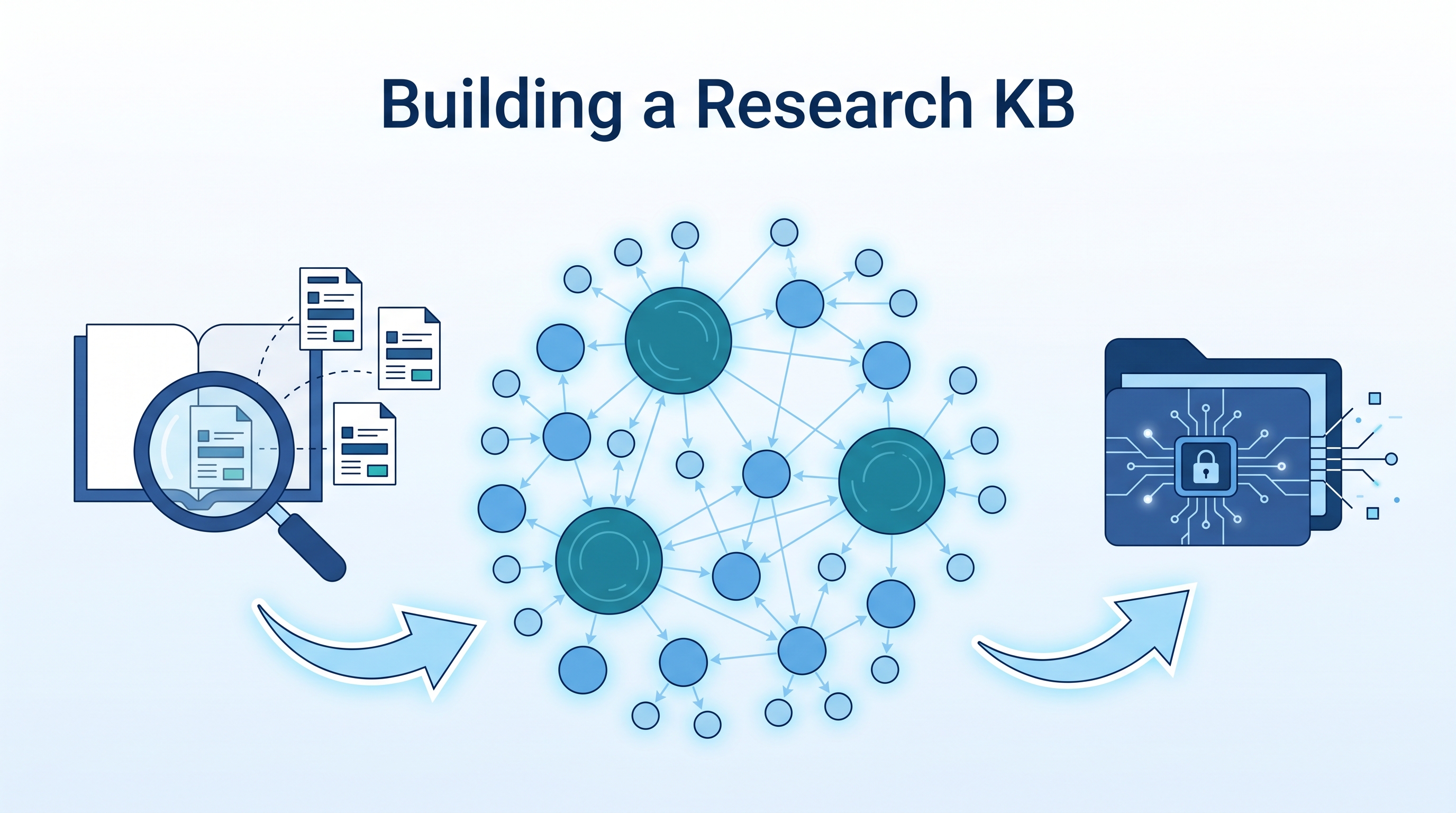
Most academics have a folder of PDFs they’ll “read later.” The Obsidian Web Clipper can’t handle PDFs. Zotero alone is a graveyard of unread papers. The fix: a three-tool pipeline (Zotero → Obsidian → Claude Code) that turns paper hoarding into a living, interlinked research knowledge base — with topic syntheses, atomic concept notes, and enriched paper notes generated in minutes, not months.
| *Source: Zotero + Obsidian Workflow (Do Won Kim) | PhD Workflow Guide | Karpathy LLM Wiki | Zettelkasten Atomicity Guide | MOC in Zettelkasten* |
The Problem: PDFs Don’t Become Knowledge
Every researcher has experienced this:
| Stage | What Happens | Knowledge Gained |
|---|---|---|
| Find paper | “This looks relevant!” | 0% |
| Save PDF | Lands in Downloads or Zotero | 0% |
| Skim abstract | “Interesting approach” | 5% |
| Read once | Highlight some passages | 15% |
| 6 months later | “Didn’t I read something about this?” | 2% |
The bottleneck isn’t finding papers — it’s turning papers into connected, retrievable knowledge. Obsidian’s Web Clipper fails on PDFs (it sees the browser’s renderer, not the text). Zotero captures metadata but doesn’t build connections. You need a pipeline.
The Three-Tool Pipeline
┌──────────────────────────────────────────────────────────┐
│                    CAPTURE LAYER                         │
│  Zotero 7 + Browser Connector + Better BibTeX           │
│  One click: arxiv/ACM/IEEE → metadata + PDF + citekey   │
└────────────────────────┬─────────────────────────────────┘
                         │ Zotero Integration plugin
                         ▼
┌──────────────────────────────────────────────────────────┐
│                  KNOWLEDGE LAYER                         │
│  Obsidian vault with dual-layer architecture             │
│                                                          │
│  research/                                               │
│    ├── Research Index.md      ← master entry point       │
│    ├── topics/                ← MOCs (big picture)       │
│    │   ├── CHC-based Verification.md                     │
│    │   ├── Array Verification.md                         │
│    │   └── ...                                           │
│    ├── concepts/              ← atomic notes (dense)     │
│    │   ├── Constrained Horn Clauses.md                   │
│    │   ├── Prophecy Variables.md                         │
│    │   └── ...                                           │
│    └── Workflow.md            ← how to extend            │
│  papers/                      ← enriched paper notes     │
│    ├── Hyperproperty Verification as CHC Satisfiability  │
│    └── ...                                               │
└────────────────────────┬─────────────────────────────────┘
                         │ Claude Code agents
                         ▼
┌──────────────────────────────────────────────────────────┐
│                 ENRICHMENT LAYER                         │
│  Claude Code: bulk enrichment, cross-linking,            │
│  concept extraction, topic synthesis                     │
└──────────────────────────────────────────────────────────┘
Step 1: Set Up Zotero (The Capture Layer)
Install Stack
| Tool | Purpose | Install |
|---|---|---|
| Zotero 7 | Reference manager + PDF storage | brew install --cask zotero |
| Zotero Connector | One-click browser capture | Auto-prompted on first launch |
| Better BibTeX | Clean citation keys (kura2024automated) |
Zotero → Tools → Plugins → Install |
The One-Click Workflow
Navigate to arxiv.org/abs/XXXX (not /pdf/ — the connector needs the HTML abstract page), click the Zotero icon in your browser toolbar:
arxiv.org/abs/2304.12588
    → Zotero Connector detects paper metadata
    → Saves: title, authors, abstract, DOI, year
    → Downloads PDF attachment automatically
    → Better BibTeX generates citekey: itzhaky2024hyperproperty
Important gotchas:
- Zotero desktop must be running for the connector to work (they communicate via localhost)
- Use
/abs/pages, not/pdf/— the connector can’t parse PDF viewer pages - After first install, refresh the page once — the connector sometimes needs a page reload to initialize
- Works on arXiv, Google Scholar, ACM DL, IEEE, Semantic Scholar, and most publisher sites
Step 2: Connect Obsidian (The Knowledge Layer)
Install the Plugin
In Obsidian: Settings → Community Plugins → Browse → search “Zotero Integration” (by mgmeyers) → Install → Enable.
Configure Import Format
In Zotero Integration settings:
| Setting | Value |
|---|---|
| Database | Zotero |
| Name | Paper Note |
| Output Path | papers/.md |
| Template File | templates/zotero-paper.md |
| Open after import | ✅ On |
The Template (Nunjucks syntax)
---
title: ""
authors:
year:
citekey:
tags: [paper]
status: unread
doi:
url:
zotero:
created:
---

#

**Authors:**
**Published:**
**DOI:**
**Zotero:** [Open in Zotero]()

## Abstract


## Key Contributions

## Methodology

## Gap Filled

## Notes

## Connections
- Related papers:
- Related concepts:

## Summary
Import a Paper
Cmd + P → “Zotero Integration: Paper Note” → search → select → ✓
A note appears in papers/ with all metadata pre-filled. Fill in the sections as you read.
Step 3: The Dual-Layer Architecture (Karpathy Meets Zettelkasten)
Here’s where it gets powerful. Individual paper notes are useful but don’t show the big picture. We add two layers inspired by Karpathy’s LLM wiki and Zettelkasten’s atomic notes:
Layer A: Topic MOCs (Maps of Content)
Synthesis notes that give you the bird’s-eye view of a research area. Each MOC covers one theme and links to all relevant papers.
# CHC-based Verification

## Overview
Constrained Horn Clauses have emerged as a universal intermediate
language for software verification...

## Paper Landscape
- [[Hyperproperty Verification as CHC Satisfiability]] — extends CHCs
  to hyperproperties via game-semantic encoding
- [[Inductive Approach to Spacer]] — reformulates IC3/PDR through
  structural induction
- [[Catamorphic Abstractions for CHC Satisfiability]] — eliminates
  recursive data structures via catamorphisms

## Key Research Questions
- Can CHC encodings scale to concurrent hyperproperties?
- What is the completeness boundary of CHC-based approaches?

## Your Research Angle
(Where your work fits in this landscape)
When to use MOCs: Writing a related work section, preparing a talk, identifying research gaps, onboarding a student.
Layer B: Atomic Concept Notes
Dense, interlinked definitions of individual concepts. Each note is self-contained but links to everything relevant — other concepts AND papers.
# Prophecy Variables

## Definition
Auxiliary variables that predict future values of a computation,
enabling forward-reasoning proofs about properties that depend
on events yet to occur.

## Intuition
Imagine you're proving a program never leaks secrets. You need to
show that for every "public" execution, there exists a matching
"private" one. Prophecy variables let you guess the private
execution upfront, turning an existential into a universal.

## Used In
- [[Prophecy Variables for Hyperproperty Verification]]
- [[The future is ours — prophecy variables in separation logic]]
- [[Counterexample-Guided Prophecy for Model Checking]]

## Related Concepts
- [[Self-Composition]] | [[Hyperproperties]] | [[Game Semantics]]
When to use concept notes: Quick reference during writing, explaining a concept to a student, connecting ideas across papers.
Why Both Layers?
| Topic MOCs | Concept Notes | |
|---|---|---|
| Granularity | Broad (5-15 papers) | Atomic (1 idea) |
| Purpose | Synthesis & gaps | Definition & reference |
| Updates | When new papers arrive | When understanding deepens |
| Use case | Literature review, talks | Writing, teaching, linking |
| Analogy | Table of contents | Dictionary entry |
Together they form a research graph — MOCs are the highways, concept notes are the intersections, papers are the buildings.
Step 4: Bulk Enrichment with Claude Code
This is where AI turns a pile of paper notes into a knowledge base. Instead of manually filling in 31 paper notes, Claude Code can:
Enrich Papers via Zotero API
Zotero exposes a local API via Better BibTeX:
# Get all papers as JSON
curl -X POST "http://localhost:23119/better-bibtex/json-rpc" \
  -H "Content-Type: application/json" \
  -d '{"jsonrpc":"2.0","method":"item.search","params":[""],"id":1}'
Claude Code reads this, creates paper notes, and fills in Key Contributions, Methodology, Gap Filled, and Connections — using the abstract plus its knowledge of the field.
Parallel Agent Enrichment
Split papers into batches and enrich in parallel:
Agent 1: Papers 1-8   ──→ enriched in ~3 min
Agent 2: Papers 9-16  ──→ enriched in ~3 min
Agent 3: Papers 17-24 ──→ enriched in ~3 min
Agent 4: Papers 25-31 ──→ enriched in ~3 min
31 papers enriched with substantive academic content in under 5 minutes. Each agent adds:
- Key Contributions (3-5 bullets of what’s actually new)
- Methodology (technical approach)
- Gap Filled (what was missing before this work)
- Connections with
[[wikilinks]]to related papers
Generate Topic MOCs and Concept Notes
Separate agents create the synthesis layers:
- 5 topic MOCs with state-of-the-art overviews, open problems, evolution timelines
- 20 atomic concept notes with definitions, intuitions, cross-references
- A master Research Index linking everything
Total time: ~15 minutes for a complete, interlinked research KB from 31 raw Zotero papers.
The Daily Workflow
Once the KB is built, maintaining it is easy:
See interesting paper on arXiv
    → Click Zotero Connector (10 seconds)
    → Cmd+P "Paper Note" in Obsidian (10 seconds)
    → Read paper, fill in notes
    → Link to existing concepts and topics

    OR (faster):
    → Tell Claude Code: "Add this paper to my research KB"
    → Claude creates note, enriches it, links it, updates index
Periodic Maintenance
| Task | Frequency | How |
|---|---|---|
| Add new papers | As you find them | Zotero Connector + Paper Note |
| Enrich notes | After reading | Fill in Key Contributions, Notes |
| Update MOCs | Monthly | Add new papers to topic syntheses |
| Add concepts | When a new idea crystallizes | Create atomic note in concepts/ |
| Health check | Monthly | Ask Claude: “Lint my research KB” |
| Graph review | Weekly | Open Obsidian graph view, spot gaps |
Results: What 31 Papers Look Like
After building this system with 31 papers on formal verification, the Obsidian graph view shows clear research clusters:
         ┌─────────────────┐
         │  CHC Solving     │
         │  (8 papers)      │
         └────┬──────┬──────┘
              │      │
    ┌─────────┴┐    ┌┴──────────┐
    │ Array     │    │ Hyper-    │
    │ Verif.    │    │ properties│
    │ (11 papers│    │ (7 papers)│
    └─────┬────┘    └─────┬─────┘
          │               │
          └───────┬───────┘
                  │
         ┌────────┴────────┐
         │  Robustness &   │
         │  Sensitivity    │
         │  (6 papers)     │
         └─────────────────┘
Each cluster is densely connected internally and linked to the others through shared concepts (CHC encodings, prophecy variables, program transformations).
Comparison: Before vs. After
| Before | After | |
|---|---|---|
| Paper capture | Download PDF, forget | One-click Zotero, auto-metadata |
| Paper notes | Scattered highlights | Structured: contributions, gaps, connections |
| Finding related work | “I think I read something about…” | Graph view + wikilinks |
| Writing related work | Start from scratch each time | MOC has the synthesis ready |
| Teaching a concept | Re-derive from memory | Concept note has definition + intuition |
| Research gaps | Gut feeling | MOC “Open Problems” section |
| Onboarding a student | “Read these 10 papers” | “Start at Research Index, follow the links” |
How LearnAI Team Could Use This
- Literature reviews — Build a topic MOC before writing; the synthesis is half-done
- Grant proposals — The “Gap Filled” and “Open Problems” sections map directly to significance and innovation narratives
- Course design — Concept notes become lecture building blocks; MOCs become module outlines
- Student mentoring — Share the Research Index as a guided reading map
- Collaborative research — Sync Zotero library across team members; everyone contributes to the same KB
Real-World Use Cases
- PhD qualifying exam prep — Build a MOC per exam topic, link to 20-30 papers each, study from the synthesis
- Conference paper writing — MOC “Paper Landscape” section becomes your related work; concept notes become your background section
- Joining a new research area — Bulk-import 30 key papers, let Claude enrich them, read the MOCs first to get the big picture before diving into individual papers
- Research group meetings — Share the graph view; everyone sees how their paper connects to the group’s themes
Set Up Your Own Research KB (Step-by-Step)
Want to build this for your own research area? Here’s the complete playbook — takes about 30 minutes for setup, then 15 minutes for your first batch of papers.
Phase 1: Infrastructure (15 min, one-time)
Step 1: brew install --cask zotero          # 2 min
Step 2: Launch Zotero → install Connector   # 2 min
Step 3: Install Better BibTeX plugin        # 2 min
Step 4: Obsidian → install Zotero Integration plugin  # 2 min
Step 5: Configure import format (see Step 2 above)    # 5 min
Step 6: Create folder structure:                      # 2 min
        research/topics/
        research/concepts/
        papers/
        templates/
Phase 2: Seed Your KB (15 min)
| Step | Action | Time |
|---|---|---|
| 1 | Open 15-30 key papers in your area (arXiv, Google Scholar) | 5 min |
| 2 | Click Zotero Connector on each /abs/ page |
5 min |
| 3 | Ask Claude Code: “Create Obsidian notes for all my Zotero papers and enrich them” | 5 min |
Claude will:
- Pull all papers via the Zotero local API
- Create structured notes with metadata + abstracts
- Fill in Key Contributions, Methodology, Gap Filled
- Auto-tag by research area
- Add
[[wikilinks]]between related papers
Phase 3: Build the Knowledge Layers (15 min)
Ask Claude Code:
"Build my research KB with:
- 4-6 topic MOCs covering my main research themes
- 15-20 atomic concept notes for key ideas
- A Research Index linking everything
- Cross-links to connect papers ↔ concepts ↔ topics"
Claude will run parallel agents to create all three layers simultaneously.
Phase 4: Integrate Your Existing Work
If you already have research notes, project files, or Obsidian notes:
"Find all my existing notes related to [your research area]
 and link them into my research KB"
Claude will scan your vault, identify relevant notes, add them to the Research Index, and cross-link them with the papers and concepts.
Phase 5: Maintain and Grow
┌─────────────────────────────────────────────────────────┐
│                  DAILY (2 min)                          │
│  See paper → Zotero click → Obsidian import → done     │
├─────────────────────────────────────────────────────────┤
│                  WEEKLY (10 min)                        │
│  Review graph view → spot isolated nodes → add links   │
│  Read one paper deeply → fill in Notes + Summary       │
├─────────────────────────────────────────────────────────┤
│                  MONTHLY (30 min)                       │
│  Ask Claude: "Update my [topic] MOC with new papers"   │
│  Ask Claude: "What concepts am I missing?"             │
│  Ask Claude: "Lint my research KB for broken links"    │
├─────────────────────────────────────────────────────────┤
│                  PER PROJECT                            │
│  Starting a paper → create/update relevant MOC first   │
│  Writing related work → export MOC Paper Landscape     │
│  Grant proposal → export Gap Filled + Open Problems    │
└─────────────────────────────────────────────────────────┘
Adapting to Your Research Area
The architecture works for any field. Replace the examples with your own:
| If your area is… | Your topics might be… | Your concepts might be… |
|---|---|---|
| NLP | Transformers, RLHF, Evaluation, Multilinguality | Attention, BPE Tokenization, BLEU Score, Chain-of-Thought |
| Systems | Distributed Consensus, Storage, Scheduling | Paxos, LSM Trees, CFS, RDMA |
| Security | Cryptography, Side Channels, Fuzzing | AES, Spectre, Coverage-guided Fuzzing |
| HCI | Interaction Design, Accessibility, AR/VR | Fitts’ Law, WCAG, Spatial Anchoring |
| Biology | Genomics, Protein Folding, Drug Discovery | CRISPR, AlphaFold, ADMET |
The key insight: the structure is domain-independent. Papers → Concepts → Topics → Index. The content changes, the architecture doesn’t.
Claude Code Commands Cheat Sheet
| What you want | What to say |
|---|---|
| Add a paper | “Add this paper to my research KB: [URL or title]” |
| Bulk import | “Create notes for all my Zotero papers” |
| New concept | “Create a concept note for [X]” |
| Update topic | “Update the [topic] MOC with recent papers” |
| Find connections | “How does [paper] connect to my existing KB?” |
| Identify gaps | “What’s missing in my KB on [topic]?” |
| Health check | “Lint my research KB” |
| Full setup | “Help me build a research KB for [your area]” |
Tools & Links
| Tool | Purpose | Link |
|---|---|---|
| Zotero 7 | Reference manager | zotero.org |
| Better BibTeX | Citation keys | GitHub |
| Obsidian | Knowledge base | obsidian.md |
| Zotero Integration | Obsidian plugin | GitHub |
| Claude Code | AI enrichment | claude.ai/claude-code |
| Karpathy LLM Wiki | Inspiration | GitHub Gist |