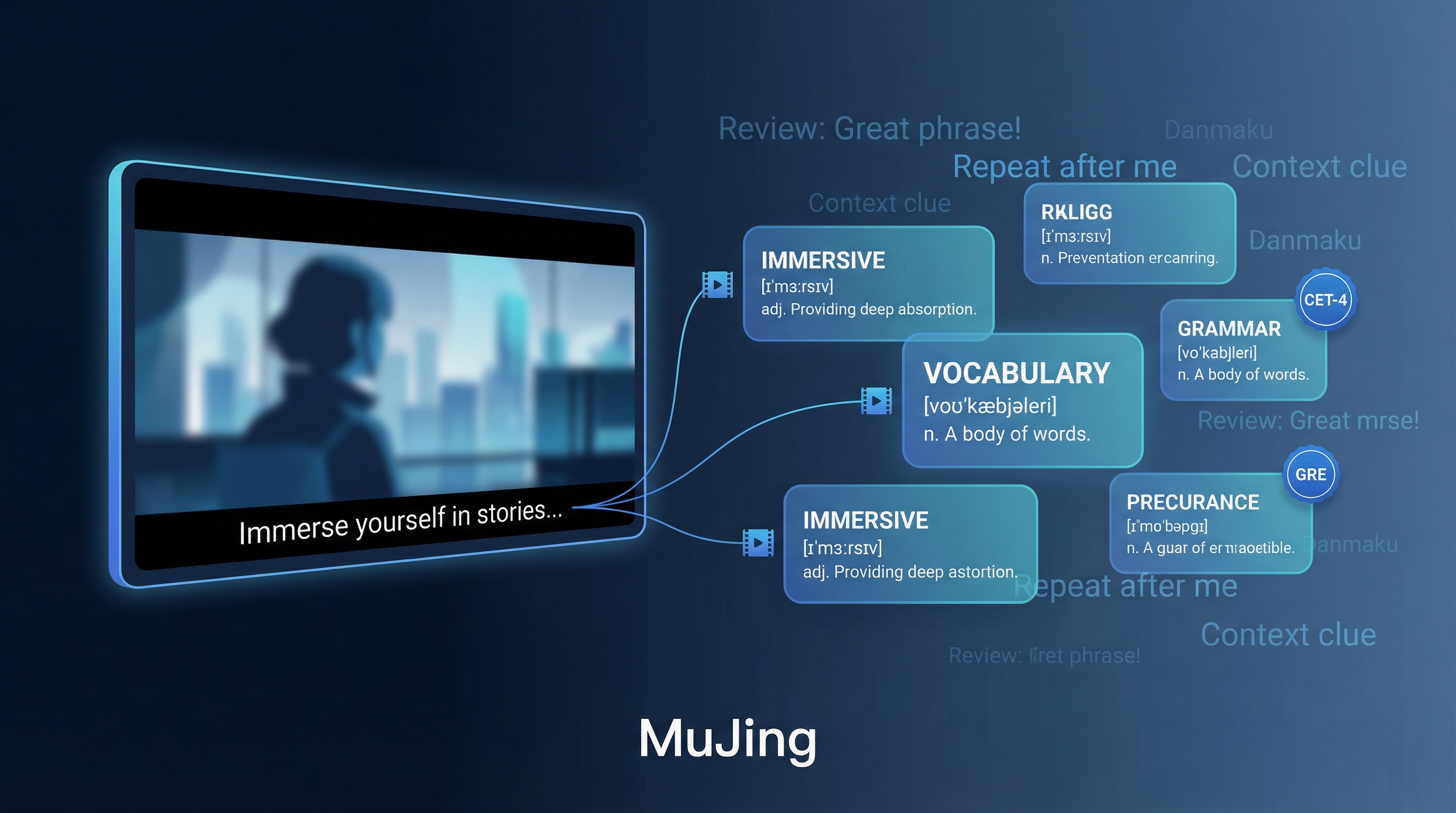
MuJing (幕境) is a free, open-source desktop app that lets you learn English vocabulary through movies, TV shows, and documents. Instead of memorizing isolated word lists, you encounter words in their original narrative context — the scene where they were actually used — making vocabulary stick far more naturally.
| *Source: GitHub - tangshimin/MuJing | MuJing Wiki* |
Why Context Beats Flashcards
Traditional vocabulary apps show you a word and a definition. MuJing shows you the word inside the movie scene where it appeared — with audio, subtitles, and visual context. Research consistently shows that words learned in context are retained 2-3x longer than words learned in isolation.
The key insight: you’re not studying English — you’re watching content you enjoy, and learning happens as a side effect.
How It Works
┌─────────────┐     ┌─────────────┐     ┌─────────────┐     ┌─────────────┐
│  Load Media  │ ──▶ │  Generate   │ ──▶ │  Study with  │ ──▶ │  Watch with  │
│  (MKV/SRT/   │     │  Word Bank  │     │  Context     │     │  Danmaku     │
│   PDF/TXT)   │     │             │     │  Spelling    │     │  Review      │
└─────────────┘     └─────────────┘     └─────────────┘     └─────────────┘
- Select your content — import an MKV video, subtitle file, PDF, or text document
- Generate a word bank — MuJing extracts vocabulary and tags frequency levels (CET-4, CET-6, GRE, etc.)
- Study in context — each word shows its original scene, pronunciation, definition, and example sentences
- Watch with danmaku — during playback, studied words float across the screen as subtitle overlays for passive review
Key Features
| Feature | Description |
|---|---|
| Contextual Memory | Every word links back to the movie/show scene where it appeared |
| Spelling Practice | Type words while watching related video clips |
| Subtitle Dictation | Listen and transcribe — trains both listening and spelling |
| Danmaku Review | Words float on-screen during video playback for passive reinforcement |
| Smart Subtitles | Hover any word in subtitles for instant translation; one-click add to word bank |
| Dual Subtitles | Toggle between English-only, Chinese-only, or bilingual subtitles |
| Frequency Levels | Words tagged by difficulty: core 5000, CET-4/6, GRE |
Supported Input Formats
| Format | Source | Notes |
|---|---|---|
| MKV | Movies, TV shows | Extracts embedded subtitles directly |
| SRT/ASS | Any video + subtitle | Pair subtitle file with any video format |
| Documents, textbooks | Builds vocabulary from reading material | |
| TXT | Plain text | Articles, scripts, any text content |
Video Player Controls
The built-in player is designed for language learners:
- Auto-pause after each subtitle line — practice shadowing (repeating what you hear)
- A/D keys — navigate between subtitle segments
- S key — repeat current segment
- Click any word — instant dictionary lookup + add to word bank
Installation
Available for Windows and macOS. Download from GitHub Releases — one-click installer packages available for both platforms.
Built with Kotlin (99.8%) + Compose Desktop. Open source under GPL-3.0. 3,800+ GitHub stars.
Practical Workflow Example
Want to learn English from Spider-Man?
- Load the MKV file → MuJing extracts all dialogue
- Filter to words at your level (e.g., CET-4 vocabulary)
- Study each word with its movie clip: “I’m getting better. It was not magic.”
- Practice spelling while the clip replays
- Watch the full movie — your studied words appear as floating danmaku reminders
Compared to Other Tools
| Tool | Approach | Cost | Offline |
|---|---|---|---|
| MuJing | Your own movies/docs, desktop app | Free | Yes |
| FluentU | Curated video library, web/mobile | $30/mo | No |
| Lingopie | Licensed TV shows with subtitles | $12/mo | No |
| Migaku | Browser extension for any video | $10/mo | No |
MuJing’s advantage: you use your own content, it works completely offline, and it’s free. The tradeoff is it’s desktop-only and requires you to source your own media.
How LearnAI Team Could Use This
- Language-learning demos — Use MuJing to show how authentic media becomes structured vocabulary practice.
- AI education examples — Compare context-rich study workflows against isolated flashcard memorization.
- Workshop activities — Have learners import a short clip, extract vocabulary, and build a study routine.
- Curriculum design — Adapt the contextual-learning pattern for other subjects where examples matter more than definitions.
Real-World Use Cases
- English learners studying vocabulary from movies, TV shows, and subtitles they enjoy.
- Teachers preparing vocabulary lists from assigned videos or reading materials.
- Self-study students practicing listening, spelling, and review offline on desktop.
- Exam prep learners filtering extracted words by CET-4, CET-6, GRE, or core vocabulary levels.