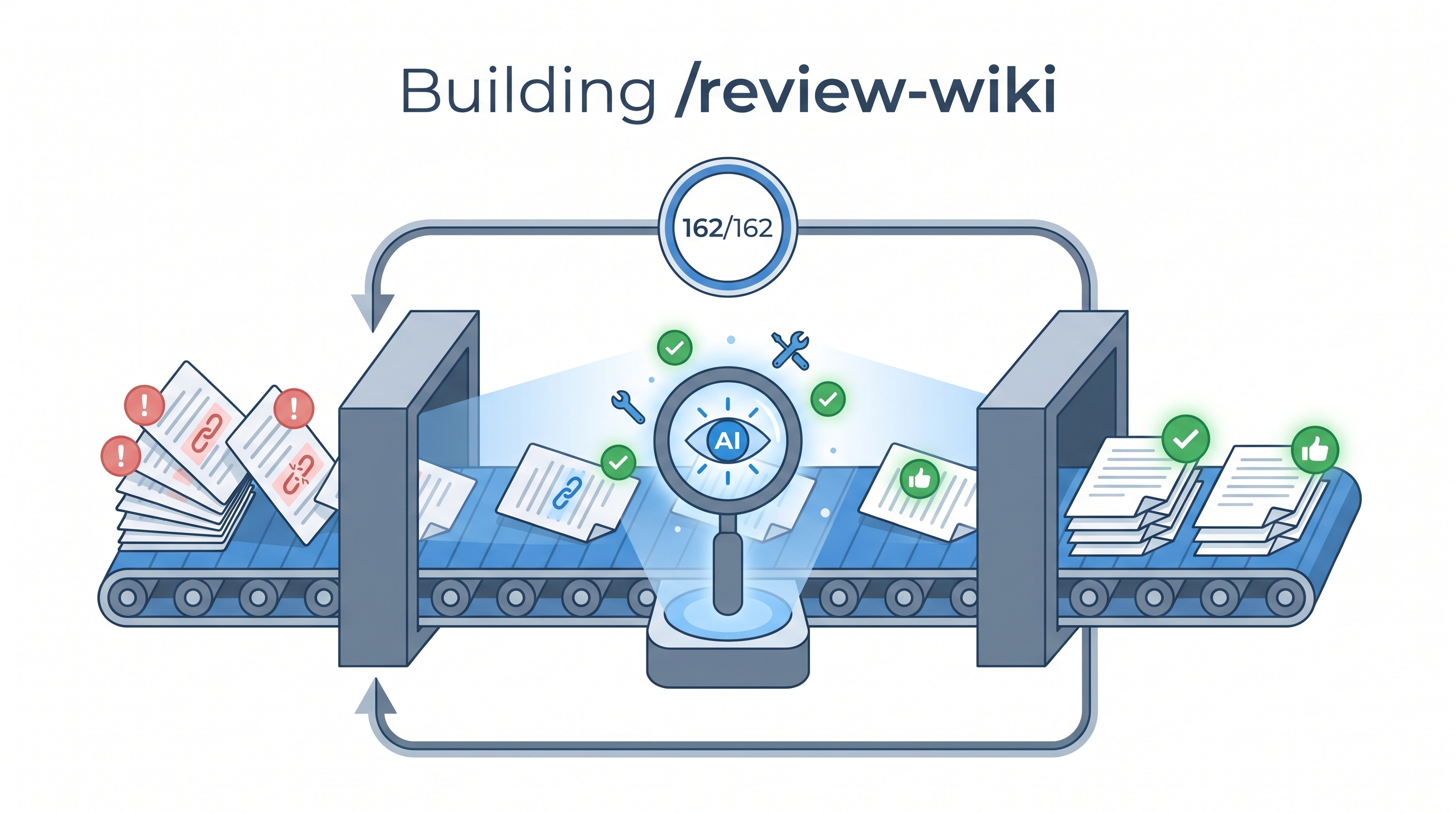
We had 162 wiki entries that needed quality review — checking factual accuracy, structural consistency, missing sections, and source links. Doing this manually would take days. Instead, we built a Claude Code skill called /review-wiki that orchestrates Codex (GPT-5.5) to review 3 entries per batch, auto-apply fixes, track progress in JSON, commit atomically, and loop unattended until done. The whole knowledge base was reviewed in one overnight session. Here’s exactly how we built it — and how you can build similar batch pipelines for your own projects.
| *Source: Claude Code Skills Docs | Chaining Skills into Autonomous Pipelines | Claude Code Scheduled Tasks* |
The Problem
A growing wiki accumulates quality debt:
- Entries missing required sections (“How LearnAI Team Could Use This”, “Real-World Use Cases”)
- Stale facts (GitHub star counts, dead links, outdated model names)
- Empty
relatedfrontmatter (no cross-linking) - Missing source attribution lines
- Inconsistent heading structures
Manual review doesn’t scale. We needed an autonomous quality pipeline that could review every entry, apply deterministic fixes, flag uncertain issues for human review, and track progress across sessions.
Architecture
┌────────────────────────────────────────────────────────────┐
│                  /review-wiki Skill                          │
│                                                              │
│  ┌──────────┐     ┌───────────┐     ┌──────────────┐       │
│  │ PREFLIGHT │────▶│ BATCH (3) │────▶│ POST-BATCH   │       │
│  │           │     │           │     │              │       │
│  │• Lock     │     │• Read     │     │• Git commit  │       │
│  │• Reconcile│     │• Codex    │     │• Git push    │       │
│  │• Select   │     │• Apply    │     │• Progress    │       │
│  │           │     │• Obsidian │     │  report      │       │
│  └───────────┘     └───────────┘     └──────────────┘       │
│                                                              │
│  ┌──────────────────────────────────────────────────┐       │
│  │           Progress Tracker (.json)                │       │
│  │  • Atomic writes (tmp + mv)                       │       │
│  │  • Per-entry state machine                        │       │
│  │  • Stale run recovery (30-min timeout)            │       │
│  │  • Auto-reconcile with filesystem                 │       │
│  └──────────────────────────────────────────────────┘       │
│                                                              │
│  ┌──────────────────────────────────────────────────┐       │
│  │           Lock (mkdir-based)                       │       │
│  │  • Prevents duplicate runs from /loop             │       │
│  │  • Auto-cleaned on exit via trap                  │       │
│  │  • Stale detection (>30 min)                      │       │
│  └──────────────────────────────────────────────────┘       │
└────────────────────────────────────────────────────────────┘
         │
         │  /loop 10m /review-wiki
         ▼
┌────────────────────┐
│  CronCreate        │
│  */10 * * * *      │
│  Auto-expires 7d   │
└────────────────────┘
Step-by-Step: Building the Skill
Step 1: Create the Skill File
Claude Code skills use a SKILL.md file in a skill directory. For a personal skill, create:
~/.claude/skills/review-wiki/SKILL.md
A command-style file such as ~/.claude/commands/review-wiki.md can still create /review-wiki, but the canonical skill layout is a directory with SKILL.md.
The frontmatter tells Claude when to use it:
---
name: review-wiki
description: "Batch review wiki entries with Codex + update Obsidian notes. Runs 3 entries per invocation."
---
Step 2: Define the Progress Tracker
The most important design decision: a JSON state machine that survives crashes, context window limits, and multi-session work.
{
  "total": 162,
  "reviewed": 0,
  "lastRun": "2026-05-07T10:00:00Z",
  "entries": {
    "some-entry.md": {
      "status": "pending",
      "attempts": 0,
      "startedAt": null,
      "reviewedAt": null,
      "verdict": null,
      "fixCount": 0,
      "lastError": null,
      "obsidianNote": "pending"
    }
  }
}
Key principle: Write atomically — always write to .tmp then mv to the real path. Never write directly to the progress file.
jq '...' "$PROGRESS" > "$PROGRESS.tmp" && mv "$PROGRESS.tmp" "$PROGRESS"
Step 3: Design the Locking Mechanism
When combined with /loop, multiple invocations can overlap. Use mkdir as an atomic lock:
LOCKDIR="$PROGRESS.lock"
if ! mkdir "$LOCKDIR" 2>/dev/null; then
  echo "Another review-wiki is running. Skipping."
  exit 0
fi
trap 'rmdir "$LOCKDIR" 2>/dev/null' EXIT
Step 4: Structured Codex Prompt
The review prompt must return machine-parseable JSON with an auto_apply flag that separates safe fixes from uncertain ones:
{
  "verdict": "CLEAN | NEEDS_FIXES",
  "issues": [{
    "severity": "blocking | minor",
    "category": "factual_accuracy | structure | missing_section | source_links | cross_links | writing_quality",
    "exact_text": "verbatim text to replace",
    "replacement": "corrected text",
    "auto_apply": true
  }]
}
Critical rules for the Codex prompt:
auto_apply: true— only for deterministic fixes (typos, formatting, structural additions)auto_apply: false— for unverifiable claims, suspected dead links, speculative improvementsexact_textmust match verbatim — otherwise the edit fails silently
Step 5: The Fix Application Logic
For each issue in Codex response:
  if auto_apply === true:
    → Edit tool: replace exact_text with replacement
    → Increment fixCount
  if auto_apply === false:
    → Append <!-- REVIEW-TODO: [category] description --> to file
    → Flag for human review later
This separation is critical. Without it, you either:
- Apply everything blindly (introduces errors)
- Apply nothing (defeats the purpose)
Step 6: Wire Up /loop for Continuous Execution
/loop 10m /review-wiki
This creates a cron job that fires the skill every 10 minutes. At 3 entries per batch, 162 entries complete in ~9 hours of unattended work.
Results
| Metric | Value |
|---|---|
| Entries reviewed | 162/162 |
| Auto-applied fixes | ~400 |
| Manual TODOs flagged | ~15 |
| Most common issue | Missing “How LearnAI Team Could Use This” section (~85% of entries) |
| Obsidian notes created | ~100 |
| Total batches | ~55 |
| Time (unattended) | ~9 hours |
Design Patterns Worth Stealing
1. State Machine Progress Tracking
Don’t rely on Claude’s memory across sessions. Persist state externally:
pending → in_progress → reviewed
                     ↘ error (retry up to 3x)
2. Reconcile on Every Run
Compare the progress file against the actual filesystem. New files get added as pending. Deleted files get marked skipped. The tracker never drifts from reality.
3. Stale Run Recovery
If status === "in_progress" but startedAt is >30 minutes old, the run crashed. Reset to pending (or error if max retries exceeded).
4. Structured AI Output with Safety Tiers
Force the reviewing AI to classify each fix into safety tiers:
- Deterministic (auto-apply): typos, missing sections, formatting
- Uncertain (manual review): factual claims, link validity, speculative improvements
5. Batch + Commit + Push as Atomic Unit
Each batch of 3 entries produces exactly one git commit. If something fails mid-batch, the progress tracker knows which entries succeeded and which need retry.
6. Multiple Running Modes
Design skills with multiple invocation patterns:
/review-wiki— one-shot batch/review-wiki --status— check progress/review-wiki --todos— list manual review items/loop 10m /review-wiki— continuous unattended processing
Common Pitfalls (What We Learned)
| Pitfall | Solution |
|---|---|
| Codex invents source URLs | Prompt rule: “Do NOT invent URLs. Set auto_apply=false and note needs_source” |
| exact_text doesn’t match | Include enough surrounding context for uniqueness |
| Progress JSON corrupted mid-write | Atomic writes: tmp file + mv |
| Duplicate runs from /loop overlap | mkdir-based locking with trap cleanup |
| Context window exhaustion on large entries | Read only the entry being reviewed, not the whole batch |
| Obsidian CLI hanging | Fallback: write notes directly with Write tool |
How to Adapt This for Your Project
The pattern generalizes to any batch AI processing task:
- Define your corpus — what files/records need processing?
- Define your quality criteria — what does “good” look like? Encode as a structured prompt.
- Define your fix tiers — what’s safe to auto-apply vs. needs human review?
- Build the state machine — pending → in_progress → reviewed/error
- Add locking and atomic writes — for crash safety
- Wire up /loop — for unattended execution
- Commit per batch — for auditability and rollback
Example Applications
| Domain | Corpus | Quality Criteria |
|---|---|---|
| Documentation | API docs | Missing parameters, stale examples, broken links |
| Codebase | Source files | Style violations, security issues, dead imports |
| Research notes | Paper summaries | Missing citations, outdated claims, formatting |
| Blog posts | Published articles | SEO gaps, broken links, outdated info |
| Translations | i18n files | Untranslated strings, formatting mismatches |
Real-World Use Cases
- Knowledge base maintenance — Review hundreds of wiki/docs entries for structural consistency and factual accuracy without manual effort.
- Documentation CI — Run as a scheduled job to catch quality drift before it accumulates.
- Research note enrichment — Batch-enrich Obsidian/Notion notes with cross-links, missing metadata, and source verification.
- Content migration QA — After migrating content between platforms, batch-verify nothing was lost or mangled.
How LearnAI Team Could Use This
- Teach autonomous pipeline design — Use this as a case study for building reliable batch AI systems: state machines, atomic writes, safety tiers, crash recovery.
- Student portfolio review — Adapt the pattern to batch-review student submissions for structure and completeness before grading.
- Course content QA — Run against course materials to catch stale links, outdated examples, and missing sections.
- Research lab documentation — Keep lab wikis consistent as multiple contributors add entries over time.
Links
- Claude Code Skills Docs: code.claude.com/docs/en/skills
- Scheduled Tasks: code.claude.com/docs/en/scheduled-tasks
- Chaining Skills into Pipelines: MindStudio Guide
- Workflow Patterns: Beyond One-Shot Prompts