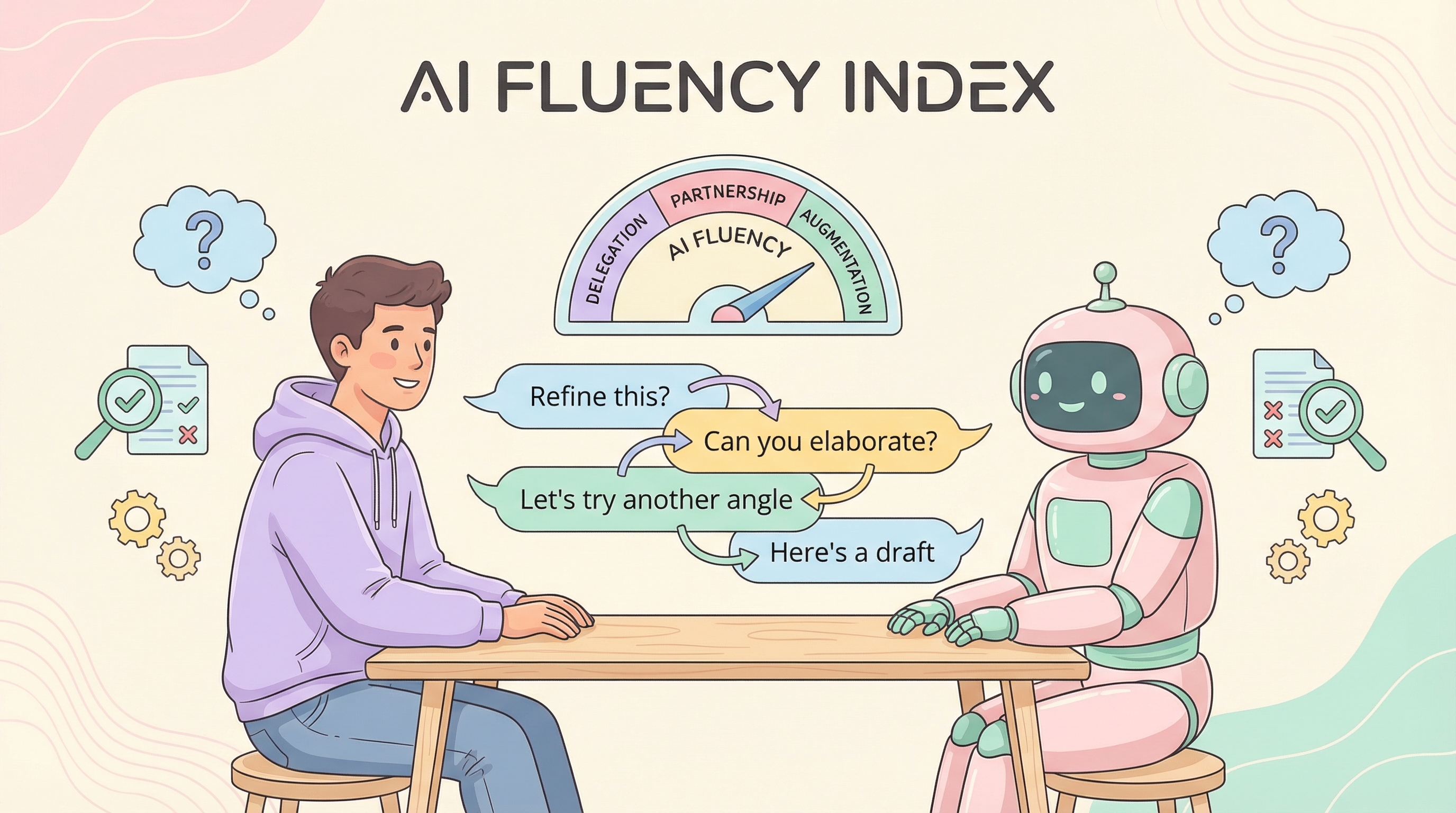
Anthropic’s 2026 Education Report introduces the AI Fluency Index — a 4D framework (24 behaviors, 11 observable) based on 9,830 conversations analyzed. The key finding: being good at prompting doesn’t mean you’re good at working with AI. The most fluent users treat AI as a thought partner to augment their work, not just delegate it.
| *Source: Anthropic AI Fluency Index | Related paper: How AI Impacts Skill Formation (arXiv)* |
Takeaway 1: The “Iteration Effect”
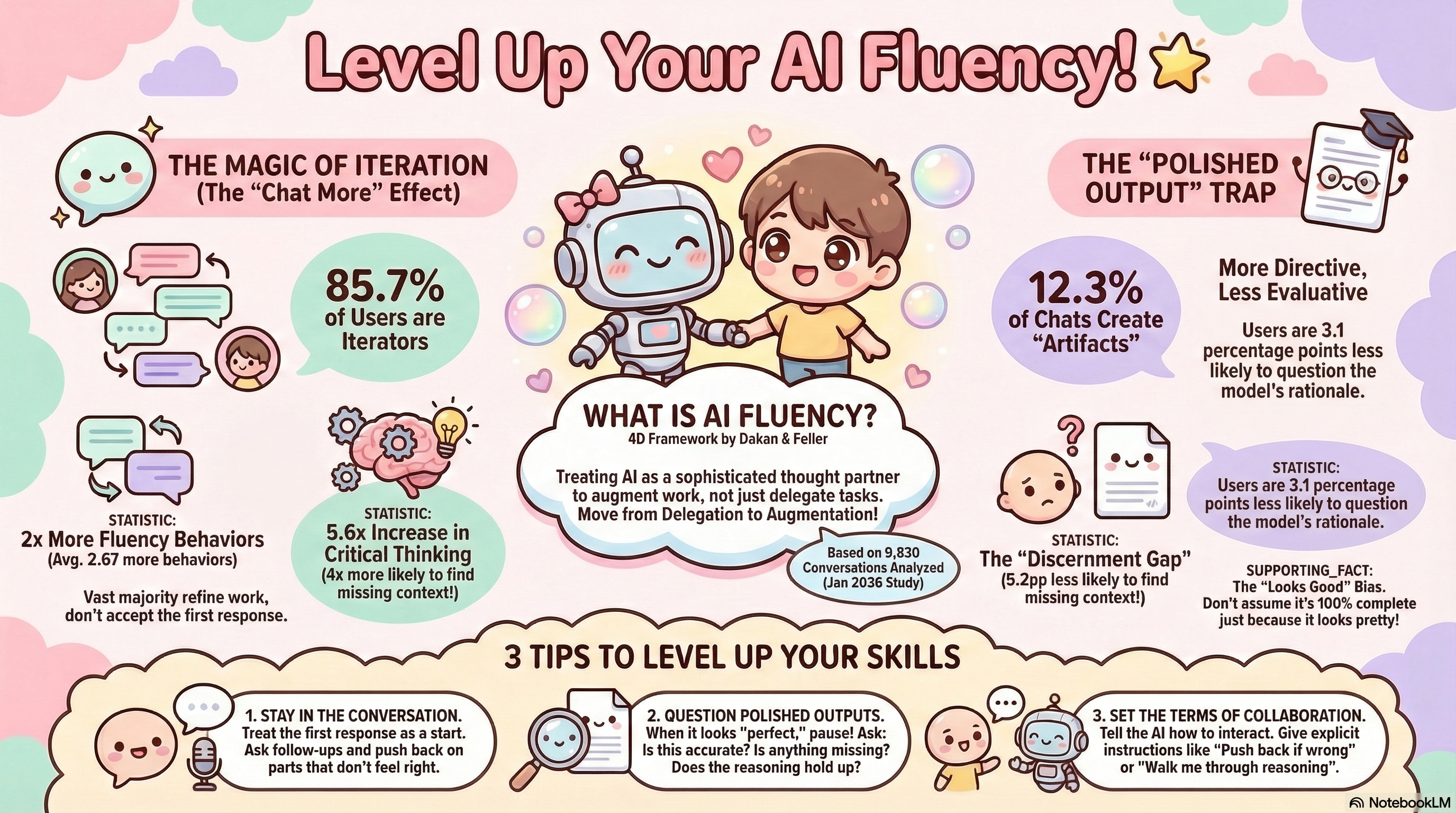
85.7% of conversations involve iteration — the vast majority of users don’t accept the first response.
Iterative users show dramatically better outcomes:
| Behavior | Improvement |
|---|---|
| Question AI reasoning | 5.6x more likely |
| Identify missing context | 4x more likely |
| Fluency behaviors overall | 2x more (avg. 2.67 more behaviors) |
The lesson: stay in the conversation. Treat the first response as a starting point, not a final answer. Ask follow-ups and push back on parts that don’t feel right.
Takeaway 2: The Polished Output Paradox
When AI outputs look finished — clean code, formatted documents, polished UIs — users become more directive but abandon critical evaluation.
- 12.3% of chats create “artifacts” (code, documents, etc.)
- Users are 3.1 percentage points less likely to question the model’s rationale
- Users are 5.2 percentage points less likely to find missing context
This is the “halo effect” — polished outputs bypass scrutiny. Just because it looks good doesn’t mean it’s correct or complete.
The fix: When output looks “perfect,” pause. Ask: Is this accurate? Is anything missing? Does the reasoning hold up?
Takeaway 3: You’re Probably Under-Managing Your AI
Only 30% of users explicitly instruct AI on how to interact with them. The other 70% just accept whatever default behavior the AI offers.
What fluent users do differently:
- Request reasoning — “Walk me through your thinking”
- Encourage friction — “Push back if something seems wrong”
- Surface uncertainty — “Tell me what you’re not sure about”
3 Tips to Level Up
- Stay in the conversation — Treat the first response as a start. Ask follow-ups and push back on parts that don’t feel right.
- Question polished outputs — When it looks “perfect,” pause. Ask: Is this accurate? Is anything missing? Does the reasoning hold up?
- Set the terms of collaboration — Tell the AI how to interact. Give explicit instructions like “Push back if wrong” or “Walk me through reasoning.”
How LearnAI Team Could Use This
- Build AI fluency checks into faculty training: require users to ask for reasoning, identify missing context, and revise outputs before accepting them.
- Use polished AI outputs as review exercises: have instructors and learners critique generated lesson plans, rubrics, code, or documents for accuracy and gaps.
- Model “collaboration settings” in prompts: teach users to ask AI to push back, surface uncertainty, and explain assumptions.
Real-World Use Cases
- A teacher uses Claude to draft a lesson plan, then asks it to identify missing context, explain its instructional choices, and revise for a specific student group.
- A curriculum designer reviews an AI-generated rubric by asking for weak points, hidden assumptions, and alignment with learning objectives.
- A student treats the first AI answer as a draft, follows up with clarifying questions, and checks the reasoning before using it in an assignment.
Why This Matters
AI fluency isn’t about prompt engineering — it’s a soft skill developed through intentional practice. The most successful professionals aren’t the ones who use AI the most; they’re the ones who manage AI with healthy skepticism, iterate relentlessly, and refuse to let polished output substitute for critical thinking.