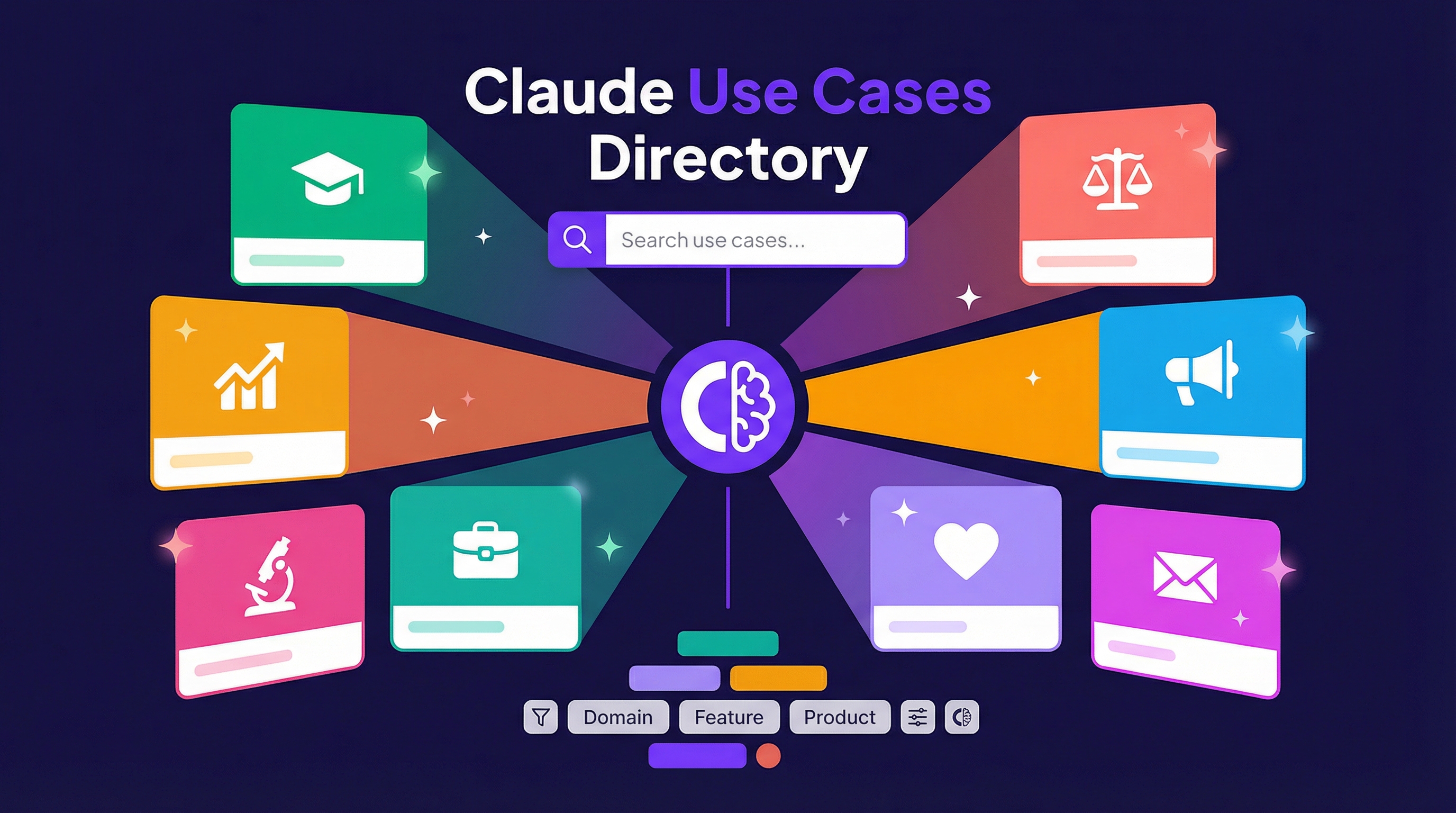
Anthropic maintains a comprehensive directory of real-world Claude use cases at claude.com/resources/use-cases. It’s worth browsing regularly — new use cases get added and they cover tasks you might not have thought to try.
Source: Claude Use Cases
Categories by Domain
The directory spans a wide range of fields:
| Domain | Examples |
|---|---|
| Education | Custom course materials, interactive diagram tools |
| Finance | Financial analysis, reporting |
| Marketing | Content creation, campaign planning |
| Legal | Document review, contract analysis |
| Research | Literature review, data analysis |
| HR | Job descriptions, interview prep |
| Life Sciences | Research workflows, data interpretation |
| Sales | Prospecting, proposal writing |
| Personal | Email cleanup, travel planning |
| Professional | Meeting prep, presentations |
| Nonprofits | Grant writing, outreach |
Categories by Feature
Each use case highlights which Claude features it leverages:
- Artifacts — Interactive outputs you can iterate on
- Extended Thinking — For complex reasoning tasks
- Projects — Persistent context across conversations
- Research — Deep web research capabilities
- Skills — Reusable workflows
- Web Search — Real-time information retrieval
- Connectors — Integration with external tools
Categories by Product
- Claude.ai — Web interface use cases
- Claude in Chrome — Browser automation (like cleaning Gmail)
- Claude in Excel — Spreadsheet workflows
- Cowork — Collaborative work features
Key Insight from the Community
A widely shared observation: Claude’s structured output quality in complex tasks consistently exceeds expectations. This isn’t marketing — it’s what practitioners see in actual workflows. The contrast is telling: some spend thousands of dollars on tokens without knowing how to get started, while others treat the official use cases page as a course textbook and iterate from there.
The takeaway: tool capability boundaries often depend on how well you prompt, not on the model’s raw ability. The use cases directory shows you what’s possible when prompting is done right.
Why This Matters
Most people use Claude for a narrow set of tasks they already know. This directory is a goldmine for discovering workflows you didn’t know were possible. Browse it when you have a repetitive task and think “there’s probably a better way” — there usually is.
Further Reading
How LearnAI Team Could Use This
- Mine the directory for reusable workflow patterns when designing new skills or wiki entries.
- Use as curriculum material: students explore use cases and identify which Claude features each one requires.
- Expand the team’s prompt library by adapting documented use cases to LearnAI-specific contexts.
Real-World Use Cases
- Educators creating course materials from the “Education” category examples.
- Analysts adapting the “Research” workflows for data synthesis and report generation.
- Teams preparing presentations using the “Productivity” use case templates.
- Students exploring the directory to discover what’s possible with Claude beyond chat.