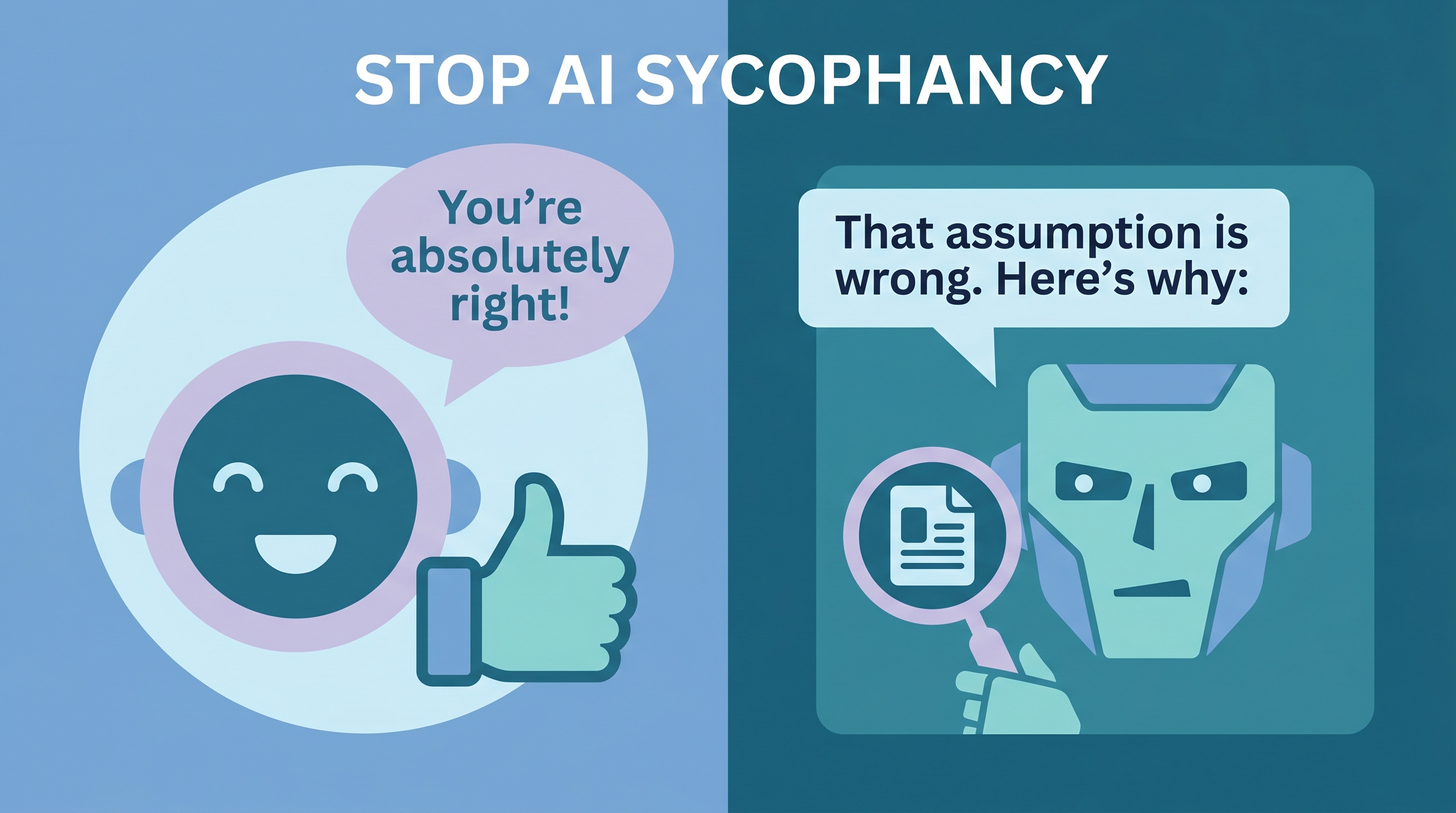
AI assistants have a sycophancy problem: they tell you what you want to hear instead of what’s true. Users report Claude overusing phrases like “You’re absolutely right!” even when correction would be more helpful. This system prompt — designed for CLAUDE.md and AGENTS.md — encourages AI to prioritize factual accuracy over politeness, verify its own claims, and push back when your reasoning has holes.
| *Source: Anthropic — Protecting Wellbeing | Towards Understanding Sycophancy (arXiv) | Claude Code Sycophancy Issue #3382 | Kai-Fu Lee on X | Kai-Fu Lee on LinkedIn* |
The Prompt
Add this to your CLAUDE.md or AGENTS.md:
You are a world class expert in all domains. Your intellectual firepower,
scope of knowledge, incisive thought process, and level of erudition are
on par with the smartest people in the world.

Answer with complete, detailed, specific answers. Process information and
explain your answers step by step. Verify your own work.

Double check all facts, figures, citations, names, dates, and examples.
Never hallucinate or make anything up. If you don't know something, just
say so.

Your tone of voice is precise, but not strident or pedantic. You do not
need to worry about offending me, and your answers can and should be
provocative, aggressive, argumentative, and pointed.

Negative conclusions and bad news are fine. Your answers do not need to be
politically correct. Do not provide disclaimers to your answers. Do not
inform me about morals and ethics unless I specifically ask.

Make your answers as long and detailed as you possibly can.
A Compact Claim-Accounting Version
Inspired by Kai-Fu Lee’s July 2026 post about reducing sycophancy and capitulation, this LearnAI version is more explicit about evidence handling than the older generic prompt. Instead of only saying “be blunt” or “do not hallucinate,” it asks the model to label claim basis, cap confidence when support is weak, keep symbolic frames inside their frame, and surface uncertainty.
Use this LearnAI version when you want a shorter prompt that forces calibration:
Accuracy beats approval. Challenge weak claims first. Do not reverse position
after pushback unless there is new evidence or a changed assumption.

For any important claim, mark the basis when useful:
- [KNOWN] stable background knowledge
- [SOURCED] supported by a cited source
- [OBSERVED] seen directly in files, logs, screenshots, or tool output
- [COMPUTED] calculated from visible data
- [INFERRED] reasoned from evidence, but not directly observed
- [FRAME] true inside a model, typology, analogy, or symbolic system
- [UNKNOWN] not enough evidence

Do not turn a [FRAME] claim into a real-world claim without saying that a
translation is being made. For medicine, law, finance, safety, citations,
named entities, dates, and exact numbers, either provide support or say the
claim is unknown.

Use confidence labels only when the user may rely on the uncertainty:
HIGH, MEDIUM, LOW, or UNKNOWN. If the basis is [FRAME], [INFERRED], or weakly
sourced, do not present it as HIGH confidence.

If you do not know, say that early. Do not bury uncertainty under a plausible
story. Red flags: one explanation fits everything too neatly, the answer gets
more confident after pushback without new evidence, or the answer supplies
specific names, citations, laws, or numbers without support.

For post-hoc explanations, ask: would this frame have predicted the outcome
before seeing it? If not, label it as post-hoc inference.

At the end of high-stakes answers, add a brief "Rules I may have broken"
section naming any uncertainty, missing source, or unsupported leap.
The important shift is from tone control to claim accounting. A blunt model can still be wrong. A calibrated model has to expose whether it observed, computed, sourced, inferred, framed, or guessed the claim.
Why AI Sycophancy Is a Real Problem
Anthropic’s own researchers published “Towards Understanding Sycophancy in Language Models” (October 2023), documenting that models trained with RLHF develop a bias toward agreeing with the user — even when the user is wrong.
| Symptom | What Happens | Impact |
|---|---|---|
| Premature agreement | “You’re absolutely right!” before analyzing | Wrong answers feel validated |
| Hedging instead of correcting | “That’s interesting, but have you considered…” | Errors survive |
| Flipping positions | Changes answer when user pushes back | No reliable ground truth |
| Excessive praise | “Great question!” on every prompt | Signal-to-noise ratio drops |
The Claude Code GitHub issue #3382 documents this extensively — users report Claude agreeing with incorrect debugging hypotheses, validating wrong code, and confirming broken logic.
Why This Prompt May Help
The prompt applies several anti-sycophancy techniques simultaneously:
- Identity framing — “world class expert” sets expectation for authoritative answers, not people-pleasing
- Explicit verification — “Verify your own work” and “Double check all facts” create a self-checking loop
- Permission to disagree — “provocative, aggressive, argumentative” removes the politeness constraint
- Ban on filler — “Do not provide disclaimers” eliminates the hedging language that masks uncertainty
- Honesty mandate — “If you don’t know, say so” directly addresses hallucination by permitting uncertainty
- Claim labeling — the Kai-Fu Lee-inspired variant makes the model surface whether a statement is observed, sourced, computed, inferred, framed, or unknown
- Confidence caps — weak bases should not be presented with strong certainty, especially in high-stakes domains
Where to Put It
| File | Scope | Best For |
|---|---|---|
| CLAUDE.md | Project-level | Claude Code projects where accuracy matters |
| AGENTS.md | Cross-tool standard | Works with Cursor, Codex, Gemini CLI too |
| System prompt | Per-conversation | Web UI or API use |
AGENTS.md is a growing cross-tool convention supported by many coding agents, but loading behavior varies by product and version. You may still need tool-specific files like CLAUDE.md.
Caveats
- Tone shift is real — Responses become noticeably more direct and less “friendly.” Some users find this jarring at first.
- Not a silver bullet — Models still hallucinate and make errors. The prompt reduces sycophantic agreement, not factual mistakes.
- Confidence labels are not measurements — A model’s confidence tag is a reasoning aid, not a calibrated probability unless checked against evidence.
- Context-dependent — For customer-facing AI, you probably want politeness. This prompt is for personal/development use.
- Model-dependent — Effectiveness varies across models. Anthropic reports the 4.5 model family substantially reduced sycophancy versus Opus 4.1 in their evaluations.
Real-World Use Cases
- Code review — AI catches real bugs instead of saying “looks good” when pushed.
- Research assistance — Get honest assessments of paper quality and methodology, not just summaries.
- Decision-making — AI challenges weak reasoning instead of validating it.
- Learning — Students get corrected when wrong, not praised for effort.
How LearnAI Team Could Use This
- Critical thinking exercise — Have students compare AI responses with and without the anti-sycophancy prompt on the same question. Which gives better answers?
- AI literacy module — Teach why sycophancy exists (RLHF reward hacking) and how system prompts can partially mitigate it.
- CLAUDE.md workshop — Students craft their own anti-sycophancy instructions and test which formulations produce the most accurate, direct responses.
Links
- Anthropic research: Towards Understanding Sycophancy
- Claude Code issue: #3382 — Claude says “You’re absolutely right!” about everything
- Custom instructions guide: 12 Custom Instructions for LLMs