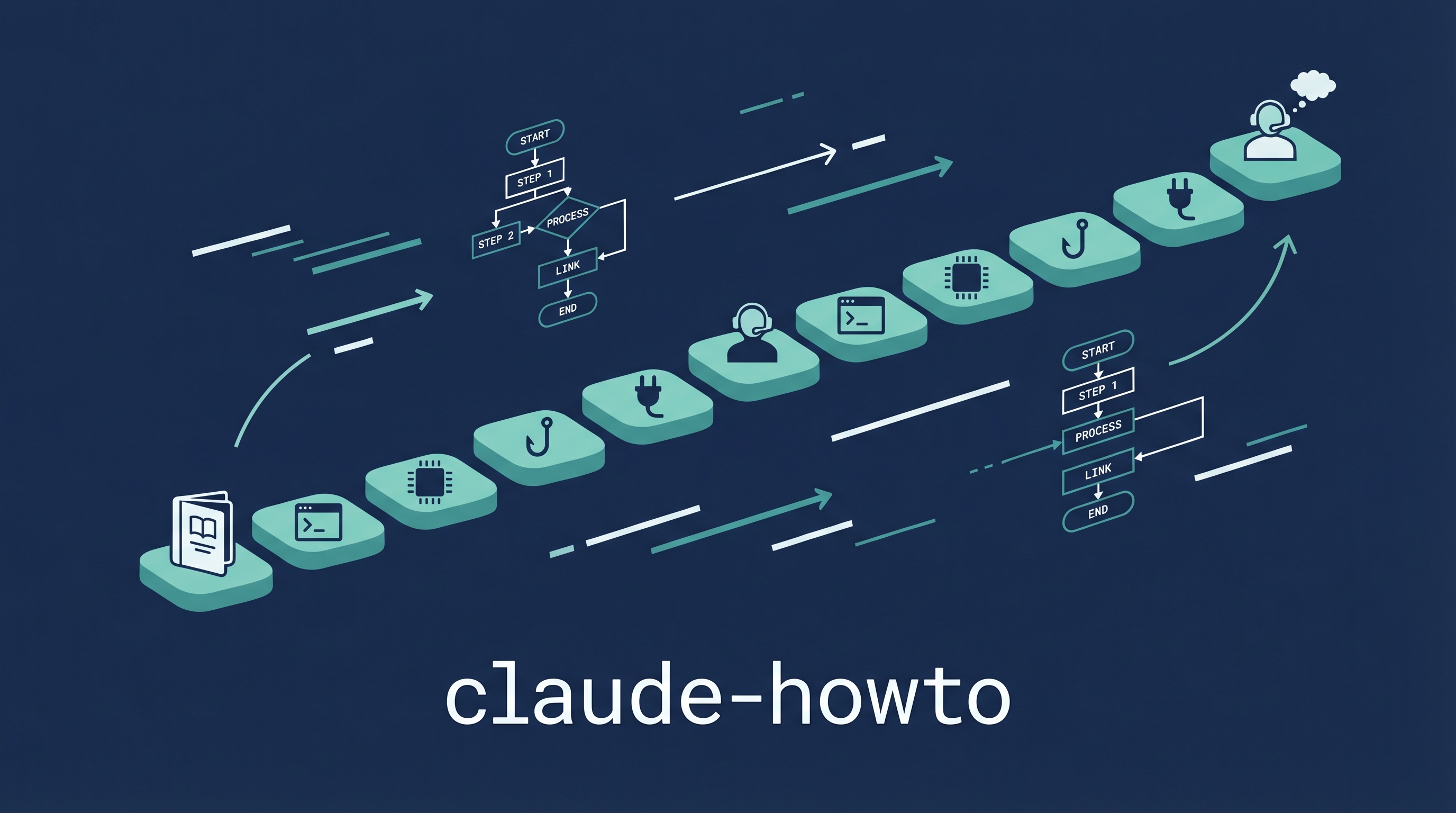
Claude Code’s official docs describe features individually. claude-howto teaches you how to combine them into production workflows. 10 progressive modules, 119 copy-paste templates, Mermaid diagrams showing internals, self-assessment quizzes, and EPUB offline support. 31k+ stars, a highly visible GitHub repo for Claude Code learning.
The 10-Module Learning Path
| Level |
Module |
Time |
What You Learn |
| Beginner |
1. Slash Commands |
30m |
All built-in commands |
| |
2. Memory & CLAUDE.md |
45m |
Project/user/team memory |
| |
3. Checkpoints |
45m |
Save and restore work states |
| |
4. CLI Basics |
30m |
Flags, config, permissions |
| Intermediate |
5. Skills |
1h |
Install and create SKILL.md |
| |
6. Hooks |
1h |
Pre/post tool-use automation |
| |
7. MCP Servers |
1h |
External tool integration |
| |
8. Subagents |
1.5h |
Parallel agent delegation |
| Advanced |
9. Advanced Features |
2-3h |
Plan mode, auto mode, teams |
| |
10. Plugins |
2h |
Build and distribute plugins |
Total: 11-13 hours for full mastery. Each module has explicit success criteria.
What Makes It Different
| Feature |
Official Docs |
claude-howto |
| Templates |
None |
119 copy-paste ready |
| Visual aids |
Text only |
Mermaid diagrams of internals |
| Learning path |
Flat reference |
Progressive 3-level roadmap |
| Self-assessment |
None |
8-question quiz → starting level |
| Offline |
No |
EPUB build included |
| Languages |
English |
EN, Vietnamese, Chinese, Ukrainian, Japanese |
119 Templates by Category
| Category |
Count |
Examples |
| Slash Commands |
63+ |
/optimize, /review, /test patterns |
| Subagents |
17 |
Parallel research, code review, testing |
| Skills |
9 |
Custom SKILL.md files |
| MCP Servers |
9 |
Database, API, file system integrations |
| Hooks |
8 |
Pre-commit, post-tool, security audit |
| Memory |
3 |
Project, user, team configurations |
Quick Start
git clone https://github.com/luongnv89/claude-howto.git
cd claude-howto

# Take the self-assessment quiz (8 questions)
# 0-2 correct = Beginner, 3-5 = Intermediate, 6-8 = Advanced

# 15 minutes to first slash command
# Copy any template and start using immediately
How LearnAI Team Could Use This
- Student onboarding — Assign beginner modules (3 hours) before any Claude Code project. Everyone starts from the same baseline.
- Workshop curriculum — The 10 modules map to a 2-day workshop. Each has success criteria for hands-on verification.
- Template library — The 119 templates save hours of configuration. Copy-paste for course-specific workflows (code review hooks, testing skills, documentation generators).
- Offline reference — Build the EPUB for students who work offline or want a printable reference.
- Compared to nagdy.me — claude-howto is template-heavy (copy-paste), nagdy.me is exercise-heavy (interactive simulator). Use both: nagdy.me for learning, claude-howto for templates.
Real-World Use Cases
- Team adoption — Engineering teams clone the repo, take the quiz, each person follows their level. Consistent skill baseline in a week.
- CI/CD integration — The advanced module covers deployment automation with Claude Code CLI.
- Plugin development — Module 10 teaches building distributable plugins, from SKILL.md to marketplace listing.
- Security workflows — Hook templates for pre-commit security scanning and code audit automation.