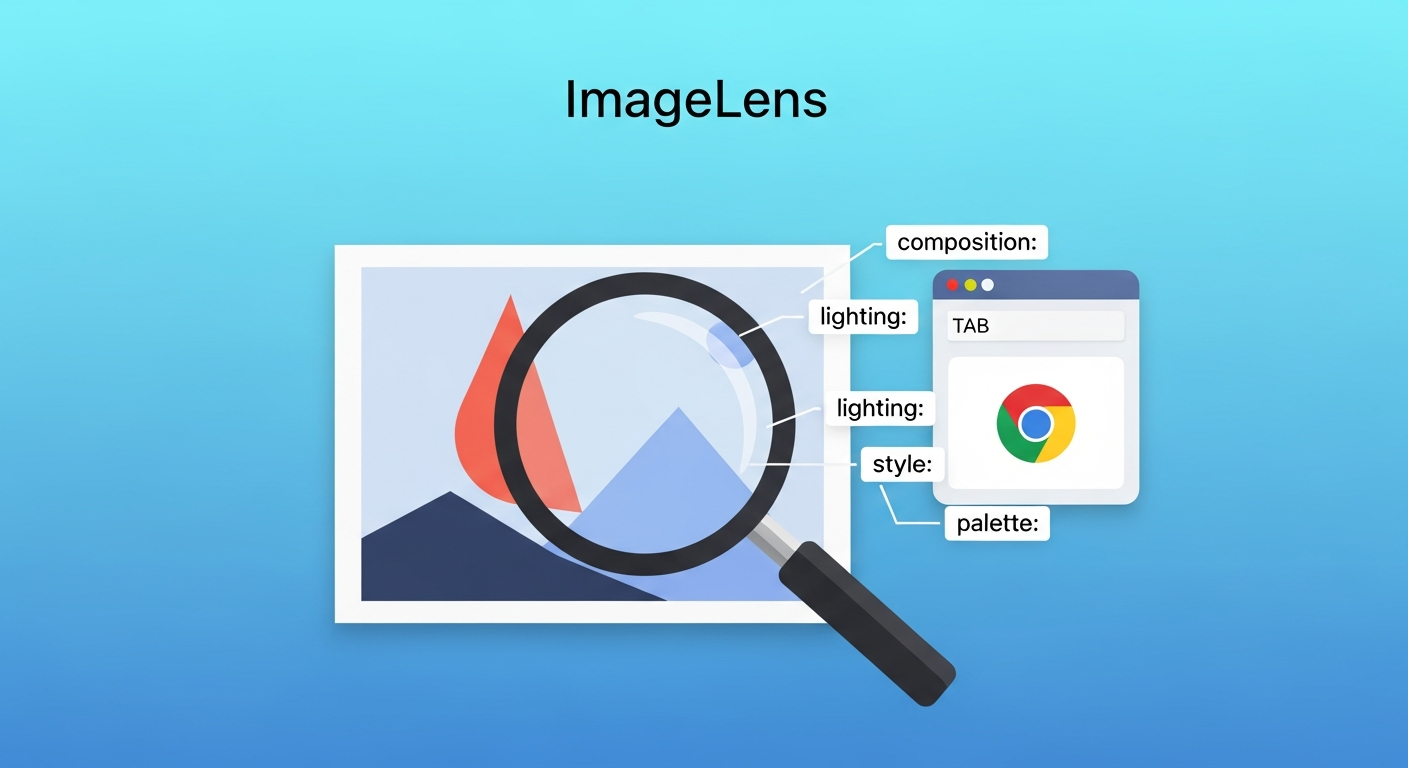
ImageLens is an open-source Chrome extension that analyzes any image on a webpage, extracts its visual language — composition, lighting, style, color palette — and returns structured prompts you can paste directly into an AI image generation tool. The author built it to solve a real problem: being inspired by images online without being able to reference them easily or safely.
| *Source: Weibo post by 蒸文钱 (May 2026, #Follow tag) | ImageLens on GitHub* |
The problem: composition theft vs. legal image reference
Creatives run into this constantly. You find a photograph with perfect atmospheric lighting, a poster with an unusual grid layout, or a product shot with a color story you want to borrow — but right-clicking and uploading the image to Midjourney is a copyright grey zone, and describing what you see from scratch is slow and imprecise.
The actual thing you want isn’t the image. It’s the visual grammar behind the image: how the depth of field was used, what the color temperature implies, whether the composition follows a rule of thirds or deliberately breaks it. That grammar is reusable. The pixels are not.
ImageLens extracts the grammar and gives it back as a structured prompt you can edit and reuse — reducing (though not eliminating) the risk of copying protected creative work.
How it works
The workflow is three steps:
- Hover over any image on a webpage — a small button appears at the top-left corner of the image, injected by the extension.
- Click that button — ImageLens sends the image directly to the Gemini API using your configured API key (no intermediary backend; requests go straight from your browser to Google’s API).
- Get a structured prompt — ImageLens returns a breakdown of the image’s visual elements with a refined prompt ready to copy and paste into any image generation tool. You can switch between Chinese and English output.
There is no local ML model to install. The extension is lightweight; all inference is handled by whichever Gemini model you configure.
Six core features
| Feature | What it does |
|---|---|
| Web image recognition | One-click analysis of any image visible on a webpage |
| Bilingual prompt output | Switch between Chinese and English prompt output |
| Refined vs. full prompt toggle | Switch between a compact version and a detailed structured breakdown |
| Structured prompt display | Output is organized by visual element (composition, lighting, style, palette) rather than one long string |
| One-click copy | Copy any prompt version to clipboard instantly |
| In-browser test generation | Generate a test image from the extracted prompt without leaving the browser |
How LearnAI Team Could Use This
- Teaching AI art generation legally — In courses where students analyze professional design work, ImageLens gives them a legal, structured way to reference high-quality images without reproducing them. Students extract the visual grammar, then regenerate in their own style.
- Course material creation — Q can use it to quickly extract style prompts from reference images when building visual course assets, then feed those prompts into GPT Image 2 or Midjourney for on-brand slides and illustrations.
- Prompt literacy exercise — Showing students the structured output (composition → lighting → color → style) builds intuition about what makes a prompt precise. It turns reverse engineering into a learning exercise.
- Design critique tool — In design or AI art modules, comparing the extracted prompt against the original image creates a productive discussion about what AI “sees” vs. what the image actually communicates.
Real-World Use Cases
| Scenario | How ImageLens fits in |
|---|---|
| Social media designer | Spots a viral post’s visual style, extracts the prompt, remixes it for their brand |
| Course instructor | Finds a clean diagram online, extracts its layout language, regenerates a version with course-specific content |
| Indie game developer | References concept art for stylistic consistency without licensing issues |
| Marketing team | Maintains visual consistency across AI-generated assets by anchoring to an extracted “house style” prompt |
| Student researcher | Builds a library of named visual styles from real-world references for use across projects |
Important things to know
Gemini API key required. ImageLens does not provide a built-in API — you bring your own Gemini key. This keeps the tool free, but adds a setup step. Gemini API has a free tier, though limits, model availability, and pricing vary by account, region, and API version. Check current Gemini API pricing before assuming zero cost at scale.
Not every image works. Images that are cross-origin restricted, served from expired URLs, or rendered via certain CDN protections may fail to analyze. If the button appears but analysis fails, the source image is likely inaccessible to the extension.
Privacy consideration. Images you analyze are sent to Google’s Gemini API. Do not use ImageLens on images that contain confidential, proprietary, or personally sensitive content. Check Google’s data usage policies if you’re using it for client work.
Accuracy has limits. Gemini is good at describing obvious visual elements but can be imprecise about subtle techniques — film grain, specific lens characteristics, proprietary color grading styles. Treat the extracted prompt as a strong starting point, not a ground truth. Expect to tune it before the output matches your intent.
Indie-quality polish. This is an open-source side project, not a commercial product. Bugs and rough edges are possible. The GitHub repo is the right place to file issues or contribute fixes.