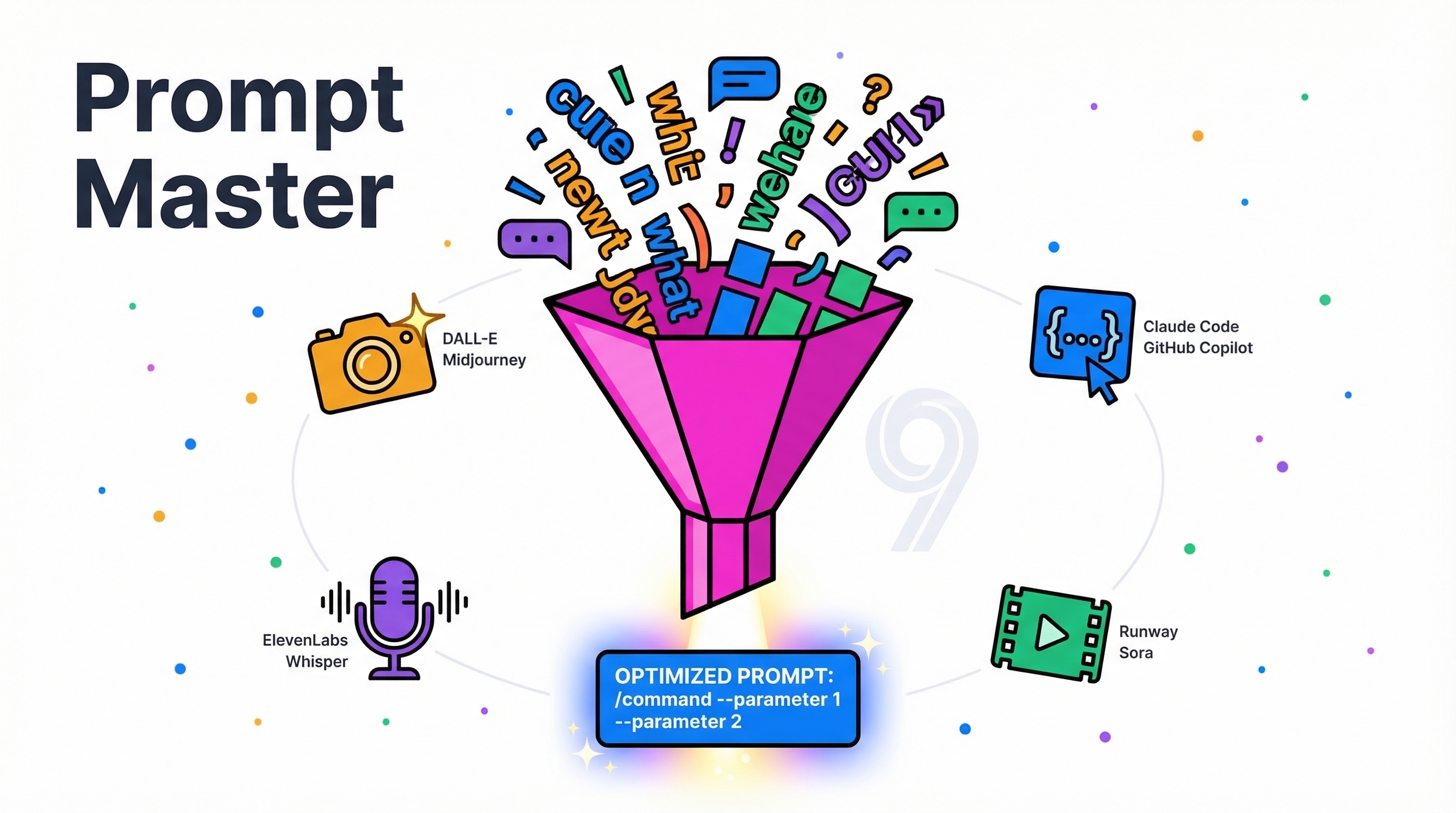
Prompt Master is a Claude Code skill that writes optimized prompts for any AI tool — not by making them longer, but by making every word load-bearing. It auto-detects the target tool (Midjourney, DALL-E, Stable Diffusion, Claude, GPT, Cursor, Codex, etc.), extracts 9 dimensions of intent from your rough idea, and routes to the correct prompt architecture. The result: you get the right output on attempt one instead of re-prompting 3-4 times.
| *Source: GitHub - nidhinjs/prompt-master | Reddit Launch Post | CyberCorsairs: 600 Stars | CyberCorsairs: v3 Auto-Detect* |
The Problem
Every AI user wastes credits the same way:
Write vague prompt → wrong output → re-prompt → closer → re-prompt → attempt 4 works
                     ^^^^^^^^^^^    ^^^^^^^^^^    ^^^^^^^^^^
                     wasted $       wasted $      wasted $
Worse: different tools need completely different prompt structures. Using the same prompt across Midjourney, DALL-E, and Stable Diffusion gives wildly different (often bad) results. Adding chain-of-thought to o1 models can actually reduce quality. ComfyUI with SD 1.5 vs SDXL vs Flux all need different positive/negative prompt structures.
How It Works
Your rough idea
     ↓
1. Auto-detect target tool
2. Extract 9 dimensions of intent
   (task, input, output, constraints, context,
    audience, memory, success criteria, examples)
3. Ask max 3 clarifying questions (if needed)
4. Route to correct prompt framework
5. Apply safe techniques (role, few-shot, XML, grounding)
6. Token efficiency audit — strip non-essential words
     ↓
One clean, copyable prompt + strategy note
Install
mkdir -p ~/.claude/skills
git clone https://github.com/nidhinjs/prompt-master.git ~/.claude/skills/prompt-master
Then use naturally in Claude:
Write me a prompt for Cursor to refactor my auth module
Generate a Midjourney prompt for a cyberpunk city at night
Here's a bad prompt I wrote for GPT-4o, fix it: [paste prompt]
/prompt-master — I want Claude Code to build a todo app with React
Tool-Specific Routing — Why It Matters
| Tool | Prompt Style | Common Mistake |
|---|---|---|
| Midjourney | Comma-separated descriptors, NOT prose. Subject → style → mood → lighting. --ar 16:9 --v 6 --style raw at end |
Writing full sentences (Midjourney ignores prose structure) |
| DALL-E 3 | Prose description works. Add “do not include text unless specified.” Describe foreground/midground/background separately | Using Midjourney syntax (DALL-E needs natural language) |
| Stable Diffusion / ComfyUI | Separate positive and negative prompts. SD 1.5 vs SDXL vs Flux have different output structures | Using same prompt for all checkpoints |
| o1/o3 models | Direct and concise. Chain-of-thought can REDUCE quality | Adding “think step by step” (o1 already does this internally) |
| Claude / GPT | XML tags, role assignment, grounding anchors, examples | Under-specifying constraints and output format |
| Cursor / Claude Code | Architecture-first, constraints explicit, test expectations included | Vague feature descriptions without boundaries |
Supported Tools (30+)
LLMs: Claude, ChatGPT, Gemini, o1/o3, Perplexity Coding Agents: Cursor, Claude Code, GitHub Copilot, Windsurf, Bolt, v0, Lovable, Devin Image: Midjourney, DALL-E, Stable Diffusion, ComfyUI, SeeDream Video: Sora, Runway Voice: ElevenLabs Automation: Zapier, Make Community adding: Figma Make, Kimi 2.5, Ollama, Google Stitch, LTX 2.3
The 9 Dimensions of Intent
Before writing any prompt, the skill extracts:
- Task — what needs to happen
- Input — what the user provides
- Output — expected format and content
- Constraints — boundaries, limitations, forbidden actions
- Context — background information, domain
- Audience — who will consume the output
- Memory — prior messages and session context
- Success criteria — how to judge if the output is good
- Examples — reference outputs or style guides
How LearnAI Team Could Use This
Prompt engineering as a teachable skill: This tool makes the implicit explicit. Students can see why a prompt works — the 9 dimensions, the routing logic, the token audit. It’s prompt engineering made systematic rather than artisanal.
Cross-tool awareness: Students learn that “prompting” isn’t one skill — it’s a family of skills that vary by tool. Understanding these differences is directly relevant to the Claude Certified Architect exam (20% prompt engineering weight).
Credit conservation: Students on limited API budgets benefit most from first-attempt accuracy.
Real-World Use Cases
- Turning rough student ideas into structured prompts for Claude, ChatGPT, Cursor, Codex, and image tools.
- Comparing how the same task must be prompted differently across text, code, image, video, and automation tools.
- Reducing wasted API credits by teaching students to specify task, constraints, output format, examples, and success criteria.