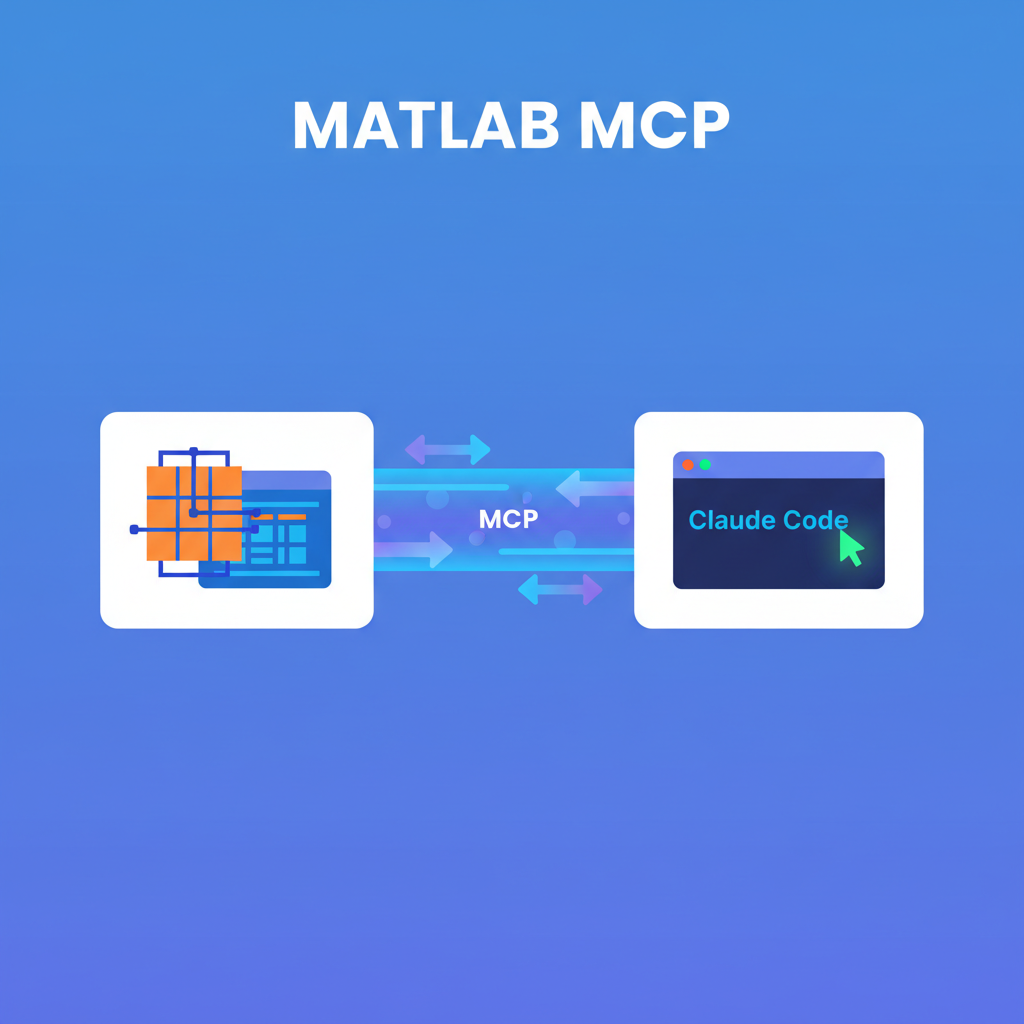
MATLAB MCP is MathWorks’ official Model Context Protocol server that wires Claude Code directly into a local MATLAB session — enabling Claude to detect toolboxes, run code, execute tests, and perform static analysis on .m files, all from your normal Claude Code workflow.
| *Source: github.com/matlab/matlab-mcp-core-server — MathWorks official, Go, v0.9.2 (released May 21 2026) | Tsuchijo/matlab-mcp community Python implementation | jigarbhoye04/MatlabMCP community Python implementation | MATLAB Agentic Toolkit (MathWorks, April 2026)* |
What It Is and Why It Matters
MATLAB is one of the most widely used environments in engineering, signal processing, control systems, finance, and scientific computing. Until now, getting Claude to help with MATLAB work meant copy-pasting code back and forth — Claude couldn’t run anything, couldn’t check what toolboxes were installed, and had no visibility into your actual MATLAB session.
The official MCP server changes that. With it installed, Claude Code can reach directly into a running (or newly launched) MATLAB instance and execute code, run test files, check for bugs, and report on your exact installed toolbox versions — all without leaving the Claude Code interface.
It was released in late October / early November 2025 (v0.1.0 on Oct 31) and is currently at v0.9.2 (May 2026). Written in Go by MathWorks. Licensed open-source. MathWorks distributes a .mcpb bundle for Claude Desktop (double-click install) and publishes config specs for VS Code / GitHub Copilot.
Requirement: You must own a valid MATLAB license (MathWorks SLA applies). The server itself is free; MATLAB is not. Supports MATLAB R2021a and later (the five most recent annual releases).
The 5 Tools
| Tool | What It Does |
|---|---|
detect_matlab_toolboxes |
Reports MATLAB version and all installed toolbox versions. Lets Claude know what’s available before writing code — no more toolbox guessing. |
check_matlab_code |
Static analysis of .m files: style issues, deprecated functions, performance problems, potential bugs. Runs without executing the code. |
evaluate_matlab_code |
Executes a MATLAB code string passed inline; returns stdout/output. Good for quick expressions, calculations, and one-off experiments. |
run_matlab_file |
Executes a .m script file from disk; returns results. For longer scripts and structured experiments. |
run_matlab_test_file |
Runs MATLAB unit test files and returns detailed per-test results. Enables test-driven development in MATLAB. |
The 2 MCP Resources
Beyond tools, the server exposes two resources Claude can read to ground code generation:
matlab_coding_guidelines— MathWorks’ MATLAB coding standards. Claude reads these to write idiomatic.mcode rather than guessing conventions.plain_text_live_code_guidelines— Rules for generating.mlxLive Script format. Required when producing interactive notebooks rather than plain scripts.
Key Configuration Flags
# Basic setup (Claude Code)
claude mcp add --transport stdio matlab -- /fullpath/to/matlab-mcp-core-server

# With project folder
claude mcp add --transport stdio matlab -- /fullpath/to/matlab-mcp-core-server \
  --initial-working-folder=/home/username/myproject

# Full options
--matlab-root /path/to/MATLAB          # Which MATLAB install to use
--initial-working-folder /path/        # Project working directory
--matlab-display-mode desktop|nodesktop  # Headed or headless
--matlab-session-mode new|existing     # Launch new session or attach to existing
--extension-file /path/to/tools.json   # Load custom tools via JSON
--setup-matlab                         # Install the MATLAB MCP toolbox into an existing MATLAB session (enables session sharing)
Claude Desktop: Download matlab-mcp-core-server.mcpb from the GitHub release page and double-click to install. Cross-platform.
VS Code / GitHub Copilot: Create .vscode/mcp.json in your project with the server path and arguments.
Community Implementations
Two community Python alternatives exist for those who want to customize or extend:
Tsuchijo/matlab-mcp — Uses the MATLAB Engine API for Python. Four tools: create_matlab_script, create_matlab_function, execute_matlab_script, call_matlab_function. Requirements: Python 3.11 (not 3.12+), MATLAB R2024a, uv package manager.
jigarbhoye04/MatlabMCP — Also Python / MATLAB Engine API. More customizable but less polished than the official server.
The official Go server is the recommended starting point for most users.
Security Note
MathWorks recommends keeping a human in the loop for all code execution — Claude can run arbitrary MATLAB code through the MCP server, so scope your working folder carefully with --initial-working-folder. Do not point the server at a directory with sensitive data unless you intend to give Claude access to it.
Illustrative Use Cases
The MathWorks repo documents Simulink/Simscape model building and test-driven MATLAB development as confirmed patterns. The following are illustrative of how the five tools can compose into real workflows:
- Simulation scripting — Claude writes a simulation script, checks it with
check_matlab_code, runs it withevaluate_matlab_code, reads errors, and self-corrects iteratively - Interactive Live Scripts — Claude generates
.mlxfiles with slider controls and interactive figures using theplain_text_live_code_guidelinesresource - Simulink/Simscape model building — Claude assembles model structures and test harnesses (documented in the official repo)
- Test-driven MATLAB development — Claude writes test files, runs them with
run_matlab_test_file, fixes failures, iterates until green (documented in the official repo)
MATLAB Agentic Toolkit (April 2026)
MathWorks shipped a higher-level framework in April 2026 called the MATLAB Agentic Toolkit — their collection of the MCP server plus a set of curated MATLAB skills for agentic workflows. Where the raw MCP server gives you five tools, the Agentic Toolkit bundles those with MathWorks-maintained skill definitions designed to support agentic use of MATLAB. If you’re building a dedicated MATLAB AI agent rather than using Claude Code ad hoc, the Agentic Toolkit is worth evaluating.
How LearnAI Team Could Use This
- STEM course demos — For CS-310 students working in multi-language environments, demo how MCP bridges different ecosystems: Claude Code isn’t just for Python/JS. MATLAB MCP is a concrete example of the “connect your tools” principle.
- Engineering students in external departments — Monmouth students in engineering or science courses who use MATLAB can pair it with Claude Code for AI-assisted homework debugging, without switching tools.
- Test-driven MATLAB module — Assign students to write MATLAB functions, use
run_matlab_test_fileto verify, and have Claude iterate until all tests pass. Teaches both MATLAB and TDD concepts simultaneously. - Toolbox-aware code generation demo — Show
detect_matlab_toolboxesin a live demo: Claude adapts its code to the actual available toolboxes rather than writing code that won’t run. - Static analysis pedagogy — Use
check_matlab_codeas a teaching tool: students submit code, run static analysis, fix issues, resubmit. Non-executing static analysis is safe for classroom use. - Cross-ecosystem agentic engineering curriculum — In the AI Engineering from Scratch curriculum, use MATLAB MCP as a case study of MCP’s “connect anything” promise beyond web/cloud tools.
Real-World Use Cases
| Scenario | How to Use |
|---|---|
| Engineering researcher running simulations | detect_matlab_toolboxes first, then Claude writes simulation code tuned to exact toolbox versions; run_matlab_file to execute |
| PhD student writing signal processing code | check_matlab_code for static analysis before running on large datasets; catches deprecated functions early |
| Course instructor creating interactive demos | Claude generates .mlx Live Scripts with sliders; instructor drops into MATLAB App Designer for final polish |
| Software team with MATLAB CI pipeline | run_matlab_test_file in CI via MCP; Claude interprets failures and proposes fixes |
| Scientist iterating on a model | Claude runs evaluate_matlab_code in a tight loop — generate → test → analyze → refine — without manual context switching |
| New MATLAB user | Claude explains what each toolbox does via detect_matlab_toolboxes output before writing any code |
Important Things to Know
- You need a MATLAB license. The MCP server is free and open-source; MATLAB itself is not. MathWorks SLA applies — check your institution’s site license terms.
- Supports MATLAB R2021a+ (last five annual releases). Older versions are not supported.
- MATLAB must be on PATH before starting the MCP server.
- Claude gets full system privileges via MATLAB. Use
--initial-working-folderto scope access. - Python 3.11 only for the community Tsuchijo implementation — Python 3.12+ breaks the MATLAB Engine API. Not an issue for the official Go server.
- v0.9.2 is pre-1.0. Expect API changes; pin to a release and test before updating.
--extension-filelets you add custom tools as JSON — useful for domain-specific MATLAB workflows (e.g., custom Simulink checks or proprietary toolbox wrappers).- Telemetry is on by default. The server collects anonymized usage data. Disable with
--disable-telemetry=trueif needed.
Links
- Official repo: github.com/matlab/matlab-mcp-core-server — MathWorks, Go, v0.9.2
- Community Python (Tsuchijo): github.com/Tsuchijo/matlab-mcp
- Community Python (jigarbhoye04): github.com/jigarbhoye04/MatlabMCP
- MATLAB Agentic Toolkit: MathWorks documentation (April 2026)
- MCP spec: modelcontextprotocol.io