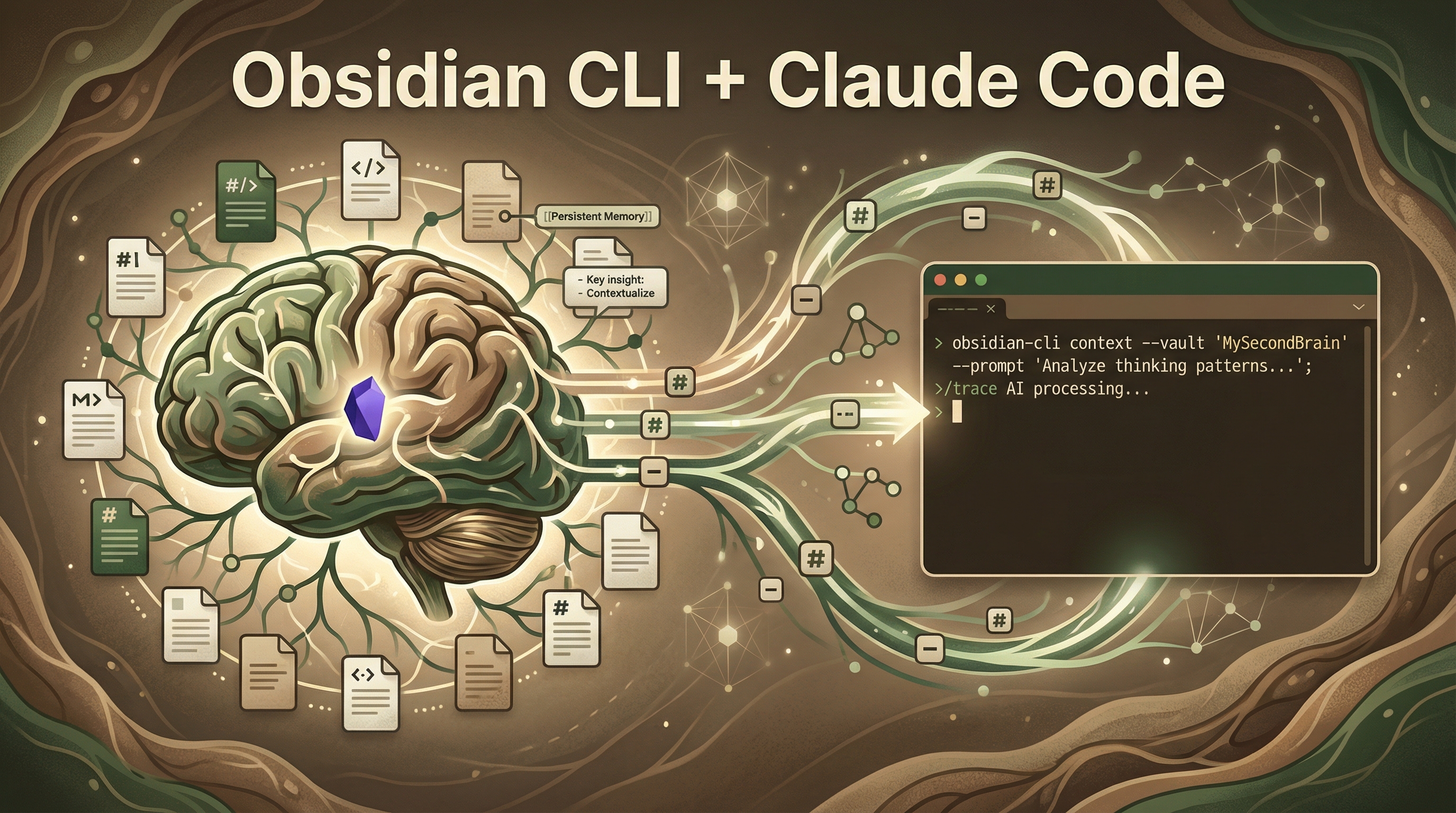
Use Obsidian as a structured “thinking journal” and feed it into Claude Code via CLI — so the agent works from your beliefs and context, not just code syntax. The key insight: don’t dump code into Obsidian. Write about your thinking instead.
| *Sources: Internet Vin — The Obsidian Architect: Thinking Above the Code | Obsidian + Claude Code Deep Dive | How to Use Obsidian* |
The Core Idea
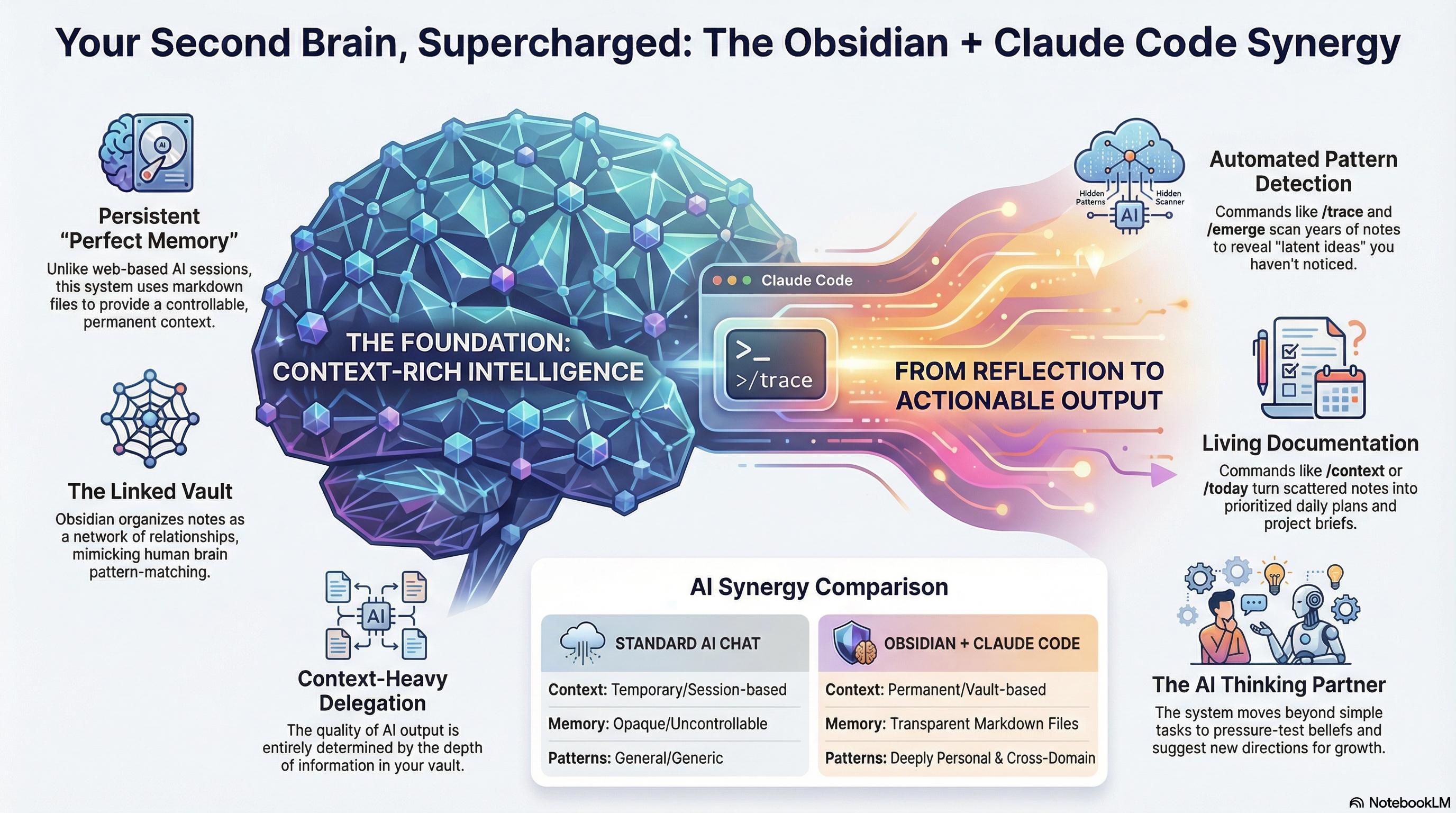
Standard AI chat is session-based with temporary context. Obsidian + Claude Code creates permanent, vault-based context — your markdown files become persistent memory that Claude can draw from across sessions.
Why Not Just Dump Code?
Vin explicitly warns against populating your vault with AI-generated files:
“I don’t want it to make a file… because I always want it to pull from what I think about things, not what it thinks about things.”
If you fill your vault with AI content or raw code, the agent just mirrors its own patterns back. The power comes from your reflections and context.
Day 1 Strategy
1. Write Context Files (Not Code Dumps)
Create a file named Context - [Project Name].md describing:
- Core Beliefs — Why does this project exist?
- Current Status — What’s working? What’s broken?
- Hypotheses — What are you currently testing?
When you use Claude Code, run context load and it understands the intent behind your code, not just syntax.
2. Start Daily Notes
The easiest habit to build. Write stream-of-consciousness notes about what you’re learning, worrying about, or thinking through. Don’t organize — just write.
Later, use Claude Code commands like /graduate to scan your messy notes and find patterns and actionable ideas you didn’t realize you had.
3. Manage Instructions, Not Output
Create a Personal Workflow.md with your coding preferences, languages, and rules for the agent. Point Claude to this file at session start — it immediately knows how to behave without re-explaining.
Standard AI Chat vs Obsidian + Claude Code
| Standard AI Chat | Obsidian + Claude Code | |
|---|---|---|
| Context | Temporary / session-based | Permanent / vault-based |
| Memory | Opaque / uncontrollable | Transparent markdown files |
| Patterns | General / generic | Deeply personal & cross-domain |
Key Commands
| Command | What it does |
|---|---|
context load |
Load your context files into Claude’s session |
/trace |
Scan notes to reveal “latent ideas” you haven’t noticed |
/emerge |
Find cross-domain patterns across years of notes |
/today |
Turn scattered notes into prioritized daily plans |
/graduate |
Extract actionable insights from messy daily notes |
The Full Pipeline: Clipper → CLI → Wiki
With Web Clipper saving to inbox/ and Claude Code’s /mywiki skill, the CLI becomes the bridge in a proven end-to-end workflow:
Web Clipper (capture) → CLI (read into context) → /mywiki (publish)
Example: Clipped an Anthropic blog post → CLI reads the clipped note’s content and metadata → /mywiki researches, drafts, generates a cover image, cross-links related entries, commits, and pushes — all from one command. See the Web Clipper entry for setup details.
How LearnAI Team Could Use This
- Keep project context, editorial standards, and course-development decisions in Obsidian so Claude Code works from durable team knowledge.
- Use daily notes to capture workshop observations, learner questions, and content gaps, then graduate them into wiki entries or lesson updates.
- Maintain reusable instruction files for publishing, research, and curriculum workflows.
Real-World Use Cases
- Developers loading architecture notes before asking Claude Code to modify a project.
- Writers turning messy daily notes into structured drafts or action lists.
- Research teams preserving rationale, hypotheses, and decisions across long-running projects.
- Knowledge workers using Obsidian as transparent memory instead of relying on opaque chat history.
Why This Matters
The bottom line: one paragraph about who you are and what you’re working on today is more valuable to the agent than gigabytes of old project code. Obsidian isn’t a file viewer for your code — it’s a journal for your brain. Claude Code becomes a thinking partner, not just a code generator.