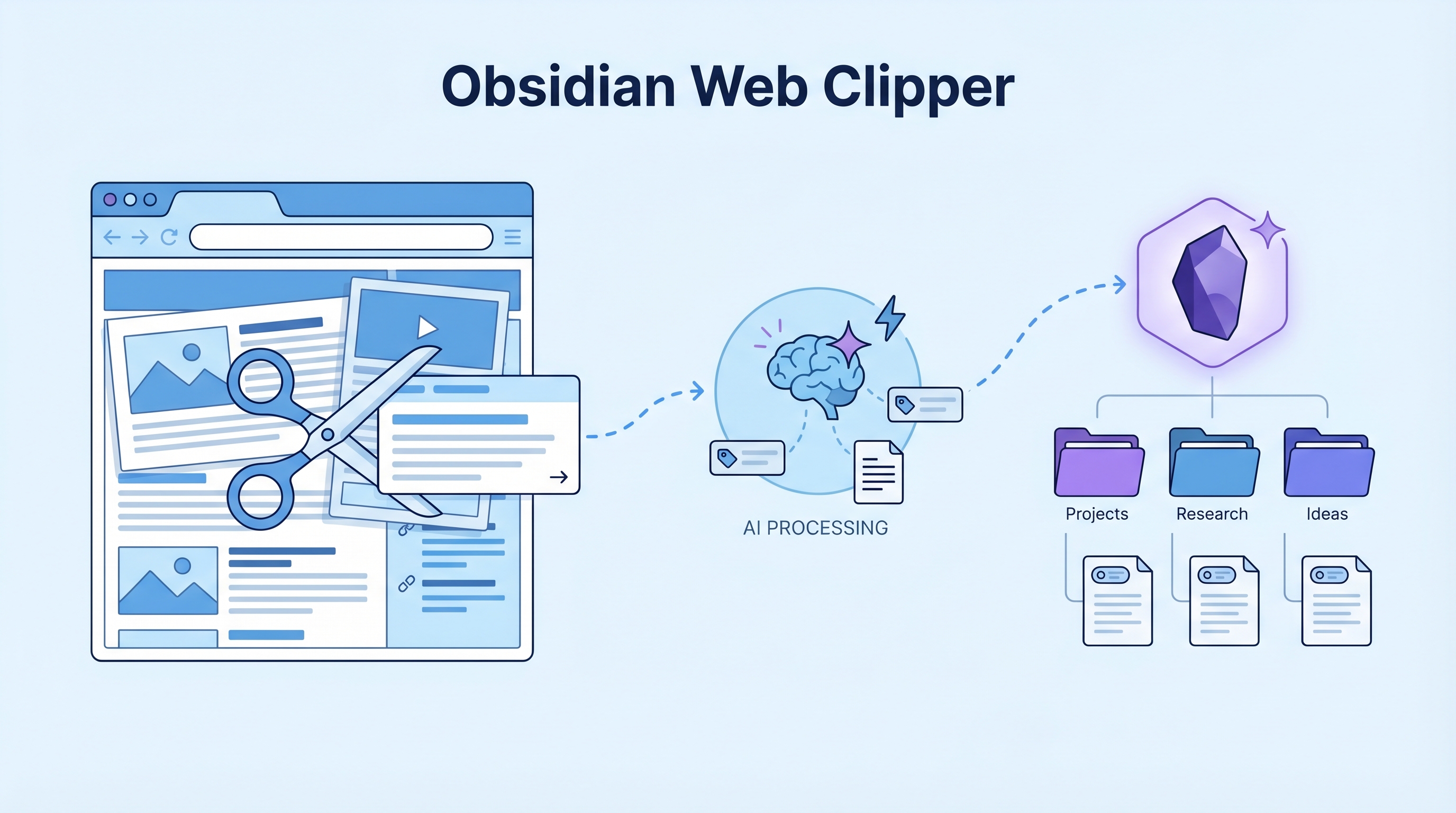
If you use Obsidian but haven’t installed the Web Clipper, you’re only using half its power. The official Obsidian Web Clipper solves two painful problems at once: saving content (no more copy-paste-reformat) and reading long content (AI breaks articles and even YouTube videos into themed modules). Combined, these turn information capture from a chore into a one-click workflow.
| *Source: Obsidian Web Clipper | Chrome Web Store | GitHub | Weibo recommendation by 微博新知博主* |
The Two Problems It Solves
1. Information Capture Without the Pain
Before: Find article → Copy text → Open Obsidian → Create note → Paste → Reformat → Tag → File.
After: Click the clipper → content is grabbed, cleaned, and saved to your vault with tags and metadata. Done in seconds.
The plugin directly grabs the content, then hands it to AI for auto-classification, highlight extraction, and key point summarization. What used to take minutes of manual organizing happens in a few seconds.
2. Long Content Reading Mode
Whether it’s a multi-thousand-word article or a one-hour YouTube video, the clipper’s reading mode automatically breaks content into themed modules. You can jump to the section you care about instead of reading start-to-finish. This makes the entire process of “capture → understand → file” smooth and effortless.
Key Features
| Feature | What It Does |
|---|---|
| One-click capture | Saves any webpage to your vault as clean Markdown |
| AI Interpreter | Generates summaries, extracts keywords, translates content |
| Auto-organization | AI classifies and tags content based on your vault’s structure |
| Template rules | Auto-apply different templates per website (e.g., arXiv → paper template) |
| Rich metadata | Extracts OpenGraph, Schema.org, CSS selectors automatically |
| Highlight capture | Save selected text with source attribution |
| Offline access | Everything stored locally in your vault — works without internet |
| Privacy-first | Obsidian doesn’t collect or store any of your data |
AI-Powered Organization
The clipper supports multiple AI model providers through platforms like OpenRouter:
Webpage Content
    │
    ▼
┌──────────────────────┐
│  AI Interpreter      │
│                      │
│  • Summarize key     │
│    insights          │
│  • Extract keywords  │
│  • Suggest tags      │
│  • Translate content │
│  • Sentiment analysis│
└──────┬───────────────┘
       │
       ▼
┌──────────────────────┐
│  Template Engine      │
│                      │
│  • Match website     │
│    to template rule  │
│  • Format metadata   │
│  • Apply frontmatter │
└──────┬───────────────┘
       │
       ▼
  Obsidian Vault (local)
You can choose from OpenAI, Claude, or even local models — no data leaves your machine if you want full privacy.
Setup
- Install from Chrome Web Store (also available for Firefox, Safari, Edge, Brave, Arc)
- Open Obsidian → the clipper auto-detects your vault
- (Optional) Configure AI provider in clipper settings for auto-organization
- (Optional) Set up template rules for frequently clipped sites
Template Rules — The Power Feature
Rules let you auto-apply templates based on the URL pattern:
| URL Pattern | Template | Use Case |
|---|---|---|
arxiv.org/* |
Paper template | Auto-extract title, authors, abstract |
youtube.com/* |
Video note template | Capture title, channel, transcript link |
github.com/* |
Repo template | Extract README, stars, description |
news.ycombinator.com/* |
HN discussion | Capture top comments, link to original |
This means clipping a paper from arXiv automatically creates a properly formatted research note, while clipping a YouTube video creates a video note — zero manual formatting.
Proven Pipeline: Clipper → Claude Code → Wiki Post
We tested this end-to-end and it works. Here’s the exact workflow:
Browser                     Obsidian Vault                Claude Code
┌──────────────┐  Clipper   ┌──────────────┐   /mywiki   ┌──────────┐
│ See article  │───────────▶│ inbox/       │────────────▶│ Wiki     │
│ or paper     │  1-click   │ clipped.md   │  path ref   │ entry    │
│              │            │ (with meta)  │             │ + cover  │
└──────────────┘            └──────────────┘             │ + push   │
                                                         └──────────┘
Setup (one-time)
- Install Web Clipper from Chrome Web Store
- In clipper settings → Default template → set Note location to
inbox - Done — clips now save to
~/Documents/Obsidian Vault/inbox/
Daily workflow
- See interesting content → click Clipper (or
Shift+Cmd+O) → “Add to Obsidian” - In Claude Code, say:
/mywiki "/Users/oreo/Documents/Obsidian Vault/inbox/{title}.md"- Or just: “I clipped something about X, make a wiki post”
- Claude reads the clipped note, does deep research, drafts the entry, generates cover, cross-links, commits, pushes, and saves an Obsidian note — all automated
Real example
Clipped Seeing like an agent → saved to inbox/ → Claude Code ran /mywiki → produced a wiki draft with cover image, cross-links, and an Obsidian note in under 3 minutes.
How LearnAI Team Could Use This
- Clipper → Wiki pipeline — See something interesting? Clip it, tell Claude Code, wiki post appears. Tested and working.
- Research workflow — Clip papers, blog posts, and documentation into a structured research vault with auto-tagging
- Course material collection — Students can clip and organize resources for each course module
- Literature review — Clip papers with the AI summarizer to quickly build annotated bibliographies
- Teaching — Show students a professional knowledge management workflow: capture → organize → connect → create
Real-World Use Cases
- Clipper → Claude Code → Wiki — the proven pipeline for turning web content into published wiki entries
- Researchers building literature databases from web sources
- Students organizing course materials and readings
- Content creators collecting inspiration and reference material
- Developers saving documentation snippets with proper context
- Anyone who reads a lot online and wants to actually find things later