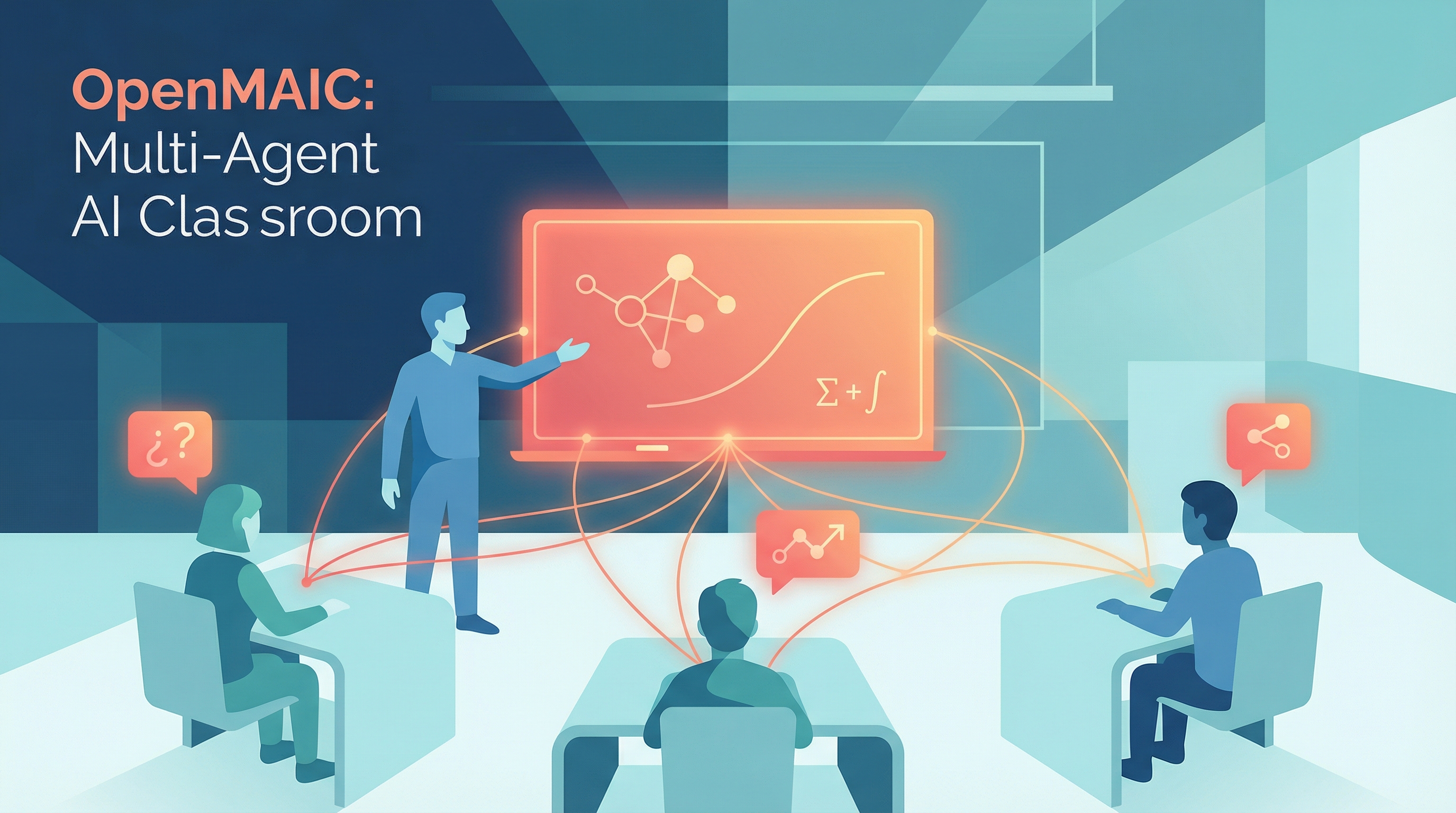
OpenMAIC (Open Multi-Agent Interactive Classroom) is an open-source platform from Tsinghua University that turns any topic or PDF into a fully simulated classroom — AI teachers lecture with voice and whiteboard, AI classmates ask questions and debate, and the learner sits in the middle as a participant. It’s the production-ready successor to the MAIC research project, validated on 700+ real Tsinghua students over two years.
| *Source: GitHub: THU-MAIC/OpenMAIC | Live demo: open.maic.chat | JCST’26 paper | aibase coverage* |
Why It Matters
MOOCs broke the geographic barrier to education but kept the same passive format: watch video → take quiz. OpenMAIC’s thesis is that LLM-driven agents can finally deliver the social dimension of a real classroom — disagreement, peer questions, teacher improvisation — at zero marginal cost. The underlying paper is titled “From MOOC to MAIC: Reimagine Online Teaching and Learning through LLM-driven Agents.”
For an educator, this is a different design point than tools like NotebookLM or Khanmigo:
| Tool | Format | Social dynamics | Generation cost |
|---|---|---|---|
| NotebookLM | 1-on-1 chat + audio overview | None | Low |
| Khanmigo | 1-on-1 tutor | None | Low |
| OpenMAIC | Full classroom (teacher + peers) | Multi-agent debate | One click |
| Traditional MOOC | Pre-recorded video | None | Very high (human) |
How It Works — Two-Stage Pipeline
   ┌─────────────┐    ┌──────────────────┐    ┌──────────────────┐
   │  Topic /    │───▶│  Stage 1:        │───▶│  Stage 2:        │
   │  PDF upload │    │  Outline Agent   │    │  Scene Generator │
   └─────────────┘    │  (lesson struct) │    │  (slides, quiz,  │
                      └──────────────────┘    │   sim, PBL)      │
                                              └────────┬─────────┘
                                                       │
                                                       ▼
                      ┌────────────────────────────────────────┐
                      │  Playback Engine (LangGraph director)  │
                      │  ┌───────────┐  ┌──────────────────┐   │
                      │  │ Teacher   │  │ Classmate agents │   │
                      │  │ agent     │  │ (Q&A, debate)    │   │
                      │  │ + voice   │  └──────────────────┘   │
                      │  │ + whiteboard                        │
                      │  └───────────┘                         │
                      └────────────────────────────────────────┘
- Outline Generation — an agent analyzes the input and produces a structured lesson plan (sections, learning objectives, scene types).
- Scene Generation — each outline item is expanded into rich content: narrated slides, interactive HTML simulations, quizzes, or project-based activities.
- Playback — a LangGraph director agent orchestrates teachers and classmates in real time. 28+ action types (speech, drawing, effects) drive an SVG whiteboard and canvas-based slide editor.
Tech Stack (Worth Knowing)
- Frontend: Next.js 16, React 19, TypeScript, Tailwind 4
- Orchestration: LangGraph 1.1 (this is the interesting part — it’s a real reference implementation of multi-agent classroom orchestration)
- LLM-agnostic: OpenAI, Claude, Gemini, DeepSeek, MiniMax, Grok, or any OpenAI-compatible endpoint
- Export: editable
.pptxand standalone interactive HTML — meaning you can generate a class, export it, and ship it as a real lecture - OpenClaw integration: push generated classrooms into Feishu, Slack, Telegram, and 20+ messaging apps
What’s Inside the Classroom
| Element | What it does |
|---|---|
| AI Teacher | Lectures with TTS voice, draws on whiteboard, writes formulas live |
| AI Classmates | Ask questions, debate, model “what a peer is thinking” |
| Slides | Auto-generated, narrated, canvas-editable |
| Whiteboard | SVG-based, agents draw in real time |
| Quizzes | Interleaved checkpoints |
| HTML simulations | Hands-on interactive widgets per topic |
| PBL activities | Project-based learning scenes |
| Web search | Pulled in live during instruction |
Real-World Validation
The MAIC research line has been deployed at Tsinghua since July 2024, starting with two courses for 500+ students and now validated with 700+ students across two years of iteration. This is rare for an “AI classroom” — most are demos. The published paper in JCST 2026 makes this one of the more credible academic-to-production handoffs in AI education.
How LearnAI Team Could Use This
For LearnAI’s research lens (AI-assisted education, formal verification pedagogy), OpenMAIC is interesting on three axes:
- Multi-agent peer modeling — the “AI classmate” idea is a clean operationalization of social learning theory. Useful as a baseline to compare against any custom LearnAI agent design.
- Open architecture — LangGraph director + 28 action types is a reusable scaffold. The team could fork it to plug in domain-specific agents (e.g., a “type-checker classmate” for a PL course).
- Export to PPTX/HTML — generated lessons aren’t trapped in the platform. This matters if LearnAI wants to use OpenMAIC as a content generator rather than a runtime.
Real-World Use Cases
- University instructors — turn lecture notes or PDFs into interactive classroom simulations with teacher narration, peer questions, quizzes, and whiteboard work.
- Online course teams — generate MOOC-style lessons with more social dynamics than static video.
- AI education researchers — study how multi-agent peer modeling changes engagement, misconception repair, and learning outcomes.
- Technical training teams — export generated classes to PPTX or standalone HTML for reuse in workshops and internal courses.
Getting Started
git clone https://github.com/THU-MAIC/OpenMAIC.git
cd OpenMAIC
# Configure .env with your LLM provider keys (OpenAI / Claude / etc.)
npm install
npm run dev
Or skip setup entirely and try the hosted demo: open.maic.chat
Things to Know
- Repo is hot — 13.3k stars at the time of writing, very active
- LLM-agnostic but quality scales with model: Claude/GPT-4-class for best lesson coherence
- Two languages out of the box: 中文 and English
- The org is
THU-MAIC(separate fromTHUDM/KEG, which is the better-known Tsinghua AI org behind GLM/ChatGLM) - Companion repos:
MAIC-Core(algorithms) andSimClass(NAACL 2025 paper “Simulating Classroom Education with LLM-Empowered Agents”)