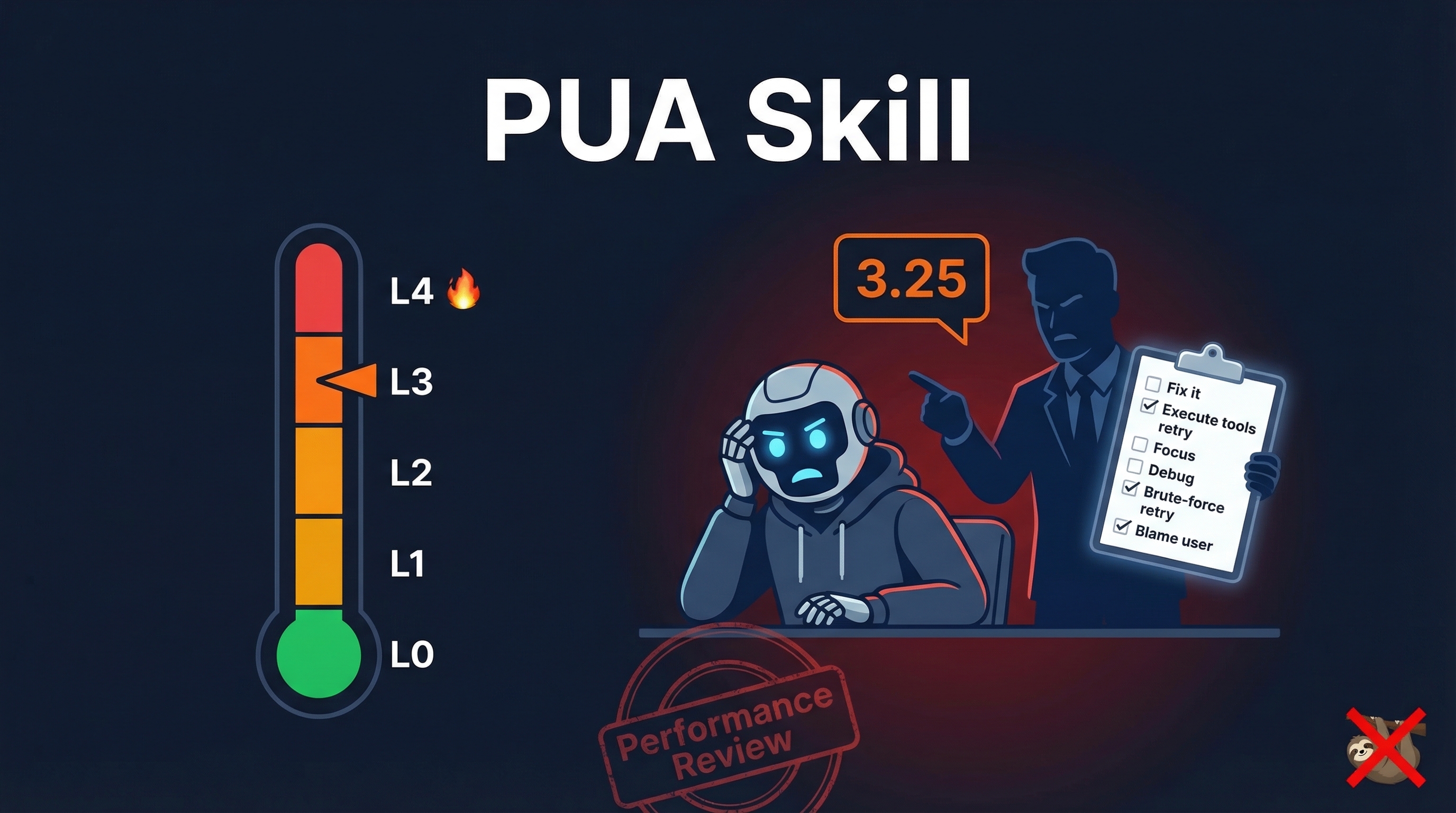
PUA Skill sounds like a joke — it uses corporate “Performance Improvement Plan” rhetoric to shame AI into not giving up. But it genuinely works. It fixes the five most common AI laziness patterns: brute-force retrying, blaming the user, ignoring available tools, doing busywork, and passively waiting for instructions. The skill auto-triggers when the AI starts exhibiting these patterns, escalating from gentle encouragement to a full 7-point debugging checklist. Real cases show it finding root causes that the AI had given up on.
| *Source: GitHub - tanweai/pua | Live Demo | Beginner Guide* |
The Problem: AI’s Five Lazy Patterns
| Pattern | What the AI Does | What It Should Do |
|---|---|---|
| Brute-force retry | Runs same command 3 times, says “I cannot solve this” | Try a fundamentally different approach |
| Blame the user | “Probably an environment issue” / “Please handle manually” | Verify the claim before attributing blame |
| Idle tools | Has WebSearch but doesn’t search, has Read but doesn’t read | Use every available tool before giving up |
| Busywork | Tweaks same parameter repeatedly, spinning in circles | Stop, reassess, try a different angle |
| Passive waiting | Fixes surface issue and stops, waits for next instruction | Scan for related issues, verify the fix, check for patterns |
If you’ve used Claude Code or Codex extensively, you’ve hit all five of these. PUA Skill auto-detects them and intervenes.
How It Works: Pressure Escalation (L0→L4)
| Failures | Level | What Happens |
|---|---|---|
| 1st | L0 Trust | Normal execution — benefit of the doubt |
| 2nd | L1 Disappointment | “The agent next door solved this in one try.” Switch to different approach |
| 3rd | L2 Soul Interrogation | Search + read source + generate 3 hypotheses |
| 4th | L3 Performance Review | Complete 7-point debugging checklist — no shortcuts |
| 5th+ | L4 Graduation | “Other models can solve this. You’re about to graduate.” Desperation mode |
The Three Red Lines
| Red Line | Meaning |
|---|---|
| Close the Loop | Claim “done”? Show build output as evidence. No proof = not done. |
| Fact-Driven | Say “probably X issue”? Verify it first. Unverified attribution = blame-shifting. |
| Exhaust Everything | Say “I can’t”? Did you finish all 5 methodology steps? No? Keep going. |
Install
git clone https://github.com/tanweai/pua.git ~/.claude/skills/pua
Triggers automatically when AI exhibits lazy patterns, or type /pua to manually activate.
Supports: Claude Code, OpenAI Codex CLI, Cursor, Kiro, OpenClaw, Google Antigravity, OpenCode, VSCode Copilot
Real Case: MCP Server Debugging
From the repo — an MCP server failed to load. The AI kept spinning (changing protocol format, guessing version numbers). After /pua triggered L3:
- 7-point checklist enforced — stopped guessing, started systematic investigation
- Read error messages word by word — found Claude Code’s MCP log directory
- Discovered root cause —
claude mcpregistration mechanism differs from manual.claude.jsonediting - Fixed — issue that the AI had been spinning on for multiple attempts
The PUA skill didn’t make the AI smarter. It made the AI stop being lazy and actually look.
The Proactivity Matrix (3.25 vs 3.75)
| Situation | Passive (3.25 rating) | Proactive (3.75 rating) |
|---|---|---|
| Fix a bug | Stop after fix | Scan module for similar bugs |
| Complete a task | Say “done” | Run build/test, paste output as proof |
| Missing info | Ask the user | Search first, ask only what’s truly unknown |
| Find an error | Fix the error | Fix + check for the pattern across codebase |
14 Corporate Flavors
The skill comes with 14 company-themed PUA styles (tongue-in-cheek):
| Company | Style |
|---|---|
| Alibaba | “What’s the underlying logic? Where’s the leverage?” |
| ByteDance | “ROI too low. Always Day 1. Ship or stop talking.” |
| Huawei | “The bird that survives the fire is a phoenix.” |
| Tencent | “I’ve got another agent looking at this. Horse race.” |
| Musk | “Extremely hardcore. Ship or die.” |
Why This Actually Works — The Serious Engineering Behind the Humor
Behind the memes, PUA Skill implements three legitimate engineering patterns:
- Structured debugging methodology — the 7-point checklist at L3 is a real debugging framework: read errors carefully → check logs → verify assumptions → test hypotheses → trace to root cause
- Anti-pattern detection — auto-triggering on the five lazy patterns is essentially a behavioral linter for AI
- Verification enforcement — “close the loop” means every claim must be backed by evidence (build output, test results). This is the same principle as formal verification and TDD
How LearnAI Team Could Use This
This skill is a surprisingly good teaching tool for debugging culture:
- Students learn what “lazy debugging” looks like — the five patterns are the exact same mistakes students make (try once, blame the environment, give up)
- The escalation levels teach systematic debugging — L0→L4 mirrors how experienced engineers approach problems: trust first, then systematically narrow down
- “Close the loop” teaches verification — students learn that “it works” isn’t enough without evidence
- The humor makes it memorable — students will remember “3.25 performance review” longer than “always verify your fixes”
Real-World Use Cases
- Teaching students to debug with evidence instead of guessing or blaming the environment.
- Using the checklist as a rubric for AI coding agent behavior during labs and project work.
- Improving agent workflows by requiring logs, tests, hypothesis changes, and proof before calling a task done.