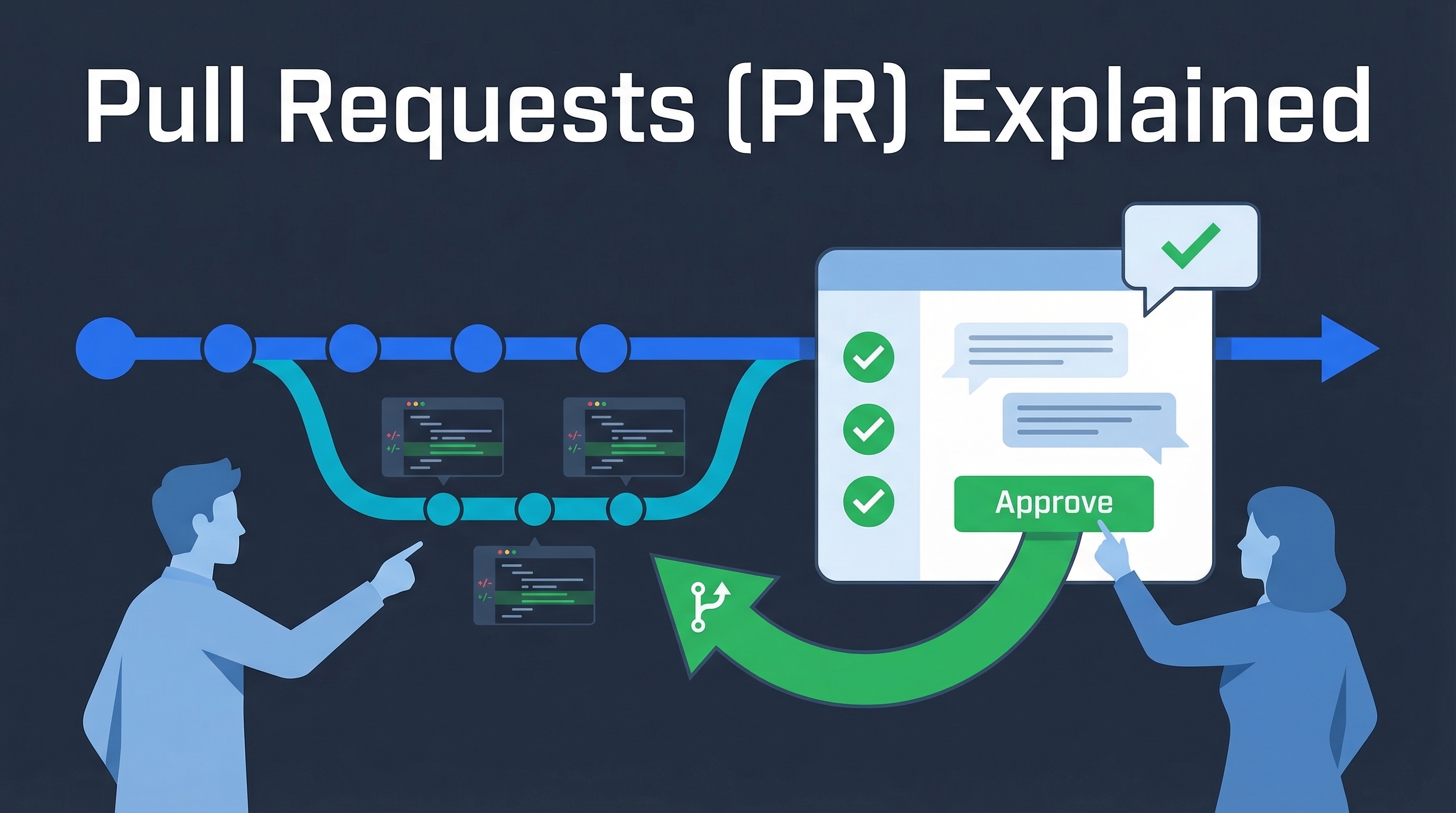
A Pull Request (PR) is a proposal to merge a set of changes from one branch into another. Think of it as saying: “I’ve made some changes — please review them before adding them to the main project.” PRs are everywhere in modern development, and Claude Code makes creating and reviewing them effortless.
| *Sources: GitHub Beginner’s Guide to PRs | Claude Code Common Workflows* |
What Is a Pull Request?
main branch:     A --- B --- C --- D
                          \
feature branch:            E --- F --- G
                                       ↑
                              You are here.
                              Ready to merge back?
                              → Open a Pull Request!
A PR is the formal process of:
- Proposing your changes for review
- Discussing with teammates (comments, suggestions)
- Approving after review
- Merging into the main branch
Without PRs, anyone could push directly to main and break things. PRs add a safety net of peer review.
Why Pull Requests Matter
| Benefit | What it means |
|---|---|
| Code review | Teammates catch bugs, suggest improvements before code ships |
| Knowledge sharing | Everyone sees what changed and why |
| Audit trail | Full history of who changed what and when |
| CI/CD gates | Automated tests run before merge — broken code can’t get in |
| Collaboration | Discussion happens in context, right next to the code |
The Basic PR Workflow
1. Create a branch     →  git checkout -b fix-login-bug
2. Make your changes   →  (edit files, write code)
3. Commit              →  git add . && git commit -m "Fix login bug"
4. Push to remote      →  git push -u origin fix-login-bug
5. Open a PR           →  On GitHub, or via CLI
6. Review & discuss    →  Teammates comment, request changes
7. Merge               →  PR gets merged into main
8. Clean up            →  Delete the feature branch
Creating PRs with Claude Code
Just Ask
The simplest way — tell Claude what you want:
> create a PR for my changes
Claude analyzes your commits, writes a descriptive title and summary, and creates the PR using gh pr create.
The /pr Skill
> /pr
Claude automatically:
- Analyzes all commits since branching from main
- Generates a descriptive PR title
- Creates a detailed description with summary, testing instructions, and screenshots if there are UI changes
Step by Step with Claude
> I fixed the authentication bug in the login flow. Help me create a PR.
Claude will:
- Check your git status and diff
- Draft a clear PR title and description
- Push to remote if needed
- Create the PR with
gh pr create
Reviewing PRs with Claude Code
Review a Specific PR
> review PR #42
Claude fetches the PR diff, analyzes the changes, and provides feedback on code quality, potential bugs, and style issues.
Automated PR Review via GitHub Actions
Install the GitHub app to let Claude automatically review PRs:
> /install-github-app
Once set up, reviewers can mention @claude in any PR comment to request analysis.
The PR Review Toolkit Plugin
The Claude Code Tips & Context Engineering pattern uses specialized agents — one for test coverage, one for error handling, one for type design, one for code quality. More thorough than a single review pass.
Real-World Use Cases
Bug Fix PR
Title: Fix login redirect loop on expired sessions
Branch: fix/login-redirect
Changes: 2 files, 15 lines

A user reported being stuck in an infinite redirect loop when their
session expired. Root cause: the auth middleware wasn't clearing the
stale session cookie before redirecting to /login.
Feature PR
Title: Add dark mode toggle to settings page
Branch: feature/dark-mode
Changes: 8 files, 240 lines

Adds a dark mode toggle to user settings. Uses CSS custom properties
for theming. Persists preference to localStorage. Respects system
preference on first visit.
Refactor PR
Title: Migrate API routes from Express to Hono
Branch: refactor/express-to-hono
Changes: 25 files, 1,200 lines

Replaces Express with Hono for 3x faster cold starts. All existing
tests pass. No API contract changes — this is a drop-in replacement.
Documentation PR
Title: Add API authentication guide to docs
Branch: docs/auth-guide
Changes: 3 files, 180 lines

New guide covering API key setup, OAuth flow, and JWT token refresh.
Includes code examples in Python, JavaScript, and curl.
How LearnAI Team Could Use This
- Use PRs for every wiki/content change so edits get reviewed before publishing.
- Ask Claude Code to draft PR summaries, test notes, and reviewer checklists from the git diff.
- Use PR reviews to catch broken links, missing sources, inconsistent front matter, and unclear examples.
PR Best Practices
- Keep PRs small — 200-400 lines is ideal. Giant PRs don’t get reviewed carefully
- One concern per PR — Don’t mix a bug fix with a refactor
- Write a good description — Explain why, not just what. Link to the issue it fixes
- Include a test plan — How can reviewers verify it works?
- Respond to feedback — PR comments are conversations, not commands
- Don’t merge your own PR — Get at least one approval from a teammate
Common PR Lingo
| Term | Meaning |
|---|---|
| LGTM | “Looks Good To Me” — approval |
| Nit | Minor issue, not a blocker |
| WIP | “Work In Progress” — not ready for review yet |
| PTAL | “Please Take A Look” — requesting review |
| Squash and merge | Combine all commits into one before merging |
| Rebase | Replay your commits on top of the latest main |
| Draft PR | Open a PR early for visibility, mark as not ready |