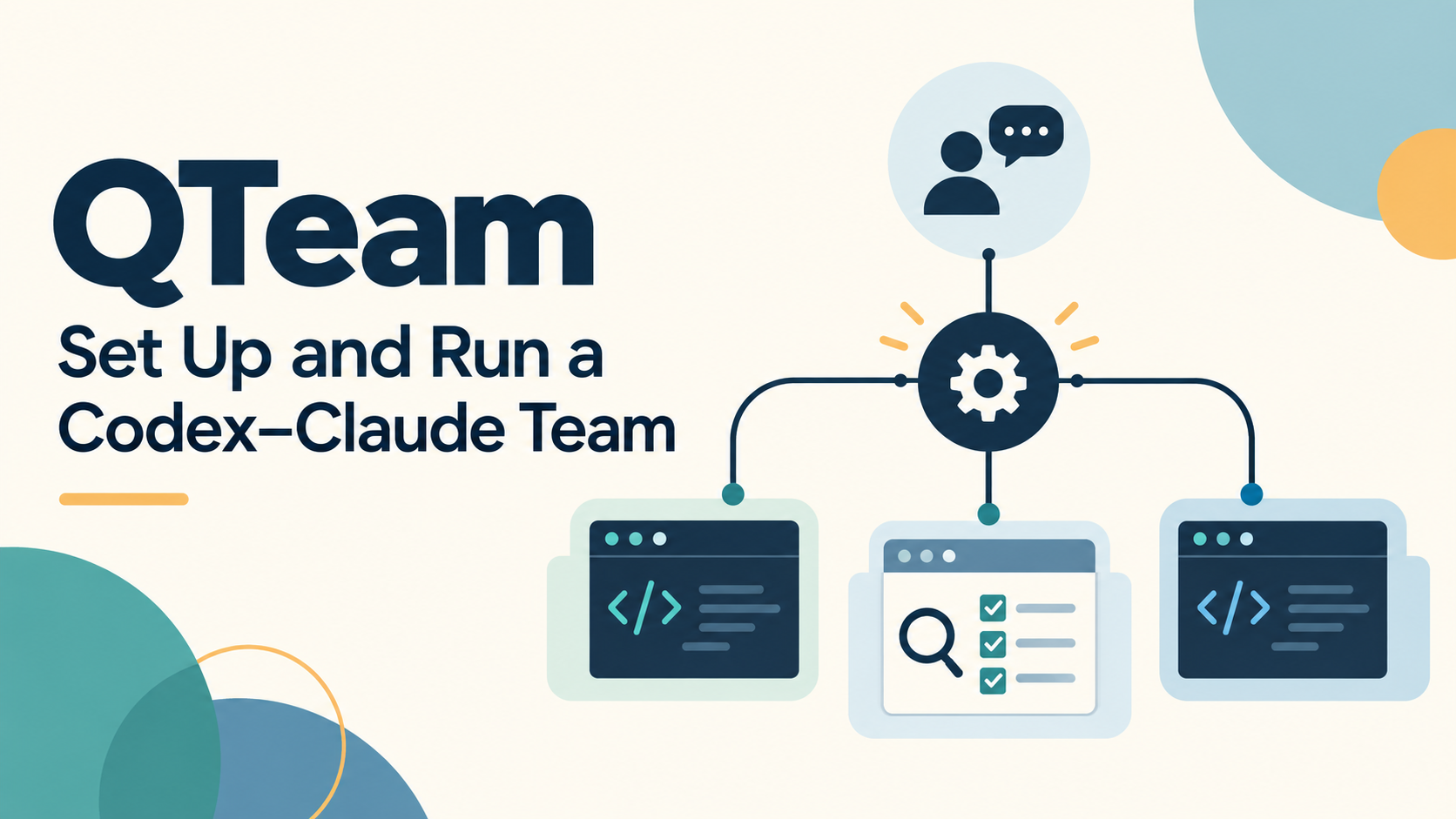
QTeam is our reusable skill and coordination protocol for working with a coordinator, scoped workers, and an independent auditor. Its purpose is to keep decisions in one conversation while agents work on separate deliverables. Codex or Claude can fill each role; actual communication depends on the tools connected to those sessions.
Updated September 25, 2026: graph context is now part of the updated skill’s setup and resume workflow. The full setup prompt below can be copied into another agent session.
Source: Claude skills · Git worktrees · Claude scheduled tasks · Anthropic’s multi-agent research system · Multi-agent failure analysis
The sources explain the underlying tools and design concerns. QTeam-specific behavior and trial results below come from our local prototype records, identified at the end. QTeam is a local prototype, with no verified public download link yet.
The one-sentence start
Open the intended project in an agent session with QTeam installed and say:
Start qteam for this project. Our goal is [goal]. First recommend the smallest useful team and discuss the roles with me.
The coordinator should inspect existing project instructions and team state, then recommend the worker count and assignments. Agree on the team before it creates sessions or provisions their folders. After agreement, it prepares complete startup files and gives you a short instruction for each terminal. You should not need to reconstruct long prompts.
Natural-language skill selection is best effort. In Q’s configured hosts, try $qteam in Codex or /qteam in Claude when the skill is discovered. Otherwise ask the agent to read the installed qteam/SKILL.md explicitly.
Copy the full setup prompt
Open a fresh Codex or Claude Code session in the intended project folder. Copy the prompt below, replace the goal line, and send it to the agent that will coordinate the team. You do not need to paste this article or our earlier conversation.
The two absolute skill paths below are for Q’s Mac. On another machine, substitute that machine’s actual installed skill paths. The skill must already be installed; copying this prompt does not install QTeam. If the project already has a different coordinator, resolve the handoff before taking over.
Use the updated QTeam skill to set up coordination for this project. You will be the coordinator.

Project: the current workspace.
Goal: [describe what I want the team to accomplish]

Read the installed skill first:
- Codex: /Users/oreo/.codex/skills/qteam/SKILL.md
- Claude Code: /Users/oreo/.claude/skills/qteam/SKILL.md

Inspect project instructions and any existing team state/checkpoint. Resume an existing setup safely; do not reset it or create a competing coordinator.

For a new team, recommend the smallest useful team, with clear responsibilities and file ownership. Tell me the worker count and total additional sessions, including any auditor. Discuss this with me before provisioning.

After we agree, handle the setup details and generate complete startup files for each agent. Give me the exact folder and short instruction to paste into each session.

Use the new graph-context workflow during setup, resume, and handoffs. Include each agent's exact context command in its startup file. Keep live coordination state outside Dropbox and worktrees.

Use guided, visible agent sessions unless I choose another mode. Distinguish prepared assignments from acknowledged or actually running agents.

Start with inspection and your team recommendation.
The Copy button copies only the prompt. If clipboard access is blocked, it selects the prompt for manual copying with Cmd+C / Ctrl+C. With JavaScript disabled, or in a PDF, select and copy the text normally.
Install once, reuse across projects
First obtain a maintainer-reviewed copy of agent-coordination-kit, together with its version and review record. No canonical public release has been verified. This article alone does not install it. The generated skills/qteam/ folder contains the entry skill, bundled role instructions, protocol, and helper; copy the whole folder, preserving its subdirectories.
| Host | Installation location |
|---|---|
| Claude Code | Personal skills directory: ~/.claude/skills/qteam/ |
| Codex in Q’s current setup | ~/.codex/skills/qteam/; other installations should check their host’s supported discovery path |
| Separate role invocation | Optionally install the kit’s project-coordinator, project-worker, and project-auditor packages too |
The QTeam package includes bundled role references; separate role skills are optional conveniences for standalone invocation. Prerequisites are local project-file access, Python 3 with SQLite support for the bundled helper, and Git if using worktrees. The coordinator should inspect scripts/coord.py --help and use its documented interface rather than editing the database directly. Each chosen agent host also needs to be installed and authenticated.
Claude’s personal skill layout is documented in its skills guide. The Codex path above describes the inspected local installation, not a universal installation rule.
Give the installing agent this request, replacing the kit path:
Install QTeam from /absolute/path/to/agent-coordination-kit.
Inspect existing skill installations before replacing anything.
Install the complete generated qteam package for Codex and Claude,
using each host's supported skill directory. Verify discovery.
Do not start a project team or enable monitoring yet.
Confirm the skill is discoverable in each intended host. If an existing session misses it, try a fresh session or explicit file read. No new hook, connector, or plugin installation is required by the QTeam package.
For the graph-enabled version, the complete package also includes scripts/graph.py and references/graph.md. Update the reviewed package as a whole; replacing only SKILL.md can leave instructions that refer to a missing helper. With this version and compatible v1 state, graph context needs no separate database or opt-in step.
What graph context shares — and what it does not
QTeam’s graph is a read-only view of recorded coordination state, not a second source of truth. The SQLite database holds the operational records; graph.py connects agents, tasks, declared dependencies, artifacts, reviews, and message metadata so each agent can find relevant context.
Recorded project state (host-local SQLite)
                    |
              read-only graph
             /      |       \
 coordinator   worker A   worker B
      |            |          |
 original assignments, artifacts, and review evidence
The updated skill tells the coordinator to verify the project, state, and actor identity before querying context. For a new team, it queries after the agreed actors and tasks exist. Each worker’s startup file includes its exact context command; agents refresh context on resume and handoff instead of treating an old snapshot as current. These are actions the agent follows from the skill, not a background service.
| View | What it helps an agent find |
|---|---|
context --actor <id> |
Related tasks and their prerequisites, artifact/review records, and inbox metadata. The current coordinator sees all tasks. |
explain --task <id> |
Recorded blockers, dependency and ownership issues, and completion-metadata checks such as a missing review for the recorded artifact version. |
impact --task <id> |
Downstream tasks connected by declared task dependencies that may need rechecking when an input changes. It does not infer code dependencies. |
graph --format mermaid |
An optional diagram of the recorded relationships. Drawing it does not deliver assignments or wake workers. |
For example, if worker A records a changed importer artifact and worker B’s report task depends on it, the coordinator can use impact to find the report task to recheck. explain can expose a missing matching review in the metadata. The agents must still read the assignment, inspect the actual files, and run relevant checks: the graph does not open or rehash artifacts to prove their contents.
This is shared project context, not shared private chat history. Unrecorded conversations and undeclared relationships are absent. Graph output does not grant permission, authenticate an agent, or replace original messages and evidence. A queued inbox entry is not an acknowledgment or proof that a worker is running. Context filtering is for relevance, not access control; even a filtered export may reveal project paths or titles.
Keep live state and saved context snapshots outside Dropbox and other synchronization roots. If graph projection fails or an established setup uses a legacy protocol, inspect the existing source and report the limitation; do not reset, migrate, or create replacement state merely to obtain a graph.
For the underlying ideas, see Graph Engineering and Agent Memory and Harness Loops and Graph Engineering. These are conceptual background, not evidence of QTeam reliability or a measured performance improvement.
Choose roles before choosing more agents
Project owner + optional decision adviser
                    |
          one active coordinator
             /      |      \
         worker A worker B independent auditor
                    |
             integration owner
| Role | Responsibility |
|---|---|
| Owner | Priorities, scope, and consequential approvals |
| Coordinator | Assignments, dependencies, status, decisions, and resource scheduling within authorization |
| Worker | A bounded deliverable, owned paths, checks, and evidence |
| Auditor | Independent examination of a specified version and its evidence |
| Integration owner | Shared files, combined validation, and preparing the commit package |
| Optional adviser | Difficult decisions with the owner; no competing operational queue |
The integration owner may be the coordinator. The auditor can join at a reviewable milestone rather than occupying a session from the beginning.
Start with one worker for sequential work. Use two when their outputs can be produced independently. Two workers plus a separate auditor means three additional sessions beyond the coordinator. More agents add coordination cost; Anthropic’s research-system account illustrates the value of clear delegation and the limitations of tightly interdependent work. It does not establish a performance benefit for QTeam. Design background.
QTeam is distinct from Claude’s native Agent Teams feature. It is our skill-and-state procedure for assigned roles across supported hosts; installing it does not create a native team or connect arbitrary terminals. Native Agent Teams.
Before the first run, confirm the package can be discovered or read, select the project, agree the team and workspace strategy, and have the coordinator check for existing state. Keep new state host-local and monitoring off unless requested.
A small first project
Suppose a project needs a CSV importer and a summary report. Agree on the data contract first. Then ask the coordinator to prepare:
| Session | Assignment |
|---|---|
| Coordinator | Own the shared contract, decisions, and integration |
| Worker A | Implement the importer and its focused checks |
| Worker B | Implement the report against the agreed contract and fixtures |
| Auditor, when ready | Review the combined change and reported validation |
The coordinator should supply the actual absolute folder and startup-file path for each session. An instruction might look like this; replace the illustrative path with the one it generates:
Read /absolute/path/to/project/working-folder/agent-team/start-worker-a.md
and follow the assignment. Acknowledge your role, owned paths,
constraints, and first action before beginning.
Open each session in its assigned folder. If automatic delivery is available and verified, the coordinator can use it within the agreed scope. Otherwise you send this short instruction once. Absent a verified app, task, or transport tool, QTeam prepares the files and delivery instructions for you. Writing an inbox file by itself does not wake a terminal.
Keep parallel work from colliding
Use separate worktrees or isolated directories for editing workers, disjoint logical file ownership, and one owner for shared files. Git worktrees provide separate working directories sharing a repository; they do not prevent conflicting edits from needing reconciliation. Git worktree documentation.
Every assignment should state its outcome, owned paths, dependencies, authorized actions, and completion evidence. Use additional attempt limits and frozen protocols for experiments when warranted; ordinary documentation work should not inherit every research-run restriction.
For new setups, keep live coordination state on one host, outside worker checkouts and cloud synchronization. The prototype uses a host-local SQLite database, for example:
~/.local/state/agent-coordination/<project>/state.sqlite
Project files can still live in Dropbox. An existing working-folder/agent-team/PROJECT.json may point to the established state; the older folder name is not a reason to reset or migrate it. The helper records cooperative state. It is not an operating-system sandbox, authenticated identity service, scheduler, or general model launcher.
Daily use: status, decisions, and resuming
| Say this to the coordinator | Expected action |
|---|---|
| “Check the team and bring me decisions.” | Read current evidence; distinguish work, blockers, and decisions |
| “Resume qteam.” | Recover the same team, ownership, messages, approvals, and consumed attempts; refresh graph context when compatible |
| “Prepare setup only; no workers yet.” | Discuss the design, then prepare only the agreed setup |
| “Pause automatic checking.” | Disable only the relevant monitoring and record the pause |
A useful status distinguishes prepared, received, acknowledged, running, and finished. Receipt and acknowledgment need actual evidence; silence does not establish either.
When a decision is needed, the coordinator should present the question, evidence, recommendation, scope, and consequence of waiting. Previously authorized routine work should continue without repeated permission requests. An idle worker may be finished, waiting for a dependency, missing delivery, or awaiting a decision: inspect its evidence before treating idleness as failure.
Keep three concepts separate:
- Review: an independent judgment of the artifact and evidence.
- Approval: the owner’s authorization for the action and scope.
- Resource grant: permission to use a contended resource under that authorization.
A free machine slot is not an execution approval. Conversely, an approved worker may need to wait for a busy slot. Resource expiry or an idle terminal does not prove the previous job has released the resource.
Optional monitoring and coordinator handoff
Monitoring starts only when requested and when the host supplies a working scheduling mechanism. A useful request is:
Check every 20 minutes for the next four hours. Notify me only about decisions, conflicts, failures, or completed work. Carry existing approvals forward and stop the monitor at the end of the window.
The coordinator should record how the schedule was configured and verify a real scheduled check. An experiment’s execution window remains separate from the monitoring window. Polling a coordinator does not automatically wake every worker.
Claude’s session scheduling depends on the session being available; busy work can delay checks. Current documentation also describes task restoration on resume with exceptions, so confirm the installed version’s behavior rather than assuming persistence or delivery. Scheduled-task behavior.
For longer work, Claude can handle operational coordination while Codex helps the owner with difficult decisions, or vice versa. Transfer the coordinator identity and ownership explicitly, preserve outstanding grants and attempts, and have the outgoing coordinator stop operational writes before the incoming one dispatches work. Two sessions may advise; only one should own the live queue.
Review and commit at a meaningful milestone
Ask the auditor to review a concrete version, acceptance criteria, and primary evidence. A completion summary alone is insufficient. Audit at useful boundaries rather than recursively reviewing every message.
The integration owner prepares the exact changed-file list, dependency status, combined checks, and unresolved findings. Commit when that package satisfies the project’s rules; commit and push are separate actions. In Q’s workflow, a push requires explicit approval after local testing.
This emphasis on explicit tasks, coordination, and verification is consistent with the failure categories identified in Why Do Multi-Agent LLM Systems Fail? That study motivates these precautions; it does not validate QTeam itself. Paper.
What the prototype has actually demonstrated
These are recorded trial outcomes, not new tests run for this article.
| Trial | Recorded evidence and boundary |
|---|---|
| DP-GCD coordination trial | Two Codex workers in separate worktrees, an independent auditor, disjoint deliverables, and 33 passing selected tests. It did not test Claude transport or prove differential privacy. Here GCD means Grid-Cell-Distance. |
| Mixed-provider trial | Codex coordinator, one real Claude worker, and independent Codex audit on a synthetic six-row aggregation task; four messages acknowledged. It did not establish general multi-worker reliability or unattended operation. |
| Guided startup checks | Fresh setup discussed the team before provisioning; installed packages were checked. Resume checking used supplied state facts, not a new live recovery trial. |
The trials support further small, bounded use. They do not establish that an arbitrary project can run unattended, that all provider combinations work, or that coordination removes merge conflicts.
Troubleshooting and sharing
| Symptom | Next action |
|---|---|
| The agent does not recognize QTeam | Verify the full package and host discovery; explicitly read SKILL.md if needed |
| The graph helper is missing or its query fails | Check the complete updated package and existing state compatibility; preserve established state and report the error rather than creating a replacement database |
| A graph packet looks stale | Verify the same state and actor identity, then regenerate context; inspect primary evidence before acting |
| Worker is idle after dispatch | Check receipt and acknowledgment; manually send the saved startup instruction if transport is absent |
| Several workers await decisions | Present a consolidated decision list with recommendations; continue independent authorized work |
| Two sessions claim to coordinate | Stop new dispatches and reconcile ownership without resetting state |
| A run window expired | Preserve evidence and consumed attempts; obtain any needed new authorization rather than silently retrying |
To share QTeam, provide this guide, the reviewed skill package, and a bounded project goal. Do not copy live databases, private session transcripts, or project-specific approvals into someone else’s new team. Review raw logs and evidence archives for private paths, prompts, or project data before sharing them.
Maintained local provenance in agent-coordination-kit: skills/qteam/SKILL.md, skills/qteam/references/setup.md, docs/START-HERE.md, docs/QUICKSTART.md, docs/protocol.md, docs/graph.md, graph.py, tests/test_graph.py, trials/mixed-provider-20260924/RESULT.md, and validation/agent-team/guided-setup/VERIFICATION.json. The separate gcd-coordination-trial/RESULT.md records the DP-GCD trial. These are maintainer-held records, not public links or downloadable releases.