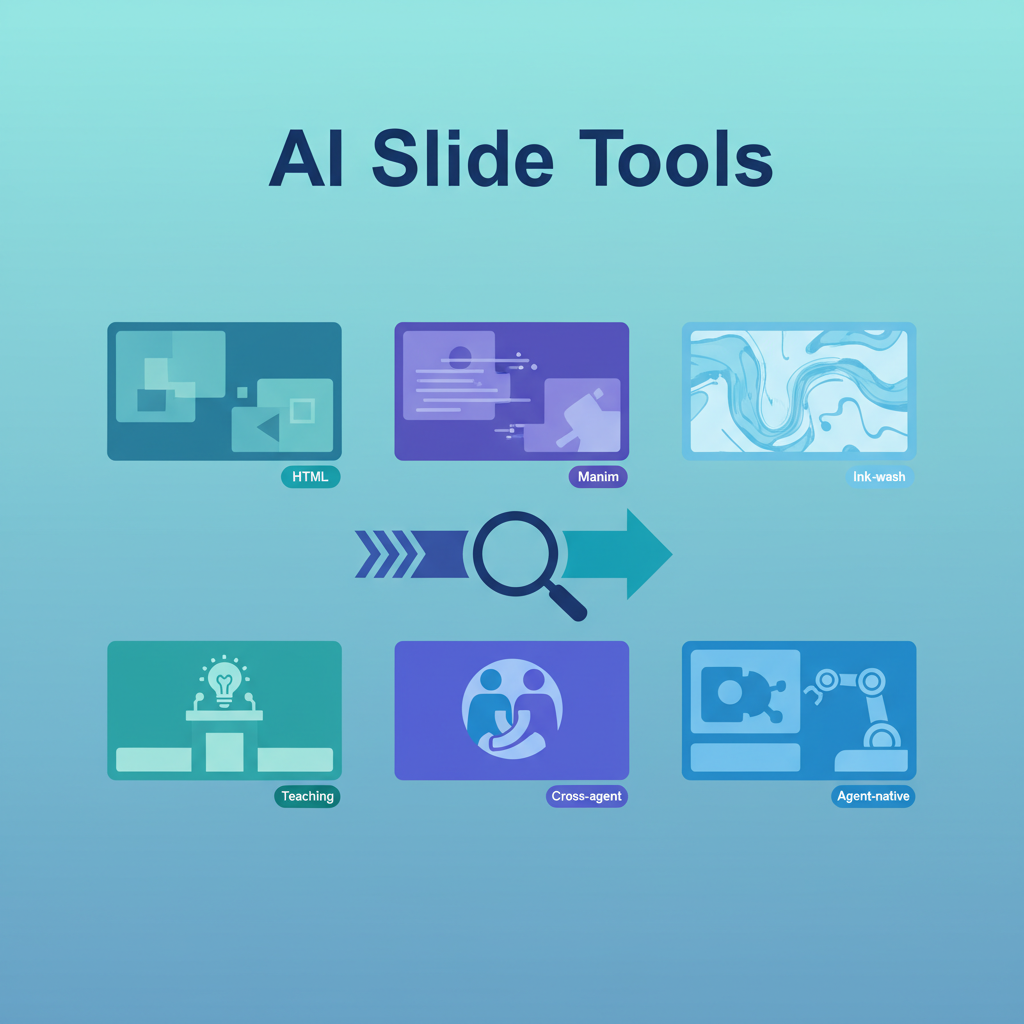
This hub maps the LearnAI slide and explainer-generation tools — from quick HTML decks to animated math videos — with a comparison table, decision guide, and links to the canonical entries. Start here if you need to pick the right tool for your use case.
The Tools at a Glance
| Tool | Output | Best for | Agent scope | Themes/styles |
|---|---|---|---|---|
| HTML PPT Studio | Static HTML | Pitch decks, tech talks, social media | Claude Code | 36 themes, 31 layouts, 47 animations |
| Guizang PPT Skill | Static HTML | Cross-agent portability, covers, strict visual systems | Claude Code, Codex, Cursor | 2 visual systems; covered in HTML PPT Studio entry |
| Make Slides | Interactive HTML | CS lectures, algorithm walkthroughs | Claude Code | 1 (dark slate, pedagogy-first) |
| open-slide | HTML | Agent-native iterative editing | Claude Code | Flexible (agent-directed) |
| GPT Image 2 水墨风 | Image-based slides | Ink-wash aesthetic academic slides | GPT Image 2 / CC pipeline | Ink-wash only |
| Math-To-Manim | Animated video (MP4) | Prompt/LaTeX → Manim scene for math/CS | Claude Code + OpenAI Agents SDK | None (animation-focused) |
| CyberPPT | Editable PPTX | Dense consulting-style decks from source material | Codex Skill | 8 fixed visual styles + QA gates |
| slide-image-to-editable-pptx | Editable PPTX | Rebuild slide screenshots as editable decks | Codex Skill + manual QA | Reconstruction-focused |
| html-video | MP4 video | Prompt/article/repo → HTML scenes → MP4 | Coding agents | Template gallery + optional soundtrack |
Decision Guide
“I need slides fast for a talk or course” → HTML PPT Studio — broadest theme/layout library, presenter mode with speaker scripts, zero setup
“I use Codex and Cursor too, not just Claude Code” → Guizang PPT Skill — cross-agent HTML decks, covers, and strict visual-system guidance; covered in the HTML PPT Studio entry
“I’m teaching CS — algorithms, automata, proofs” → Make Slides — step-through interactivity, pedagogical rules, 5-agent review pipeline, proven across 79+ lecture decks
“I want to edit slides by clicking in the browser” → open-slide — in-browser comment inspector, agent-native workflow designed for iterative visual editing
“I need beautiful academic slides with an ink-wash aesthetic” → GPT Image 2 水墨风 — structured prompt template for ink-wash style, GPT Image 2 image generation
“I need to animate a mathematical formula or proof” → Math-To-Manim / Manim — prompt or LaTeX → Manim → animated MP4; not slides in the traditional sense but the right tool for visual math explanation
“I need an editable PowerPoint from dense source material” → CyberPPT — evidence table → SCR storyline → page blueprint → editable PPTX, with strict QA gates. This is heavier than HTML slide generation and should be used for board-style, consulting-style, or data-heavy decks, not quick lectures.
“I already have image-based slides and need editable PPTX” → slide-image-to-editable-pptx — a locally tested reconstruction workflow pattern for rebuilding three repo example screenshots into layered PowerPoint objects. Still treat it as experimental on your own decks; our local test proved structural editability on three repo example slides, not broad automatic-converter reliability.
“I need an agent to render motion graphics or short videos locally” → html-video — a scouted candidate for turning prompts, articles, or repos into HTML scenes and MP4 through browser rendering and ffmpeg.
What They Have in Common
- Most work inside or alongside coding agents such as Claude Code
- Most produce output viewable without proprietary authoring software (HTML, image, or video)
- Several avoid PowerPoint, Keynote, or Google Slides entirely; PPTX-specific tools are the exception
- Many can handle Chinese + English content, but language support varies by tool
Format Caveat
- Most tools here do not produce editable .pptx files. CyberPPT is the exception, but it is a heavier workflow built around evidence gates, blueprints, visual QA, and editable-layer checks.
- None guarantee layout perfection. AI-generated slides require human review; treat first drafts as first drafts.
Tool Summaries
HTML PPT Studio — Best all-rounder
36 themes, 31 layouts, 47 animations (27 CSS + 20 Canvas FX), 15 full-deck templates, presenter mode with speaker scripts and timer. Install: npx skills add https://github.com/lewislulu/html-ppt-skill. Claude Code focused, zero-dependency output.
Guizang PPT Skill — Cross-agent portability
Self-contained HTML decks and covers. Best when your team uses multiple coding agents and wants a stricter visual system than a generic prompt-driven deck.
Make Slides — Teaching-first
Built for CS lectures: step-through interactivity (Prev/Next navigation inside slides), Canvas walkthroughs for algorithm visualization, 5-agent quality review. Proven across 79+ decks at Monmouth University.
open-slide — Agent-native editing
Designed for iterative agent-directed slide creation. In-browser comment inspector lets you click any element and attach a comment, which the agent picks up via /apply-comments. Built for the edit loop, not just the first generation.
GPT Image 2 水墨风 — Aesthetic specialization
A structured prompt template for generating ink-wash style academic slides using GPT Image 2. Not a general-purpose tool — a specialized aesthetic for researchers who want elegant visual identity in presentations.
Math-To-Manim — Animation pipeline
Automates the prompt/LaTeX → Python animation code → Manim render → MP4 pipeline. Best for embedding animated mathematical explanations in lectures or educational videos, not for building a full slide deck.
CyberPPT — Dense editable PowerPoint
Built for consulting-style decks where evidence, page density, and editability matter. The workflow is deliberately staged: analyze source materials into an evidence table, converge on an SCR storyline, generate page blueprints, then rebuild slides as editable PPTX with QA gates for evidence, layout, typography, overflow, and visual fidelity. It is the right candidate when the output must be a real PowerPoint file, not a web deck.
slide-image-to-editable-pptx — Screenshot reconstruction
A Codex skill pattern for turning slide screenshots or AI-generated slide images into editable PowerPoint decks. Its key idea is a three-layer reconstruction: complex visuals become replaceable images, layout structure becomes native PPT shapes, and readable content becomes text boxes. Our local test produced a 3-slide PPTX with many native text and shape objects and no full-slide image embedding, but the workflow is still manual/agent-guided rather than a polished one-command converter.
Media Backlog
The media-tool review also surfaced PunithVT/ai-avatar-system and Y2A-Auto. These are useful scouting leads, but they need a separate teaching use case or source verification before becoming standalone wiki pages.
How LearnAI Team Could Use This Hub
- Course planning — When Q or a TA needs slides for a specific course, check this guide first rather than defaulting to the same tool every time. Make Slides for CS lectures; HTML PPT Studio for guest speakers or pitch-style talks.
- Student tool literacy — Show students this comparison as a practical exercise in tool selection: what are the tradeoffs? what information would you need to choose? This builds the “choose the right tool” judgment AI engineers need.
- AI tools curriculum — The variation across these tools (output format, agent scope, aesthetic focus, pedagogical intent) is a good case study for how AI tools differentiate in a crowded market.
- Dense report decks — Use CyberPPT only when the source material is evidence-heavy and the final artifact must be editable in PowerPoint. For everyday teaching, the HTML tools are faster and easier to inspect.