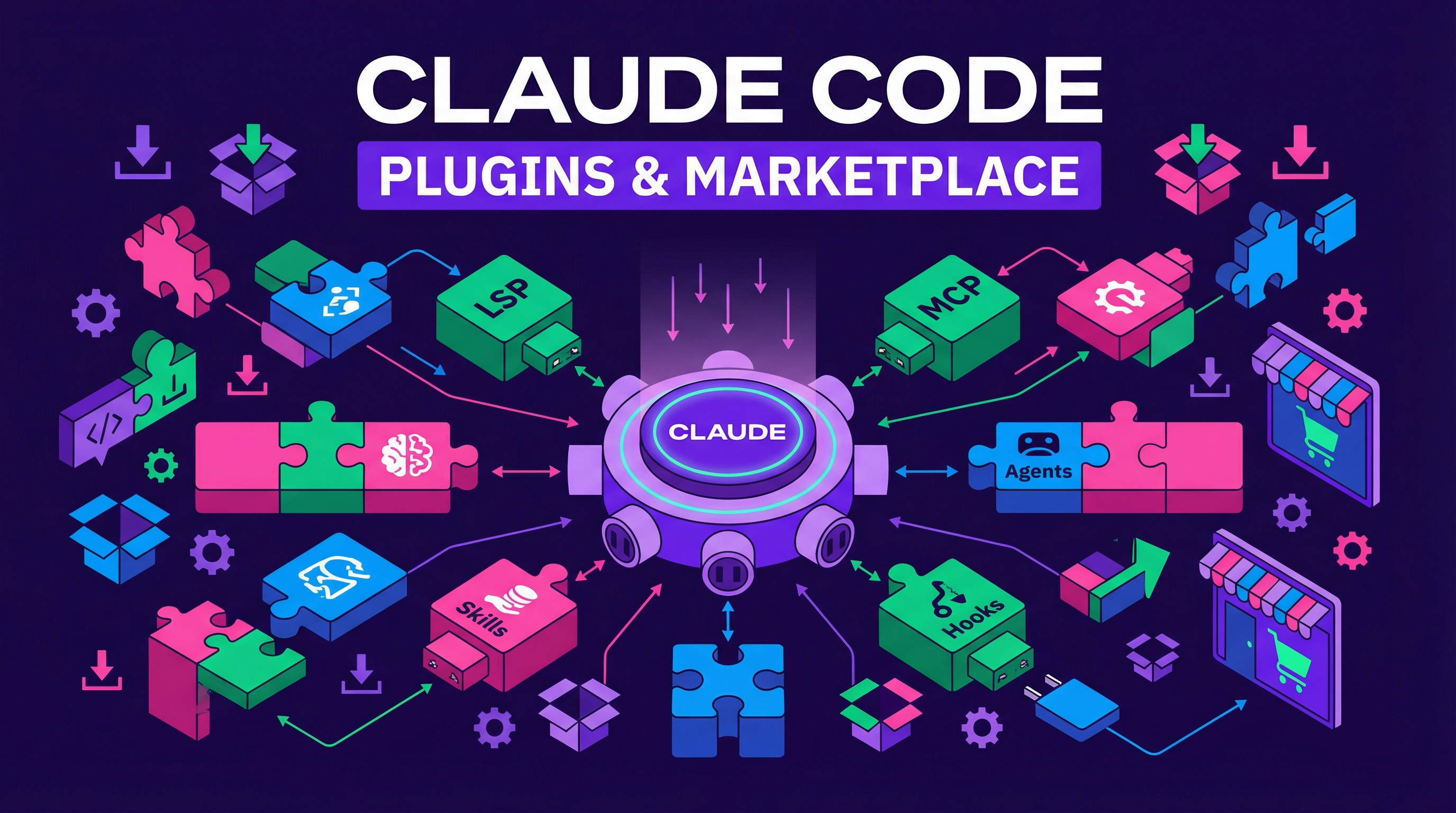
Plugins let you install LSPs, MCPs, skills, agents, and custom hooks into Claude Code from a centralized marketplace.
| *Source: Claude Code creator Boris shares 12 ways that most people don’t know about | Reddit: 28 Official Plugins — Most People Don’t Know* |
Getting Started
> /plugin
Run /plugin to browse and install from the official Anthropic plugin marketplace.
What You Can Install
| Plugin type | What it adds |
|---|---|
| LSPs | Language Server Protocols for code intelligence — available for every major language |
| MCPs | Model Context Protocol servers for connecting Claude to external tools and data |
| Skills | Reusable slash commands (like /commit, /review-pr) |
| Agents | Custom agent configurations for the main conversation |
| Hooks | Lifecycle hooks that trigger on Claude events |
Official vs Custom Marketplaces
Official Anthropic Marketplace
The default source. Curated plugins maintained by Anthropic and the community.
Company Marketplaces
You can create your own private marketplace for your team. Then check the marketplace configuration into your codebase’s settings.json so it auto-adds for everyone:
{
  "marketplaces": [
    "https://your-company.com/claude-plugins"
  ]
}
This means when a teammate clones the repo and opens Claude Code, they automatically get access to your team’s plugins — no manual setup.
The 53-Plugin Reality
A Reddit thread revealed there are actually 53 official plugins (not 28 as the original post claimed) — and the post’s description of hookify was completely wrong. The community takeaway: read the official docs, not social media summaries. You can see everything available in /plugins within Claude Code.
The thread also surfaced a broader pattern: people would rather watch a 30-minute video than read 10 minutes of official documentation. Technical literacy — the ability to read docs — is becoming a rare and valuable skill as AI makes everything else easier.
Practical Adoption Advice
The most practical advice from community discussions:
| Tip | Why |
|---|---|
| Start with 3 plugins for one week | Learn them properly before adding more |
| Add one at a time after that | Each plugin changes Claude’s behavior; batch-adding creates confusion |
| Use CLAUDE.md pipes | Organize plugins into three concerns: one for code quality, one for security, one for workflow |
| Remove 80% of tools you’re not using | Too many tools makes Claude confused (Vercel learned this the hard way) |
| Read the official docs first | Community posts often contain errors |
How LearnAI Team Could Use This
- Package repeatable Claude Code setup as a private plugin marketplace: approved MCP servers, skills, hooks, and agents for course production, documentation review, and research workflows.
- New team members open a project and inherit the same toolchain instead of manually copying local config.
- Keep security-sensitive hooks and permissions consistent across team projects.
Real-World Use Cases
- Publish a LearnAI internal marketplace with standard review, docs, and research plugins.
- Bundle onboarding tools so contributors get the right skills and MCPs automatically.
- Distribute custom slash commands for team-specific workflows (e.g.,
/review-wiki,/mywiki).
Why This Matters
Plugins turn Claude Code from a single-purpose CLI into an extensible platform. Instead of each developer manually configuring MCPs, writing custom hooks, or sharing skills via copy-paste, plugins provide a standardized install-and-go experience. The team marketplace feature is especially powerful for onboarding — new developers get the full toolchain just by opening the project.