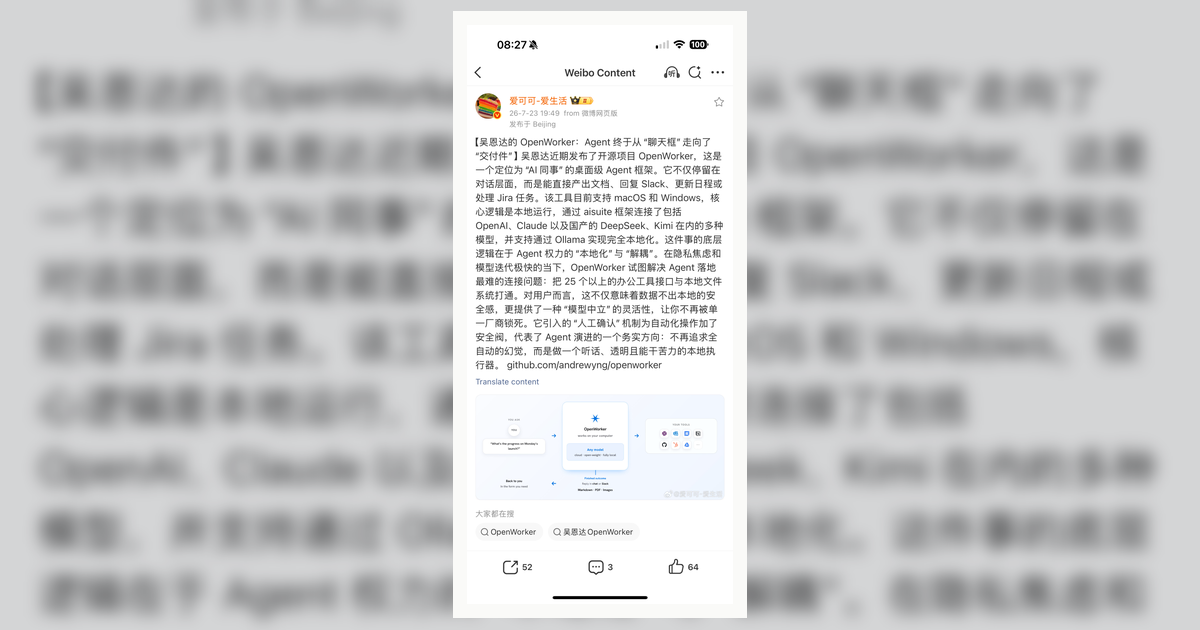
OpenWorker is an open-source desktop AI coworker that aims to produce finished artifacts instead of chat replies: documents, spreadsheets, reports, web pages, Slack replies, calendar updates, or inbox triage. The durable idea is not just the app itself; it is the product shape: a local-first agent that works across files, desktop tools, connectors, and models while asking before consequential actions.
| *Source: GitHub — andrewyng/openworker | OpenWorker | July source screenshot: IMG_3717.PNG* |
What makes it different
OpenWorker’s README frames the tool around outcomes:
User asks for an outcome
        |
        v
OpenWorker breaks it into steps
        |
        v
Works across local files, terminal, and connected apps
        |
        v
Asks before sending, changing, or running consequential actions
        |
        v
Returns the finished deliverable
That is a good design lesson for students. A useful agent is not just a more talkative assistant; it should have an artifact boundary, a permission boundary, and a verification trail.
Architecture pattern
The public README describes a desktop app backed by a local Python agent server:
| Layer | Role |
|---|---|
| Desktop app | Native shell and GUI for user interaction |
| Local agent server | Agent engine, tools, connectors, MCP client, memory, automations |
| Files and terminal | Local working surface |
| Connectors | README examples include GitHub, Slack, Jira, Notion, Linear, Gmail, Google Calendar, and more |
| Model provider | README examples include OpenAI, Anthropic, Gemini, DeepSeek, Kimi, Qwen, Grok, Ollama, and others |
The key product decision is local ownership: conversations, connector tokens, and model keys live on the user’s machine, with model and integration calls chosen by the user.
Why students should study it
OpenWorker is a useful case study because it forces three questions that web-chat demos often dodge:
| Question | Why it matters |
|---|---|
| What is the artifact? | A finished file or app action is easier to evaluate than a fluent answer |
| What needs approval? | Sending messages, calendar changes, and shell commands require policy gates |
| What runs locally? | Local-first design changes privacy, trust, and deployment assumptions |
This connects directly to agent safety and human-in-the-loop design. The agent can be capable without being autonomous in every sense.
Practical setup notes
The README lists macOS and Windows downloads, plus a source path using Python, Node, and Rust/Tauri for the desktop shell. For a class, do not make OpenWorker the first agent students install. Use it after they already understand:
- API keys and local secrets
- MCP and connector permissions
- Tool-calling failure modes
- The difference between local execution and cloud model inference
Important things to know
- OpenWorker is described as beta by the upstream README. Treat it as a fast-moving tool.
- “Local-first” does not mean “no data ever leaves the machine.” Model calls and connectors can still send data to the providers the user chooses.
- Approval gates are a design feature, not friction. They are how the agent earns permission to touch real work.
- For sensitive classroom or research data, test with dummy accounts and throwaway files first.
How LearnAI Team Could Use This
- Agent product design case study — compare OpenWorker with browser-only and CLI-only agents.
- Safety lab — ask students to classify actions as read-only, reversible write, irreversible write, or external send.
- Local-first architecture discussion — explain which components run locally and which still depend on cloud services.
- Artifact-first workflow demo — require students to define a deliverable before allowing the agent to act.
Real-World Use Cases
| Scenario | Use |
|---|---|
| Weekly project brief | Pull from local files, GitHub, and Slack, then draft a report |
| Inbox triage | Group messages, draft replies, ask before sending |
| Research ops | Compile notes and tasks into a shareable brief |
| Startup operations | Prepare customer summaries across CRM, docs, calendar, and email |