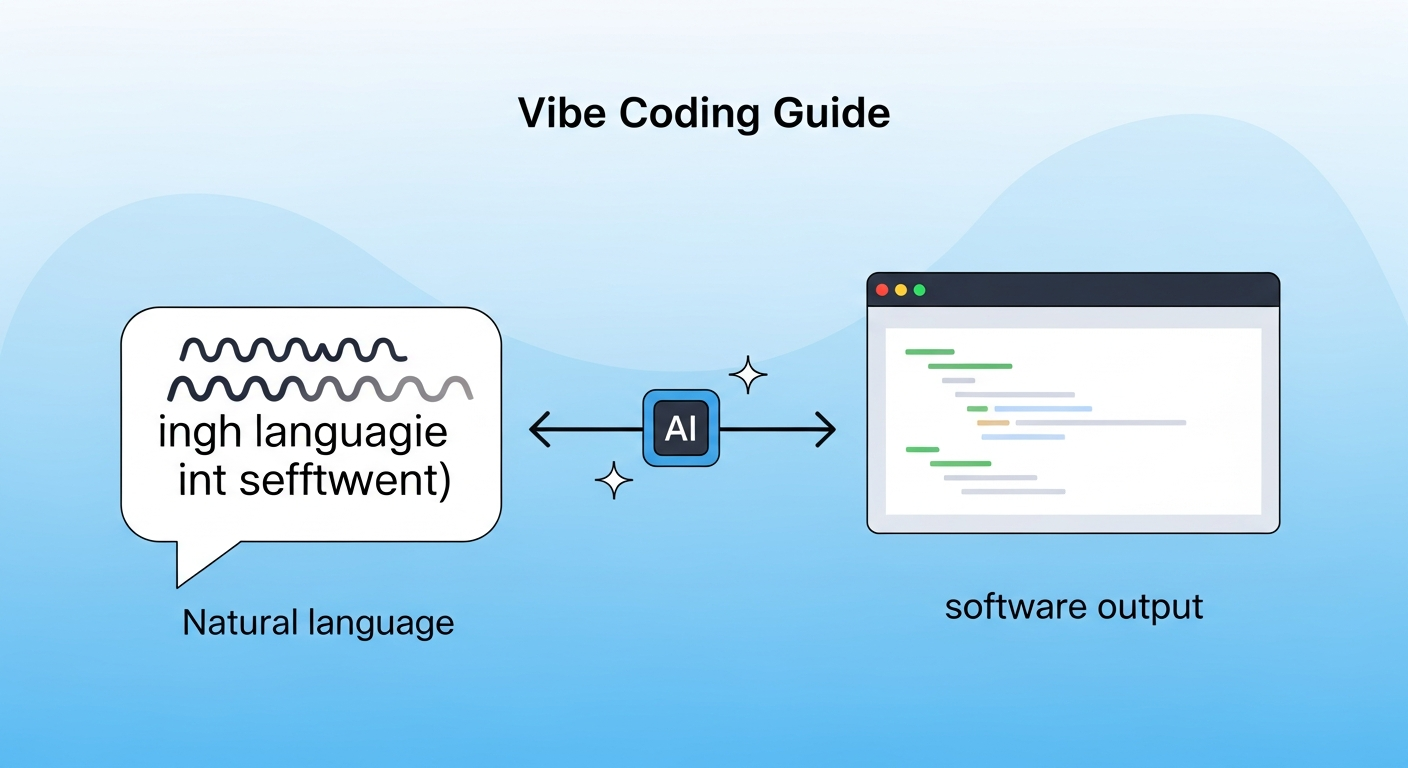
Vibe Coding 新手指南 (vibecoding.waytomaster.com) is a free, open-source introductory guide aimed at non-technical readers who want to understand the fundamentals of vibe coding — the practice of building software by describing intent to AI tools rather than writing code manually. It covers basic concepts, terminology, and enough technical grounding to help non-technical readers make sense of what’s happening when engineers use tools like Cursor, Claude Code, or Replit Agent to build from natural language.
| *Source: Weibo post by 蚁工厂 (Ant Factory, 山东, May 2026) | Site: vibecoding.waytomaster.com (links to GitHub repo tmwgsicp/vibecoding-for-beginners — a small community-authored Chinese beginner guide, not an official or authoritative source)* |
What “vibe coding” actually means
The term was coined by Andrej Karpathy (AI researcher, OpenAI co-founder, former Tesla AI director) on February 2, 2025 in a widely-shared post, and quickly spread to describe a shift in how software gets built: instead of writing every line deliberately, a developer (or non-developer) describes what they want in natural language, and an AI tool generates, edits, and debugs the code. The human’s job becomes directing, reviewing, and iterating — not typing.
“Vibe” captures the informal, intuition-driven nature of the interaction: you describe the feel and function you want, the AI handles the syntax. Critics note this produces code that works but may be hard to maintain; proponents argue it dramatically lowers the barrier to building and accelerates prototyping.
The guide distinguishes between:
- Non-technical vibe coders — people who never wrote code before and are now shipping working apps with AI help
- Technical vibe coders — experienced engineers who use AI tools to write faster, delegate boilerplate, and explore unfamiliar domains
Both groups have different risks and different best practices.
What the guide covers
The guide is organized around core concepts rather than step-by-step tutorials. Based on the Weibo post description, it covers:
| Topic | What you’ll learn |
|---|---|
| What is vibe coding? | Definitional clarity, where the term came from, what it is and isn’t |
| The basic workflow | How a vibe coding session actually runs: prompt → review → iterate |
| Key tools overview | Cursor, Claude Code, Replit Agent, and how to choose |
| What AI is good at vs. bad at | Understanding where to trust the output and where to verify |
| Basic concepts for non-technical readers | Enough vocabulary to follow technical conversations (files, functions, APIs, deployment) |
| Risks and limitations | Why vibe-coded apps can work but fail to scale; when to bring in a real engineer |
The guide author notes it’s “面向非技术人群” (aimed at non-technical audiences) — for the technical side, readers should look elsewhere. It also honestly flags that some chapters are incomplete (有些章节空着,有些只有个大概 — “some chapters are empty, some only have an outline”).
The honest caveat: it’s a living draft
The guide self-describes as incomplete and early-stage. Sections vary from fully written to outline-only. This is common for open-source educational content — it’s more useful as a curated reading frame than as a comprehensive curriculum. Use it as a first orientation, then supplement with hands-on tool documentation.
How LearnAI Team Could Use This
- Non-CS student orientation — At Monmouth University, students from business, education, and other non-CS departments are increasingly interested in using AI to build tools. This guide is the right entry point: it explains vibe coding without requiring programming knowledge.
- CS-310 (Advanced OO Design) contrast — Use the guide as a foil: “here’s how non-engineers approach software construction; here’s what they get right, and here’s what your OO design training gives you that they don’t.” Makes for a pointed class discussion about software quality, maintainability, and what engineering judgment actually is.
- Public-facing AI literacy — Q’s AI education work (LAI project) likely reaches non-technical audiences. This guide can be recommended as pre-reading for workshops or talks on AI-assisted development for general audiences.
- Discussion of limitations — The guide’s honest framing (some chapters incomplete, technical vibe coders vs. non-technical) is useful for teaching intellectual honesty about AI tools — not every AI resource is polished or complete.
Real-World Use Cases
| Scenario | How to use |
|---|---|
| Onboarding non-technical stakeholders | Share as pre-reading before a meeting where you’ll demo AI-built tools |
| First week of an AI tools workshop | Assign “read Section 1-2” before the first hands-on session |
| CS course discussion | Contrast with a formal software engineering reading — what does vibe coding get right? What does it miss? |
| Self-orientation before picking a tool | New to AI coding? Read this first, then pick Cursor or Claude Code based on your background |
Important things to know
- Incomplete by design (and by honesty) — Some chapters are outlines. This is flagged openly by the author. Use it as a starting frame, not an authoritative reference.
- Site is open source — Contributions welcome if LearnAI wants to add sections, correct errors, or localize content.
- “Vibe coding” is a contested term — Some engineers use it approvingly; others use it dismissively (implying careless, unmaintainable code). The guide uses it neutrally and descriptively, which is the right pedagogical stance.
- Complements, doesn’t replace, technical training — For students who want to do more than prototype, vibe coding skills need to be paired with understanding of data structures, APIs, and debugging — the things that formal CS training provides.