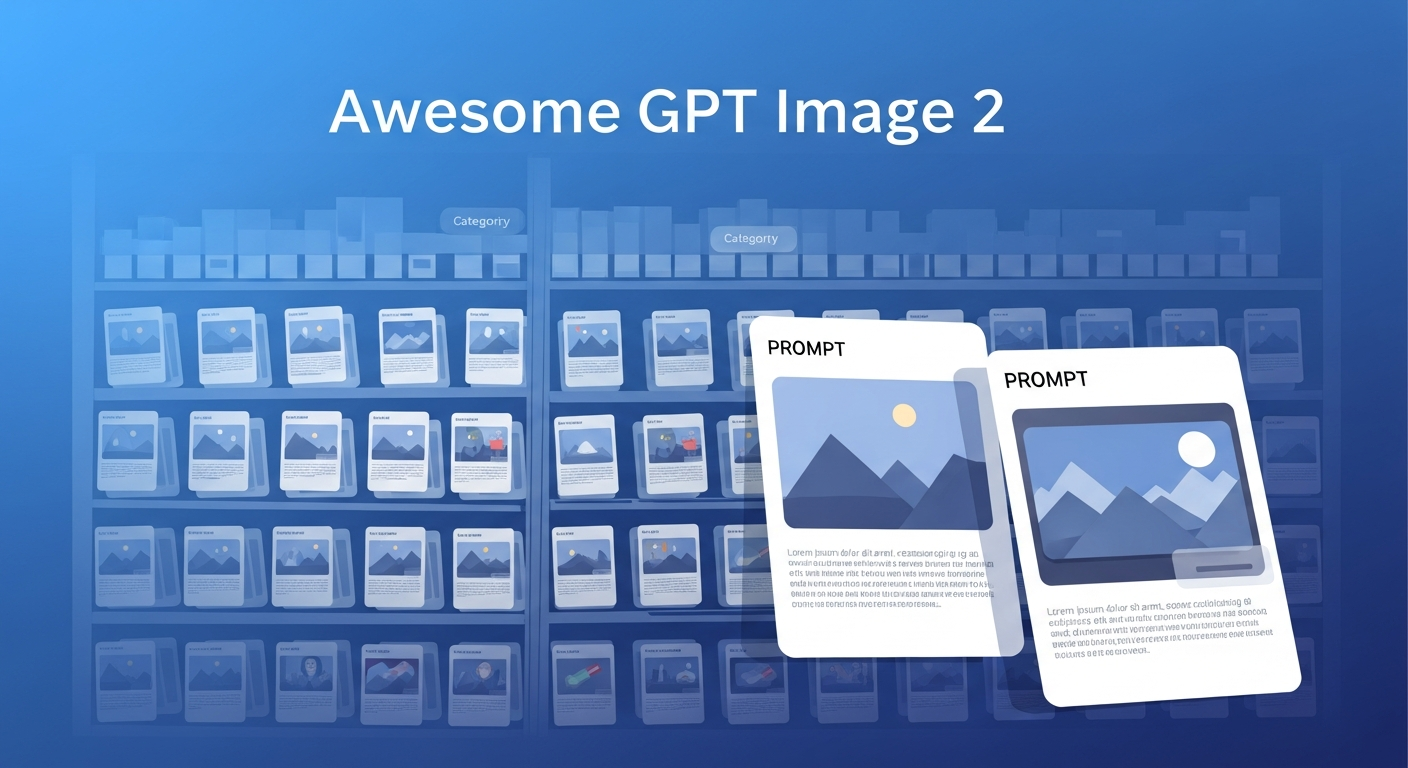
Awesome GPT Image 2 Prompt Library by YouMind-OpenLab is a community-curated collection of 7,000+ high-quality prompts (as of May 2026; the gallery launched with 2,000+ and grows daily) purpose-built for GPT Image 2 (OpenAI’s image generation model, released April 21, 2026), each paired with a live preview of the generated output. The library is licensed CC BY 4.0 and updated daily via GitHub Actions. It covers 16 distinct scenario categories — portrait photography, e-commerce product shots, illustration, film-grade stills, brand design, and more — and supports 16 languages. The companion web app at youmind.com/gpt-image-2-prompts lets you browse, filter, and copy prompts directly from the browser on desktop or mobile.
| *Source: Weibo post by 爱可可-爱生活 (May 2026) | GitHub: github.com/YouMind-OpenLab/awesome-gpt-image-2 | Demo: youmind.com/gpt-image-2-prompts* |
Why a dedicated prompt library for GPT Image 2
GPT Image 2 (released April 21, 2026; the predecessor gpt-image-1 launched April 23, 2025) has qualitatively different prompt sensitivity compared to earlier image models. It responds more directly to structured, descriptive prompts and handles multi-element compositions with unusual fidelity. But it also has distinct failure modes: vague prompts produce generic output, and the wrong vocabulary for a style produces technically correct but aesthetically wrong results.
A curated library with real output previews solves the calibration problem: instead of iterating blind, you can see what the model actually does with a specific prompt, then adapt.
What the library covers
The 16 scenario categories (as described in the source post) span:
| Category | What it includes |
|---|---|
| Portrait photography | Lighting styles, composition, skin-tone rendering, emotional registers |
| E-commerce product | Clean background, shadow, angle, material emphasis |
| Illustration | Flat design, editorial, character design, children’s book styles |
| Film / cinematic | Color grading keywords, lens simulation, frame composition |
| Brand design | Logo-adjacent, brand mark, identity system prompts |
| Architecture / interior | Spatial rendering, material, light |
| Food photography | Plating, overhead vs. hero shot, texture |
| Fashion editorial | Model direction, styling, editorial context |
| + 8 more | Covers landscape, abstract, texture, concept art, and others |
Key features
| Feature | Detail |
|---|---|
| 7,000+ prompts with previews | Each prompt shows what it actually produces — no guessing (count as of May 2026; updated daily) |
| Dynamic parameters | Prompts use template slots (style, subject, lighting) that you fill in for your specific use case |
| Style switching | Browse by aesthetic or scenario; switch between prompt variants for the same scene |
| Scene expansion | Some prompts are tagged for “expandable” multi-frame scenes |
| 16 languages | UI and some prompts available in 16 languages — useful for non-English image generation workflows |
| Web + mobile | Responsive design; works on phone for quick prompt lookup |
| Continuously updated | Maintainers add new prompts regularly as GPT Image 2 capabilities evolve |
How it differs from the existing GPT Image 2 entry in this wiki
The existing wiki entry — GPT Image 2 水墨风 Slide Prompt — covers a specific, highly structured prompt template for ink-wash style academic slides. That entry is about one aesthetic workflow engineered for Codex + Claude Code slide pipelines.
This entry is about the general prompt library — 7,000+ prompts across 16 scenarios for general-purpose GPT Image 2 usage. They serve different needs:
- Going to make slides? → Ink-wash entry gives you the exact template
- Exploring what GPT Image 2 can do? → This library is the starting point
How LearnAI Team Could Use This
- Course material visuals — Q produces course content for Monmouth students. The e-commerce, illustration, and educational diagram prompt categories in this library can accelerate production of custom course imagery without licensing concerns (AI-generated images have clearer usage rights than stock photos for educational content).
- AI image literacy for students — Assign students to browse the library and pick 3 prompts from different categories, run them in GPT Image 2, and explain why the prompt produces that output. Builds understanding of how image models process instructions.
- Research presentation figures — Conceptual diagrams, abstract visual representations of algorithms or protocols, and stylized architecture diagrams can all be generated from adapted prompts in this library.
- Prompt engineering curriculum — The library’s structure (category → scenario → prompt → live preview) is itself a teachable artifact: it demonstrates what systematic prompt engineering looks like at scale.
Real-World Use Cases
| Scenario | How to use |
|---|---|
| Product mockup for a startup | Search e-commerce category, pick the angle + material prompt, fill in your product description |
| Course slide hero image | Filter by illustration or conceptual; find a prompt that fits the topic; adapt for your subject |
| Brand identity exploration | Use brand design prompts as first-pass mood boards before commissioning a designer |
| Teaching how GPT Image 2 works | Show side-by-side: same scene, three different prompt structures → very different outputs |
| Content calendar for social media | Portrait and lifestyle categories have prompts pre-optimized for mobile crop ratios |
Important things to know
- GPT Image 2 requires API access — The prompts work with the OpenAI API (gpt-image-2 model); API calls are not free. Budget accordingly for large batches.
- Prompts are calibrated for GPT Image 2 specifically — They may produce different results with Stable Diffusion, Midjourney, or Flux. The vocabulary and structure are tuned for this model’s training distribution.
- Preview images show the model’s output, not guaranteed output — Image generation has variance; the preview is a representative sample, not a deterministic result.
- Community-maintained quality variance — A 7,000+ entry library has entries of varying quality. High-starred prompts are generally more reliable; newer or low-starred entries may need iteration.
- 16-language coverage is uneven — Core scenarios are well-covered; niche categories may only have English prompts with machine-translated labels.