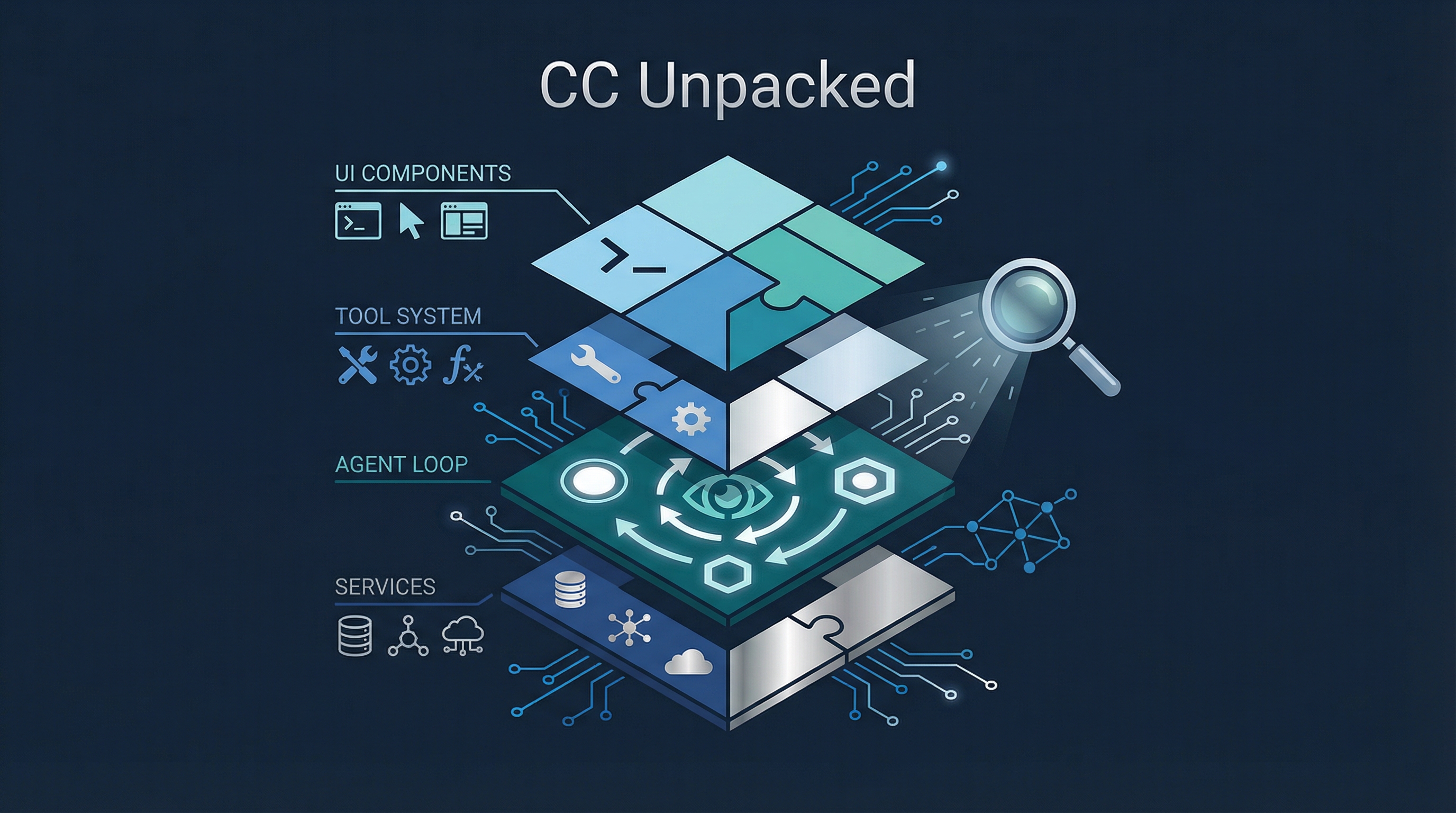
Most people use Claude Code without knowing what happens between pressing Enter and seeing a response. CC Unpacked cracks open the source and presents it as an interactive, explorable website — the agent loop, the architecture, every tool and command, and features that haven’t shipped yet.
Source: ccunpacked.dev
The Agent Loop — 11 Steps from Keypress to Response
The site’s centerpiece: a step-by-step visualization of what happens when you send a message.
1. User Input    → Keyboard or piped stdin (Ink TextInput)
2. Message       → Text captured and prepared
3. History       → Prior conversation context retrieved
4. System        → System prompt loaded (CLAUDE.md, tools, memory)
5. API           → Request formatted for Claude's API
6. Tokens        → Token counts calculated
7. Tools?        → Does Claude need to call tools?
      │
      ├── Yes → 8. Loop → Agent iteratively calls tools until resolution
      │                    (this is the agentic part)
      └── No ─→ 9. Render → Response formatted for terminal
                10. Hooks  → Post-processing callbacks execute
                11. Await  → Wait for next user input
The key insight: steps 7-8 are where Claude Code becomes an agent rather than a chatbot. The tool loop continues autonomously until the task is resolved — reading files, editing code, running commands, spawning subagents — before returning control.
Architecture Explorer — 1,800+ Files in a Treemap
An interactive treemap showing the full source structure:
| Directory | Files | Role |
|---|---|---|
utils/ |
564 | Shared utility modules — the largest directory |
components/ |
389 | React (Ink) components for the terminal UI |
commands/ |
189 | 95 CLI command handlers (/init to /ultraplan) |
tools/ |
184 | 42 built-in tool implementations + 11 feature-gated |
services/ |
130 | Core service layer — API, MCP, compaction, streaming |
hooks/ |
104 | React hooks for terminal UI state management |
ink/ |
96 | Ink framework extensions — React rendering via Yoga flexbox |
bridge/ |
31 | Remote control — control Claude Code from phone/browser |
skills/ |
20 | Skill system — loadable prompt modules |
context/ |
9 | Context assembly — CLAUDE.md, tools, memory, system prompt |
memdir/ |
8 | Persistent memory directory |
buddy/ |
6 | AI companion pet (easter egg) |
The treemap makes one thing immediately clear: Claude Code is not a thin wrapper around an API call. It’s a full application with its own UI framework, service layer, persistence, and plugin system.
Tool System — 50+ Tools in 8 Categories
Every tool Claude Code can call, organized by function:
| Category | Count | Tools |
|---|---|---|
| File Operations | 6 | FileRead, FileEdit, FileWrite, Glob, Grep, NotebookEdit |
| Execution | 3 | Bash, PowerShell, REPL |
| Search & Fetch | 4 | WebBrowser (gated), WebFetch, WebSearch, ToolSearch |
| Agents & Tasks | 11 | AgentSendMessage, TaskCreate/Get/List/Update/Stop/Output, TeamCreate/Delete, ListPeers (gated) |
| Planning | 5 | EnterPlanMode, ExitPlanMode, EnterWorktree, ExitWorktree, VerifyPlanExecution (gated) |
| MCP | 4 | mcpList, McpResources, ReadMcpResource, McpAuth |
| System | 11 | AskUser, Todo, WriteSkill, Config, RemoteTrigger, CronCreate/Delete/List (gated) |
| Experimental | 8 | Sleep, SendUserMessage, StructuredOutput, LSP, PushNotification, Monitor (gated) |
Notice the Agents & Tasks category has the most tools (11) — orchestration is the largest capability surface. The gated tools show where the product is heading: structured output, LSP integration, push notifications, PR subscriptions.
Command Catalog — 95+ Slash Commands
| Category | Count | Highlights |
|---|---|---|
| Setup & Config | 12 | /init, /config, /permissions, /mcp, /hooks |
| Daily Workflow | 24 | /compact, /memory, /plan, /resume, /skills, /fast |
| Code Review & Git | 13 | /review, /commit, /commit-push-pr, /diff, /security-review |
| Debugging & Diagnostics | 23 | /status, /cost, /rewind, /ctx_viz, /debug-tool-call |
| Advanced & Experimental | 23 | /ultraplan (gated), /voice (gated), /plugin, /teleport, /sandbox |
The debugging category is surprisingly large (23 commands) — reflecting how much effort goes into making agent behavior observable and debuggable.
Hidden Features — What’s Coming
Feature-flagged, env-gated, or commented out — stuff in the source that hasn’t shipped:
| Feature | What It Does |
|---|---|
| Buddy | Virtual pet that lives in your terminal. Species and rarity derived from your account ID |
| Kairos | Persistent mode — memory consolidation between sessions, autonomous background processes |
| UltraPlan | Extended planning on Opus models, up to 30-minute execution windows |
| Coordinator Mode | Lead agent decomposes tasks, spawns parallel workers in isolated git worktrees |
| Bridge | Remote session control via phone or browser with permission approval |
| Daemon Mode | Background session execution with --bg flag + tmux integration |
| UDS Inbox | Inter-session communication via Unix domain sockets |
| Auto-Dream | Post-session review and knowledge consolidation |
Kairos and Auto-Dream are the most interesting for research — they suggest Anthropic is working on agents that learn across sessions and consolidate knowledge autonomously.
How LearnAI Team Could Use This
Agent Architecture Literacy
The 11-step Agent Loop visualization is the best single resource for teaching students how AI coding agents work. It’s not a diagram someone drew — it’s derived from the actual source code. Use it to:
- Explain the difference between a chatbot (steps 1-6, 9-11) and an agent (steps 7-8)
- Show why context management matters (step 3-4)
- Demonstrate the tool loop that makes agents autonomous (step 8)
System Thinking
The architecture treemap shows students that building an AI product is mostly not about the model:
Model API call:     ~1% of the codebase
Everything else:    ~99% (UI, tools, services, context, hooks, persistence)
This directly supports the harness engineering thesis: the value is in the system around the model.
Reverse Engineering as Pedagogy
CC Unpacked itself is a teaching method. Studying a system’s internals builds deeper understanding than just using it. The same philosophy behind MicroGPT (understand by rebuilding) and Claw Code (understand by porting).
See Also: “Inside Claude Code” E-Book
Inside Claude Code is a free online e-book that provides another deep dive into Claude Code’s internals, based on the leaked source analysis. It covers:
- Bird’s Eye Architecture — High-level overview of how the system fits together
- End-to-End Workflow — From user input to agent response
- Agent Loop & Query Engine — The core execution cycle
- Agent SDK & Structured I/O — How tools and structured data flow through the system
The site includes the actual source code alongside explanations, making it useful for reading code and analysis side-by-side. If CC Unpacked is the interactive visual explorer, Inside Claude Code is the structured textbook companion — both derived from the same source, presented differently.
Additional source: y-agent.github.io/inside-claude-code
Real-World Use Cases
- Teaching agent loops — Use the 11-step visualization to explain how a coding assistant moves from prompt handling into tool execution.
- Architecture walkthroughs — Have students inspect the treemap to understand the non-model systems around an AI agent.
- Tooling audits — Compare Claude Code’s tool categories against student-built agent harnesses to identify missing capabilities.
- Reverse-engineering exercises — Use the site as a case study in learning from production software structure without treating the model call as the whole product.
Links
- CC Unpacked: ccunpacked.dev
- Inside Claude Code: y-agent.github.io/inside-claude-code