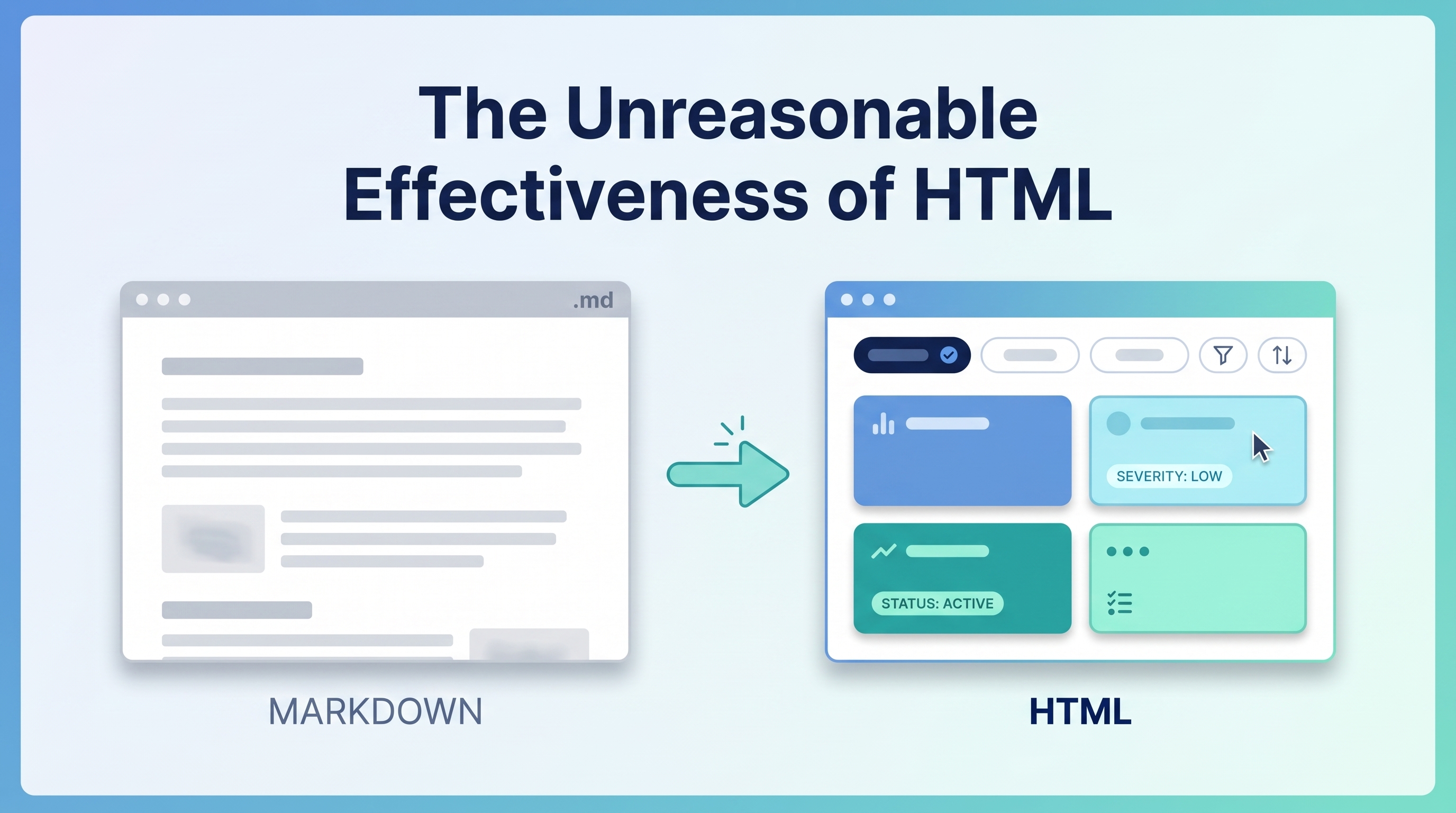
Thariq Shihipar’s May 8, 2026 article — widely shared across HN, Twitter, and developer Slack channels — flips a default that’s been frozen since the GPT-4 era: stop asking Claude Code for Markdown when the task wants HTML. Markdown is a static report you skim. HTML is an interface you continue working in. For plans, reviews, design explorations, and explainers, the right output container changes what the artifact can do. The piece ships with a companion site of 20 self-contained HTML artifacts Claude Code produced — each one a worked example of “the document you’d actually use.” For the parallel pattern in image-generation output, see the companion entry on the GPT Image 2 水墨 (ink-wash) slide prompt template.
The Core Reframe
Thariq’s framing, paraphrased: a Markdown document is something you read; an HTML document is something you work in.
Markdown gives you something to read. HTML gives you something to review, click, compare, edit, and share. The moment your output is meant to be worked on instead of skimmed, HTML is closer to the real workspace than Markdown.
Anthropic’s Thariq Shihipar (Claude Code team) argues this isn’t a stylistic preference — it’s an output-format engineering decision. The right container changes what the artifact can carry: SVG diagrams inline, live widgets, color-coded severity, clickable navigation, filtered views.
Why Markdown Became the Default (and Why That’s Stale)
Markdown won by default in the GPT-4 era for two reasons:
- Token economics — every character counted; HTML’s tag overhead was wasteful
- Render reliability — chat UIs rendered Markdown natively, HTML rendering was inconsistent
Both constraints have largely softened. Frontier-model context windows are much larger now, so tag overhead is less of a concern. Modern agents (Claude Code, Codex, Cursor) save HTML as files and open them in browsers, so rendering is reliable. Simon Willison’s reaction, paraphrased: he’d been defaulting to Markdown out of habit formed under GPT-4 token pressure that no longer applies.
The 20 Examples — Categorized
Thariq published 20 self-contained HTML files Claude Code generated, each trading “a document you’d skim for one you’d actually use.” Grouped:
| Category | # | Examples |
|---|---|---|
| Exploration & Planning | 3 | Three Code Approaches (side-by-side comparison), Visual Design Directions, Implementation Plan with timeline+risk |
| Code Review & Understanding | 3 | Annotated PR with margin notes + severity tags, PR Writeup for reviewers, Module Map with execution paths |
| Design | 2 | Living Design System (interactive swatches), Component Variants gallery |
| Prototyping | 2 | Animation Sandbox (adjustable timing), Clickable Flow (4 linked screens) |
| Illustrations & Diagrams | 2 | SVG Figure Sheet (editable inline vectors), Annotated Flowchart with clickable steps |
| Decks | 1 | Arrow-Key Slide Deck (no export step) |
| Research & Learning | 2 | Feature Explainer (TL;DR + collapsible + tabs + FAQ), Concept Explainer (live demos + glossary) |
| Reports | 2 | Weekly Status (charts + slips), Incident Timeline (minute-by-minute post-mortem) |
| Custom Editors | 3 | Ticket Triage Board (drag/drop), Feature Flag Editor (toggle + diff copy), Prompt Tuner (live template editor) |
The pattern across all 20: a Markdown version would have been a wall of text. The HTML version is a small tool.
When HTML Wins, Concretely
| Task | Markdown Output | HTML Output |
|---|---|---|
| Code review with 12 findings | Bulleted list; reader hunts severity | Margin notes + color-coded severity tags + filter buttons |
| Comparing 3 design options | “Option A: … Option B: …” | Side-by-side rendered options with live swatches |
| Implementation plan | Linear text | Timeline with milestones + clickable diagrams |
| Incident post-mortem | Chronological prose | Filterable minute-by-minute timeline with linked artifacts |
| Onboarding doc | Static guide | Tabbed code samples + collapsible deep-dives + glossary |
| Decision exploration | Pros/cons list | Clickable scoring matrix the reader can re-weight |
The decision rule: if the reader’s first instinct will be “let me click around and compare,” HTML wins. If the artifact is read once linearly and discarded, Markdown is fine.
The Counterpoints (from HN / linux.do)
Not everyone bought the thesis. The strongest objections:
- Diff-ability — Markdown diffs cleanly in Git. HTML diffs are noisy.
- Composability — Markdown embeds inside other Markdown trivially. HTML embeds are clunkier.
- Plain-text durability — Markdown survives every viewer for 30 years. HTML rots faster.
- Reader trust — HTML’s interactivity also means HTML can hide things. Markdown is auditable at a glance.
Thariq’s implicit response in the examples: these are valid concerns for persistent documentation. They don’t apply to working artifacts generated for a specific decision moment. Don’t HTML your README — but do HTML your code review.
Beyond HTML: Output Format Engineering as a General Pattern
The HTML thesis generalizes. Choosing the right output container is a first-class prompt-engineering decision — and visual formats follow the same logic. For a parallel pattern in image-generation, see the companion entry GPT Image 2 水墨风 Slide Prompt — Structured Template for Ink-Wash Style Slides: same principle (structured slots → workable artifact), different medium (image instead of HTML).
The meta-lesson: choose the output format that matches the artifact’s lifecycle. HTML for interactive work. Structured visual prompts for designed assets. Markdown for one-shot reading. The wrong default costs a workflow.
Adopting the HTML Default in Practice
Three ways teams are adopting Thariq’s pattern:
- CLAUDE.md instruction: add
When the task is exploratory, planful, comparative, or interactive, default to a self-contained HTML file (one file, inline CSS, no external assets). Save to /artifacts/<task>-<date>.html. - Skill:
html-artifacts— dogum/html-artifacts packages the pattern as a Claude Skill that decides when HTML beats Markdown. - Output triage prompts — start the session with: “Decide first: is this artifact going to be read once or used? If used, produce HTML. If read once, produce Markdown.”
How LearnAI Team Could Use This
- Output-format engineering as a course module — teach students to choose container before drafting content. Same content in Markdown vs HTML produces measurably different reader behavior — run the A/B in class.
- Replace static slides with HTML decks — Thariq’s “Arrow-Key Slide Deck” example removes the export step. Lecture decks become a single HTML file students can fork, annotate, and re-skin.
- Code-review pedagogy — students review the same PR in Markdown vs HTML formats; the HTML version (margin notes + severity color-coding) catches more issues. Quantifiable lesson.
- Visual-prompt template library — adapt the 水墨 template into LearnAI’s own structured visual prompts for course materials, infographics, and reports.
- Output format decision rubric — give students the question: “Will the reader click, filter, or compare?” If yes → HTML. If no → Markdown. Makes the choice deterministic.
Real-World Use Cases
- Engineering teams — code reviews, architecture explorations, and PR writeups produced as HTML cut review-cycle time because reviewers can filter and navigate instead of scroll.
- Product managers — implementation plans with timelines and clickable risk assessments replace 8-page Google Docs no one finishes reading.
- Designers — Component Variants and Living Design System artifacts let designers and engineers iterate on the same artifact instead of round-tripping screenshots.
- Educators — concept explainers with collapsible steps and tabbed code samples raise completion rates on long-form material.
- Incident response — Incident Timeline as HTML makes post-mortems durable artifacts you can re-open and filter, not Word docs that rot in Drive.
- Brand/marketing teams — structured visual prompts (like the 水墨 template) standardize aesthetic output across hundreds of assets without manual designer review on each.
Links
- Thariq’s example site: thariqs.github.io/html-effectiveness
- Thariq on X: @trq212
- Simon Willison’s writeup: simonwillison.net
- html-artifacts skill: github.com/dogum/html-artifacts
- HN discussion: news.ycombinator.com/item?id=48071940
- Companion entry: How Anthropic Uses Skills — Thariq’s 9-Category Framework & the Gotchas Pattern