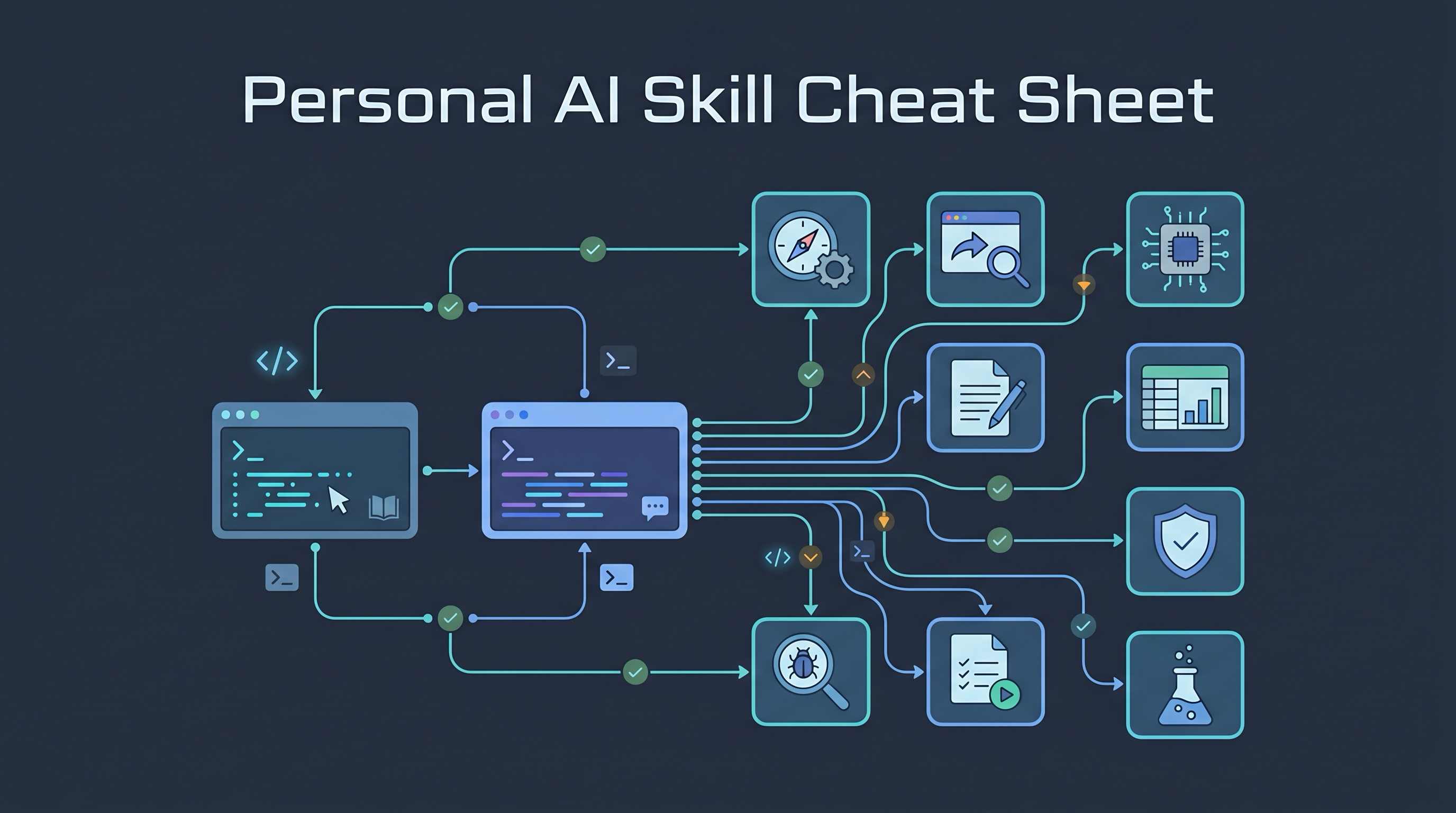
The July 29 Codex skill-ranking screenshot is useful as a discovery signal, not as a permanent ranking. Skill directories move quickly, names drift, and some entries are wrappers around larger repos. Use this page as a router: what Q already has, what is actionable now, and what needs source review before installation.
Sources checked: local skill-folder checks in ~/.codex/skills, ~/.claude/skills, and ~/.agents/skills on 2026-08-08; Skills directory; inference-sh/skills; ai-video-generation upstream folder; ai-image-generation upstream folder; inference.sh CLI install notes.
Bottom Line
| Skill from screenshot | Local wiki status | Local install status | Recommendation |
|---|---|---|---|
ai-video-generation |
No exact standalone page before this one | Installed for Codex, Claude Code, and Agents | Keep. Useful for course promos, explainer clips, image-to-video tests, and avatar/lipsync experiments. |
coll_ai-image-generation |
No exact page | No exact local install found | Watchlist. Do not assume it is the same as upstream ai-image-generation until the source is checked. |
design-guide |
No exact page | No exact local install found | Watchlist. Overlaps with Taste/design-system work, but needs upstream verification before installing. |
anti-ui-slop |
No exact page | No exact local install found | Watchlist. Interesting for frontend review, but separate from prose stop-slop. |
grill-me |
Existing wiki page | Installed locally | Already covered. Link to it instead of creating a duplicate post. |
The practical stack is:
fuzzy idea
  -> grill-me
  -> media asset generation: ai-video-generation / ai-image-generation
  -> frontend design pass: Taste / design-guide candidate
  -> final UI critique: anti-ui-slop candidate / design review
  -> prose cleanup: stop-slop / avoid-ai-writing
ai-video-generation
This is the strongest item in the screenshot because it is already installed locally and has a real upstream source. The local SKILL.md describes an inference.sh/Belt CLI workflow for more than forty video models, including Veo, Seedance, HappyHorse, Wan, Grok Imagine Video, OmniHuman, Fabric, and HunyuanVideo Foley.
The skill documentation describes these capability groups:
| Capability | Use in LearnAI work |
|---|---|
| Text-to-video | Short course trailers, lesson hooks, concept demos |
| Image-to-video | Animate diagrams, generated posters, or chapter images |
| Reference-to-video | Keep a character or visual identity stable across clips |
| Avatar / lipsync | Talking-head experiments for course explainers |
| Video editing | Natural-language edits on existing clips |
| Utilities | Upscaling, foley sound, and merging generated clips |
Use it when you want to generate media, not when you want to understand a video. For video analysis, transcript extraction, or cutting existing footage, video-use is the more relevant workflow.
Practical caveats:
- It depends on the
beltCLI and inference.sh account/auth. - Model availability, price, and quality can change quickly.
- Generated media still needs human review for accuracy, rights, and visual fit.
- Treat model lists as documentation claims unless you have run the exact app ID.
coll_ai-image-generation
The screenshot label is coll_ai-image-generation, but the verified upstream package I found is ai-image-generation inside inference-sh/skills. That upstream skill is real and currently names 50+ image models through the same Belt CLI, including GPT-Image-2, FLUX, Gemini image models, Grok Imagine, Seedream, Reve, image editing, inpainting, LoRA, upscaling, and text rendering.
That does not prove coll_ai-image-generation is the same skill. The exact coll_ name was not installed locally, so the correct status is candidate, not recommendation.
When it becomes worth installing:
- You want one CLI route across multiple image models.
- You need image generation as input to video generation.
- Existing posts such as ImageLens or Awesome GPT Image prompt library are not enough because you need execution, not prompt references.
Before installing, verify the exact owner/repo and inspect SKILL.md. Do not install from a screenshot label alone.
design-guide
design-guide is interesting because the pain is real: agents can build a working frontend and still ship generic layouts. But Q already has stronger local coverage for this area:
- Taste Skill for anti-generic frontend rules.
- Agents with Taste for encoding design judgment into skill files.
- ui.sh for AI-native interface tooling.
- Pretext & Refero for frontend-design context and feedback loops.
The exact design-guide skill was not installed locally. I also found a local web-design-guidelines skill under Agents and an upstream inference.sh landing-page-design guide, but those are not the same thing. Keep the names separate.
Use the design-guide idea as a checklist before installing anything:
- Does it read the project’s existing design system instead of inventing a new one?
- Does it produce implementation guidance, or only generic design advice?
- Does it support local/private code without uploading the app?
- Does it enforce responsive checks, visual states, typography, spacing, and empty/error states?
- Does it reduce duplicate prompts compared with Taste?
If the answer is yes, it may deserve a later standalone page. For now, the current wiki should point students to Taste first.
anti-ui-slop
This should not be confused with writing cleanup. Q already has Killing AI Slop and Editing AI-Sounding Writing for prose. anti-ui-slop is a frontend-quality idea: catch default AI UI patterns before they ship.
The exact skill is not installed locally, so treat it as a candidate. The evaluation rubric is still useful:
| UI slop signal | What a useful skill should flag |
|---|---|
| Same centered hero everywhere | Layout is not adapted to audience or product |
| Purple/blue glow by default | Palette is model habit, not brand choice |
| Three equal cards | Information architecture is shallow |
| Buttons without states | UI was generated as a screenshot, not a product |
| Missing mobile proof | Looks fine on desktop but breaks in real student use |
| No empty/error/loading states | The app works only in the happy path |
For LearnAI web apps, run this after the main design pass, not before. First pick the audience and design language; then use anti-slop checks to reject generic output.
grill-me
grill-me is already covered well in the wiki. Do not duplicate it just because it appears in a ranking screenshot.
Use it before choosing a media or UI skill:
Use grill-me to stress-test this LearnAI course asset plan.
Ask one question at a time.
Recommend an answer for each question so I can approve or correct it.
That matters because media generation and frontend polishing can burn time fast. grill-me should force the asset to justify itself before you generate it.
Default Student-Friendly Workflow
For student projects and LearnAI course assets, keep the workflow small:
| Phase | Skill |
|---|---|
| Clarify purpose | grill-me |
| Generate visual/video asset | ai-video-generation; test upstream ai-image-generation if needed |
| Improve the web surface | Taste / design review; evaluate design-guide later |
| Reject generic UI | anti-ui-slop candidate; use the rubric above until installed |
| Clean the writeup | stop-slop or avoid-ai-writing |
The wiki should not chase every trending skill as a standalone page. Add a page only when the skill either changes a workflow Q actually uses, or teaches students a reusable idea they can apply outside the tool.